1. Introduction
Thank you for choosing the RecPro High Pointe 1.0 Cu. Ft. Stainless Steel Microwave with Trim. This appliance is designed for efficient and convenient cooking, offering a compact yet powerful solution for your kitchen needs. With 6 cook settings, 10 power levels, and user-friendly touch pad controls, preparing meals is effortless. This manual provides essential information for safe operation, installation, maintenance, and troubleshooting to ensure optimal performance and longevity of your microwave.
2. Safety Information
Please read all instructions carefully before using this appliance to prevent potential hazards and ensure safe operation. Keep this manual for future reference.
General Safety Precautions:
- Do not attempt to operate this oven with the door open or if the door is damaged.
- Do not place any object between the oven front face and the door or allow soil or cleaner residue to accumulate on sealing surfaces.
- Do not operate the oven if it is damaged. It is particularly important that the oven door closes properly and that there is no damage to the: (1) door (bent), (2) hinges and latches (broken or loosened), (3) door seals and sealing surfaces.
- The oven should not be adjusted or repaired by anyone except properly qualified service personnel.
- Always use microwave-safe cookware.
- Never heat sealed containers, as they may explode.
- Liquids heated in the microwave can boil over unexpectedly. Use caution when removing containers.
Child Lock Feature:
This microwave includes a child lock setting to prevent unintended operation by children. Refer to the 'Operating Instructions' section for details on how to activate and deactivate this feature.
3. Product Overview
The RecPro High Pointe Microwave is a compact yet powerful appliance designed for convenience and efficiency. It features a sleek stainless steel design with a trim kit for built-in installation.
Key Features:
- Compact yet Powerful: 1.0 Cu. Ft. capacity with 1350W input power and 900W output power.
- Effortless Cooking: Six auto cook options for popular foods like popcorn, pizza, and more.
- Customized Heating: Instant start and multi-stage cooking for tailored results.
- Safety Features: Child lock settings, touch pad controls, and weight/time defrost options.
- Memory Function: Saves your favorite settings for convenience.
- Flatbed Design: Ensures even cooking.
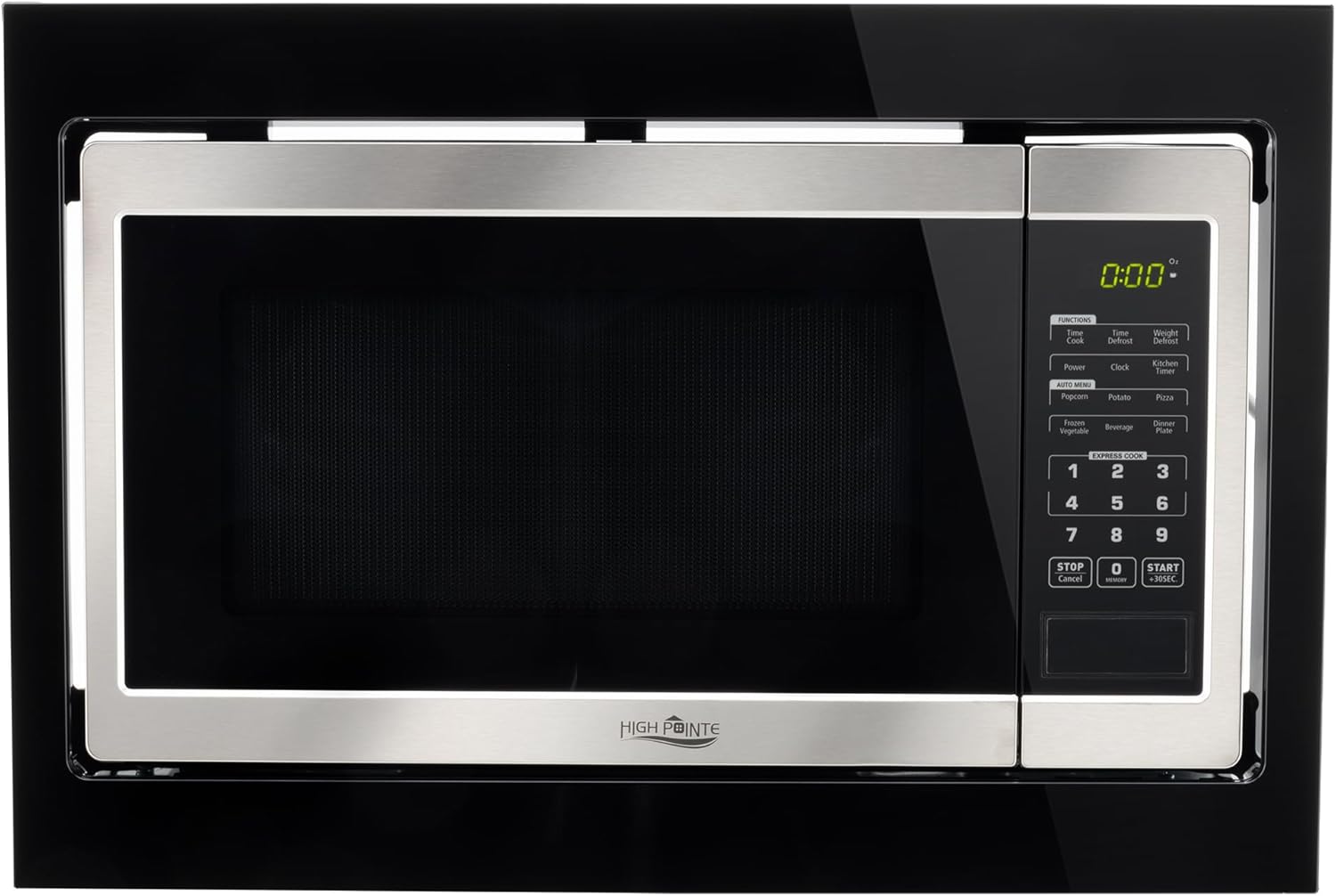
Figure 1: Front view of the RecPro High Pointe Stainless Steel Microwave with Trim, showcasing its sleek design and control panel.

Figure 2: Diagram illustrating the microwave's key features, including six auto cook options, 1.0 cu. ft. oven capacity, and 900W output power.
4. Setup and Installation
This microwave is designed for built-in use, fitting seamlessly into your cabinetry. Ensure proper ventilation and follow all local electrical codes during installation.
Dimensions:
- External Dimensions: 22.3"W x 14.9"H x 15.1"D
- Cabinet Cutout Dimensions: 20.8"W x 14.8"H x 15.2"D

Figure 3: Detailed diagram displaying the external and cabinet cutout dimensions for proper built-in installation.

Figure 4: Side view of the microwave, illustrating its depth and built-in design.

Figure 5: Rear view of the microwave, showing the power cord and ventilation areas, important for installation planning.
5. Operating Instructions
The RecPro High Pointe Microwave features intuitive touch pad controls for easy operation. Familiarize yourself with the control panel for optimal use.
Control Panel:
The touch pad control panel allows you to select various cooking functions, set time, and adjust power levels. The digital display shows the time and selected settings.
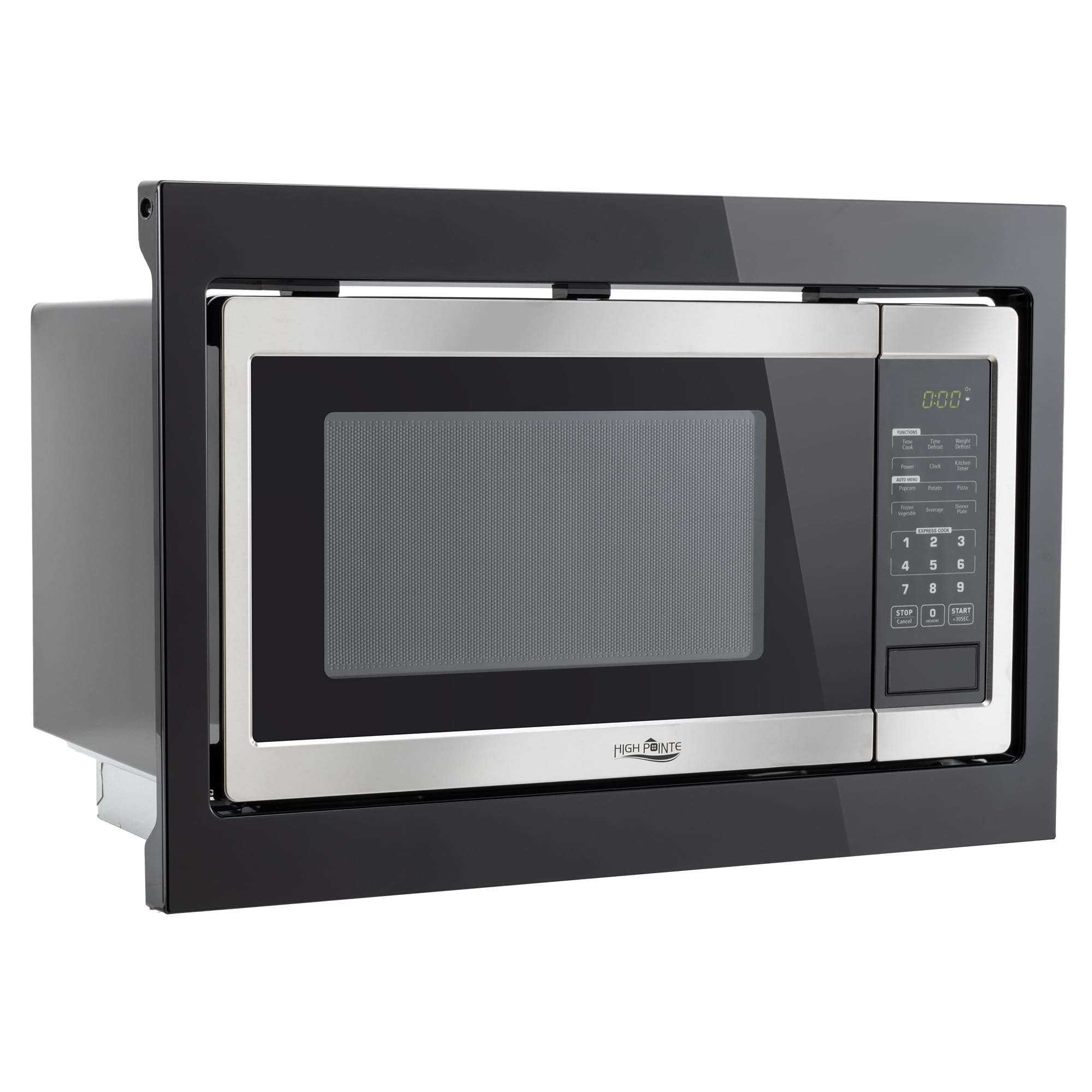
Figure 6: Close-up of the microwave's control panel, showing buttons for various functions like Popcorn, Potato, Beverage, Reheat, Defrost, and numeric keypad.
Basic Operation:
- Setting Cook Time: Enter the desired cooking time using the numeric keypad.
- Adjusting Power Level: Press the 'Power Level' button and then select a power level from 1 to 10 using the numeric keypad.
- Instant Start: Press the 'Start/+30 Sec' button to begin cooking immediately for 30 seconds, or press a number from 1-6 for express cook (1-6 minutes).
- Auto Cook Options: Select from pre-programmed settings for common foods like Popcorn, Potato, Pizza, Frozen Vegetable, Beverage, and Dinner Plate.
- Defrost: Use the 'Defrost Auto/Time' button to select either weight-based or time-based defrosting.
- Multi-Stage Cooking: Program multiple cooking stages with different power levels and times.
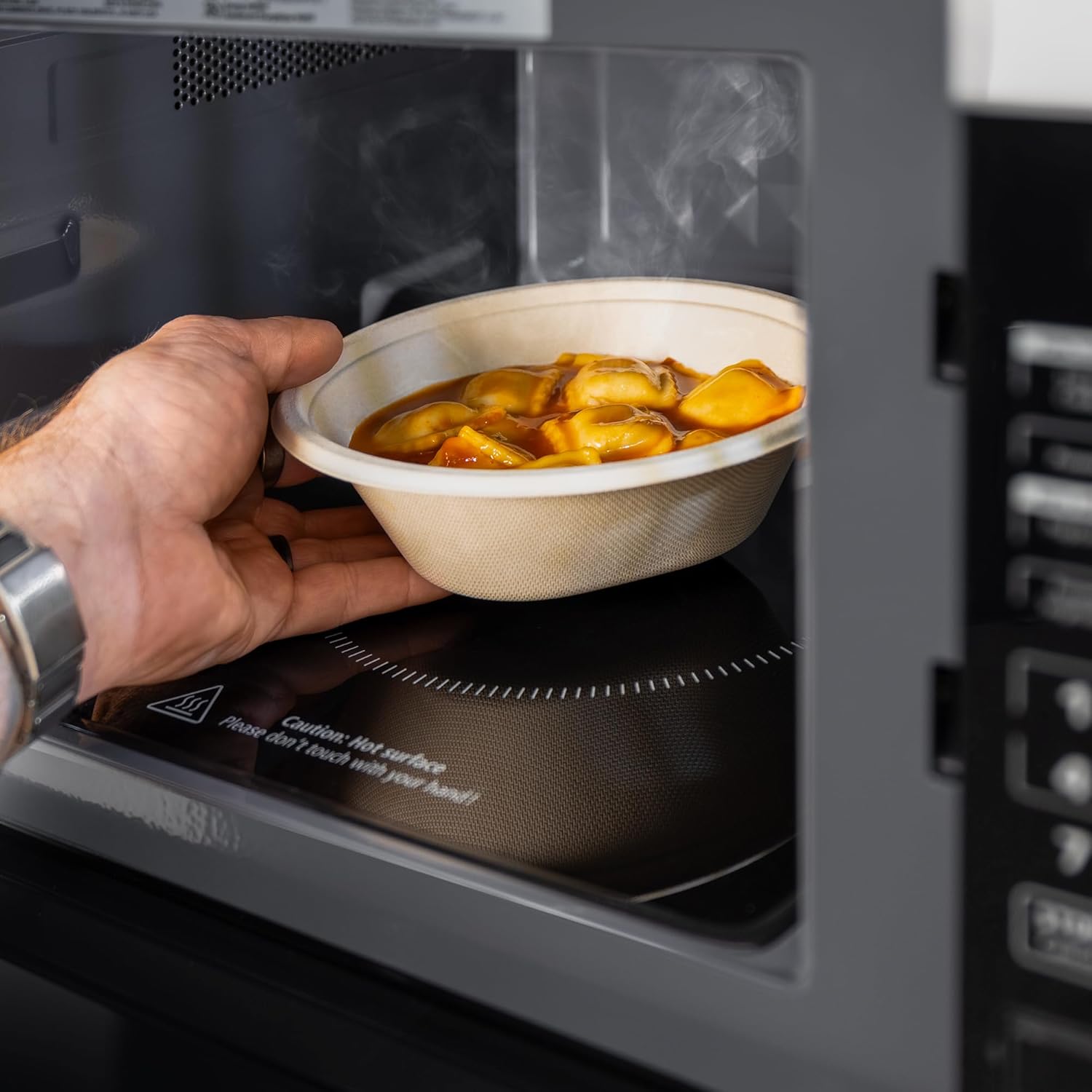
Figure 7: A hand carefully placing a bowl of food onto the microwave's flatbed surface for heating.
Child Lock Feature:
The child lock feature prevents accidental operation of the microwave. To activate or deactivate the child lock, follow the instructions below:
- To Activate: Press and hold the 'STOP/Clear' button for 3 seconds until a lock icon appears on the display.
- To Deactivate: Press and hold the 'STOP/Clear' button again for 3 seconds until the lock icon disappears.
Video 1: Product Overview Video. This video demonstrates the general features and operation of a similar microwave, including the child lock function.
6. Maintenance and Cleaning
Regular cleaning and maintenance will help ensure your microwave operates efficiently and safely for years to come.
Cleaning the Interior:
- Wipe the interior cavity with a soft cloth and mild detergent after each use.
- For stubborn stains, place a bowl of water with lemon slices inside and microwave for 5-10 minutes. The steam will loosen food particles, making them easier to wipe away.
- Ensure the microwave is unplugged before cleaning.
Cleaning the Exterior:
- Wipe the exterior surfaces with a soft, damp cloth. Avoid abrasive cleaners or scouring pads.
- For stainless steel surfaces, use a specialized stainless steel cleaner to maintain its luster.

Figure 8: Interior view of the microwave, showing the clean cavity and the glass turntable, which should be regularly cleaned.

Figure 9: The microwave door open, revealing the interior cavity and the light, emphasizing accessibility for cleaning.
7. Troubleshooting
If you encounter any issues with your microwave, refer to the following common troubleshooting tips before contacting customer support.
Common Issues and Solutions:
- Microwave not starting: Ensure the door is securely closed, the appliance is plugged in, and the circuit breaker has not tripped. Check if the child lock is activated.
- Food not heating evenly: Stir food halfway through cooking, arrange food in a circular pattern, and ensure microwave-safe dishes are used. The flatbed design helps with even heating.
- Unusual noises during operation: This can sometimes be normal during microwave operation. If the noise is excessive or unusual, ensure the turntable (if applicable) is correctly seated.
- Display not working: Check power supply. If the issue persists, contact customer support.
8. Specifications
Below are the technical specifications for the RecPro High Pointe 1.0 Cu. Ft. Stainless Steel Microwave with Trim (Model CL-MIC20-SS).
| Specification | Detail |
|---|---|
| Brand | RecPro |
| Model Info | CL-MIC20-SS |
| Capacity | 1 Cubic Feet |
| Wattage | 900 watts |
| Voltage | 120 Volts (AC) |
| Product Dimensions | 15.1 x 22.3 x 14.9 inches |
| Item Weight | 55 pounds |
| Installation Type | Built-In |
| Material | Stainless Steel |
| Special Features | Flatbed Design, Auto Cook, Multi-stage Cooking |
| Included Components | Microwave with Trim |
9. Warranty and Support
RecPro is committed to providing quality products and customer satisfaction.
Protection Plans:
Extended protection plans are available for purchase to cover your appliance beyond the standard warranty period. Options include:
- 3-Year Protection Plan
- 4-Year Protection Plan
- Complete Protect (monthly plan covering eligible purchases)
For detailed terms and conditions of these plans, please refer to the respective plan documentation.
Customer Support:
If you have any questions, require assistance with installation, operation, or troubleshooting, please contact RecPro customer support. You can find contact information on the official RecPro website or through your purchase platform.


