
1. Introduction
Thank you for choosing DONGFXK Motorized Zebra Blinds. These smart electric cordless shades are designed to provide convenient light control and privacy with advanced features such as remote, app, and voice control, complemented by solar charging technology. This manual will guide you through the installation, operation, maintenance, and troubleshooting to ensure optimal performance and enjoyment of your new blinds.
2. What's in the Box
Upon opening your package, please verify that all components are present:
- Motorized Zebra Blind Unit
- Remote Control
- Solar Panel (complimentary)
- Installation Brackets and Hardware
- Instruction Manual
- USB-C Charging Cable (for alternative charging)

Image: Overview of included components, featuring the blind unit and solar panel.
Video: An unboxing demonstration of the DONGFXK Motorized Zebra Blinds, showing all components as they appear when first opened.
3. Installation
Proper installation is crucial for the functionality and appearance of your blinds. Please follow these guidelines carefully.
3.1 Measurement Guidelines
Accurate measurements are essential. Refer to the diagrams below for inside and outside mount options.
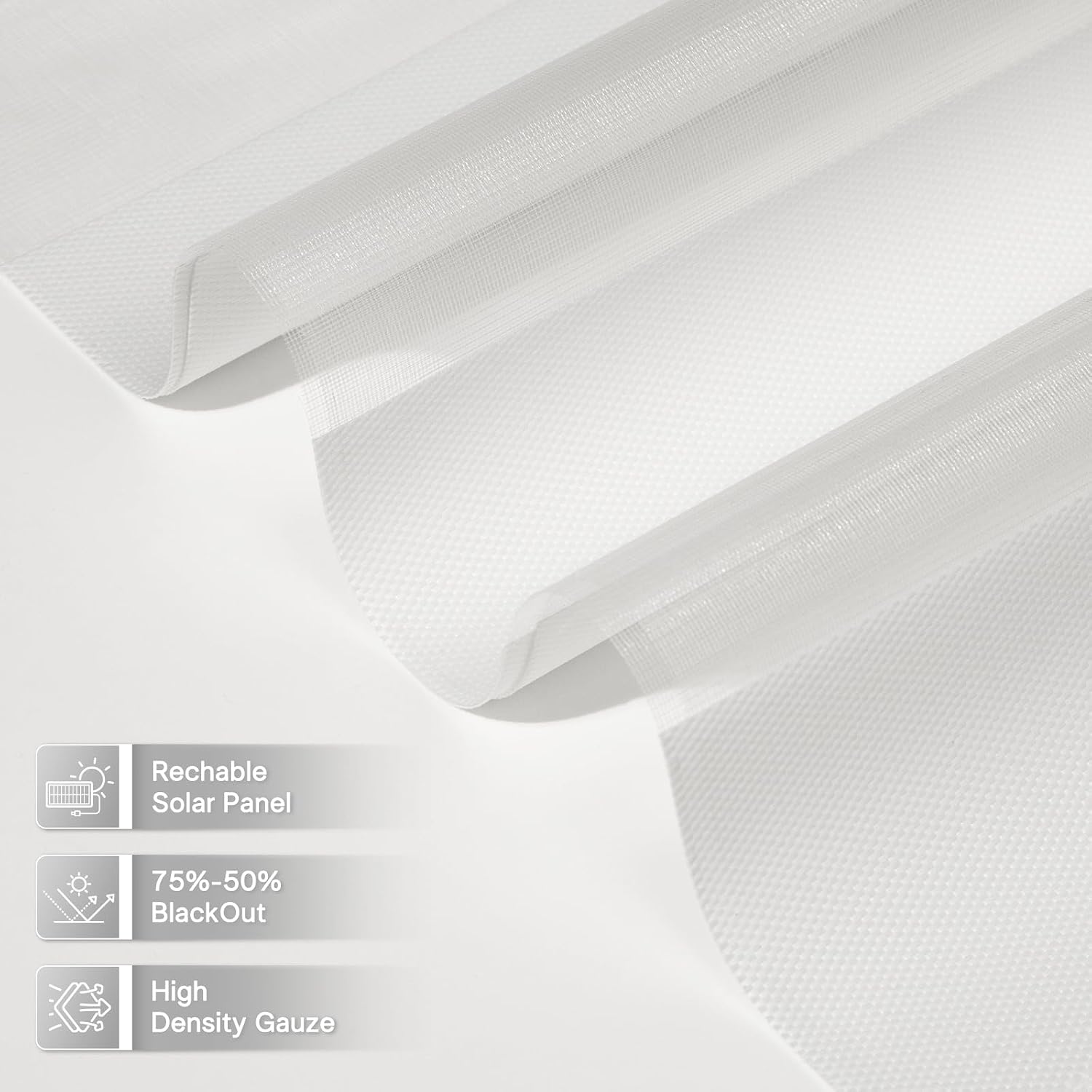
Image: Detailed diagrams for measuring windows for both inside and outside mount installations.
3.2 Mounting Options
Inside Mount: The blinds fit within the window frame. We suggest reducing the window width by up to 1/4 inch to ensure a proper fit. If the depth of your window frame is less than 2.5 inches, select the Outside Mount option.
Outside Mount: The blinds are mounted outside the window frame. We recommend adding at least 2 inches on each side of the window for maximum light blockage.
3.3 Fabric Size Reference
The actual fabric width will be slightly less than the listed size to accommodate the headrail. Consult the reference table for precise fabric dimensions.

Image: A table providing reference sizes for the blind fabric compared to the overall listed size.
4. Operation
Your motorized zebra blinds offer multiple convenient control methods.
4.1 Remote Control
Use the provided remote control to raise, lower, and adjust the light filtration of your blinds. The remote allows for precise positioning of the alternating stripes to achieve your desired level of privacy and light.
4.2 App Control
Download the dedicated smart home app to control your blinds from your smartphone. The app allows for individual or group control of up to 15 blinds, scheduling, and customized settings.
4.3 Voice Control
For hands-free operation, connect your blinds to compatible smart home systems (e.g., Amazon Alexa, Google Assistant) via a smart hub. This enables voice commands to manage up to 30 blinds.

Image: Visual representation of the three control options: remote, voice commands via a smart speaker, and smartphone app.
4.4 Light Filtering Adjustment
The dual-layer fabric design allows you to transition between open (maximum light), precise adjustment (partial light and privacy), and closed (enhanced privacy and reduced light). This feature helps maintain room temperature and provides versatile ambiance control.

Image: A visual guide showing the blinds in open, precisely adjusted, and fully closed positions to illustrate light filtering capabilities.
Video: A demonstration of the motorized zebra blinds in operation, showcasing movement and light control.
5. Charging
Your blinds are powered by rechargeable batteries, with solar charging as the primary method.
5.1 Solar Charging
Attach the complimentary solar panel to the window where the blinds are installed. Ensure the solar panel receives direct sunlight for optimal charging. This provides a sustainable and eco-friendly power source, reducing the need for manual charging.

Image: The solar panel connected to the blind unit, alongside the Type-C charging option.
5.2 USB-C Charging
If solar charging is insufficient or unavailable, you can charge the blinds using the provided USB-C cable and a standard USB power adapter. The motor indicator light will show charging status.

Image: A guide detailing the steps for charging, including connecting the solar panel and interpreting the motor indicator light.
6. Maintenance
To ensure the longevity and appearance of your DONGFXK Motorized Zebra Blinds, follow these simple maintenance tips:
- Cleaning: The high-density woven fabric is easy to clean. Gently dust the blinds regularly with a soft cloth or a vacuum cleaner with a brush attachment. For spots, lightly dab with a damp cloth and mild soap, then wipe clean with a dry cloth. Avoid harsh chemicals or excessive moisture.
- Motor Care: The smart motor operates quietly and is designed for durability. No specific maintenance is required for the motor itself.
- Solar Panel: Keep the solar panel clean and free of dust or debris to ensure efficient charging. Wipe it periodically with a soft, damp cloth.
7. Troubleshooting
If you encounter any issues with your blinds, refer to the following common solutions:
| Problem | Possible Cause | Solution |
|---|---|---|
| Blinds not responding to remote/app/voice commands. | Low battery power. | Connect the solar panel to direct sunlight or use the USB-C charger. Allow 6-12 hours for sufficient charge. |
| Motor indicator light is on but not flashing. | This indicates the motor is currently charging. | No action needed. Allow the blinds to charge for 6-12 hours before testing operation. |
| High-pitched sound (capacitor squeal) when charging with solar panel. | Potential electrical interference or component issue. | Try unplugging the solar panel. If the sound persists or if you prefer to use solar charging, contact customer support for a replacement solar panel or charger. |
| Blinds stop working after a period of use. | Power shortage due to long-term storage or insufficient charging. | Ensure the solar panel is properly connected and exposed to sunlight, or charge via USB-C for 6-12 hours. |
8. Specifications
- Product Dimensions: 72"L x 32"W
- Brand: DONGFXK
- Color: White
- Specific Uses For Product: Window
- Room Type: Living Room
- Operation Mode: Automatic
- Special Feature: Eco-Friendly (Solar Charging)
- Shape: Rectangular
- Number of Items: 1
- Size: 32"W x 72"H
- Mounting Type: Inside Mount
- Number Of Panels: 1
- Water Resistance Level: Water Resistant
- Control Type: Motorized (Remote, App, Voice)
- Pattern: Striped
- Manufacturer: DONGFXK
- Item Weight: 4.64 pounds
- ASIN: B0DLVQV58J
- Item model number: c06f4f4a-a48a-484a-96c1-b7a544226f04
9. Warranty and Support
DONGFXK is committed to providing high-quality products and excellent customer service. We offer a free accessory service for our customers.
If your curtains stop working due to power shortage, we can provide replacement services for solar panels or chargers at no additional cost. Please feel free to consult us at any time for support or to request replacement accessories.
For further assistance, please contact DONGFXK customer support through the platform where you purchased the product.