
TORRAS PB4A
TORRAS MiniMag Power Bank User Manual
Model: PB4A
Introduction
Thank you for choosing the TORRAS MiniMag Power Bank. This ultra-slim, 10,000mAh magnetic wireless portable charger is designed to provide efficient and convenient power for your compatible devices. Please read this manual carefully to ensure proper use and maintenance of your power bank.
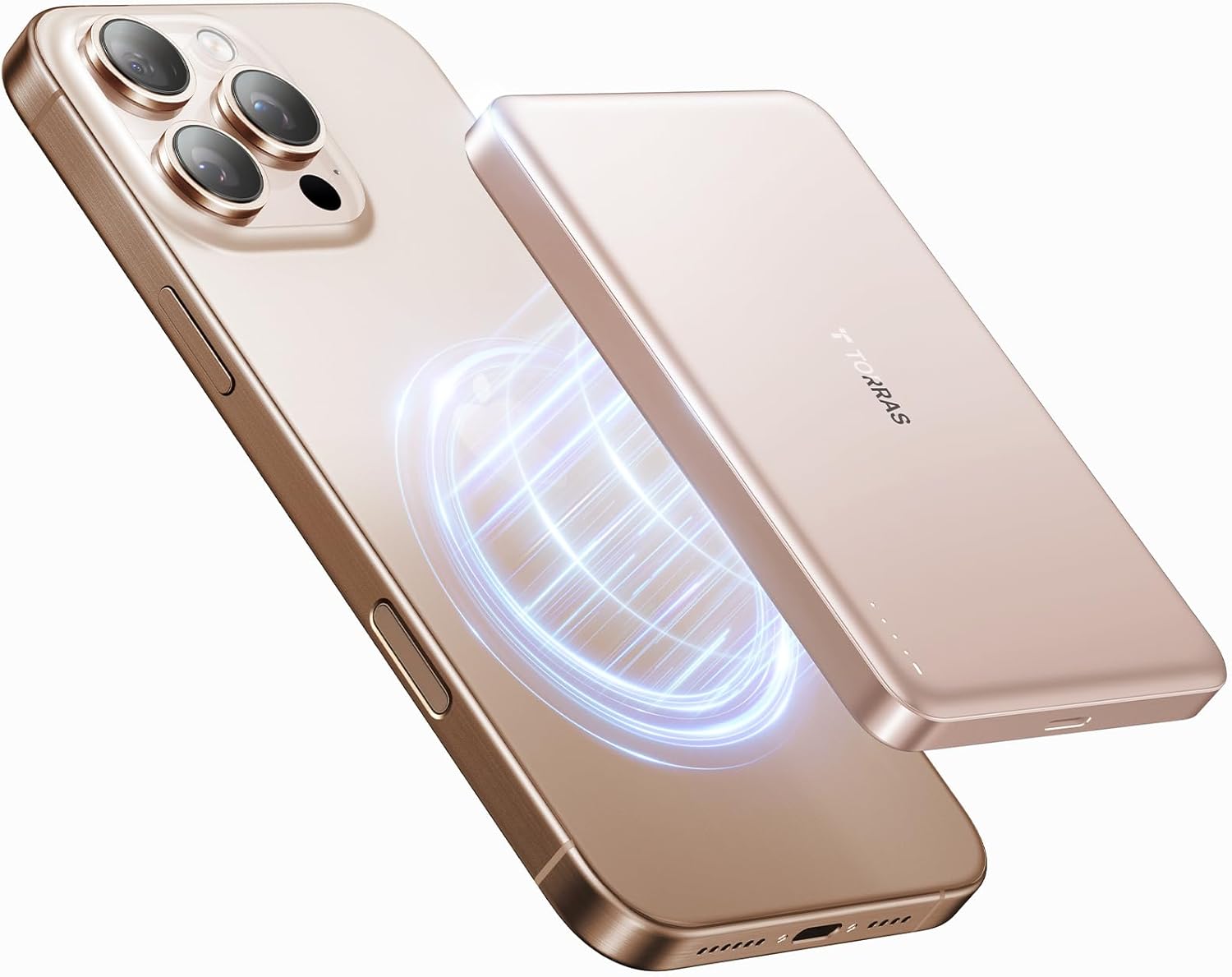
Figure 1: TORRAS MiniMag Power Bank in use with a smartphone.
What's in the Box
- 10,000mAh Magnetic Power Bank
- USB-C Charging Cable
- User Manual
Key Features
- Ultra-Thin and High Capacity: Despite its slim profile (0.5 inches) and light weight (6.4 ounces), the power bank offers a 10,000mAh capacity, providing ample power for daily use.
- Magnetic Functionality: Features powerful magnetic attraction for secure attachment and wireless charging, compatible with Mag-safe technology for iPhone 12/13/14/15/16 series.
- Super Fast Charging: Supports 22.5W wired fast charging via USB-C and 15W wireless fast charging (7.5W for iPhone), ensuring quick power replenishment for your devices.
- Long-Lasting Durability & Full Protection: Built with high-quality lithium-polymer battery cells, designed for over 500 charge cycles and equipped with advanced safety features like NTC temperature control and overcharge protection.

Figure 2: Compact and lightweight design for easy portability.
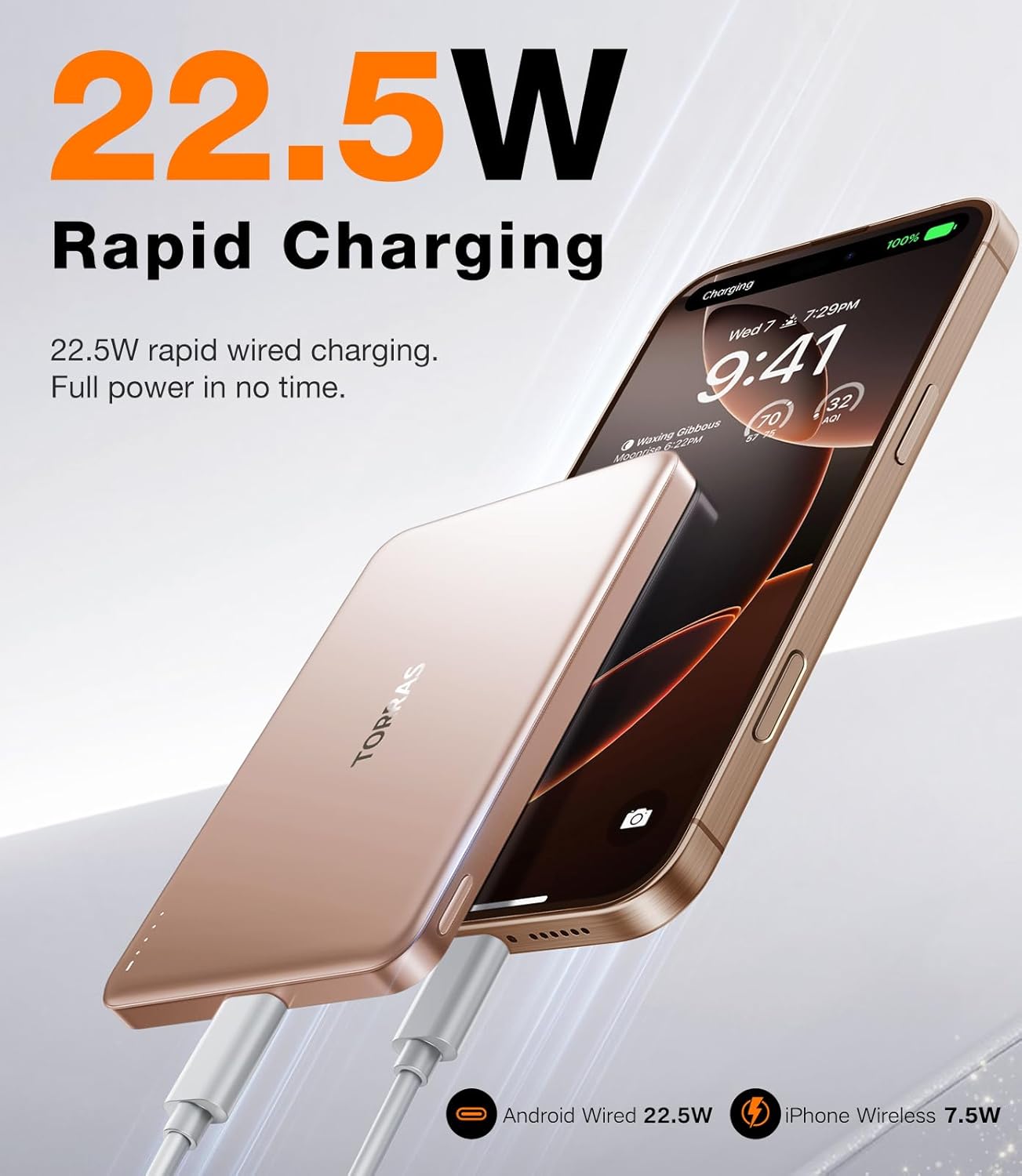
Figure 3: Secure magnetic attachment for convenient charging.

Figure 4: Enhanced charging efficiency with NTC Temperature Control Chip.

Figure 5: Mac-grade heat dissipation material for safe operation.
Setup
Charging the Power Bank
Before first use, fully charge your TORRAS MiniMag Power Bank. Use the provided USB-C cable and a compatible power adapter (not included) to charge the power bank.
- Connect one end of the USB-C cable to the power bank's USB-C port.
- Connect the other end of the USB-C cable to a USB-C power adapter (minimum 5V=1A/5W recommended).
- The indicator lights on the power bank will illuminate to show the charging progress. All four lights will be solid when fully charged.

Figure 6: Charging the power bank via USB-C.
Operating Instructions
Wireless Charging (Mag-safe Compatible)
- Ensure your iPhone (12 series or newer) or Mag-safe compatible case is clean and free of debris.
- Align the TORRAS MiniMag Power Bank with the Mag-safe area on the back of your iPhone. The magnets will snap it into place.
- Charging will typically begin automatically. If not, press the power button once to initiate charging.
Wired Charging (USB-C)
- Connect one end of the USB-C cable to the power bank's USB-C port.
- Connect the other end of the USB-C cable to your device's charging port.
- Charging will begin automatically.
Checking Battery Level
Press the power button once to check the remaining battery level indicated by the four LED lights:
- Four lights: 75-100%
- Three lights: 50-75%
- Two lights: 25-50%
- One light: 0-25%
Low-Current Mode (for small devices like earbuds)
To activate low-current mode, press and hold the power button for 2 seconds. This mode is suitable for charging low-power devices. To exit low-current mode, press and hold the power button for another 2 seconds.
Maintenance
- Keep the power bank away from extreme temperatures, direct sunlight, and liquids.
- Clean the surface with a soft, dry cloth. Do not use harsh chemicals or abrasive materials.
- Store in a cool, dry place when not in use for extended periods.
- Avoid dropping or subjecting the power bank to strong impacts.
Troubleshooting
| Problem | Possible Cause | Solution |
|---|---|---|
| Power bank not charging device. | Low power bank battery; incorrect connection; device not compatible. | Charge the power bank; ensure cables are securely connected; verify device compatibility. |
| Slow charging. | Using a non-fast charging adapter/cable; device in heavy use; high ambient temperature. | Use a fast charging adapter/cable; reduce device usage during charging; ensure proper ventilation. |
| Blue light flashing rapidly (2 times per second). | Foreign object detected between charger and phone. | Remove any foreign objects (e.g., metal, plastic film) from the charging surface and try again. |
| Power bank not charging itself. | Faulty cable or adapter; power bank port issue. | Try a different USB-C cable and power adapter. If the issue persists, contact customer support. |
Specifications
| Model Number: | PB4A |
| Battery Capacity: | 10,000 mAh |
| Rated Capacity: | 6,000 mAh |
| Product Dimensions: | 4.01 x 2.5 x 0.5 inches |
| Item Weight: | 6.4 ounces |
| Max Input: | 18W (5V/3A) |
| Max Output (Wireless): | 15W (7.5W for iPhone) |
| Max Output (Wired): | 22.5W |
| Magnetic Force: | 15 Newtons |
| Material: | Magnesium Aluminum Alloy |
| Color: | Desert Titanium |
| Batteries: | 1 Lithium Ion battery required (included) |
Warranty and Support
The TORRAS MiniMag Power Bank comes with an 18-month warranty and lifetime professional support. For any issues or inquiries, please contact TORRAS customer service. The product has FCC, UL, TUV, DOE, CEC, UN, and RoHS certifications.
For support, please visit the official TORRAS website or contact their customer service channels.
Related documentsPB4A


Ask a question about this manual
Ask about setup, troubleshooting, compatibility, parts, safety, or missing instructions. Manuals+ will review the question and use this page’s manual context to help answer it.