
Metz MQE7000
Contents
Metz MQE7000 QLED+ Smart TV User Manual
Model: MQE7000
1. Introduction
This manual provides essential information for the setup, operation, maintenance, and troubleshooting of your Metz MQE7000 QLED+ Smart TV. Please read this manual thoroughly before using the product to ensure safe and optimal performance.
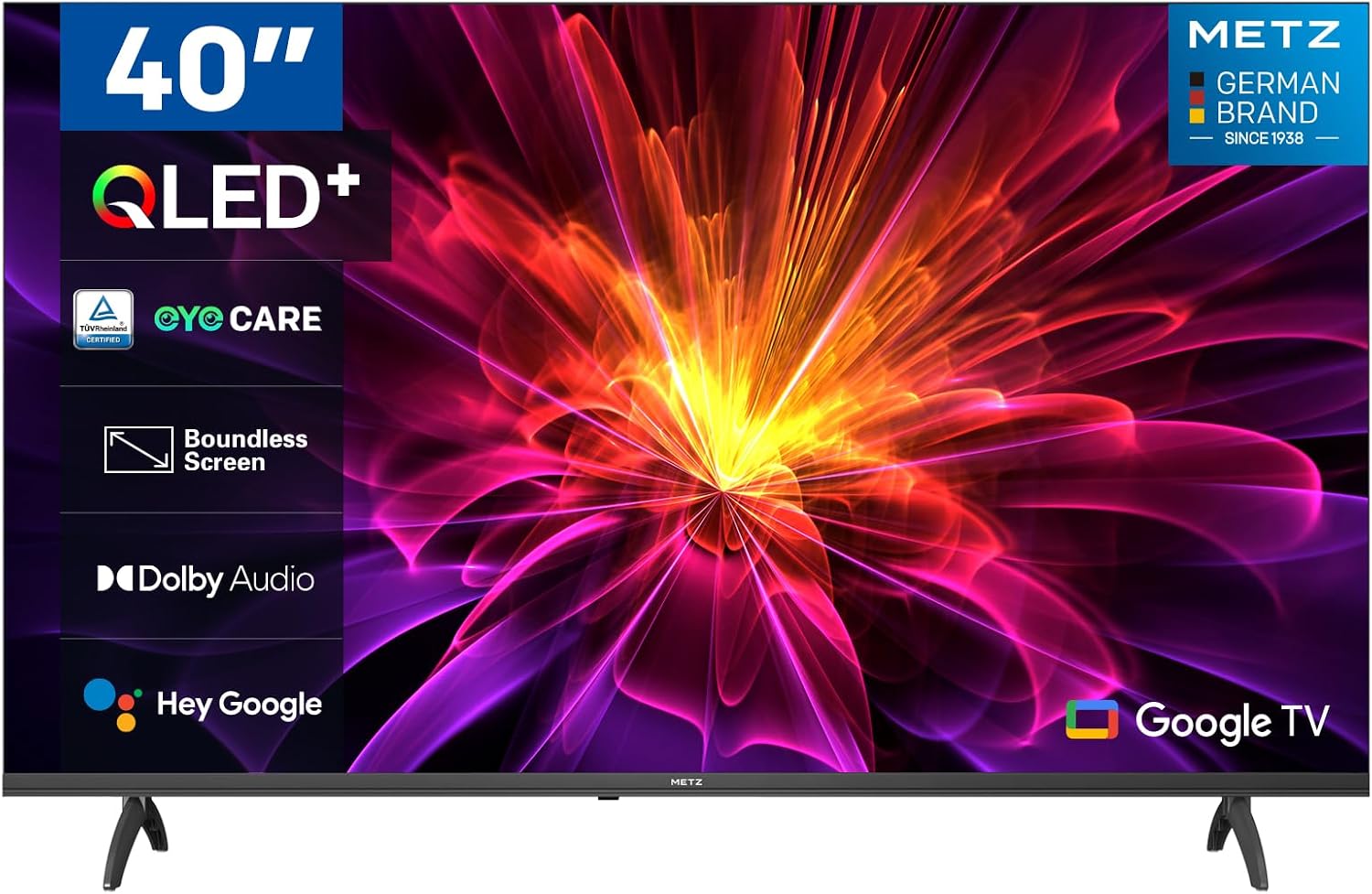
Figure 1: Front view of the Metz MQE7000 QLED+ Smart TV.
2. Safety Information
Always adhere to the following safety guidelines to prevent electric shock, fire, or damage to the television:
- Do not expose the TV to rain or moisture.
- Do not block ventilation openings.
- Ensure proper grounding of the power plug.
- Unplug the TV during lightning storms or when unused for long periods.
- Refer all servicing to qualified service personnel.
3. Setup Guide
3.1 Unpacking and Assembly
Carefully remove the TV from its packaging. Ensure all components are present:
- Metz MQE7000 QLED+ Smart TV
- Remote Control
- Power Cable
- Stand Base and Screws
- User Manual (this document)
Attach the stand base to the TV using the provided screws. Place the TV on a stable, level surface.
3.2 Initial Connection
- Connect the power cable to the TV and then to a wall outlet.
- For antenna/cable connection, plug the coaxial cable into the "ANT/CABLE IN" port.
- For external devices (e.g., Blu-ray player, game console), use HDMI cables to connect to the HDMI ports. The TV features multiple HDMI ports.
- For internet access, connect an Ethernet cable to the LAN port or proceed with Wi-Fi setup during initial configuration.
The Metz MQE7000 supports Bluetooth and Wi-Fi connectivity for versatile integration into your home network.
4. Operating Instructions
4.1 Powering On and Initial Setup Wizard
Press the power button on the remote control or the TV. The TV will guide you through the initial setup wizard:
- Language Selection
- Network Connection (Wi-Fi or Ethernet)
- Google Account Sign-in (for Google TV features)
- Channel Scan (for DVB C/-T/T2-S/S2)
- Time Zone and Date Settings
4.2 Google TV Features
Your Metz MQE7000 is powered by Google TV, providing access to a vast library of content and applications.

Figure 2: The Google TV interface, offering access to numerous streaming services and applications.
- Voice Remote Control: Use the built-in voice remote to search for content, control smart home devices, and get answers using Google Assistant.
- Streaming Services: Access popular services like Netflix, YouTube, and many more available through the Google Play Store.
- Chromecast Built-in: Cast content directly from your compatible mobile devices to the TV.
4.3 Picture and Sound Settings
Optimize your viewing experience with the following features:
- QLED+ Color Brilliance: Experience vibrant colors and enhanced brightness. The QLED+ technology displays 16.8 billion colors for accurate detail reproduction.
- Full HD & HDR10: Enjoy sharper details with 1080p resolution and improved contrast with HDR10, which increases brightness by 20%.
- Dolby Audio with 2x10W Speakers: The integrated 2x10W speakers, enhanced by Dolby Audio, deliver rich and immersive sound.
- Eye Care Technology: Designed with flicker-free technology and low blue light hardware to reduce eye strain during extended viewing.

Figure 3: Visual representation of Metz QLED+ technology enhancing color and brightness.

Figure 4: Demonstrating the enhanced clarity and contrast provided by FHD and HDR10.

Figure 5: Illustration of the 2x10W speaker system with Dolby Audio for immersive sound.
5. Maintenance
5.1 Cleaning the TV
Before cleaning, unplug the TV from the power outlet.
- Screen: Gently wipe the screen with a soft, lint-free cloth. For stubborn marks, use a screen cleaning solution specifically designed for electronics, applied to the cloth, not directly to the screen.
- Cabinet: Wipe the cabinet with a soft, dry cloth. Do not use abrasive cleaners, waxes, or solvents.
5.2 Remote Control Battery Replacement
If the remote control's range decreases or it stops responding, replace the batteries. Open the battery compartment cover on the back of the remote and insert new batteries, ensuring correct polarity (+/-).
6. Troubleshooting
Before contacting customer support, try the following solutions for common issues:
| Problem | Possible Cause | Solution |
|---|---|---|
| No power | Power cable disconnected; outlet malfunction | Check power cable connection; test outlet with another device. |
| No picture, but sound is present | Incorrect input source; display settings issue | Press the "Input" button on the remote to select the correct source; check picture settings. |
| No sound, but picture is present | Volume too low; mute activated; audio settings issue | Increase volume; check if mute is on; verify audio output settings. |
| Remote control not working | Batteries depleted; obstruction; remote not paired | Replace batteries; remove obstructions; re-pair Bluetooth remote if applicable. |
| Cannot connect to Wi-Fi | Incorrect password; router issue; TV too far from router | Verify password; restart router; move TV closer or use Ethernet. |
7. Specifications
| Feature | Detail |
|---|---|
| Brand | Metz |
| Model | MQE7000 |
| Screen Size | 40 Inches |
| Resolution | Full HD (1920x1080) |
| Display Technology | QLED+ |
| HDR Support | HDR10 |
| Audio Output | 2 x 10W Speakers with Dolby Audio |
| Operating System | Google TV |
| Connectivity | Bluetooth, Wi-Fi (Dual Band), HDMI, USB (2 ports) |
| Special Features | Chromecast Built-in, Voice Remote, Eye Care Technology (Flicker-free, Low Blue Light), Trochilus Extreme 2.0 |
| Tuner Type | DVB C/-T/T2-S/S2, CI |
| Product Dimensions (DxWxH) | 7.5 x 89.2 x 51.1 cm |
| Supported Internet Services | Netflix, YouTube, Google TV Apps |
8. Warranty and Support
Metz products are designed for reliability and performance. For warranty information, please refer to the warranty card included in your product packaging or visit the official Metz website. Keep your purchase receipt as proof of purchase for warranty claims.
For technical support or service inquiries, please contact Metz customer service. Contact details can typically be found on the Metz official website or in the product's quick start guide.
Online Resources:
- Official Metz Website: www.metz-ce.de/en/ (Example link, actual link might vary)
- Product Support Page: Check the Metz website for a dedicated support page for the MQE7000 model.
Documents and downloads
Ask a question about this manual
Ask about setup, troubleshooting, compatibility, parts, safety, or missing instructions. Manuals+ will review the question and use this page’s manual context to help answer it.