
Groovz GRVZ-CM-BLK
Groovz True Wireless Earbuds User Manual
Model: GRVZ-CM-BLK | Brand: Groovz
Introduction
Welcome to the user manual for your Groovz True Wireless Earbuds. This guide provides detailed instructions on how to set up, operate, maintain, and troubleshoot your earbuds to ensure you get the best possible audio experience. Please read this manual thoroughly before using your device.
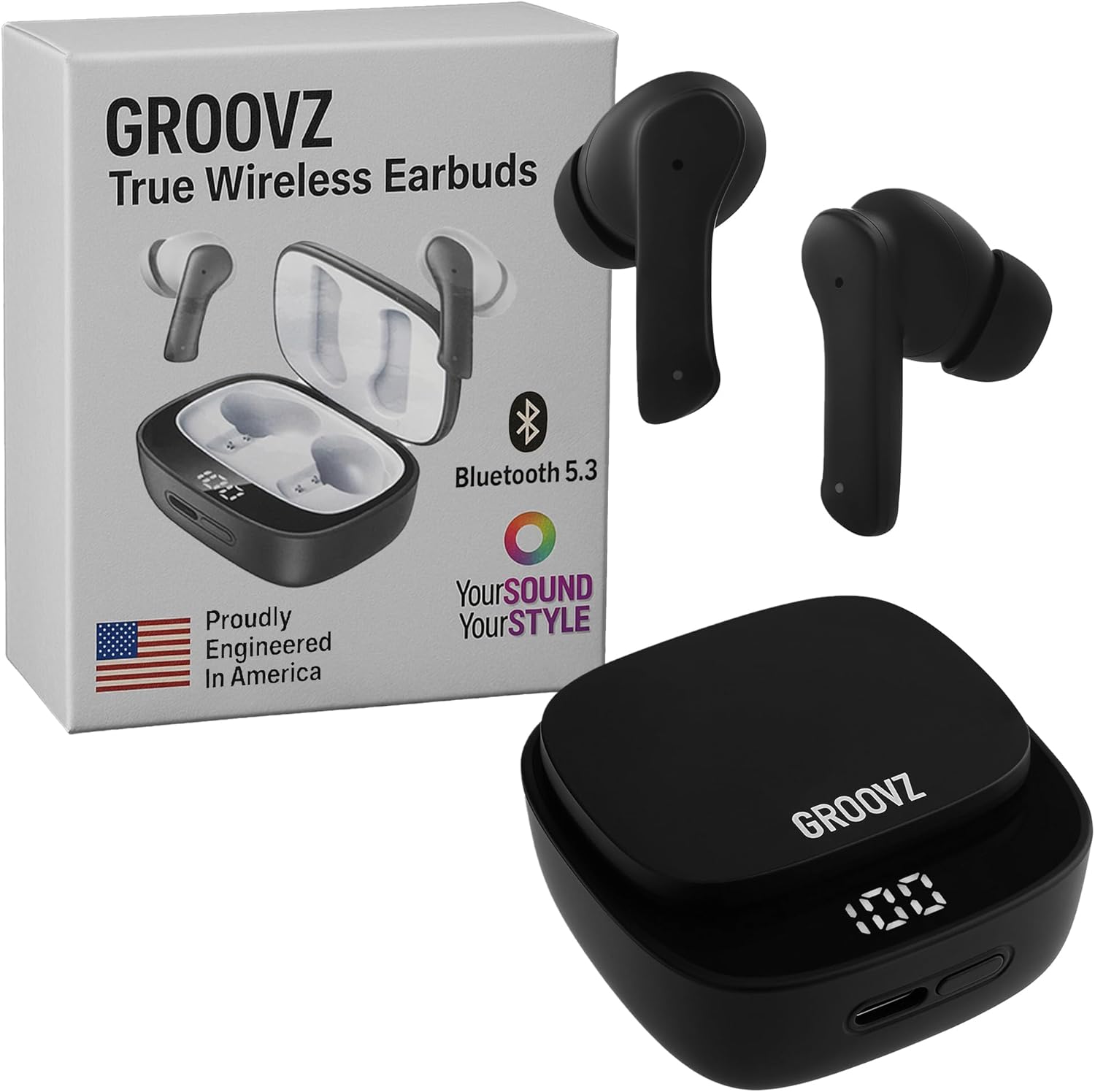
Image: Groovz True Wireless Earbuds, charging case, and product packaging.
What's in the Box
Carefully unpack your Groovz True Wireless Earbuds. The package should contain the following items:
- True Wireless Earbuds (Left & Right)
- Charging Case
- USB Charging Cable
- Ear Tips (Small, Medium, Large)
- User Manual
- Blu-ray (Note: This item is listed in the product specifications as an included component.)
Product Overview
Familiarize yourself with the components of your Groovz True Wireless Earbuds:
Earbuds
- Touch Control Area: For managing playback, calls, and voice assistant.
- Microphone: Dual microphones for clear calls with noise reduction.
- Ear Tip: Silicone tips for comfortable and secure fit.
- Charging Contacts: For charging when placed in the case.
Charging Case
- Earbud Charging Slots: Securely holds and charges the earbuds.
- Digital LED Display: Shows the battery percentage of the charging case.
- USB-C Charging Port: For charging the case.

Image: The digital LED display on the charging case indicates the current battery level.
Setup
1. Charging the Earbuds and Case
Before first use, fully charge both the earbuds and the charging case.
- Place the earbuds into the charging case. Ensure the charging contacts align.
- Connect the USB charging cable to the charging port on the case and plug the other end into a USB power source (e.g., wall adapter, computer USB port).
- The LED display on the case will show the charging progress. A full charge is indicated by '100' on the display.
A single charge provides approximately 5 hours of playtime for the earbuds, and the charging case provides an additional 22 hours, totaling up to 27 hours of battery life.
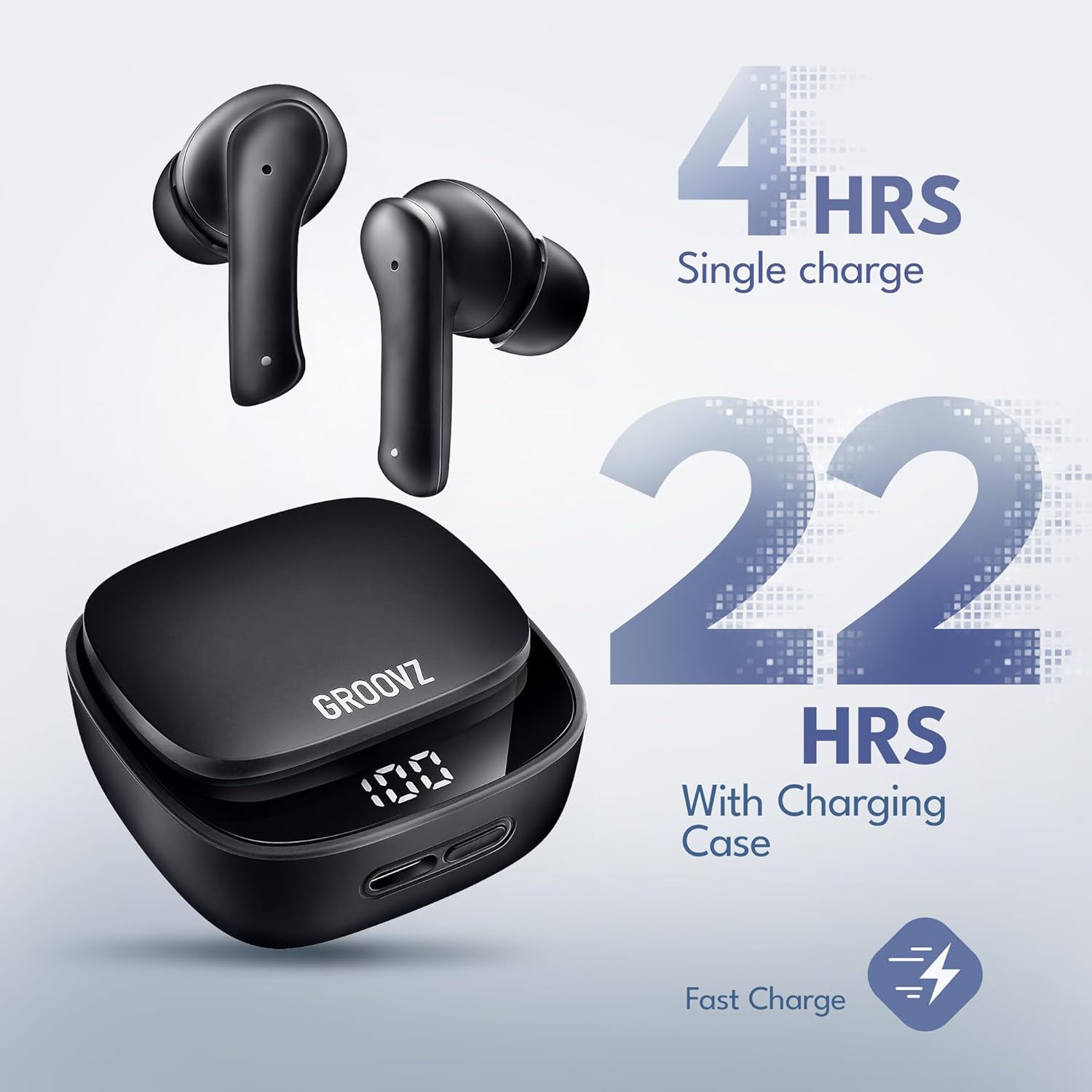
Image: Illustration of battery life: 4 hours on a single charge for earbuds, and an additional 22 hours provided by the charging case.
2. Bluetooth Pairing
The earbuds are designed for instant pairing with Bluetooth 5.3 technology.
- Open the charging case. The earbuds will automatically enter pairing mode.
- On your device (smartphone, tablet, etc.), enable Bluetooth.
- Search for available Bluetooth devices and select "Groovz Earbuds" from the list.
- Once connected, you will hear a confirmation tone, and the earbuds will be ready for use.
3. Fitting the Earbuds
For optimal sound quality and comfort, choose the ear tips that best fit your ears. Three sizes (S, M, L) are included.
- Gently insert the earbuds into your ear canal.
- Rotate them slightly until they feel secure and comfortable.
- Test different ear tip sizes to find the best seal for your ears. A good seal enhances bass response and noise isolation.
Operating Instructions
Touch Controls
The Groovz True Wireless Earbuds feature intuitive touch controls on each earbud. The functions are as follows:
| Action | Function |
|---|---|
| Single Tap (Left/Right Earbud) | Play/Pause Music, Answer/End Call |
| Double Tap (Right Earbud) | Next Track |
| Double Tap (Left Earbud) | Previous Track |
| Triple Tap (Left/Right Earbud) | Activate Voice Assistant |
| Press and Hold (2 seconds) | Reject Incoming Call |
Making and Receiving Calls
The earbuds feature dual microphones with advanced noise reduction for clear conversations.
- Answering a Call: Single tap either earbud.
- Ending a Call: Single tap either earbud during a call.
- Rejecting a Call: Press and hold either earbud for 2 seconds.

Image: A woman wearing a Groovz earbud, demonstrating the AI-enhanced call feature via dual microphones.
Listening to Music
Experience high-definition audio with powerful bass and clear sound.
- Play/Pause: Single tap either earbud.
- Next Track: Double tap the right earbud.
- Previous Track: Double tap the left earbud.
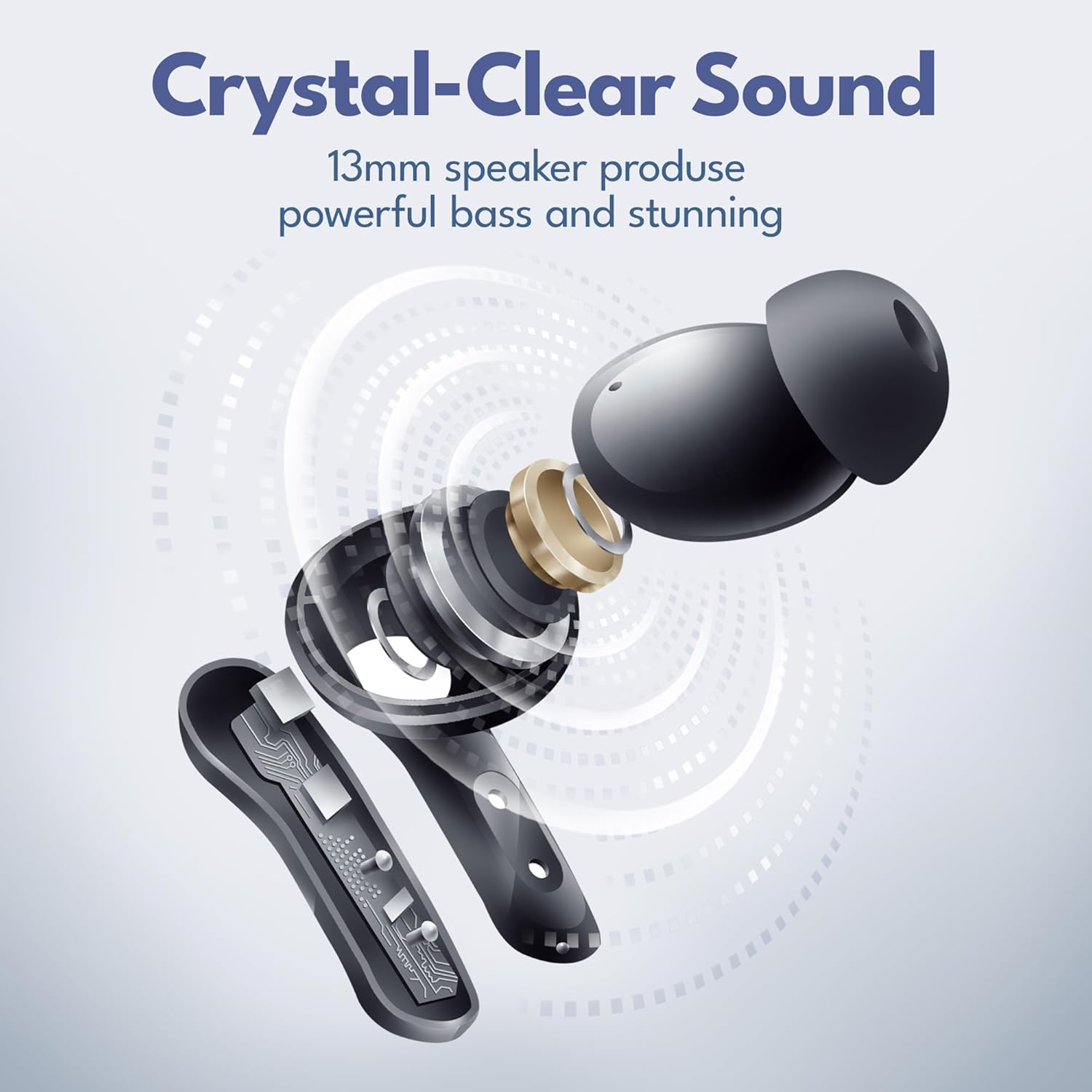
Image: An exploded view diagram of the earbud's internal components, highlighting the 13mm speaker for crystal-clear sound and powerful bass.
Maintenance
Cleaning
To maintain optimal performance and hygiene:
- Regularly clean the ear tips with a soft, damp cloth.
- Wipe the earbuds and charging case with a dry, lint-free cloth.
- Ensure charging contacts are free of dust and debris.
Storage
When not in use, store the earbuds in their charging case to protect them and keep them charged.
Water Resistance (IPx4)
Your Groovz True Wireless Earbuds are IPx4 water resistant, meaning they are protected against splashing water from any direction. This makes them suitable for workouts and light rain.
- Do not submerge the earbuds in water.
- Do not expose them to saltwater or other liquids.
- Ensure earbuds are dry before placing them back in the charging case to prevent damage.
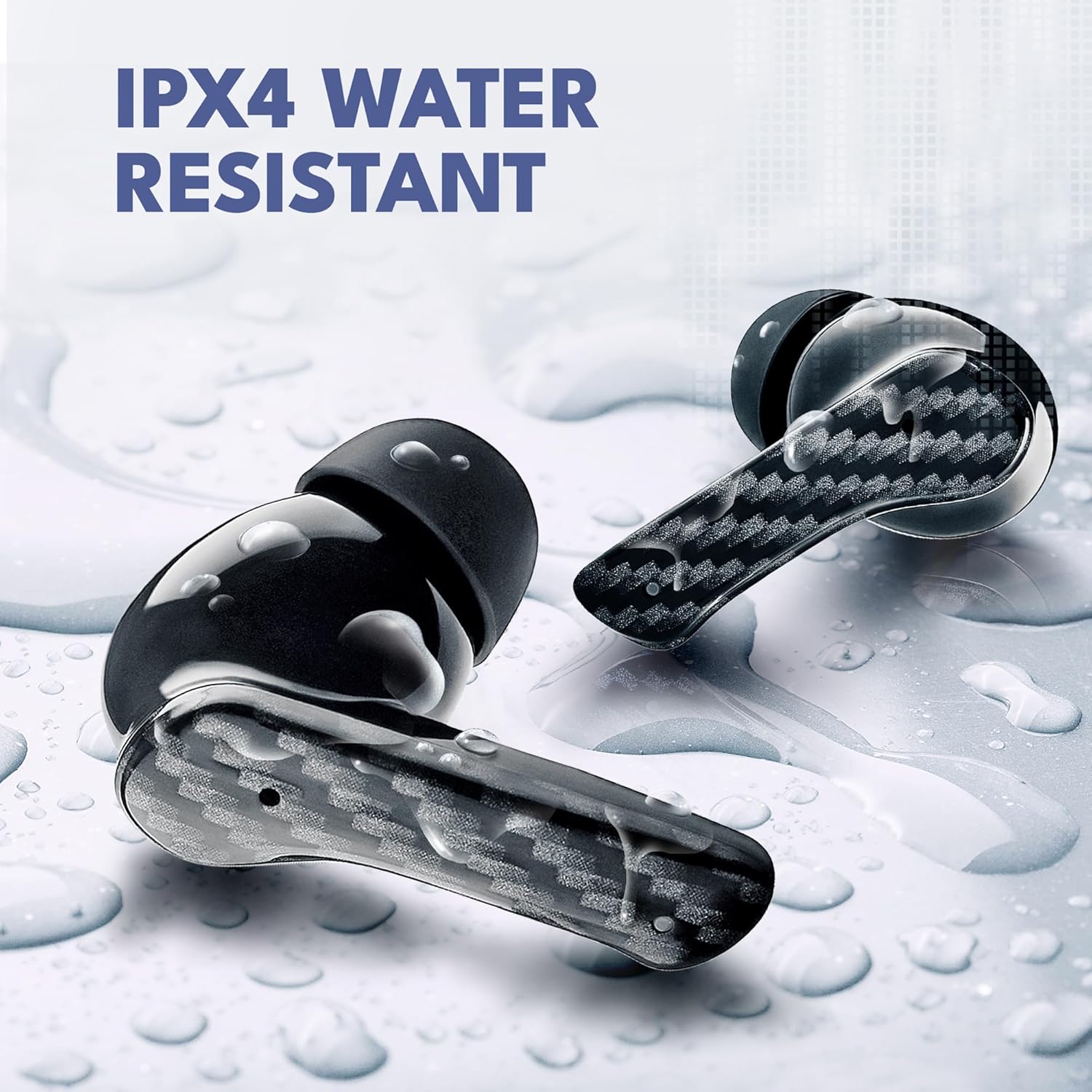
Image: Groovz earbuds with water droplets, demonstrating their IPX4 water-resistant rating.
Troubleshooting
If you encounter any issues with your earbuds, please refer to the following common solutions:
| Problem | Possible Solution |
|---|---|
| Earbuds not pairing | Ensure earbuds are charged. Turn off and on Bluetooth on your device. Forget "Groovz Earbuds" from your device's Bluetooth list and re-pair. |
| No sound from one earbud | Place both earbuds back in the case, close it, then open it again. Check if both earbuds are charged. |
| Charging case not charging | Try a different USB cable and power adapter. Ensure the charging cable is securely connected. |
| Low volume or poor sound quality | Adjust volume on your connected device. Ensure ear tips provide a good seal. Clean ear tips and earbud grilles. |
| Touch controls not responding | Ensure your fingers are clean and dry. Restart the earbuds by placing them in the case and taking them out. |
Specifications
Detailed technical specifications for your Groovz True Wireless Earbuds:
| Feature | Detail |
|---|---|
| Model Name | GRVZ-CM-BLK |
| Brand | Groovz |
| Connectivity Technology | Wireless |
| Wireless Communication Technology | Bluetooth |
| Bluetooth Version | 5.3 |
| Ear Placement | In Ear |
| Form Factor | In Ear |
| Control Method | Touch |
| Battery Life (Earbuds) | 5 Hours |
| Total Playtime (with case) | Up to 27 Hours |
| Water Resistance Level | IPx4 Water Resistant |
| Frequency Range | 20 Hz to 20,000 Hz |
| Audio Driver Type | Dynamic Driver |
| Compatible Devices | Smartphones, Tablets |
| Item Weight | 5 ounces |
| UPC | 850060701184 |
| Country of Origin | China |
Safety Information
Please read and follow these safety guidelines to prevent injury or damage to your device:
- Do not disassemble, repair, or modify the earbuds or charging case.
- Keep the device away from extreme temperatures, direct sunlight, and open flames.
- Avoid exposing the device to excessive moisture or corrosive materials.
- Do not use the earbuds at excessively high volumes for prolonged periods to prevent hearing damage.
- Keep out of reach of children and pets.
Warranty and Support
Groovz products are designed and engineered in the USA with a commitment to quality. For warranty information or technical support, please refer to the contact details provided on the product packaging or visit the official Groovz website. Please retain your proof of purchase for any warranty claims.
Related documentsGRVZ-CM-BLK


Ask a question about this manual
Ask about setup, troubleshooting, compatibility, parts, safety, or missing instructions. Manuals+ will review the question and use this page’s manual context to help answer it.