
Introduction
Welcome to the Groovz True Wireless Earbuds user manual. This guide provides essential information for setting up, operating, maintaining, and troubleshooting your new earbuds. Designed for an immersive audio experience, these earbuds offer true wireless freedom, high-definition sound, and clear communication.
What's in the Box
- Groovz True Wireless Earbuds (Left and Right)
- Charging Case with LED Battery Display
- USB-C Charging Cable
- Ear Tips (Small, Medium, Large)
- User Manual
Setup
1. Charging the Earbuds and Case
Before first use, fully charge the earbuds and charging case. The charging case features an LED display that shows the current battery percentage.
- Connect the provided USB-C charging cable to the charging port on the case.
- Plug the other end of the cable into a compatible USB power source (e.g., wall adapter, computer USB port).
- The LED display on the case will show the charging progress. A full charge for the case provides up to 22 hours of additional playtime, while the earbuds themselves offer up to 5 hours on a single charge, totaling 27 hours.

Image: Earbuds and charging case with LED display indicating battery level.
2. Pairing with Your Device
The Groovz earbuds utilize Bluetooth 5.3 for fast and seamless pairing.
- Ensure the earbuds are charged and placed inside the charging case.
- Open the charging case. The earbuds will automatically enter pairing mode.
- On your smartphone or Bluetooth-enabled device, go to the Bluetooth settings.
- Select "Groovz" from the list of available devices.
- Once connected, you will hear an audio prompt, and the earbuds will be ready for use.

Image: Woman holding an open pink Groovz earbud charging case, illustrating Bluetooth 5.3 pairing.
Operating Instructions
Smart Touch Controls
The Groovz earbuds feature intuitive smart touch controls for easy management of your audio and calls.
- Play/Pause: Single tap on either earbud.
- Next Track: Double tap on the right earbud.
- Previous Track: Double tap on the left earbud.
- Answer/End Call: Single tap on either earbud.
- Reject Call: Press and hold either earbud for 2 seconds.
- Activate Voice Assistant: Triple tap on either earbud.
Sound Quality
Experience high-definition audio with powerful bass and clear sound, allowing you to enjoy music as intended.
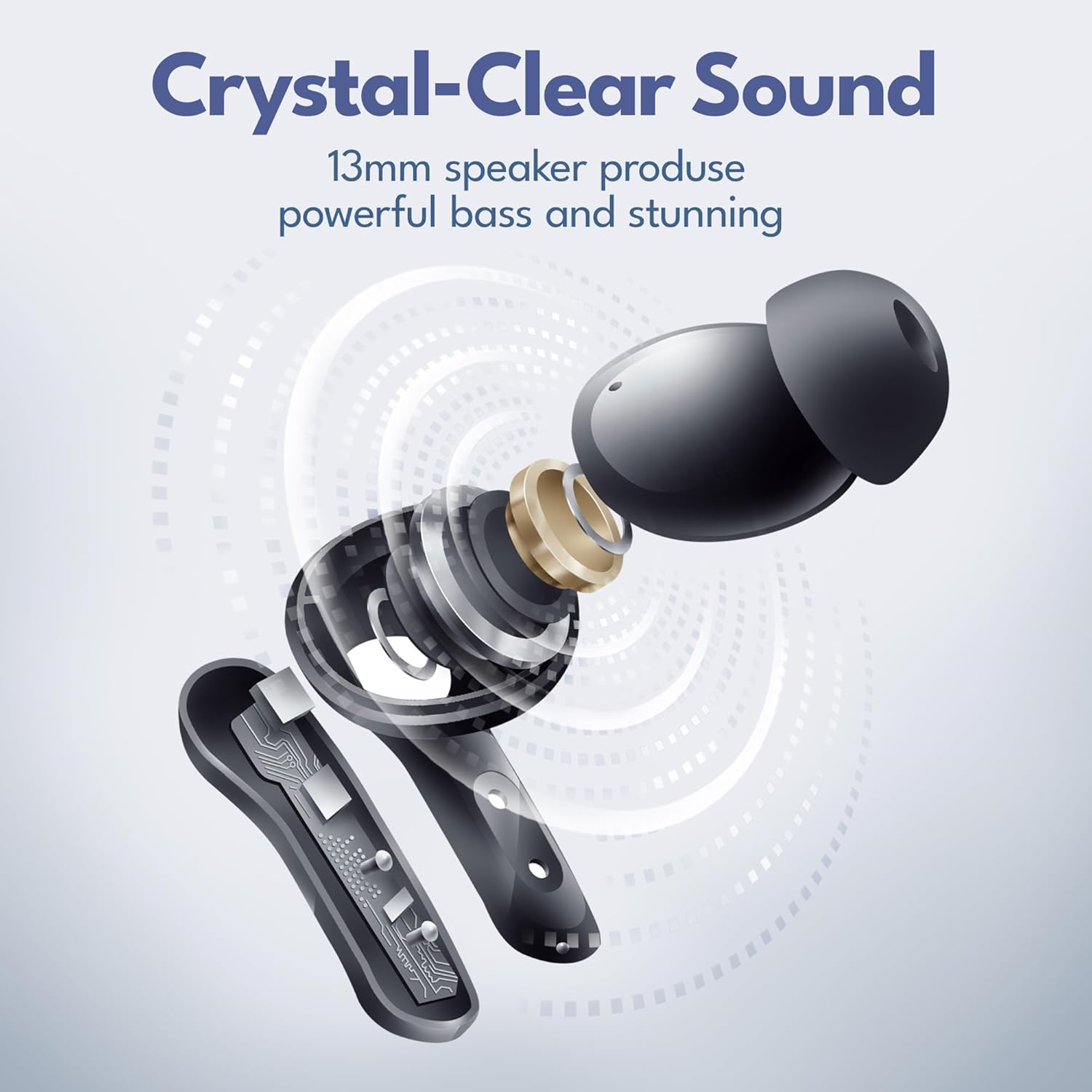
Image: Exploded view of a Groovz earbud, highlighting the 13mm speaker for powerful bass and clear sound.
Call Quality
Dual microphones with advanced noise reduction ensure crystal-clear conversations, even in noisy environments.

Image: Woman talking on the phone with Groovz earbuds, demonstrating clear call quality.
Features
- IPx4 Water Resistant: The earbuds are designed to withstand splashes and sweat, making them suitable for workouts and outdoor activities.
- Ergonomic Design: Comes with three ear tip sizes (S, M, L) to ensure a secure and comfortable fit for all-day wear.
- Long Battery Life: Up to 27 hours of total playtime with the charging case.
- Bluetooth 5.3: Provides stable and efficient wireless connectivity.
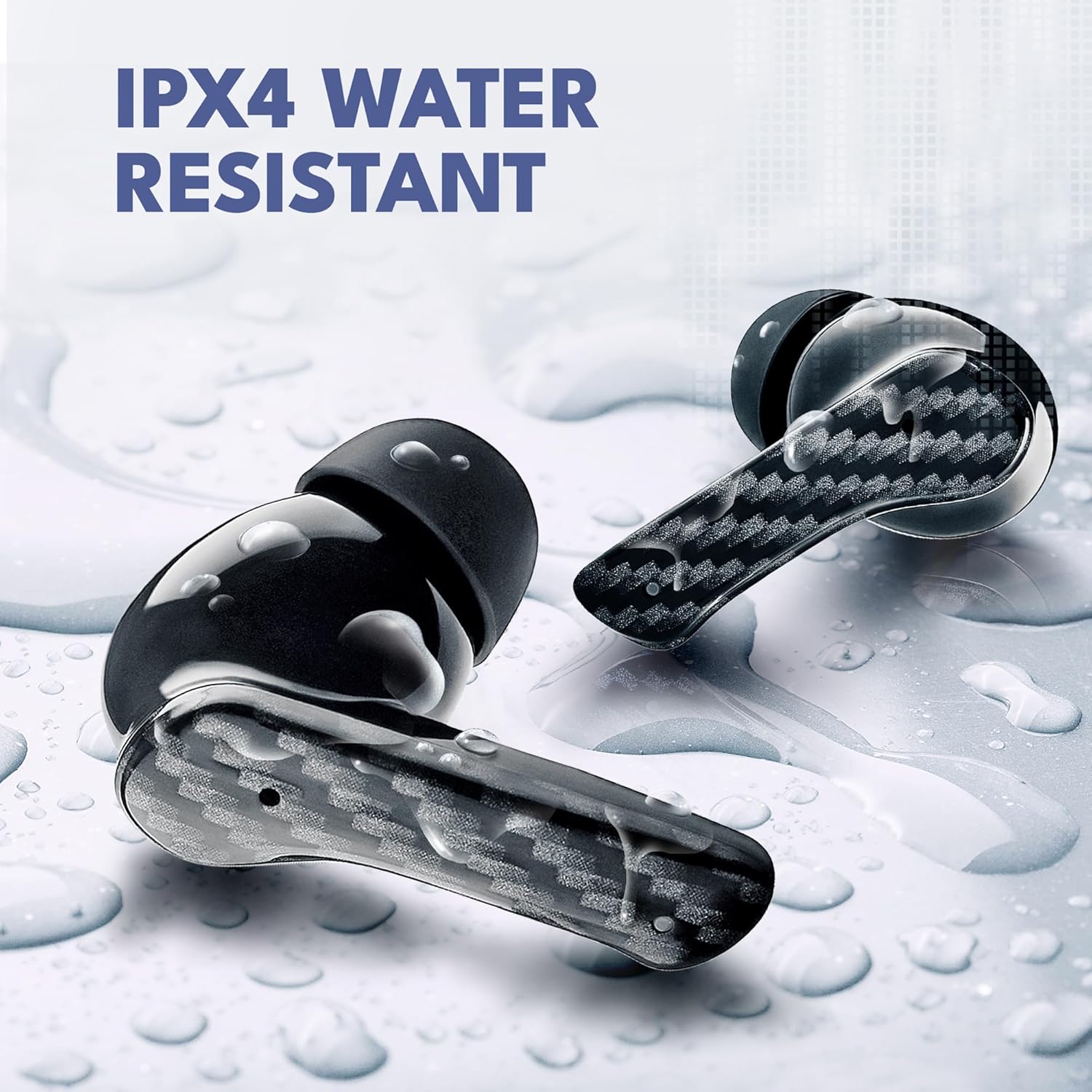
Image: Groovz earbuds with water droplets, showcasing their IPX4 water-resistant rating.

Image: Individuals engaged in outdoor activities, demonstrating the secure and sweat-resistant fit of the earbuds.
Specifications
| Feature | Detail |
|---|---|
| Model Name | GRVZ-CM-MAG |
| Connectivity Technology | Wireless (Bluetooth 5.3) |
| Water Resistance Level | IPx4 Water Resistant |
| Battery Life | Up to 27 Hours (5 hrs earbuds + 22 hrs charging case) |
| Control Method | Touch |
| Noise Control Features | Noise Cancellation |
| Audio Driver Type | Dynamic Driver |
| Material | Plastic, Silicone |
| Item Weight | 5 ounces |
| Manufacturer | Groovz |
Maintenance
- Clean earbuds and charging case regularly with a soft, dry cloth.
- Avoid exposing the earbuds to extreme temperatures or direct sunlight for prolonged periods.
- Store in the charging case when not in use to protect them and maintain charge.
- Ensure charging port is free of dust and debris.
Troubleshooting
No Sound/Poor Sound Quality
- Ensure earbuds are properly paired with your device.
- Check the volume levels on both your device and the earbuds.
- Make sure earbuds are clean and free of debris.
- Try resetting the earbuds by placing them in the case and closing it for a few seconds, then reopening.
Earbuds Not Charging
- Verify the charging cable is securely connected to both the case and the power source.
- Ensure the charging contacts on the earbuds and inside the case are clean.
- Check if the power source is functional.
Pairing Issues
- Turn off Bluetooth on your device, then turn it back on.
- Forget the device in your Bluetooth settings and attempt to re-pair.
- Ensure earbuds are fully charged.
Official Product Videos
Video: Groovz True Wireless Earbuds - A general overview of the product's features and design.
Video: Groovz True Wireless Earbuds video 1 - Another perspective on the earbuds' functionality and user experience.
Video: Groovz True Wireless Earbuds with Charging Case - Demonstrates the earbuds and their charging case in various usage scenarios.
Warranty and Support
For warranty information and customer support, please refer to the official Groovz website or contact their customer service directly. Keep your proof of purchase for any warranty claims.
You can visit the Groovz Store for more information: Groovz Store on Amazon


