
Product Overview
The wegear TW7 Wireless Earbuds are designed to provide an immersive audio experience with advanced features such as Hybrid Active Noise Cancellation, clear call technology, and extended battery life. These earbuds are lightweight, water-resistant, and utilize the latest Bluetooth 5.4 for stable connectivity.
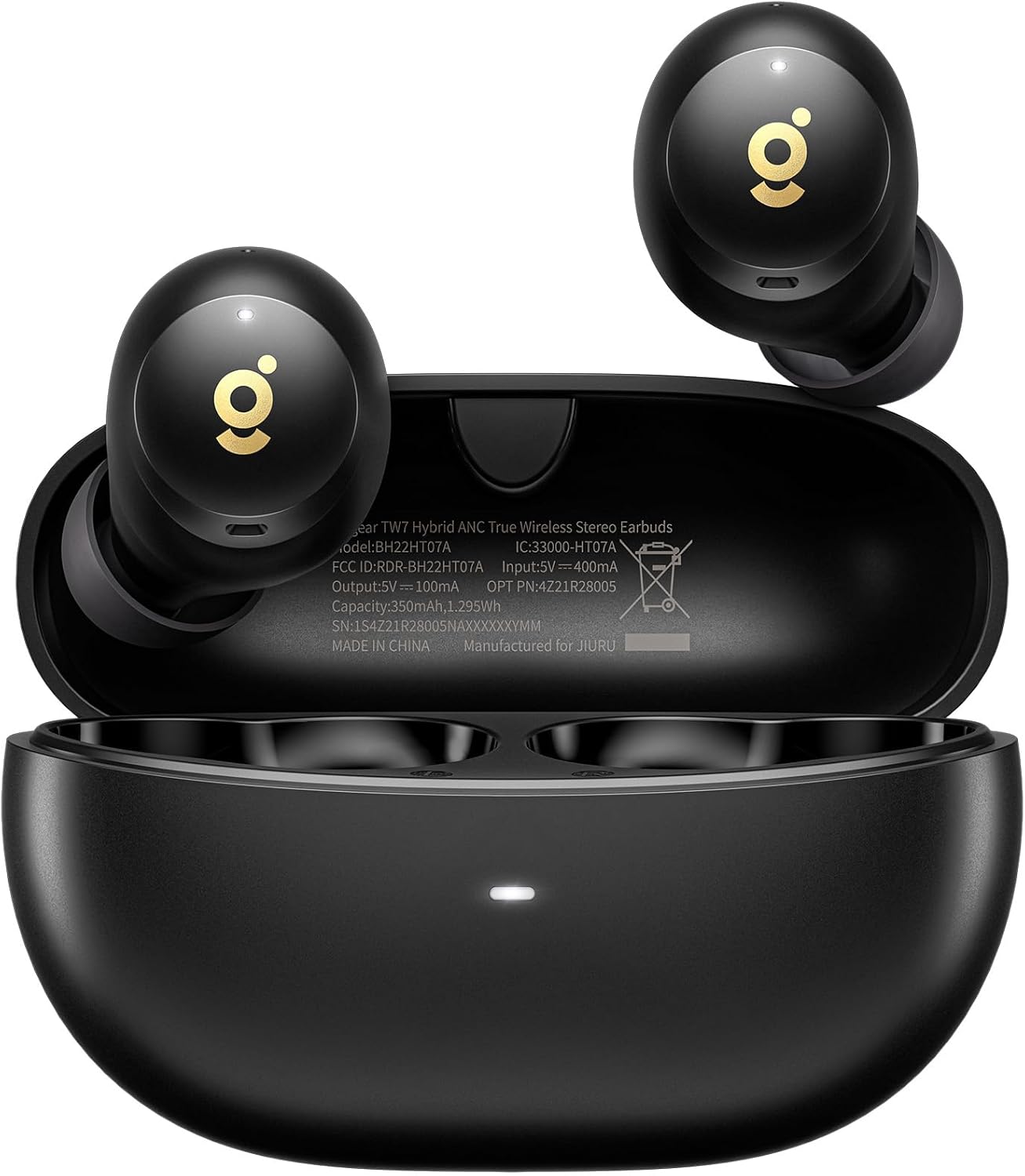
Image: wegear TW7 Wireless Earbuds shown inside their open charging case. The earbuds are black with a gold 'g' logo, and the case is also black with a small LED indicator light at the front.
Package Contents
Please verify that all items are present in your package:
- wegear TW7 Wireless Earbuds (Left and Right)
- Charging Case
- USB Charging Cable
- Silicone Ear Tips (Small, Medium, Large)
- User Manual
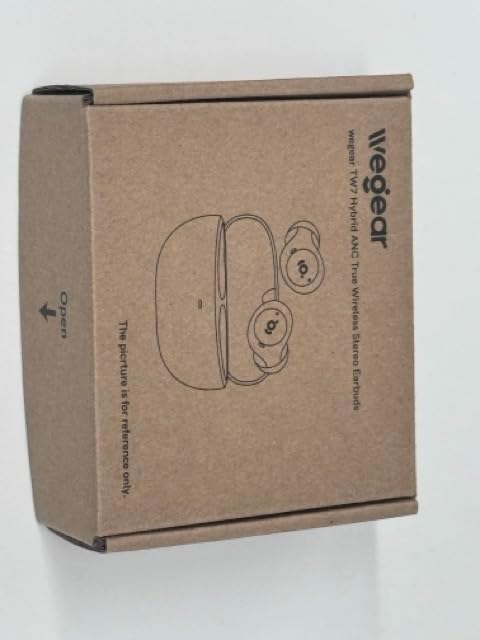
Image: Top view of the wegear TW7 earbud product box, made of brown cardboard, showing a line drawing of the earbuds and charging case.
Setup
1. Charging the Earbuds and Case
Before first use, fully charge the earbuds and the charging case. Connect the charging case to a USB power source using the provided USB cable. The indicator light on the case will show charging status.
- A full charge provides up to 8 hours of listening time for the earbuds (ANC off) and a total of 32 hours with the charging case.
- With ANC on, the total playtime is reduced to 28 hours.

Image: A diagram illustrating the battery life of the wegear TW7 earbuds. It shows 8 hours of single charge playtime (ANC off) and 32 hours total with the charging case, or 7 hours single charge playtime (ANC on) and 28 hours total with the charging case.
2. Pairing with a Device
- Open the charging case. The earbuds will automatically enter pairing mode.
- On your device (smartphone, laptop, tablet), enable Bluetooth.
- Search for "wegear TW7" in the list of available Bluetooth devices.
- Select "wegear TW7" to connect. Once connected, a voice prompt will confirm successful pairing.
The earbuds utilize Bluetooth 5.4 technology for a stable connection up to 40 feet.

Image: A close-up of a microchip labeled "Bluetooth 5.4", representing the advanced connectivity technology used in the earbuds.
3. Choosing the Right Ear Tips
For optimal sound quality and comfort, select the ear tips that best fit your ears. The package includes Small (S), Medium (M), and Large (L) sizes.
- Try different sizes to find the most secure and comfortable fit.
- A good seal is crucial for effective noise cancellation and bass performance.

Image: The wegear TW7 earbuds displayed next to three pairs of silicone ear tips in small, medium, and large sizes, highlighting their lightweight design at 4 grams.
Operating Instructions
Touch Controls
The wegear TW7 earbuds feature intuitive touch controls on both the left (L) and right (R) earbuds. Functions may vary slightly depending on whether one or both earbuds are in use.
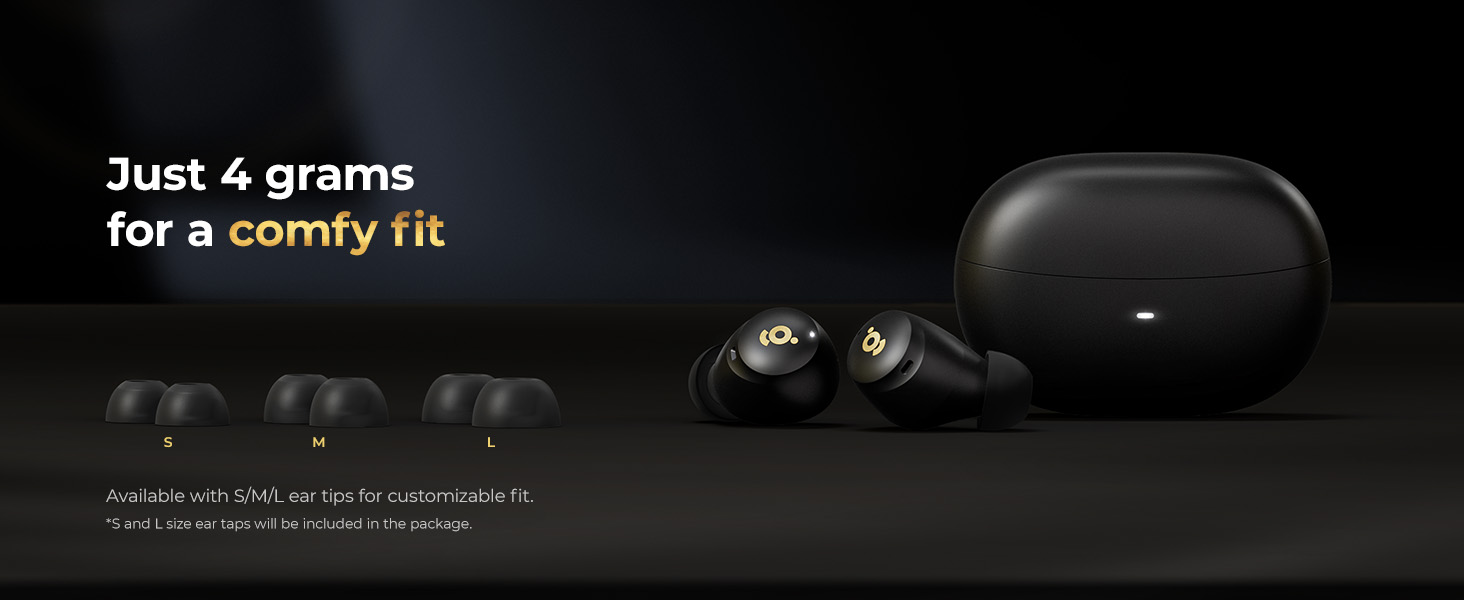
Image: A visual guide to the touch controls on the wegear TW7 earbuds. It shows that a double click on either earbud controls play/pause, answer/hang up calls. A triple click on the left earbud activates the voice assistant, while on the right earbud it skips to the next song. A 1.5-second long press on the left earbud activates low latency mode or rejects a call, and on the right earbud, it cycles through ANC ON/OFF/Transparent mode or rejects a call.
| Action | Left Earbud (L) | Right Earbud (R) |
|---|---|---|
| Double Click | Play / Pause, Answer / Hang Up Call | Play / Pause, Answer / Hang Up Call |
| Triple Click | Voice Assistant | Next Song |
| Long Press (1.5s) | Low Latency Mode, Reject Call | ANC ON / ANC OFF / Transparent Mode, Reject Call |
Note: Noise reduction modes (ANC/Transparent) cannot be used or switched when only one earbud is in use.
Active Noise Cancellation (ANC) and Transparency Mode
The wegear TW7 earbuds feature Hybrid Active Noise Cancellation, which effectively minimizes background sounds by combining internal and external microphones. This allows for a more focused listening experience.

Image: A woman wearing the wegear TW7 earbuds in a busy environment, illustrating the Hybrid Active Noise Cancellation feature. A graph shows the reduction of noise level with ANC activated.
To switch between ANC ON, ANC OFF, and Transparency Mode, long press the right earbud for 1.5 seconds. Transparency Mode allows you to hear your surroundings clearly without removing the earbuds, which is useful for conversations or being aware of your environment.

Image: A woman wearing wegear TW7 earbuds in an urban setting, demonstrating the Transparency Mode which allows ambient sounds to pass through.
Making and Receiving Calls
The earbuds are equipped with 6 built-in microphones and AI algorithms to enhance call clarity, reducing background and wind noise for clearer conversations.
- Answer/Hang Up Call: Double click either earbud.
- Reject Call: Long press either earbud for 1.5 seconds.

Image: A man wearing wegear TW7 earbuds in a busy outdoor setting, illustrating the clear call feature with 6 microphones and AI noise cancellation.
Maintenance
Cleaning Your Earbuds
Regular cleaning helps maintain sound quality and hygiene.
- Gently wipe the earbuds and charging case with a soft, dry, lint-free cloth.
- Remove ear tips and clean them with mild soap and water, then dry thoroughly before reattaching.
- Use a dry cotton swab to clean the mesh and charging contacts, ensuring no debris accumulates.
Water Resistance (IPX5)
The wegear TW7 earbuds are IPX5 water-resistant, meaning they are protected against sweat and light rain. They are not designed for submersion in water or for use during swimming.

Image: A woman with water splashing on her face, wearing wegear TW7 earbuds, demonstrating their IPX5 water resistance against sweat and light rain.
- Avoid exposing the charging case to water, as it is not water-resistant.
- If earbuds get wet, wipe them dry before placing them back in the charging case.
Troubleshooting
| Problem | Possible Cause | Solution |
|---|---|---|
| Earbuds not pairing / Only one earbud working | Not in pairing mode, low battery, interference, earbuds not synced. |
|
| Poor sound quality / Low volume | Improper fit, dirty ear tips/mesh, low battery, audio source issue. |
|
| ANC not effective | Improper fit, ear tips not sealing, environmental noise too high. |
|
| Earbuds not charging | Dirty charging contacts, faulty cable/charger, case battery empty. |
|
If issues persist, please refer to the wegear support website or contact customer service.
Specifications
| Feature | Detail |
|---|---|
| Model Name | TW7 |
| Brand | wegear |
| Connectivity Technology | Wireless (Bluetooth 5.4) |
| Bluetooth Range | Up to 40 feet |
| Noise Control | Hybrid Active Noise Cancellation |
| Microphones | 6 Built-in Microphones with AI Call Noise Cancellation |
| Audio Driver Type | 10mm Dynamic Driver |
| Frequency Range | 20 Hz - 20,000 Hz |
| Battery Life (Earbuds) | Up to 8 hours (ANC off), 7 hours (ANC on) |
| Total Playtime (with Case) | Up to 32 hours (ANC off), 28 hours (ANC on) |
| Control Method | Touch |
| Water Resistance Level | IPX5 (Earbuds only) |
| Earbud Weight | 4g each |
| Product Dimensions | 3.5 x 4.3 x 1.4 inches (packaging) |
| Item Weight | 3.17 ounces (total package) |
| UPC | 850068777068 |

Image: An illustration of a 10mm dynamic driver, highlighting its role in delivering wide frequency response, deep bass, and clear highs for premium sound quality.
Warranty and Support
For warranty information and customer support, please visit the official wegear website or contact their customer service team directly. Details regarding product registration, troubleshooting assistance, and warranty claims can typically be found on their support pages.
Online Support: Visit the wegear Store on Amazon