
1. Product Overview
The ASHATA Smart Fitness Tracker Watch is designed to assist users in monitoring their fitness activities and daily health metrics. It features a high-definition color screen, multiple sports modes, sleep tracking, and smart notifications.

Image 1.1: Front view of the ASHATA Smart Fitness Tracker Watch, showcasing its rectangular display and red silicone strap.
2. Setup Guide
2.1 Initial Charging
Before first use, fully charge the device. Connect the provided USB charging cable to the charging port on the watch and a standard USB power adapter (not included). A full charge typically takes approximately 2 hours.
2.2 App Installation and Pairing
- Download the Companion App: Search for the official ASHATA fitness app on your smartphone's app store (compatible with Android and iOS devices).
- Create an Account: Open the app and follow the on-screen instructions to create a user account.
- Enable Bluetooth: Ensure Bluetooth is enabled on your smartphone.
- Pair the Device: Within the app, navigate to the device pairing section. Select your ASHATA Smart Fitness Tracker Watch from the list of available devices. Follow any prompts on both the watch and the app to complete the pairing process.

Image 2.1: The fitness tracker displaying data while connected to its companion smartphone application, illustrating the integration of device and software.
2.3 Wearing the Device
Wear the watch on your wrist, ensuring it is snug but comfortable. The optical sensor on the back of the watch should be in contact with your skin for accurate heart rate and sleep monitoring.
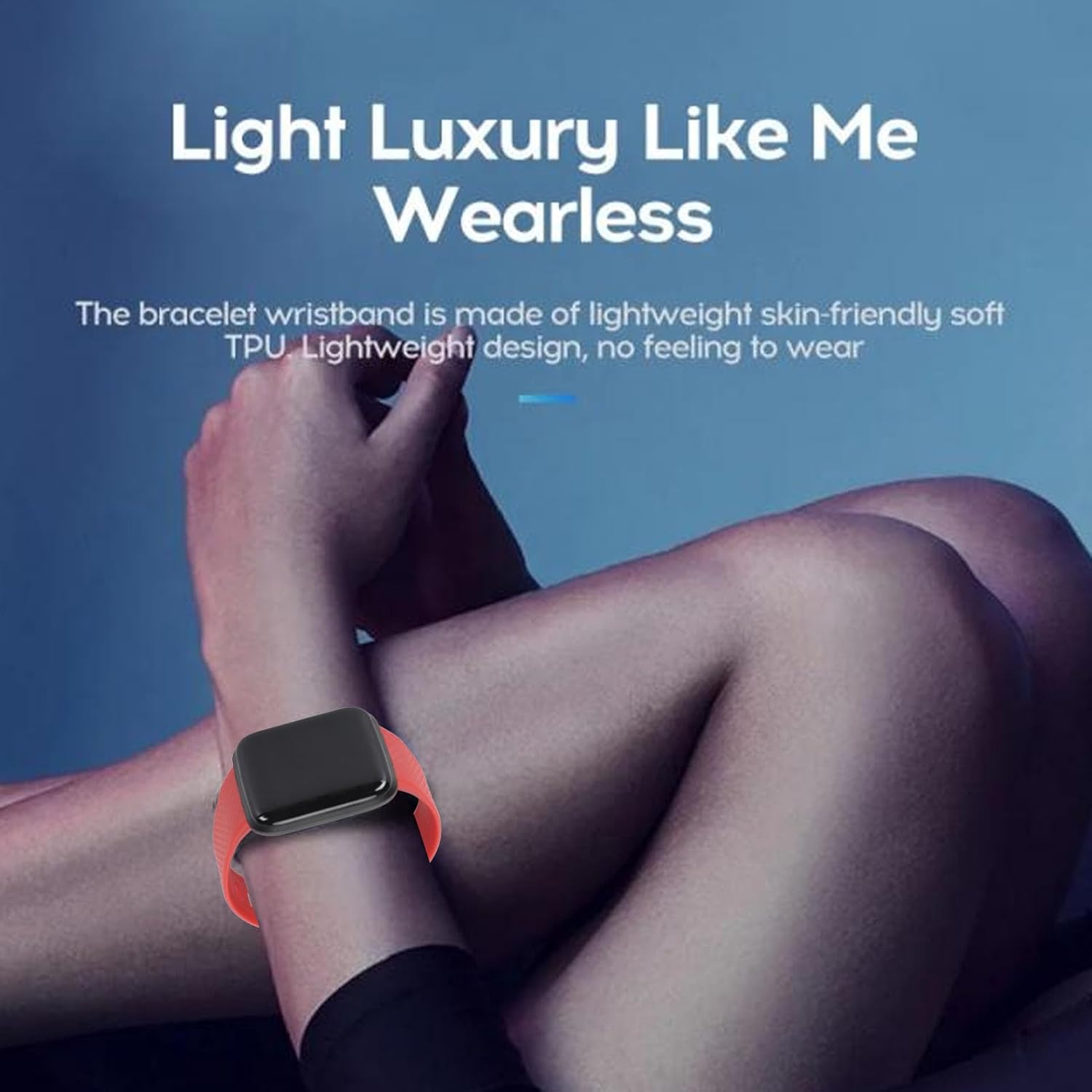
Image 2.2: The ASHATA Smart Fitness Tracker Watch comfortably worn on a user's wrist, highlighting its lightweight design and skin-friendly TPU strap.
3. Operating Instructions
3.1 Basic Navigation
The watch features a 1.44-inch high-definition color touchscreen. Swipe left, right, up, or down to navigate through menus and functions. Tap to select an option.
3.2 Key Features
- Activity Tracking: The watch tracks steps, distance, and calories burned throughout the day. Access this data directly on the watch or through the companion app.
- Multiple Exercise Modes: Select from various exercise modes such as walking, running, skipping rope, and sit-ups. The watch records specific data for each activity to help you monitor your performance.

Image 3.1: The fitness tracker shown alongside visual representations of various exercise activities it can monitor, including walking, jumping rope, and sit-ups.
- Sleep Monitoring: The watch automatically monitors your sleep patterns, analyzing deep sleep, light sleep, and awake times. View detailed sleep reports and scores in the app to understand and improve your sleep quality.
- Smart Notifications: When connected via Bluetooth to your smartphone, the watch displays notifications from various applications, including messages and social media alerts.
- Remote Camera Control: Use the watch as a remote shutter for your smartphone camera.
- Find My Phone: Activate this feature from the watch to make your paired smartphone ring, helping you locate it.
4. Maintenance
4.1 Cleaning
Regularly clean the watch and strap with a soft, damp cloth. Avoid using harsh chemicals or abrasive materials, which can damage the device. Ensure the charging contacts are clean and dry before charging.
4.2 Water Resistance
The ASHATA Smart Fitness Tracker Watch is IP68 waterproof, meaning it is resistant to dust and can withstand immersion in water up to 1.5 meters for up to 30 minutes. It is suitable for daily use, such as hand washing or light rain. Avoid prolonged immersion, hot water, or steam.
4.3 Battery Care
To prolong battery life, avoid fully discharging the watch frequently. Charge the device when the battery level is low. The watch offers a standby time of up to 30 days on a single charge.
5. Troubleshooting
- Device Not Turning On: Ensure the watch is fully charged. Connect it to the charger for at least 10 minutes before attempting to power it on again.
- Unable to Pair with Phone:
- Ensure Bluetooth is enabled on your phone and the watch is within range.
- Restart both your phone and the watch.
- Clear the Bluetooth cache on your phone or forget the device in Bluetooth settings, then attempt to re-pair through the app.
- Inaccurate Data (Steps, Heart Rate, Sleep):
- Ensure the watch is worn snugly on your wrist, with the sensor in proper contact with your skin.
- Check for any obstructions or dirt on the sensor.
- Ensure your personal information (height, weight) is accurately entered in the companion app.
- Notifications Not Appearing:
- Verify that the watch is successfully paired with your phone.
- Check notification permissions for the app on your phone.
- Ensure notifications are enabled within the ASHATA companion app.
6. Specifications
| Model Number | ASHATAypuvc8xbs4-12 |
| Display | 1.44-inch HD Color Touchscreen |
| Connectivity | Bluetooth (for phone pairing), USB (for charging) |
| Water Resistance | IP68 |
| Battery Life | Up to 30 days standby |
| Strap Material | TPU |
| Compatible OS | Android, iOS |
| Product Dimensions | 4.72 x 3.15 x 1.18 inches |
| Item Weight | 1.38 ounces |
7. Warranty and Support
For warranty information and customer support, please refer to the documentation included with your purchase or visit the official ASHATA website. You may also contact the seller directly for assistance.
For more information about ASHATA products, visit the ASHATA Store.