
1. Introduction
Thank you for choosing uxcell QC Pass Labels. These 1-inch round green labels are designed to streamline your quality control and inventory management processes. Made from durable coated paper, they are wear-resistant and feature a strong adhesive for reliable application. This manual provides essential information for the effective use and care of your labels.
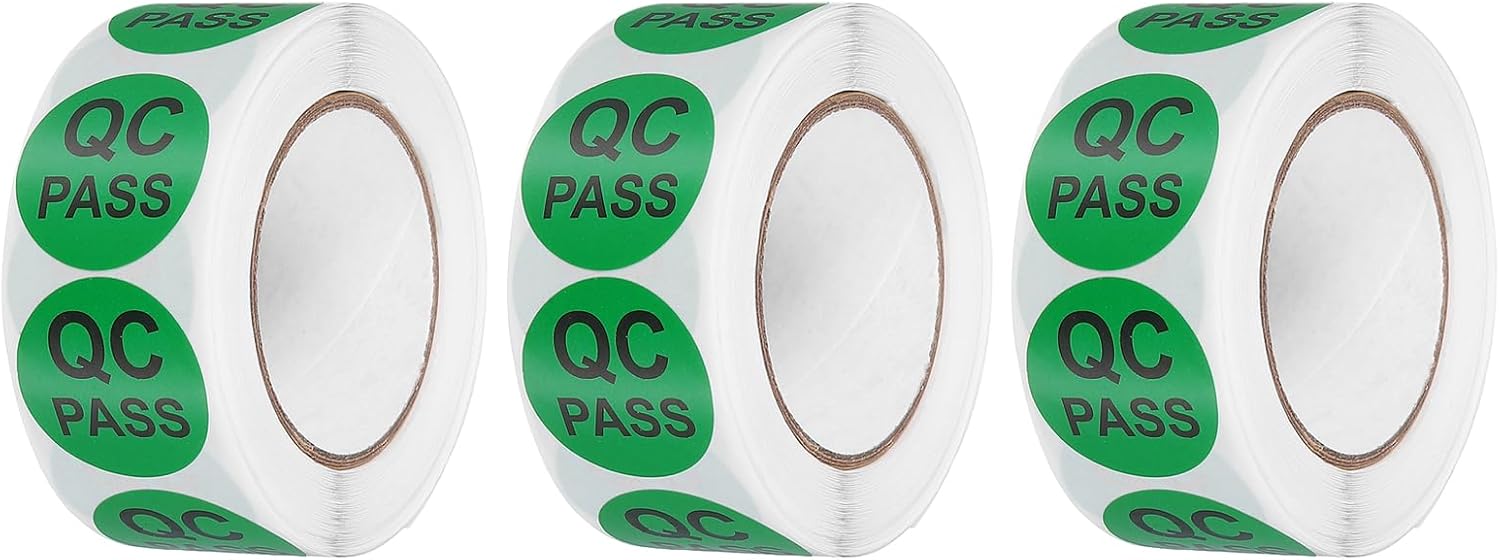
Image 1.1: Three rolls of uxcell QC Pass Labels, ready for use in quality control and inventory management.
2. Product Features
The uxcell QC Pass Labels offer several key features for efficient use:
- Quantity: Each package contains 3 rolls, totaling 1500 individual 1-inch (25mm) round labels, providing ample supply for various needs.
- Durable Material: Constructed from high-quality coated paper, these labels are designed to resist wear, tearing, and fading, ensuring long-lasting adherence in diverse environments.
- High Visibility: The vibrant green color combined with clear "QC PASS" text ensures immediate recognition and reduces potential errors in quality inspection.
- Easy Application: Labels are designed for easy peeling from the roll and adhere securely to most clean, smooth, and dry surfaces.
- Versatile Use: Ideal for quality control, manufacturing, production, product testing, warehouse management, inventory control, and shipping processes.
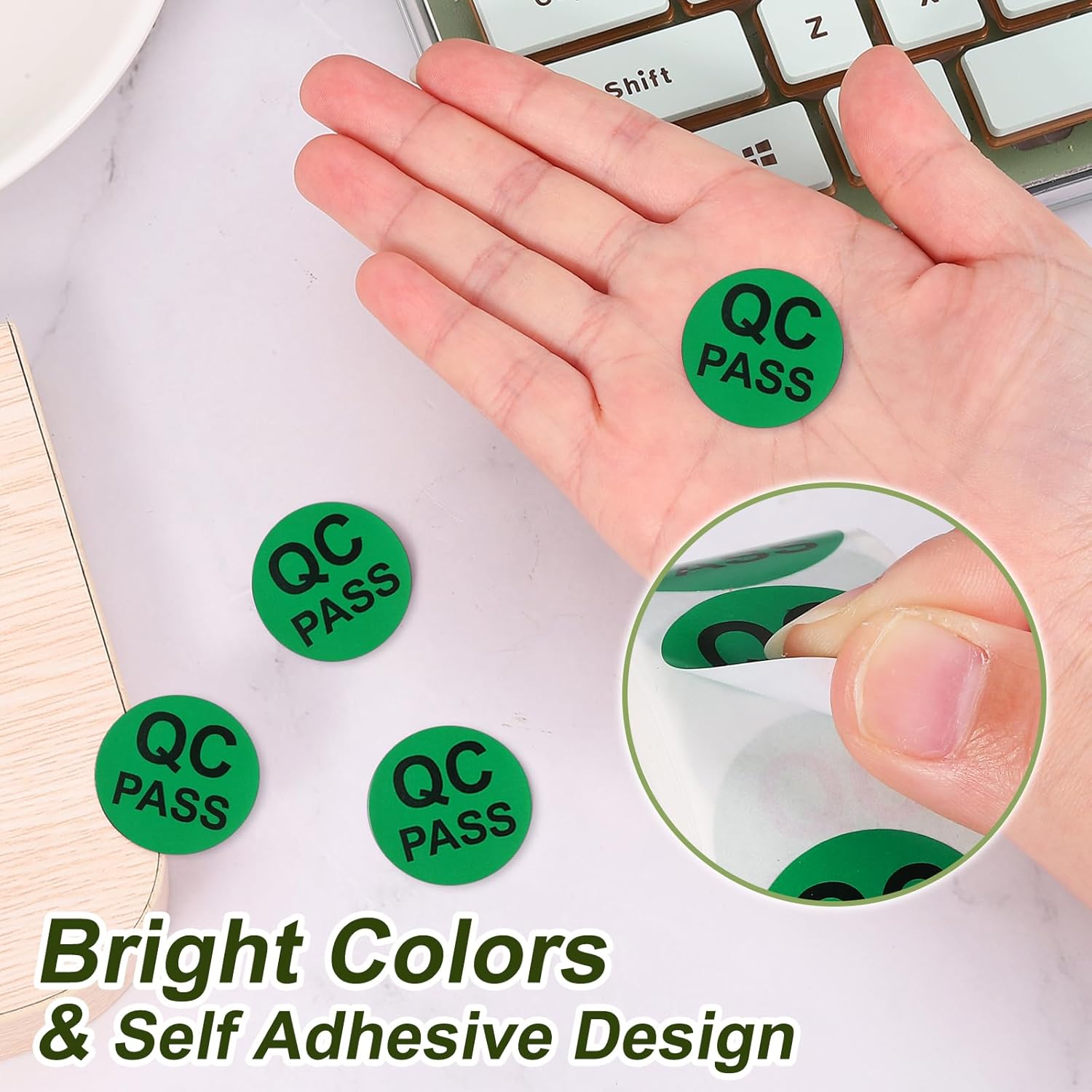
Image 2.1: A hand demonstrating the easy peel-and-stick application of the bright green QC Pass labels.
3. Setup and Preparation
Proper preparation ensures optimal adhesion and longevity of the labels.
3.1 Unpacking
Carefully remove the rolls of labels from their packaging. Inspect the rolls for any visible damage. Each package contains 3 rolls, with approximately 500 labels per roll.
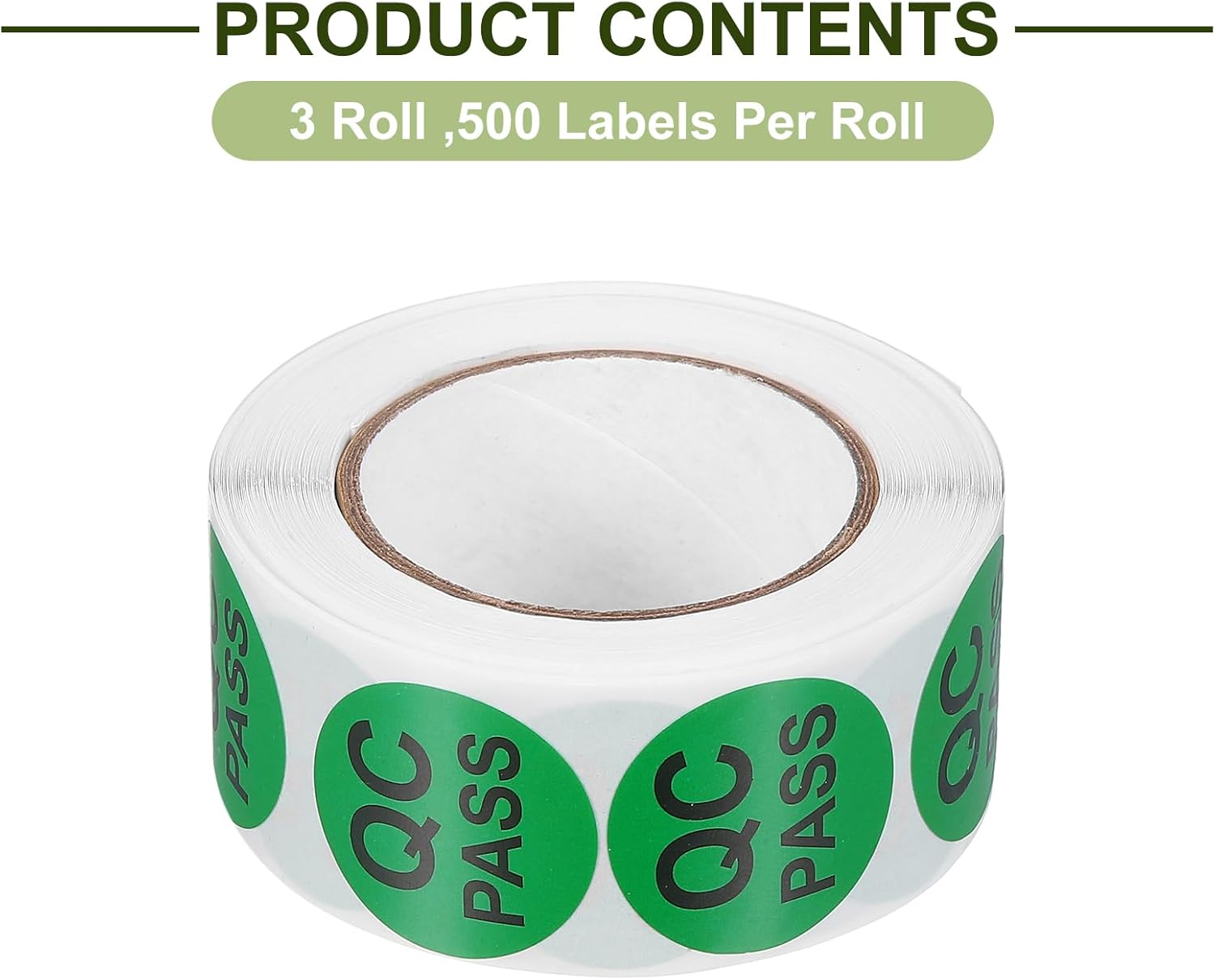
Image 3.1: A close-up of a single roll, indicating the product contents of 3 rolls with 500 labels per roll.
3.2 Surface Preparation
For best results, ensure the surface where the label will be applied is:
- Clean: Free from dust, dirt, grease, or other contaminants. Use a clean cloth to wipe the surface if necessary.
- Dry: Ensure the surface is completely dry before application. Moisture can compromise adhesive effectiveness.
- Smooth: Labels adhere best to smooth, non-porous surfaces such as cardboard, plastic, glass, metal, or shrink wrap.
4. Operating Instructions (Application)
Applying the QC Pass labels is a straightforward process:
- Select a Label: Unroll a small section of the label roll.
- Peel the Label: Gently peel one label from the backing paper. Avoid touching the adhesive side to maintain its stickiness.
- Position and Apply: Carefully position the label on the prepared surface. Once in place, press firmly from the center outwards to remove any air bubbles and ensure full contact with the surface.
- Secure Adhesion: Apply even pressure across the entire label, especially around the edges, to ensure a permanent hold.

Image 4.1: A green QC Pass label clearly applied to a brown cardboard box, demonstrating typical usage.

Image 4.2: A warehouse worker applying a quality control label to a package, illustrating practical application in an industrial setting.
5. Maintenance and Storage
To maintain the quality and adhesive properties of your labels, follow these storage guidelines:
- Store in a Cool, Dry Place: Keep label rolls away from direct sunlight, high temperatures, and excessive humidity. Extreme conditions can degrade the adhesive.
- Keep Sealed: If possible, store unused rolls in their original packaging or a sealed container to protect them from dust and moisture.
- Avoid Contamination: Prevent the adhesive side of the labels from coming into contact with dirt, oil, or other substances before application.
6. Troubleshooting
If you encounter issues with label adhesion, consider the following common causes and solutions:
6.1 Label Not Sticking Properly
- Dirty or Oily Surface: Ensure the application surface is thoroughly cleaned and free of any contaminants. Wipe with a damp cloth and allow to dry completely.
- Wet Surface: Labels will not adhere well to wet or damp surfaces. Ensure the surface is completely dry before application.
- Uneven Surface: While these labels are versatile, extremely textured or porous surfaces may reduce adhesion. Apply to the smoothest possible area.
- Temperature Extremes: Applying labels in very cold or very hot environments can affect initial tack. Apply at room temperature if possible.
- Expired or Damaged Adhesive: Though rare, if labels have been stored improperly for extended periods, the adhesive may degrade. Ensure proper storage as per Section 5.
7. Specifications
Detailed specifications for the uxcell QC Pass Labels:
| Attribute | Value |
|---|---|
| Brand | uxcell |
| Model Number | a24092700ux0947 |
| Sticker Text | QC PASS |
| Sticker Diameter | 25mm (1 inch) |
| Material | Coated Paper |
| Color | Green |
| Number of Rolls | 3 |
| Labels Per Roll | Approx. 500 |
| Total Labels | Approx. 1500 |
| Item Weight | 5.3 ounces |
| Package Dimensions | 6.5 x 5.12 x 1.34 inches |
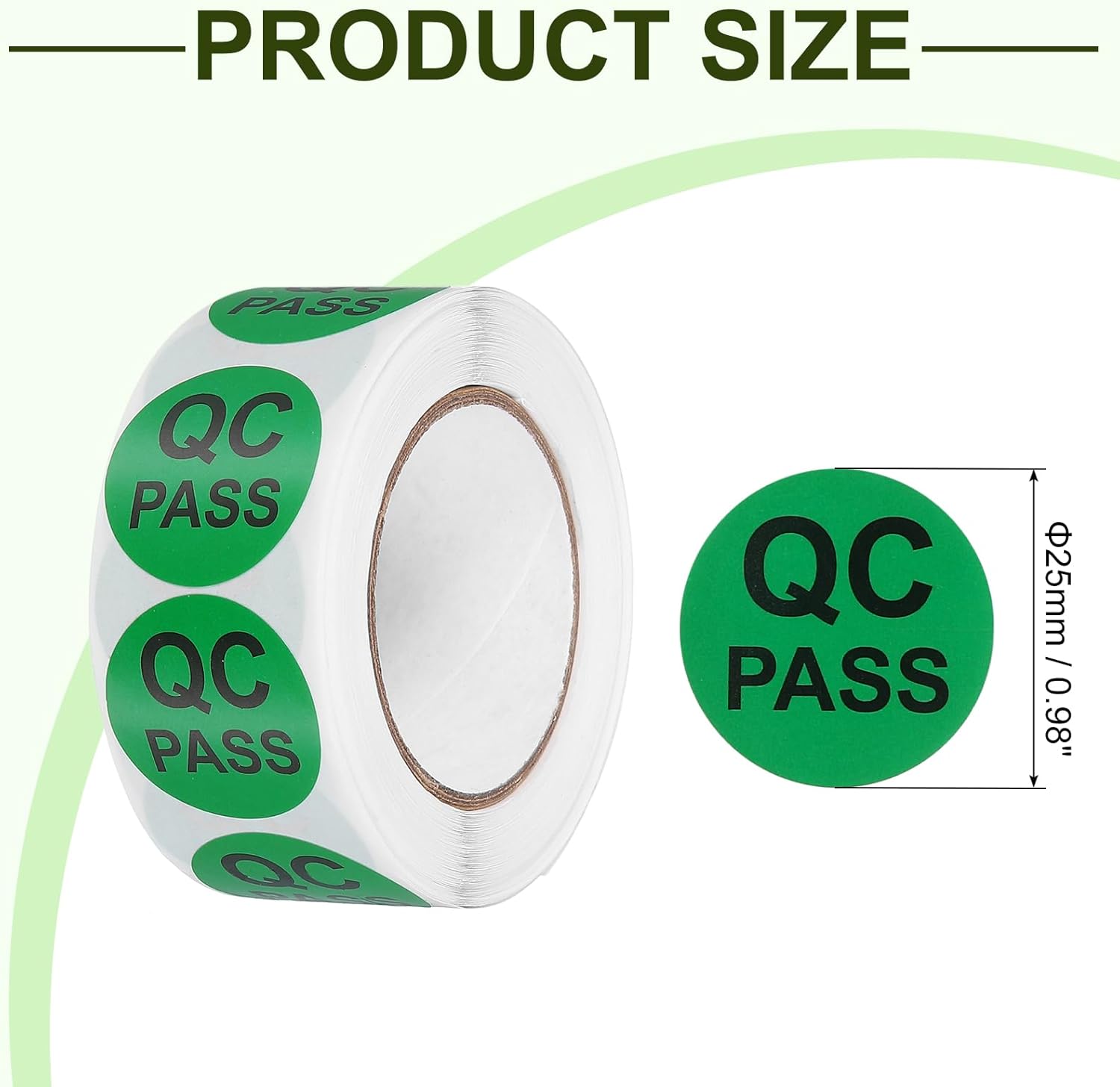
Image 7.1: A visual representation of the 25mm (0.98 inch) diameter of the QC Pass labels.
8. Warranty and Support
For any questions, concerns, or support regarding your uxcell QC Pass Labels, please refer to the seller's return policy or contact uxcell customer service through the platform where the purchase was made. Please retain your proof of purchase for any inquiries.
While these labels are designed for durability, proper application and storage as outlined in this manual will ensure their optimal performance.