
Introduction
This manual provides essential information for the proper setup, operation, and maintenance of your RDSJK Roomba Charger Dock. This replacement docking station is designed to provide reliable charging for a wide range of iRobot Roomba models, ensuring your robotic vacuum is always ready for use. Please read this manual thoroughly before using the product.

Image: The RDSJK Roomba Charger Dock, a black charging base with two metal contacts, accompanied by its power cord. This image displays the primary components of the product.
What's in the Box
Verify that all items are present in the package:
- 1x Roomba Charger Dock
- 1x US Standard Power Cable
- 1x Screwdriver
- 1x Cleaning Brush
- 2x Side Brushes
- 4x Double-Sided Adhesives

Image: A visual representation of all included accessories: the charger dock, power cable, a screwdriver, a cleaning brush, two green side brushes, and four orange double-sided adhesive pads.
Specifications
| Input Voltage | 100-240V |
| Input Power | 33W |
| Output | 20.5V-1.25A |
| Model Number | 17070 |
| Color | Black |
| Connector Type | 2-Pin |
| Special Feature | Fast Charging |
| Dimensions | 6.5 x 6.22 x 5.16 inches |
| Item Weight | 14.4 ounces |

Image: A close-up of the product label and a graphic detailing the input voltage (100-240V), input power (33W), and output (20.5V-1.25A).
Compatibility
This charger dock is compatible with a wide range of iRobot Roomba models, including:
- iRobot Roomba e-Series: e5, e6
- iRobot Roomba i-Series: i1, i3, i4, i5, i6, i7, i8
- iRobot Roomba j-Series: j5, j7, j9
- iRobot Roomba Legacy Series: All 500, 600, 700, 800, 900 Series models

Image: A visual guide displaying different Roomba models (i3, i4, i7, i8, 500, 600, 700, 800, 900, e5, e6 series) that are compatible with this charging dock.
Setup Instructions
- Unpack the Charger Dock: Carefully remove the charger dock and all accessories from the packaging.
- Choose a Location: Select a flat, open area against a wall for the charger dock. Ensure there are no obstacles within 1.5 feet (0.5 meters) on either side of the dock and 4 feet (1.2 meters) in front of it. This allows the Roomba to easily locate and dock.
- Connect Power: Plug the US standard power cable into the power port on the back of the charger dock.
- Plug into Outlet: Insert the other end of the power cable into a standard wall outlet.
- Verify Power: The indicator light on the charger dock should illuminate, indicating it is receiving power.
- Place Roomba: Manually place your Roomba onto the charging contacts of the dock. Ensure the contacts on the Roomba align with those on the dock. The Roomba should indicate that it is charging.
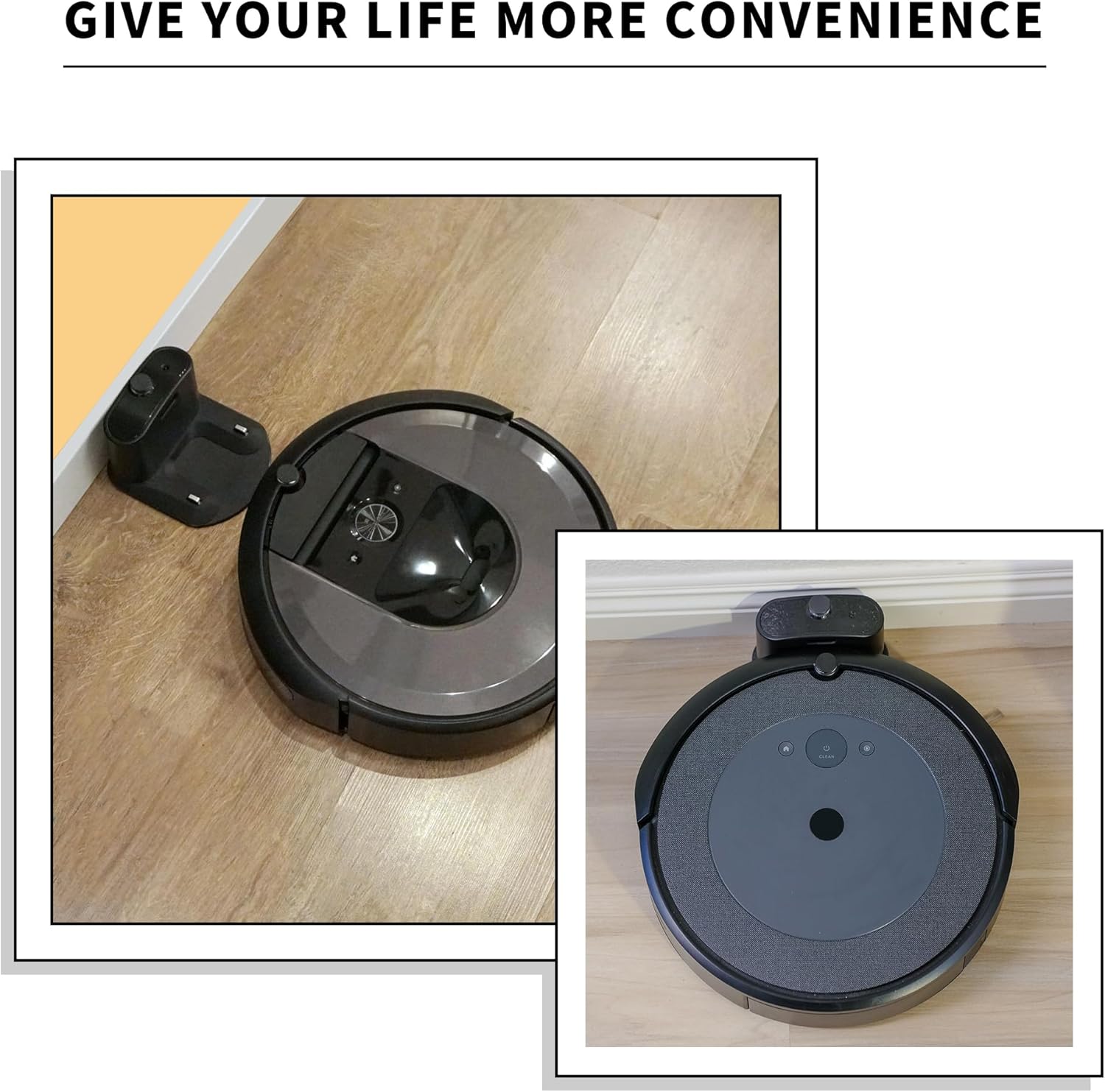
Image: A Roomba robot vacuum positioned next to its charging dock, illustrating how the robot approaches and connects to the base for charging.
Operating Instructions
Once the charger dock is set up, your Roomba will automatically return to it to recharge when its battery is low or when a cleaning cycle is complete. You can also manually place the Roomba on the dock to initiate charging.
- Automatic Charging: Ensure the charger dock is always plugged into a live power outlet. The Roomba will navigate back to the dock on its own.
- Manual Charging: Align the Roomba's charging contacts with those on the dock and gently push it forward until it clicks into place. The Roomba will emit a tone and its battery indicator will show it is charging.
- Charging Indicator: The LED on the charger dock indicates its power status. Refer to your Roomba's manual for specific charging status indicators on the robot itself.
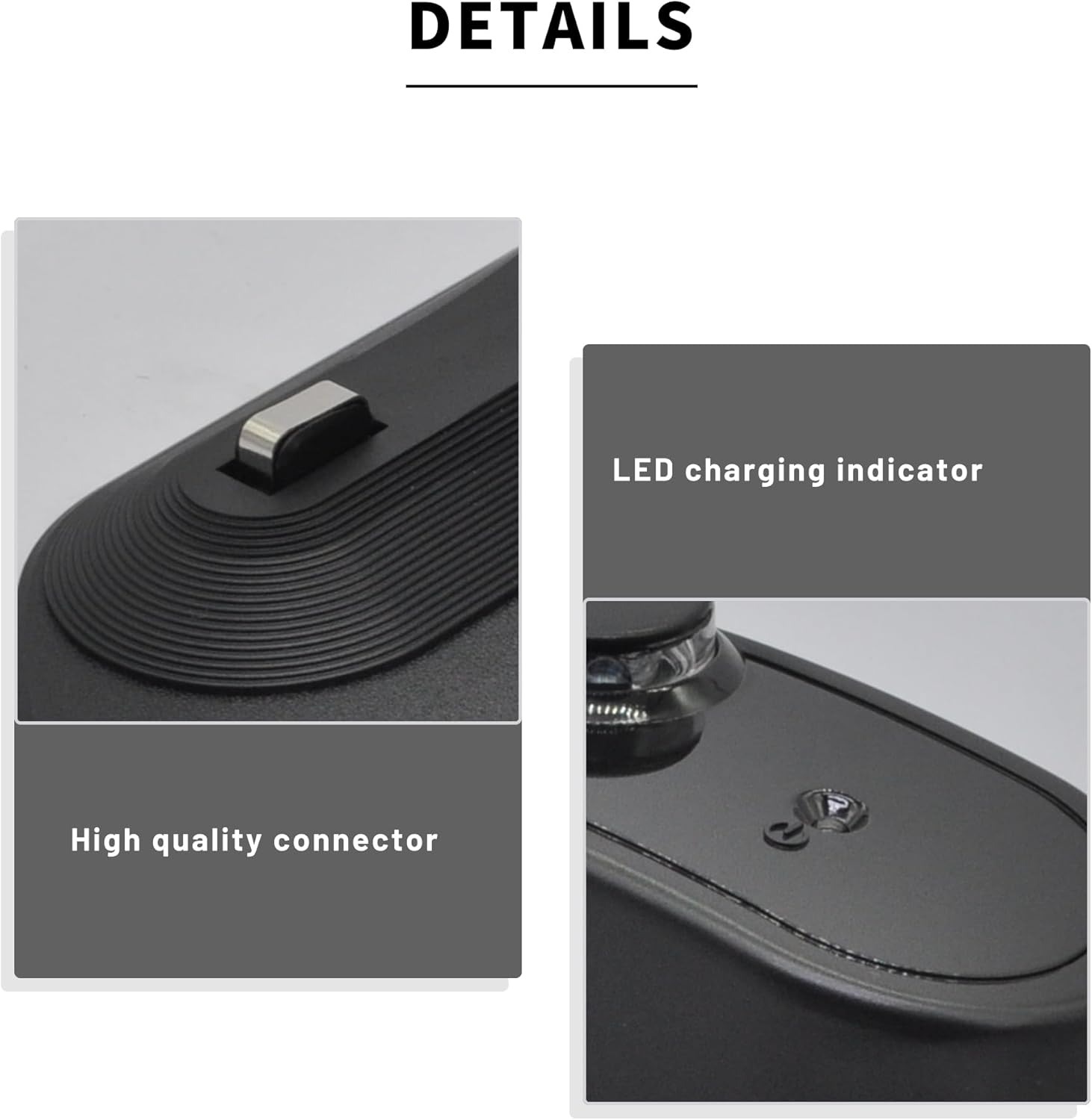
Image: Detailed views of the charger dock, highlighting the LED charging indicator and the design of the high-quality connector pins.
Maintenance
Regular maintenance ensures optimal performance and longevity of your charger dock:
- Clean Charging Contacts: Periodically wipe the metal charging contacts on both the dock and your Roomba with a clean, dry cloth. Dust and debris can interfere with charging.
- Keep Area Clear: Ensure the area around the charger dock remains free of clutter, which could obstruct the Roomba's path to the dock.
- Power Cord Inspection: Regularly check the power cord for any signs of damage. If damaged, discontinue use and replace it.
- Storage: If storing the dock for an extended period, unplug it from the wall outlet.
Troubleshooting
If you encounter issues with your charger dock, refer to the following common solutions:
| Problem | Possible Cause | Solution |
|---|---|---|
| Roomba not charging on dock. | Dirty charging contacts, dock not powered, Roomba not properly seated. | Clean charging contacts on both Roomba and dock. Ensure dock is plugged in and receiving power. Reposition Roomba to ensure proper contact. |
| Dock indicator light is off. | No power to the dock. | Check if the power cable is securely plugged into both the dock and the wall outlet. Test the outlet with another device. |
| Roomba cannot find the dock. | Obstructions around the dock, dock placed in a hidden location. | Ensure the area around the dock is clear (1.5 ft on sides, 4 ft in front). Relocate the dock to a more open area. |

Image: An illustration highlighting the safety features of the charger dock, such as protection against over-charge, over-discharge, over-voltage, over-current, and over-temperature.
Warranty and Support
For warranty information or technical support, please refer to the contact details provided with your purchase or visit the manufacturer's official website. Keep your purchase receipt as proof of purchase for any warranty claims.
Manufacturer: RDSJK