
DEWALT DXMA1311328
DEWALT Heavy Duty 4-Port USB-C Charger Block User Manual
Model: DXMA1311328 | Brand: DEWALT
1. Introduction
Thank you for choosing the DEWALT Heavy Duty 4-Port USB-C Charger Block. This robust charging station is designed to provide efficient and intelligent power delivery for up to four devices simultaneously, making it ideal for various work environments and personal use. Its durable construction and intelligent power sharing capabilities ensure reliable and optimized charging for your electronics.

Figure 1: DEWALT Heavy Duty 4-Port USB-C Charger Block and its packaging.
2. Safety Information
Please read all safety instructions carefully before using this product. Failure to follow these instructions may result in electric shock, fire, or serious injury.
- Do not expose the charger to rain or wet conditions.
- Do not operate the charger if it has received a sharp blow, been dropped, or otherwise damaged.
- Do not disassemble the charger. Refer all servicing to qualified service personnel.
- Ensure the power cord is fully inserted into the wall outlet and the charger.
- This charger features built-in Overheating Safeguard, Short-Circuit Protection, and Overvoltage Defense for enhanced safety.

Figure 2: Integrated safety features of the charging block.
3. Product Overview
The DEWALT 4-Port USB-C Charger Block is equipped with multiple ports and a durable design for demanding environments.
Components:
- 3 x USB Type-C Ports: For high-speed charging of compatible devices.
- 1 x USB Type-A Port: For standard USB device charging.
- Integrated 6ft Power Cord: Provides extended reach and flexibility.
- Durable Casing: Designed for heavy-duty use.

Figure 3: Detailed view of the charger's ports and 100W cable.
4. Setup
Setting up your DEWALT Charger Block is straightforward:
- Uncoil the integrated 6ft power cord.
- Plug the power cord into a standard 120V AC wall outlet. Ensure the outlet is easily accessible.
- The charger is now ready to power your devices.
Mounting Option:
For added convenience, the charger features a keyhole mounting option, allowing it to be securely mounted on a wall or workbench.

Figure 4: Convenient keyhole mounting option for secure placement.
5. Operating Instructions
The DEWALT Charger Block is designed for intelligent and efficient charging of various devices.
Charging Devices:
- Connect your device's charging cable to one of the available USB-C or USB-A ports on the charger.
- Connect the other end of the cable to your device.
- The charger will automatically detect your device and begin charging, intelligently distributing power for optimized charging speeds.
Key Features:
- 100W Intelligent Power Sharing: The charger efficiently distributes up to 100W of power based on the connected devices' requirements, ensuring fast and optimized charging for smartphones, tablets, laptops, and other USB-powered devices.
- Charge Four Devices Simultaneously: Power up to four devices at once without compromising charging speed.
- DEWALT Battery Compatibility: This USB-C charging hub is fully compatible with DEWALT 20V MAX* and FLEXVOLT Batteries when used with the DEWALT Battery Charger Kit (DCB094K).
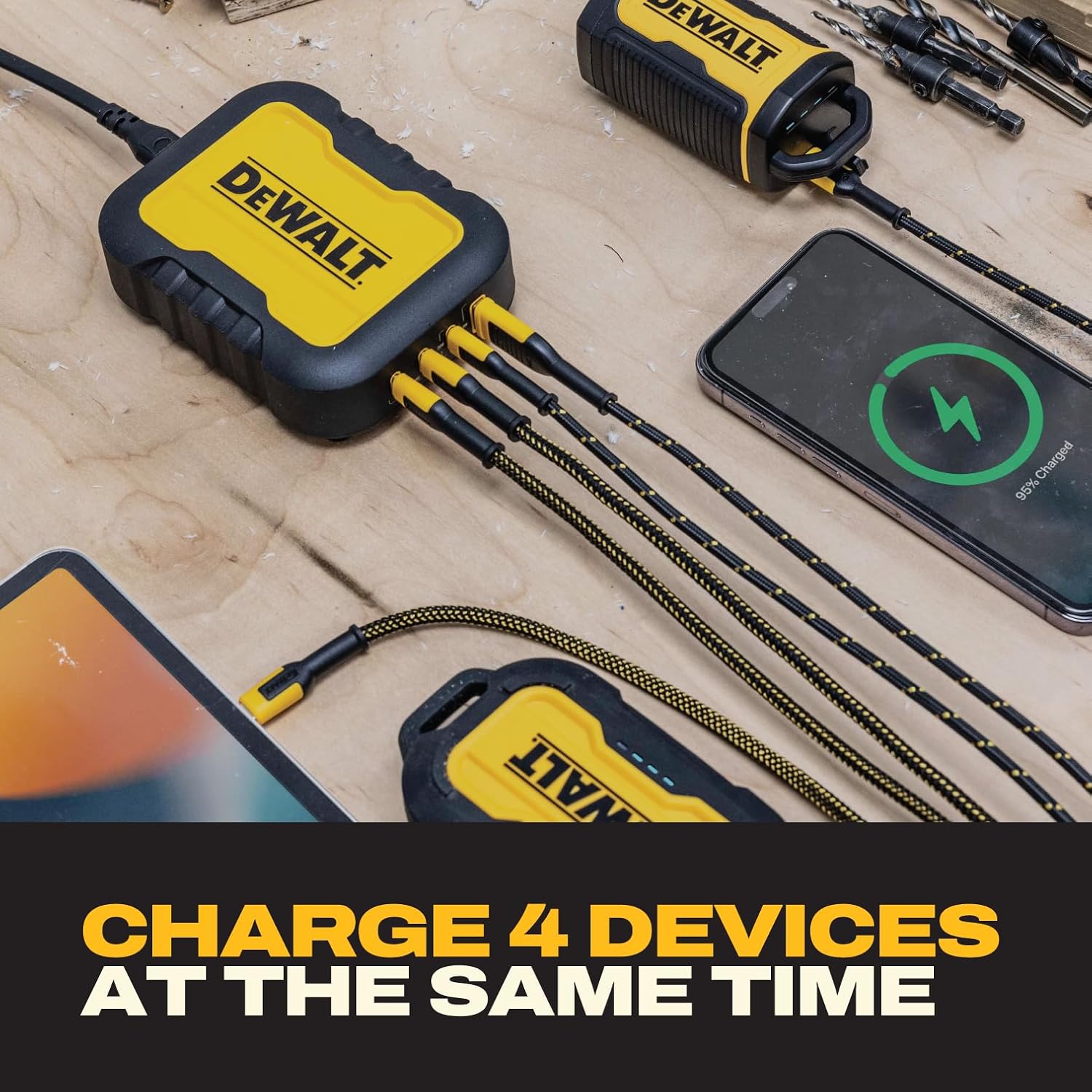
Figure 5: Charging multiple devices at the same time.
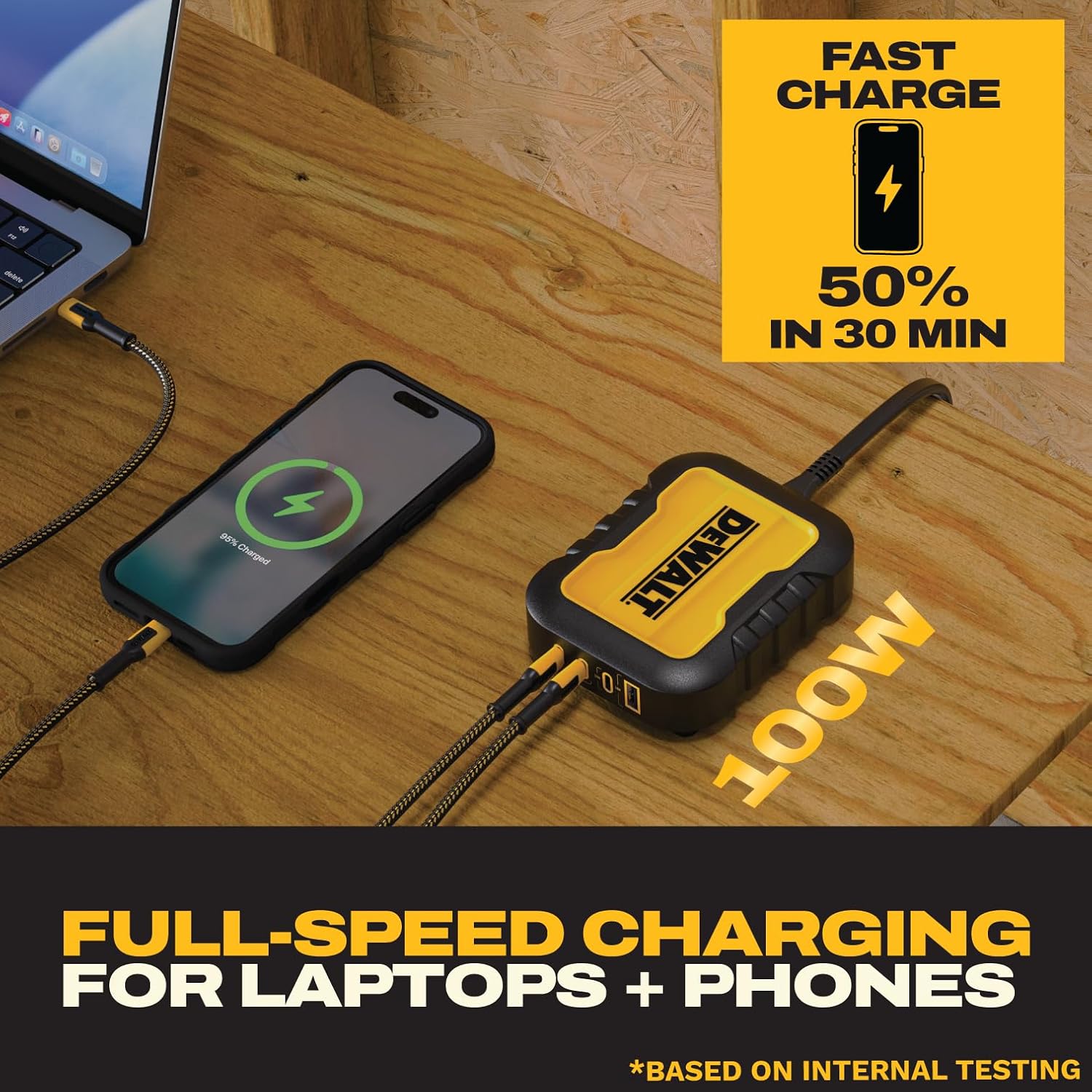
Figure 6: Fast charging capabilities for compatible devices.

Figure 7: Universal compatibility with a wide range of electronic devices.
6. Maintenance
To ensure the longevity and optimal performance of your DEWALT Charger Block, follow these simple maintenance guidelines:
- Cleaning: Disconnect the charger from the power outlet before cleaning. Use a soft, dry cloth to wipe down the exterior. Do not use abrasive cleaners, solvents, or immerse the unit in water.
- Storage: When not in use, store the charger in a cool, dry place away from direct sunlight and extreme temperatures.
- Cord Care: Avoid kinking or sharply bending the power cord. Do not place heavy objects on the cord.
7. Troubleshooting
If you encounter issues with your DEWALT Charger Block, refer to the following common problems and solutions:
| Problem | Possible Cause | Solution |
|---|---|---|
| No power to charger | Power cord not fully plugged in; Wall outlet not active; Circuit breaker tripped. | Ensure power cord is securely plugged into both the charger and the wall outlet. Test the wall outlet with another device. Check your home's circuit breaker. |
| Device not charging or charging slowly | Faulty charging cable; Device not compatible; Overloaded ports; Device battery issue. | Try a different charging cable. Ensure your device is compatible with USB-C or USB-A charging. Disconnect some devices if charging multiple high-power devices. Consult your device's manual. |
| Charger feels warm | Normal operation during high-power charging; Poor ventilation. | A slight warmth is normal. Ensure the charger is in a well-ventilated area and not covered. If it becomes excessively hot, disconnect immediately and contact support. |
If the problem persists after attempting these solutions, please contact DEWALT customer support.
8. Specifications
| Feature | Detail |
|---|---|
| Model Number | DXMA1311328 |
| Product Dimensions | 1.33 x 3.74 x 4.72 inches |
| Item Weight | 1 pound |
| Input Voltage | Standard AC (as per region) |
| Output Voltage | 5 Volts (variable based on device and port) |
| Total Power Output | Up to 100W (Intelligent Power Sharing) |
| Ports | 3 x USB Type-C, 1 x USB Type-A |
| Cord Length | 6 feet |
| Color | Black/Yellow |
| Certifications | UL, FCC |
| Manufacturer | E-filliate Inc. |
9. Warranty and Support
The DEWALT Heavy Duty 4-Port USB-C Charger Block comes with a Limited Lifetime Warranty, reflecting DEWALT's commitment to quality and durability. For detailed warranty terms and conditions, please refer to the warranty card included with your product or visit the official DEWALT website.
Customer Support:
For technical assistance, troubleshooting, or warranty claims, please contact DEWALT customer support through their official website or the contact information provided in your product packaging. Please have your model number (DXMA1311328) and purchase information ready when contacting support.