
1. Introduction
This manual provides detailed instructions for the proper use and care of your GUESS Trend GW0785G3 Men's Chronograph Watch. Please read this manual thoroughly to ensure optimal performance and longevity of your timepiece. This watch features a precise quartz movement, chronograph functionality, and a durable stainless steel construction.

Image 1.1: Front view of the GUESS Trend GW0785G3 Chronograph Watch, showcasing its black dial, silver-tone case, and integrated bracelet.
2. Setup and Initial Adjustment
Before using your watch, it is important to set the correct time and date. Familiarize yourself with the crown and pushers located on the side of the watch case.

Image 2.1: Side view illustrating the watch crown (A) and chronograph pushers (B and C) for time and function adjustments.
2.1 Setting the Time
- Pull the crown (A) out to position 2. The second hand will stop.
- Turn the crown (A) to move the hour and minute hands to the desired time.
- Push the crown (A) back to position 0 to start the watch.
2.2 Setting the Date
- Pull the crown (A) out to position 1.
- Turn the crown (A) clockwise or counter-clockwise to set the correct date.
- Push the crown (A) back to position 0.
2.3 Chronograph Hand Reset (If needed)
If the chronograph hands (seconds, minutes, or 24-hour) do not reset to the zero position after using the chronograph, follow these steps:
- Pull the crown (A) out to position 2.
- Press pusher B (top) to advance the chronograph second hand. Press pusher C (bottom) to advance the chronograph minute hand. Press pusher B and C simultaneously to advance the 24-hour sub-dial hand.
- Adjust each hand until it points precisely to the 12 o'clock (zero) position.
- Once all chronograph hands are aligned, push the crown (A) back to position 0.
3. Operating the Chronograph
Your GUESS Trend GW0785G3 watch is equipped with a chronograph function for measuring elapsed time. The watch features three sub-dials: a 24-hour indicator, a chronograph minute counter, and a chronograph second counter.
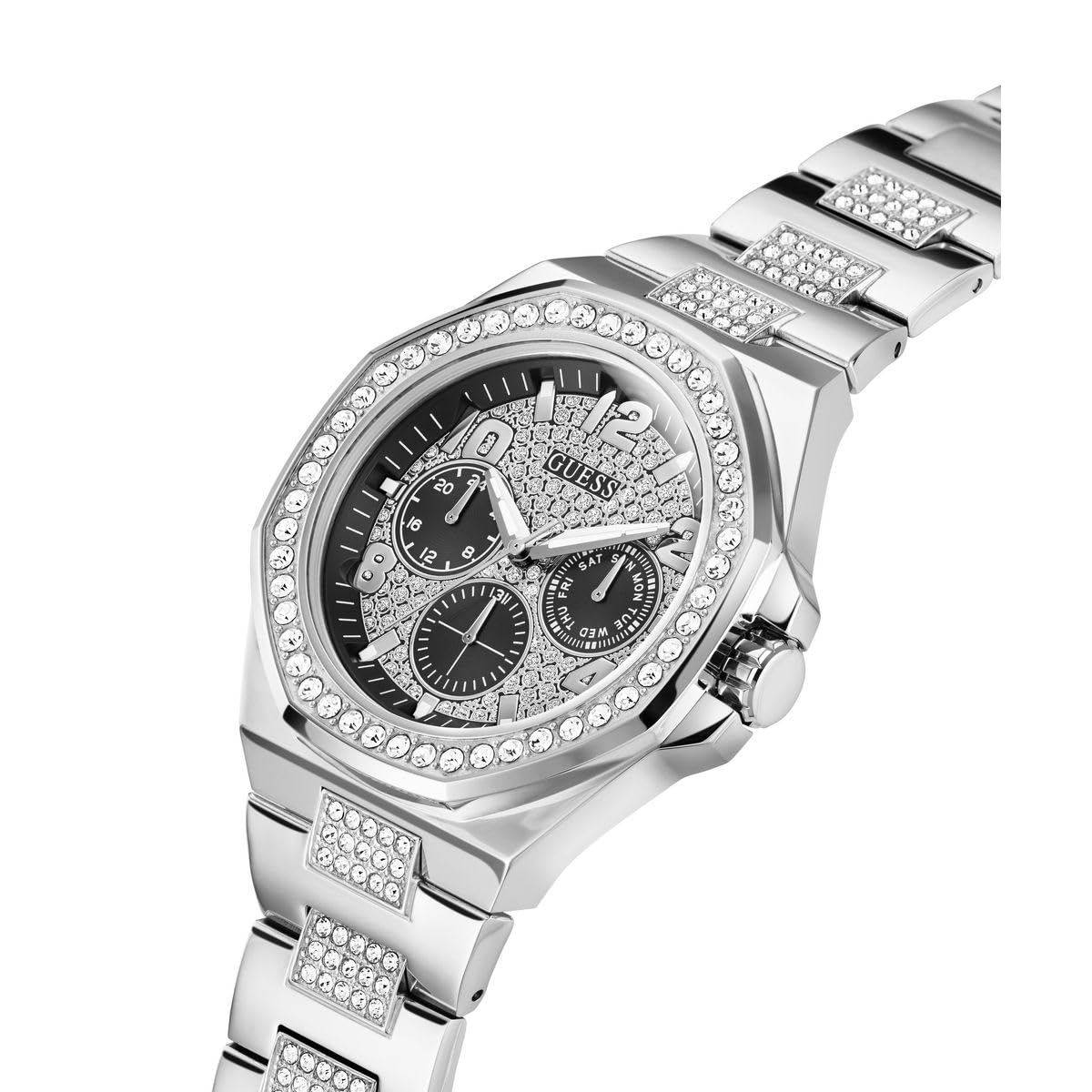
Image 3.1: Angled view of the watch dial, highlighting the chronograph sub-dials and their positions.
3.1 Starting and Stopping the Chronograph
- To start the chronograph, press pusher B (top pusher). The chronograph second hand will begin to move.
- To stop the chronograph, press pusher B again. The chronograph second and minute hands will stop, indicating the elapsed time.
3.2 Resetting the Chronograph
- After stopping the chronograph (as described above), press pusher C (bottom pusher).
- All chronograph hands will instantly return to their zero positions.
3.3 Reading the Chronograph
- The large central second hand measures chronograph seconds.
- The sub-dial at the 9 o'clock position indicates chronograph minutes (up to 60 minutes).
- The sub-dial at the 3 o'clock position displays the day of the week.
- The sub-dial at the 6 o'clock position indicates the 24-hour time.
4. Care and Maintenance
Proper care will help maintain the appearance and functionality of your GUESS watch.
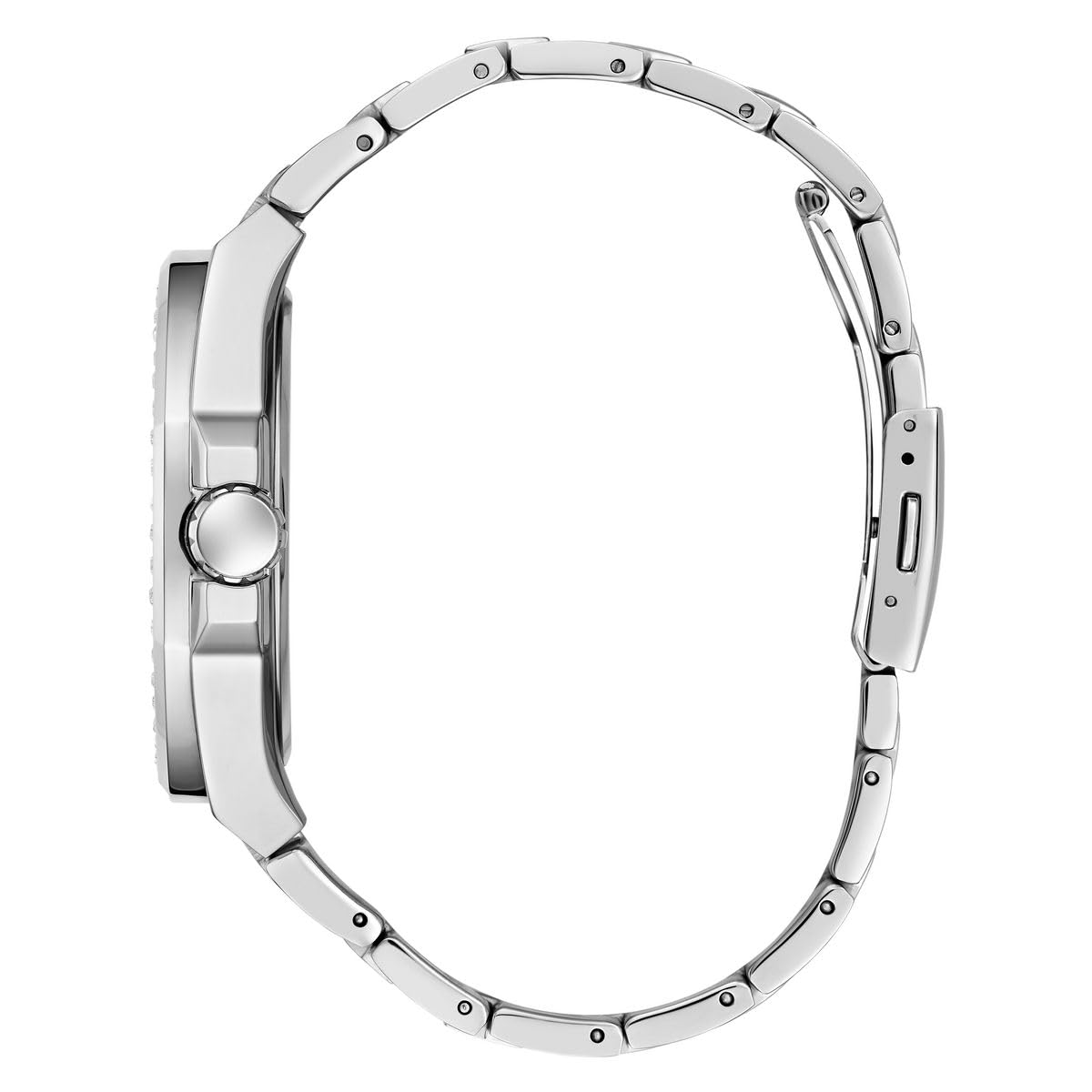
Image 4.1: Side profile of the watch, illustrating the case and bracelet construction.
4.1 Cleaning Your Watch
- Wipe the watch case and bracelet regularly with a soft, dry cloth to remove dust and dirt.
- For stainless steel bracelets, a soft brush and mild soapy water can be used, followed by thorough rinsing and drying. Ensure the crown is pushed in before cleaning with water.
- Avoid using harsh chemicals, solvents, or abrasive cleaners, as these can damage the watch's finish.
4.2 Water Resistance
Your watch has a specific water resistance rating. Refer to the specifications section for details. Always ensure the crown is fully pushed in before any contact with water. Do not operate the crown or pushers while the watch is wet or submerged.
4.3 Battery Replacement
This watch is powered by a quartz movement requiring a 12V battery. When the battery is depleted, the watch will stop. Battery replacement should be performed by a qualified watch technician to ensure proper sealing and function. Incorrect battery replacement can compromise water resistance.
5. Troubleshooting Guide
- Watch Not Running: Check if the crown is fully pushed in to position 0. If the watch still does not run, the battery may need replacement.
- Time Inaccurate: Ensure the crown is fully pushed in. If the time continues to be inaccurate, the watch may require servicing.
- Chronograph Hands Not Resetting to Zero: Follow the "Chronograph Hand Reset" procedure in Section 2.3.
- Condensation Inside Crystal: This may indicate a loss of water resistance. Avoid further contact with water and have the watch inspected by a professional immediately.
6. Product Specifications
| Model Number | GW0785G3 |
| Brand | GUESS |
| Movement Type | Quartz |
| Dial Width | 46 mm |
| Dial Height | 11.25 mm |
| Strap Width | 26 mm |
| Case Diameter | 46 Millimetres |
| Band Material Type | Stainless Steel |
| Band Colour | Silver |
| Item Weight | 188 Grams |
| Batteries | 1 12V battery required (included) |
| Manufacturer | Timex Group India Limited |
7. Warranty and Customer Support
7.1 Warranty Information
Your GUESS Trend GW0785G3 watch comes with a 1 Year Manufacturer Warranty. This warranty covers manufacturing defects under normal use. It does not cover damage resulting from improper handling, accidents, unauthorized repairs, or normal wear and tear.
7.2 Customer Support
For warranty claims, service, or technical assistance, please contact the manufacturer or an authorized service center. The manufacturer is Timex Group India Limited. Please retain your proof of purchase for warranty validation.

