
Introduction
Welcome to the user manual for your Monster Achieve 300 AirLinks Wireless Earbuds. These earbuds are designed to provide a superior audio experience with advanced features for daily use, sports, and calls. Featuring Pure Monster Sound, Bluetooth 5.3 connectivity, touch controls, and a water-resistant design, they offer comfort and convenience for extended listening.

Image: Monster Achieve 300 AirLinks Wireless Earbuds in their open charging case, showcasing the sleek black design with gold accents.
Package Contents
Please check the box for the following items:
- Monster Achieve 300 AirLinks Wireless Earbuds (Left and Right)
- Charging Case
- USB-C Charging Cable
- User Manual
- Three pairs of soft rubber ear tips (Small, Medium, Large - Medium size pre-installed)
Setup
1. Charging the Earbuds and Case
Before first use, fully charge the earbuds and charging case. The charging case provides extended battery life for your earbuds.
- Connect the provided USB-C cable to the charging port on the case and to a power source.
- The indicator lights on the charging case will show the charging status.
- A 10-minute quick charge provides up to 120 minutes of playback.
- The earbuds offer up to 32 hours of total play time with the charging case.

Image: The Monster Achieve 300 AirLinks charging case, highlighting its compact size and the LED indicators for battery status.
Video: This video demonstrates the features and usage of the Monster Achieve 300 AirLinks Wireless Earbuds, including pairing, touch controls, sound quality, and water resistance.
2. Pairing with Your Device
The earbuds feature one-step pairing for quick and easy connection.
- Open the charging case. The earbuds will automatically enter pairing mode.
- On your device (smartphone, tablet, laptop), enable Bluetooth.
- Search for "Monster Achieve 300 AirLinks" in the list of available Bluetooth devices.
- Select the earbuds to connect. Once connected, you will hear an audible confirmation.

Image: A graphic illustrating key features such as Bluetooth 5.3 for stable transmission, IPX6 water resistance, one-step pairing, and one-key reset.
Operating Instructions
Touch Controls
The multi-function touch control allows for easy management of music and calls. Specific gestures may vary slightly, but common functions include:
- Play/Pause: Single tap on either earbud.
- Next Track: Double tap on the right earbud.
- Previous Track: Double tap on the left earbud.
- Volume Up: Triple tap on the right earbud.
- Volume Down: Triple tap on the left earbud.
- Answer/End Call: Single tap on either earbud during an incoming call.
- Reject Call: Press and hold on either earbud during an incoming call.
- Activate Voice Assistant: Press and hold for 2 seconds on either earbud (e.g., Siri, Google Assistant).
Making and Receiving Calls
The Monster Achieve 300 AirLinks are equipped with built-in dual microphones for clear calls, enhanced by ENC (Environmental Noise Cancellation) technology.
- Ensure earbuds are connected to your phone.
- To answer an incoming call, single tap either earbud.
- To end a call, single tap either earbud.
- To reject a call, press and hold either earbud.

Image: A man wearing the Monster Achieve 300 AirLinks earbuds, illustrating the clear call quality provided by the built-in microphones with ENC technology.
Listening to Music
Experience Pure Monster Sound with deep bass and a wider soundstage, ensuring excellent accuracy and clarity across the entire frequency range.
- Once paired, open your preferred music application on your device.
- Use the touch controls on the earbuds or your device to manage playback.
- The ergonomic design ensures a comfortable and secure fit, ideal for extended listening sessions.
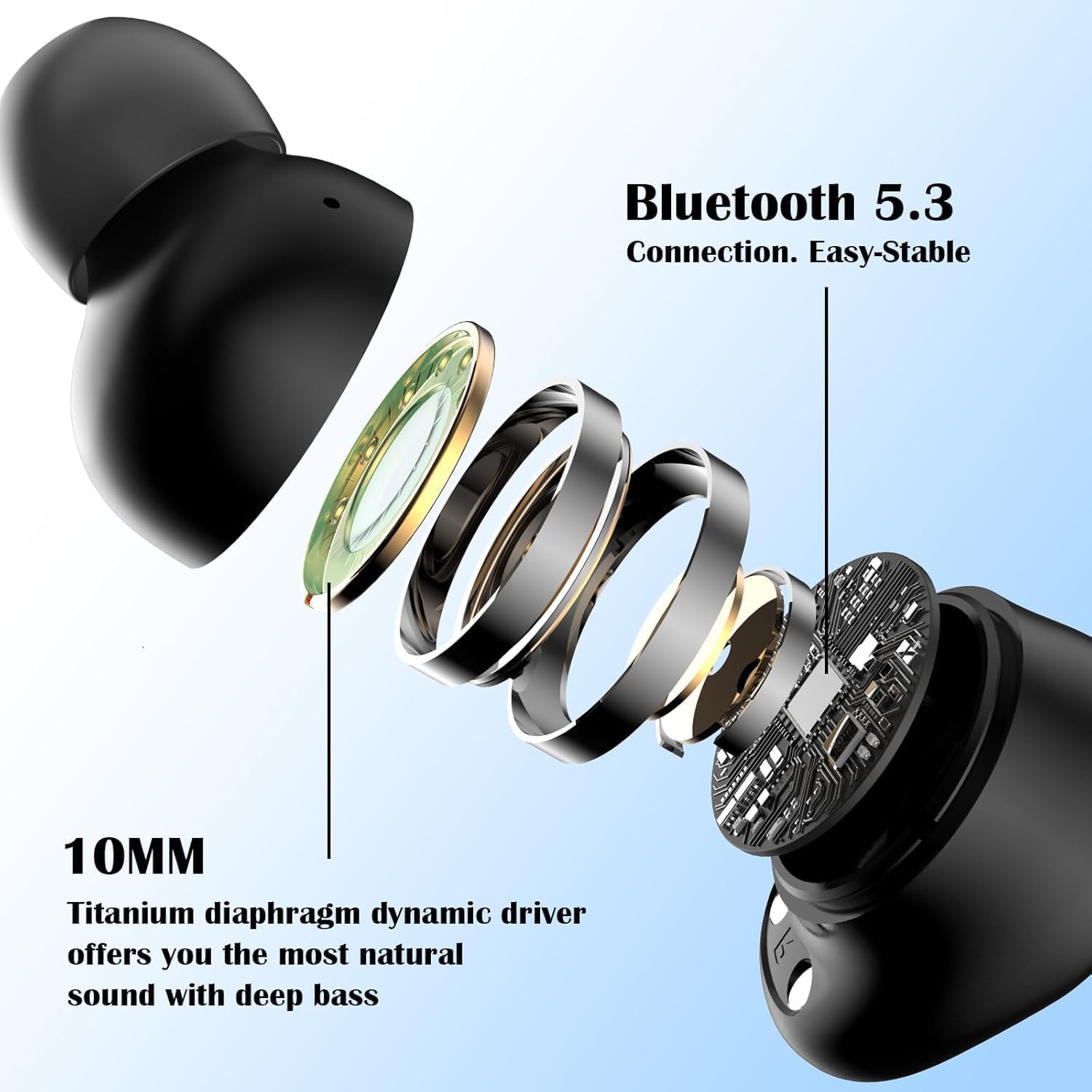
Image: An exploded view of a Monster Achieve 300 AirLinks earbud, detailing the internal components including the 10MM Titanium diaphragm dynamic driver for natural sound and deep bass.
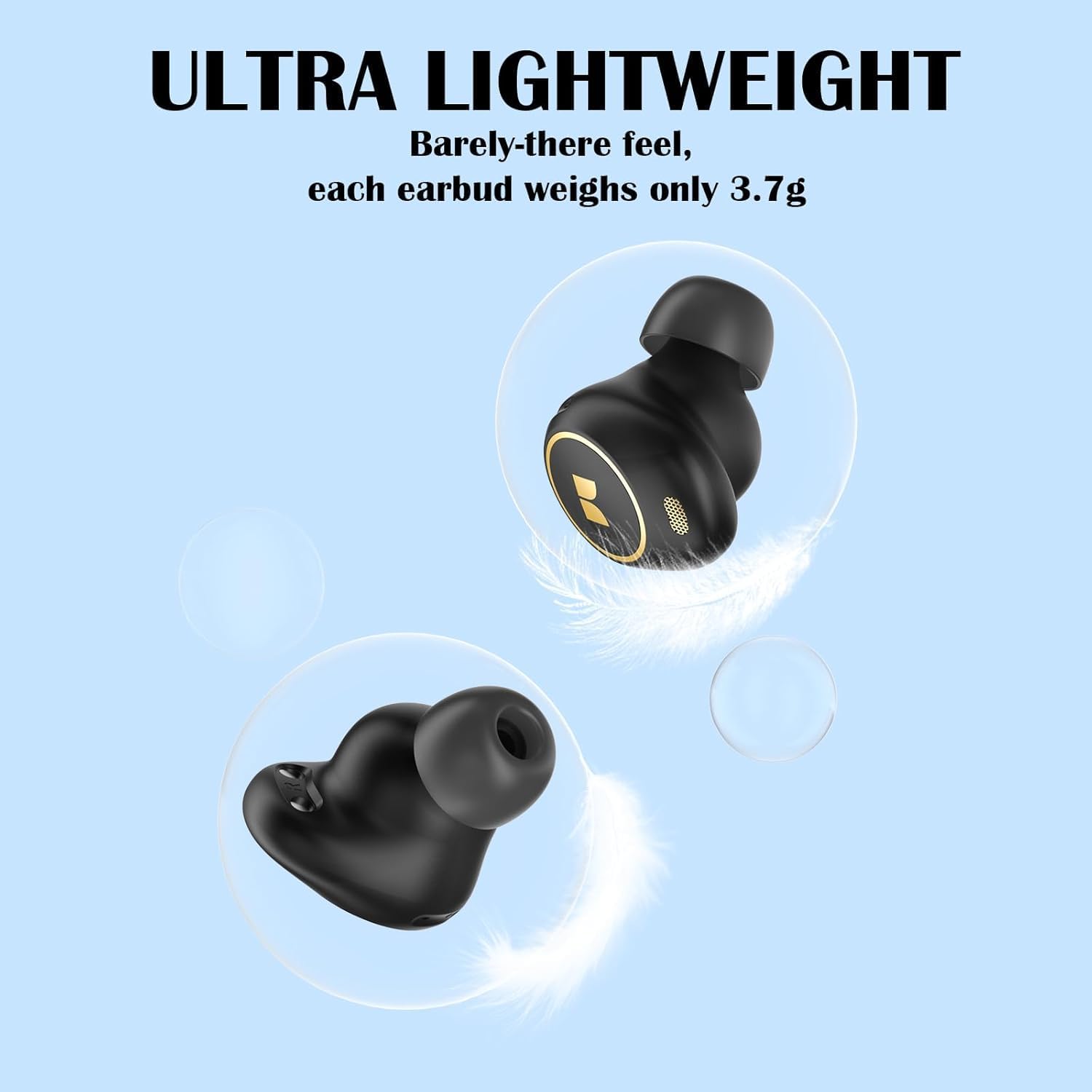
Image: A visual representation emphasizing the ultra-lightweight design of the Monster Achieve 300 AirLinks earbuds, with each earbud weighing only 3.7g.
Maintenance
To ensure the longevity and optimal performance of your Monster Achieve 300 AirLinks earbuds:
- Cleaning: Regularly clean the earbuds and charging case with a soft, dry, lint-free cloth. Do not use harsh chemicals or abrasive materials.
- Water Resistance: The earbuds are IPX6 water-resistant, meaning they can withstand powerful water jets. This makes them ideal for sports and outdoor activities, protecting against sweat and rain. However, they are not designed for submersion in water. Ensure they are dry before placing them back in the charging case.
- Storage: When not in use, store the earbuds in their charging case to protect them and keep them charged.
- Temperature: Avoid exposing the earbuds to extreme temperatures (hot or cold) or high humidity.
Troubleshooting
If you encounter issues with your earbuds, try the following solutions:
| Problem | Solution |
|---|---|
| Earbuds not pairing |
|
| No sound from one earbud |
|
| Earbuds not charging |
|
| Poor call quality |
|
Specifications
| Feature | Detail |
|---|---|
| Model Name | MH12005 |
| Connectivity Technology | Wireless (Bluetooth 5.3) |
| Water Resistance Level | IPX6 (Waterproof) |
| Battery Average Life | 32 Hours (with charging case) |
| Ear Placement | In Ear |
| Form Factor | In Ear |
| Impedance | 29.99 Ohm |
| Special Features | Volume Control, Touch Control, Built-in Mic for Clear Calls |
| Compatible Devices | Smartphones, Tablets, Laptops, Smart Speakers |
| Item Weight | 120 g (Parcel Dimensions) |
Warranty and Support
For warranty information or technical support, please refer to the warranty card included in your package or visit the official Monster website. If you have any questions or require assistance, please feel free to contact our customer service team. We are committed to providing quality service within 24 hours.
You can also find more information and support at the Monster Store on Amazon.


