
Introduction
Thank you for choosing the ORDRO FL-10 Mini Camera Flash. This compact and lightweight speedlite is designed to provide additional lighting for your photography, compatible with cameras featuring a single contact hot shoe, including models from Fuji, Sony, Nikon, and Canon. This manual will guide you through the setup, operation, and maintenance of your new camera flash.
Product Overview
Key Features
- Simple Operation: Designed for ease of use, requiring no complex settings.
- Compact and Lightweight: Dimensions of 1.8 x 1.6 x 1.2 inches and weighing only 35g, making it highly portable.
- Adjustable Lighting: Offers 1/4 brightness, 1/2 brightness, and full brightness settings.
- Plug and Play: Connects upon insertion to a single contact hot shoe for immediate use.
- Universal Hot Shoe Mount: Compatible with small cameras or film/digital cameras that have a single contact hot shoe.
- Type-C Charging: Features a universally compatible Type-C interface for convenient charging.
What's in the Box
- 1 x ORDRO FL-10 Camera Flash
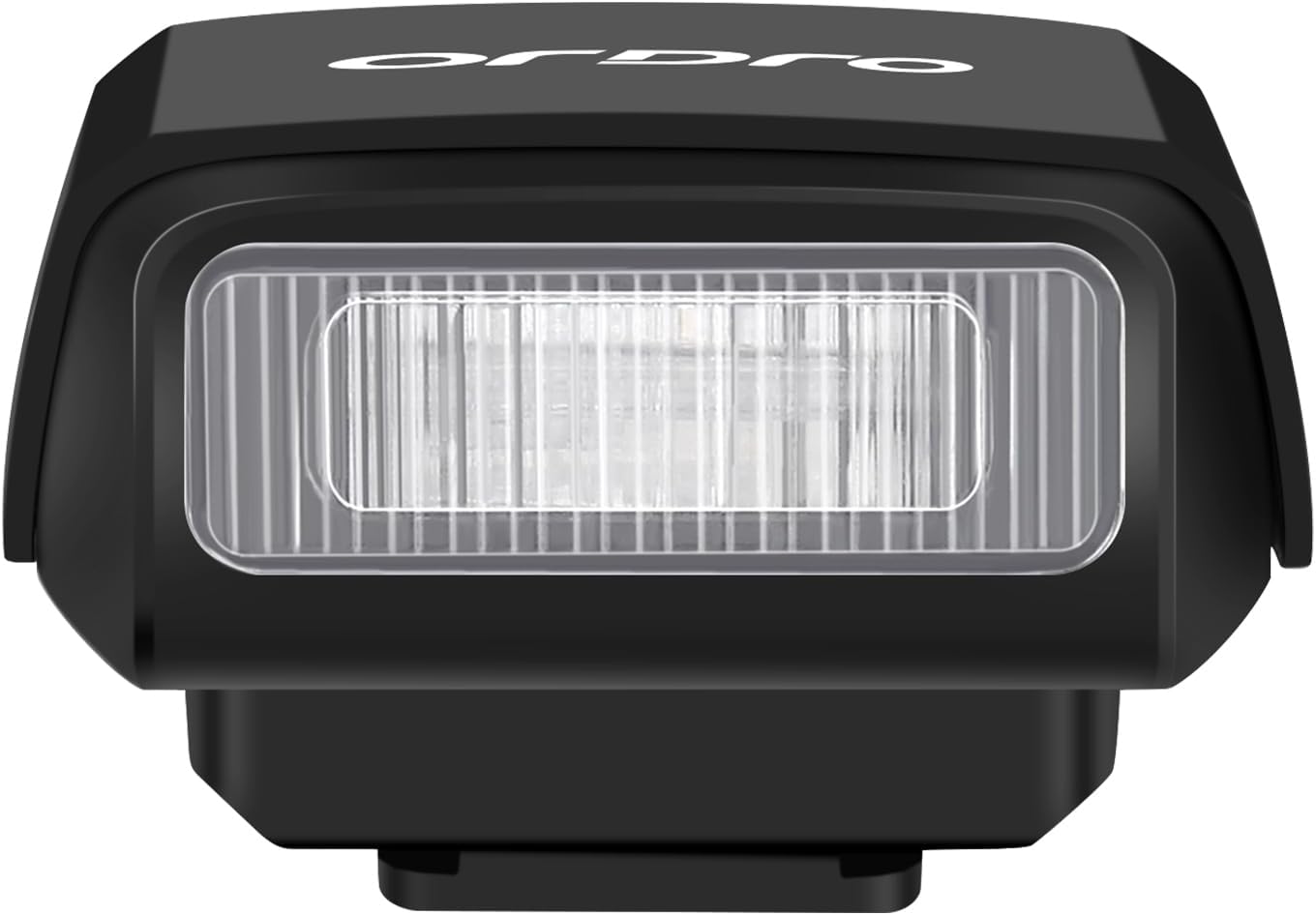
Product Components


Setup
Charging the Flash
The ORDRO FL-10 Mini Camera Flash is equipped with a built-in Lithium Ion battery. To charge the device:
- Locate the Type-C charging port on the side of the flash unit (refer to Figure 3).
- Connect a standard USB Type-C cable to the port and plug the other end into a compatible USB power source (e.g., wall adapter, power bank, computer USB port).
- The charging indicator light will flash during charging and remain solid when fully charged. Charging from 0% to 100% typically takes about 60 minutes.

Mounting on Camera
The FL-10 flash uses a universal hot shoe mount. Ensure your camera has a single contact hot shoe for compatibility.
- Identify the hot shoe on your camera (usually on top).
- Remove any existing hot shoe cover.
- Slide the base of the FL-10 flash into the camera's hot shoe interface until it is securely seated.

Important Compatibility Note: The ORDRO FL-10 Mini Camera Flash is only compatible with cameras that have a single contact hot shoe. Please verify your camera's hot shoe type before use. For example, it is not compatible with Sony ZV-1F.
Operating Instructions
Power On/Off
- To power on the flash, press and hold the left power button (marked with a power symbol) for 3 seconds.
- To power off the flash, press and hold the left power button for 3 seconds again.
Adjusting Flash Brightness
The FL-10 offers three adjustable brightness levels:
- 1/4 Brightness: Indicated by one green light.
- 1/2 Brightness: Indicated by two green lights.
- Full Brightness: Indicated by all three green lights.
To cycle through the brightness levels, short press the left power button while the flash is on.

Test Flash
To manually test the flash, press the right button (marked with a lightning bolt symbol). This will trigger a flash at the currently selected brightness level.
Video Demonstration
Video 1: This video demonstrates the ORDRO FL-10 Camera Flash, showing its compact size, how to power it on/off, adjust flash power, and mount it onto a camera. It also includes a comparison of photos taken with and without flash at different power settings.
Maintenance
- Keep the flash unit clean and free from dust and moisture. Use a soft, dry cloth for cleaning.
- Avoid dropping the device or exposing it to strong impacts.
- Store the flash in a cool, dry place when not in use.
- Do not attempt to disassemble or repair the unit yourself, as this will void the warranty.
Troubleshooting
Flash Not Firing
- Check Power: Ensure the flash is powered on and fully charged. The indicator lights should be green.
- Hot Shoe Connection: Verify that the flash is securely mounted on the camera's hot shoe. A loose connection can prevent firing.
- Camera Compatibility: Confirm your camera has a single contact hot shoe. The FL-10 is not compatible with multi-contact hot shoes (e.g., some Sony models like ZV-1F).
- Camera Settings: Ensure your camera's flash settings are enabled and configured correctly to trigger an external flash.
Flash Not Bright Enough
- Adjust Brightness: Cycle through the brightness levels (1/4, 1/2, Full) by short pressing the power button to increase output.
- Distance to Subject: The effective range of the flash depends on its power setting. Ensure your subject is within the flash's optimal range.
Specifications
| Model Number | FL-10 |
| Product Dimensions | 1.8 x 1.6 x 1.2 inches |
| Item Weight | 1.23 ounces (approx. 35g) |
| Battery Type | 1 Lithium Ion battery (included) |
| Battery Life | Up to 2.5 Hours (continuous use, varies with power setting) |
| Charging Port | USB Type-C |
| Camera Flash Type | Hotshoe (Single Contact) |
| Flash Sync Speed | 1/250 (typical) |
| Compatible Mountings | Fuji, Sony, Nikon, Canon (with single contact hot shoe) |
Warranty and Support
ORDRO products are designed and manufactured to the highest quality standards. For warranty information and customer support, please refer to the documentation included with your purchase or visit the official ORDRO website. Keep your purchase receipt as proof of purchase for warranty claims.


