
1. Introduction
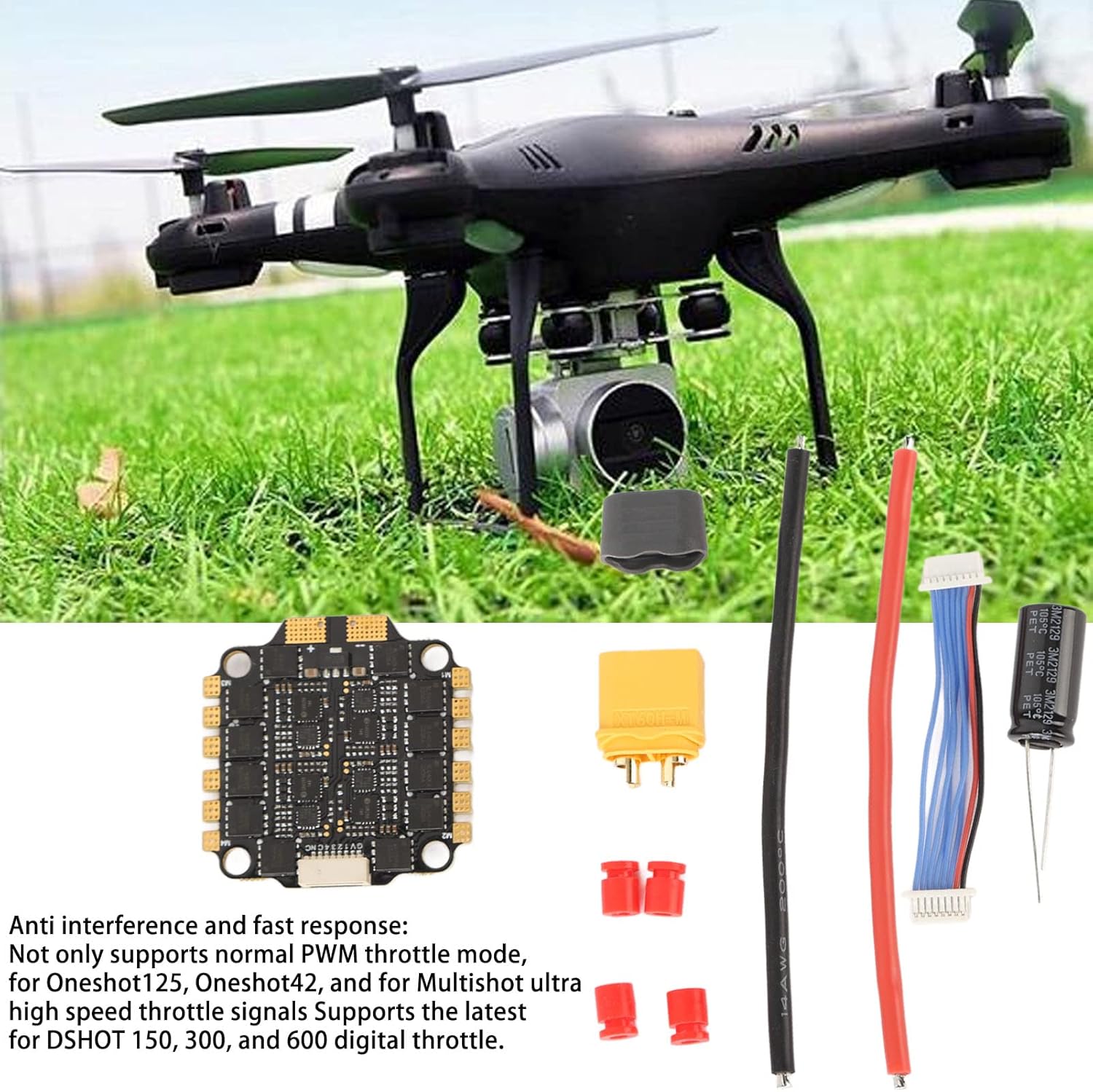
This manual provides detailed instructions for the Drfeify 60A 4-in-1 RC Brushless Electronic Speed Controller (ESC), model Drfeifynfam2uvqkc. This high-performance ESC is designed for RC racing drones, offering anti-interference capabilities and quick response for various drive signal supports including DShot, Multishot, Oneshot, and PWM. Please read this manual thoroughly before installation and operation to ensure proper use and optimal performance.
2. Package Contents
Verify that all items listed below are included in your package. If any components are missing or damaged, please contact your retailer.
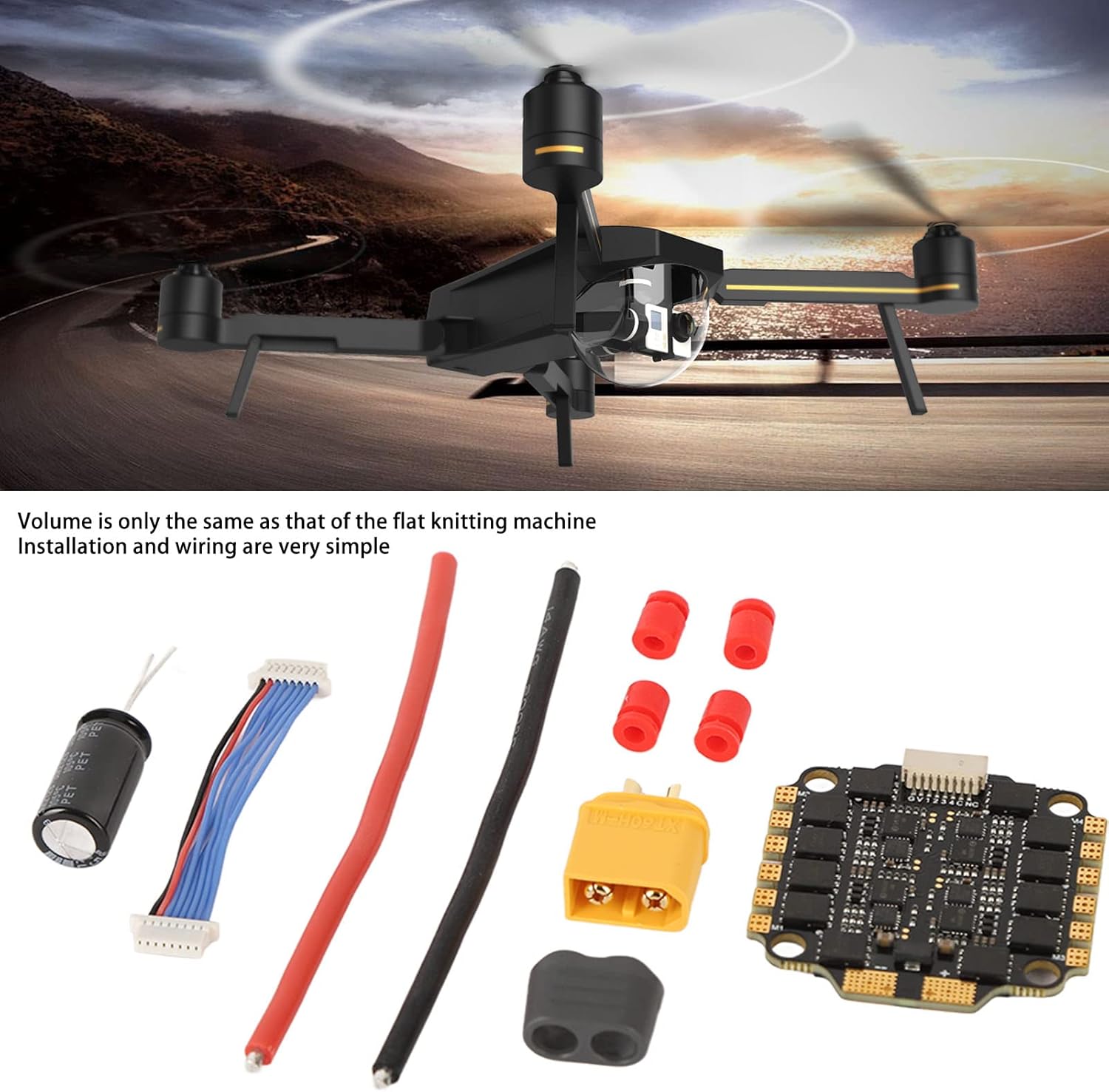
- 1 x Drfeify 60A 4-in-1 RC Brushless ESC
- 3 x Wires (Power and Signal)
- 1 x Capacitor
- 4 x Shock Absorption Pads
- 2 x Accessories (e.g., heat shrink, connectors)

3. Specifications
The following are the technical specifications for the Drfeify 60A 4-in-1 RC Brushless ESC:
| Parameter | Value |
|---|---|
| Item Type | RC Brushless ESC |
| Materials | Electronic Components |
| Product Size | Approx. 42 x 41mm / 1.65 x 1.61in |
| Hole Pitch | Approx. 30.5 x 30.5mm / 1.2 x 1.2in |
| Continuous Current | 60A |
| Peak Current | 70A (5 seconds) |
| Processor | EFM8BB21F16G |
| Firmware | BLS J H 30 REV16 seven |
| Drive Signal Support | DShot300-600, Multishot, Oneshot, PWM |
| Output Voltage | 11.1-22.2V (3 to 6S) |
| Weight | Approx. 12 g / 0.4 oz |
| Application | RC racing drone |
| Model Number | Drfeifynfam2uvqkc |

4. Setup and Installation
The Drfeify 60A 4-in-1 ESC is designed for straightforward installation. Follow these general guidelines for integrating the ESC into your RC racing drone:
- Mounting: Secure the ESC to your drone's frame using the provided shock absorption pads. Ensure the mounting holes (30.5 x 30.5mm) align correctly. Proper mounting minimizes vibration and protects the ESC.
- Power Connection: Connect the main power wires (red for positive, black for negative) from your battery to the ESC. Ensure correct polarity to prevent damage. The ESC supports 3 to 6S LiPo batteries (11.1-22.2V).
- Motor Connections: Connect the three motor wires from each of your four brushless motors to the corresponding motor pads on the ESC. The order of these wires may affect motor rotation direction, which can be adjusted in firmware if needed.
- Flight Controller Connection: Connect the signal cable harness from the ESC to your flight controller. Refer to your flight controller's manual for specific pin assignments for DShot, Multishot, Oneshot, or PWM signals.
- Capacitor Installation: Solder the included capacitor to the main power input pads of the ESC. This helps filter electrical noise and protect the ESC from voltage spikes. Observe polarity when soldering the capacitor.
For detailed wiring diagrams, consult your drone frame and flight controller manuals. Always double-check all connections before applying power.
5. Operating Instructions
The Drfeify 60A 4-in-1 ESC is designed for reliable and responsive operation in RC racing drones. Proper configuration and understanding of its features are key to optimal performance.
5.1. Firmware and Configuration
This ESC comes pre-loaded with BLHeli_S firmware (BLS J H 30 REV16 seven). BLHeli_S firmware offers advanced functionality and allows for various parameter settings and firmware upgrades. You can configure the ESC using a compatible flight controller passthrough or a dedicated BLHeli_S configurator tool (e.g., BLHeliSuite32 or Betaflight Configurator).
- Throttle Signal Support: The ESC supports a wide range of throttle signals including DShot300-600, Multishot, Oneshot, and traditional PWM. Ensure your flight controller is configured to output the desired signal type. DShot is generally recommended for its digital nature and error checking.
- Motor Direction: If a motor spins in the wrong direction after initial setup, you can reverse its direction through the BLHeli_S configurator.
- ESC Calibration: For PWM and Oneshot signals, ESC calibration might be necessary to ensure all motors respond uniformly to throttle input. DShot signals do not require calibration.
5.2. Pre-Flight Checks
Before each flight, perform the following checks:
- Verify all connections are secure and free from damage.
- Ensure propellers are correctly installed and tightened.
- Check battery voltage and condition.
- Confirm flight controller and ESC settings are correct.
6. Maintenance
To ensure the longevity and optimal performance of your Drfeify 60A 4-in-1 ESC, follow these maintenance guidelines:
- Regular Inspection: Periodically inspect the ESC for any signs of physical damage, such as cracked components, burnt spots, or loose connections.
- Cleaning: Keep the ESC free from dust, dirt, and moisture. Use a soft brush or compressed air to gently clean the board. Avoid using liquids directly on the electronic components.
- Heat Management: Ensure adequate airflow around the ESC during operation to prevent overheating. While the ESC is designed for high current, excessive heat can reduce its lifespan.
- Wiring Integrity: Check all soldered joints and wire connections for integrity. Vibrations from drone operation can sometimes loosen connections over time.
- Storage: When not in use, store the ESC in a dry, cool environment, away from direct sunlight and extreme temperatures.
Proper maintenance helps prevent unexpected failures and ensures consistent performance.
7. Troubleshooting
This section addresses common issues you might encounter with your Drfeify 60A 4-in-1 ESC. If you experience problems not covered here, please refer to the Warranty & Support section.
| Problem | Possible Cause | Solution |
|---|---|---|
| Motor not spinning or erratic behavior | Incorrect motor wiring; ESC not calibrated (for PWM/Oneshot); Incorrect flight controller settings; Damaged motor or ESC. | Check motor wire connections; Calibrate ESC if using PWM/Oneshot; Verify flight controller motor output settings; Inspect motor and ESC for damage. |
| ESC not powering on | Incorrect power connection polarity; Loose power wires; Faulty battery. | Ensure correct battery polarity; Check all power connections; Test with a different battery. |
| Overheating ESC | Insufficient airflow; Over-propped motors; Short circuit in motor or wiring. | Improve ventilation around the ESC; Use appropriately sized propellers; Inspect motors and wiring for shorts. |
| Intermittent signal loss or glitches | Electrical interference; Loose signal wire connections; Firmware issues. | Ensure signal wires are properly shielded and secured; Check for firmware updates; Re-flash firmware if necessary. |
8. Warranty and Support
Drfeify products are manufactured to high-quality standards. For specific warranty terms and conditions, please refer to the documentation provided with your purchase or contact your retailer. If you encounter any issues or require technical assistance, please reach out to Drfeify customer support through their official channels or the retailer from whom you purchased the product.
When contacting support, please provide your product model number (Drfeifynfam2uvqkc) and a detailed description of the issue.