
1. Product Overview
The Xiaomi 67W GaN Triple Port Charger (Model A07ZMUS) is a high-performance power adapter designed for efficient and safe charging of various electronic devices. Utilizing third-generation Gallium Nitride (GaN) technology, this charger offers a compact design with improved thermal conductivity and higher power output. It features two USB Type-C ports and one USB Type-A port, allowing for simultaneous charging of up to three devices.

Image: The Xiaomi 67W GaN Triple Port Charger in white, shown alongside the included USB-C to USB-C charging cable.
2. Package Contents
Please verify that all items are present in your package:
- 1 x Xiaomi 67W GaN Triple Port Charger (Model A07ZMUS)
- 1 x USB Type-C to Type-C Cable (1.5m, 6A high current support)
3. Setup
To begin using your Xiaomi 67W GaN Triple Port Charger:
- Unpack the charger and the USB Type-C to Type-C cable from their packaging.
- Insert the charger into a standard USA wall outlet. Ensure the connection is secure.
- Connect one end of your charging cable (USB-C to USB-C, USB-C to Lightning, or USB-A to desired connector) to the appropriate port on the charger.
- Connect the other end of the charging cable to your device.
4. Operating Instructions
The charger is designed for plug-and-play operation. Once connected to a power source and your device, it will automatically begin charging.
Port Prioritization:
When multiple devices are connected, the charger's smart identification system prioritizes power delivery. For optimal performance, especially with high-power devices like laptops, it is recommended to connect them to a Type-C port first. The charger will intelligently distribute power to ensure stable charging for all connected devices.

Image: Visual representation of the maximum power output for individual and combined charging ports.
5. Charging Specifications
The Xiaomi 67W GaN Charger offers versatile power output configurations:
- Single Port Output:
- Type-C1 or Type-C2: 5V⎓3A, 9V⎓3A, 11V⎓6.1A, 12V⎓3A, 15V⎓3A, 20V⎓3.25A (Max 67W)
- USB-A: 5V⎓3A, 9V⎓2.5A, 10V⎓2.25A, 12V⎓1.87A (Max 22.5W)
- Dual Port Output:
- Type-C1 + Type-C2: 5V⎓3A, 9V⎓3A, 11V⎓3A, 12V⎓3A, 15V⎓2A, 20V⎓2.25A (Total output varies based on device requirements)
- Type-C + USB-A: Power distribution will be managed by the smart identification system.
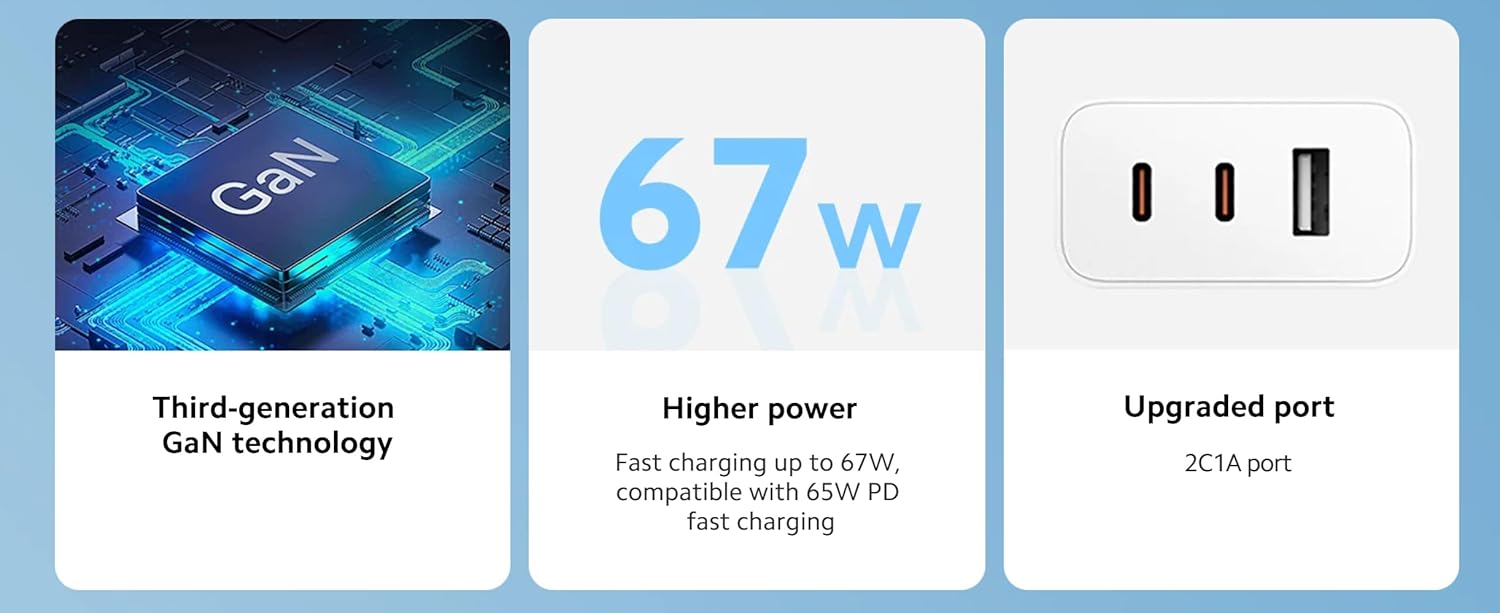
Image: Key features of the charger, including GaN technology, 67W power, and the 2C1A port configuration.
6. Safety Information
Your safety is paramount. This charger incorporates multiple protective features:
- Fireproof Materials: The charger housing is constructed from UL 94 V-0 rated fireproof, high-temperature resistant materials.
- Built-in Protections: Includes short-circuit protection, overheat protection, and overcurrent protection to safeguard your devices and the charger itself.
Important Safety Precautions:
- Do not expose the charger to water or excessive moisture.
- Avoid dropping or subjecting the charger to severe impacts.
- Do not attempt to disassemble or modify the charger.
- Use only compatible cables and devices.
- Keep out of reach of children.
7. Maintenance
To ensure the longevity and optimal performance of your charger:
- Clean the charger with a soft, dry cloth. Do not use liquid cleaners or aerosols.
- Store the charger in a cool, dry place when not in use.
- Regularly inspect cables for any signs of wear or damage. Replace damaged cables immediately.
8. Troubleshooting
If you encounter issues with your charger, please refer to the following common solutions:
- Device not charging:
- Ensure the charger is securely plugged into a working wall outlet.
- Verify that the charging cable is properly connected to both the charger and your device.
- Try using a different charging cable or a different port on the charger.
- Test the charger with a different device to rule out a device-specific issue.
- Slow charging:
- Ensure your device supports fast charging and that you are using a compatible cable.
- If multiple devices are connected, the power output per port may be reduced. Try charging a single device.
- Check if your device is running power-intensive applications in the background.
- Charger feels warm:
- It is normal for the charger to become warm during operation, especially during high-power charging. If it becomes excessively hot or emits smoke/odor, immediately unplug it and discontinue use.
9. Specifications
| Model Number | A07ZMUS (2C1A) |
| Brand | XIAOMI |
| Ports | 2 x USB Type-C, 1 x USB Type-A |
| Max Output Power | 67W |
| Technology | GaN (Gallium Nitride) |
| Color | White |
| Item Weight | 6.3 ounces (approx. 178.6g) |
| Package Dimensions | 5.39 x 2.83 x 1.34 inches |
| Special Feature | Fast Charging |
| Compatible Devices | Laptops, Smartphones, Smartwatches |
10. Warranty and Support
For warranty information and customer support, please refer to the official Xiaomi website or contact your local retailer. Keep your purchase receipt for warranty claims.


