
MZYMI B0DKTDS8H6
MZYMI Neckband Bluetooth Headphones
Model: B0DKTDS8H6
1. Introduction
Thank you for choosing the MZYMI Neckband Bluetooth Headphones. These headphones are designed to provide a high-quality audio experience with extended playtime, comfort, and durability, suitable for various activities including sports and daily use. This manual will guide you through the setup, operation, and maintenance of your new headphones.

Image: MZYMI Neckband Bluetooth Headphones, showcasing the ergonomic neckband design and in-ear earbuds.
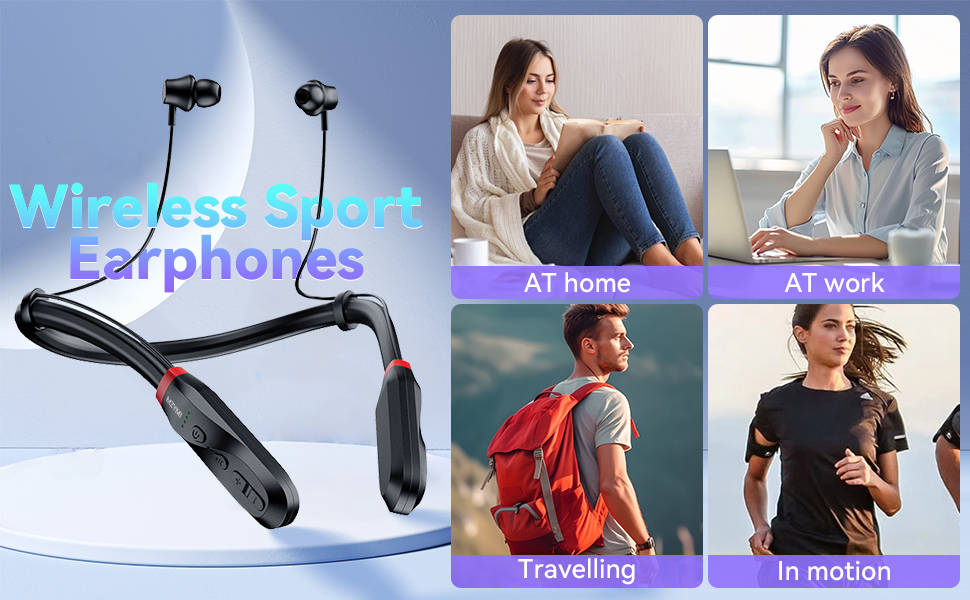
Image: Wireless Sport Earphones suitable for various activities including at home, at work, traveling, and during motion.
2. Package Contents
Please check the package for the following items:
- MZYMI Neckband Bluetooth Headphones
- USB-C Charging Cable
- User Manual
- Set of Ear Tips (various sizes)
3. Product Overview
Familiarize yourself with the components and controls of your MZYMI Neckband Bluetooth Headphones.
Controls and Indicators:
- Power Button: On/Off, Play/Pause, Answer/End Call.
- Volume Up (+): Increase volume, Next track (long press).
- Volume Down (-): Decrease volume, Previous track (long press).
- Multi-function Button: Voice assistant activation.
- LED Indicator: Shows power, pairing, and charging status.
- USB-C Charging Port: For charging the device.
- Microphone: For calls.

Image: Close-up of the MZYMI neckband showing the control buttons, LED battery display, and the Type-C fast charging port.
4. Setup
4.1 Charging the Headphones
Before first use, fully charge your headphones. A full charge takes approximately 3 hours and provides up to 200 hours of playtime.
- Connect the USB-C charging cable to the charging port on the headphones.
- Connect the other end of the cable to a USB power adapter (not included) or a computer's USB port.
- The LED indicator will show charging status. It will turn off or change color when fully charged.

Image: Illustration of the dual-core fast charging interface, highlighting the USB-C port and the 3-hour charging time for 200 hours of music playback.
4.2 Power On/Off
- To Power On: Press and hold the Power button until the LED indicator lights up.
- To Power Off: Press and hold the Power button until the LED indicator turns off.
4.3 Bluetooth Pairing
Pair your headphones with your Bluetooth-enabled device for the first time.
- Ensure the headphones are powered off.
- Press and hold the Power button for approximately 5-7 seconds until the LED indicator flashes red and blue alternately, indicating pairing mode.
- On your device (smartphone, tablet, etc.), enable Bluetooth and search for available devices.
- Select "MZYMI Headphones" (or similar name) from the list of found devices.
- Once connected, the LED indicator will flash blue slowly or turn off, and you will hear a confirmation tone.
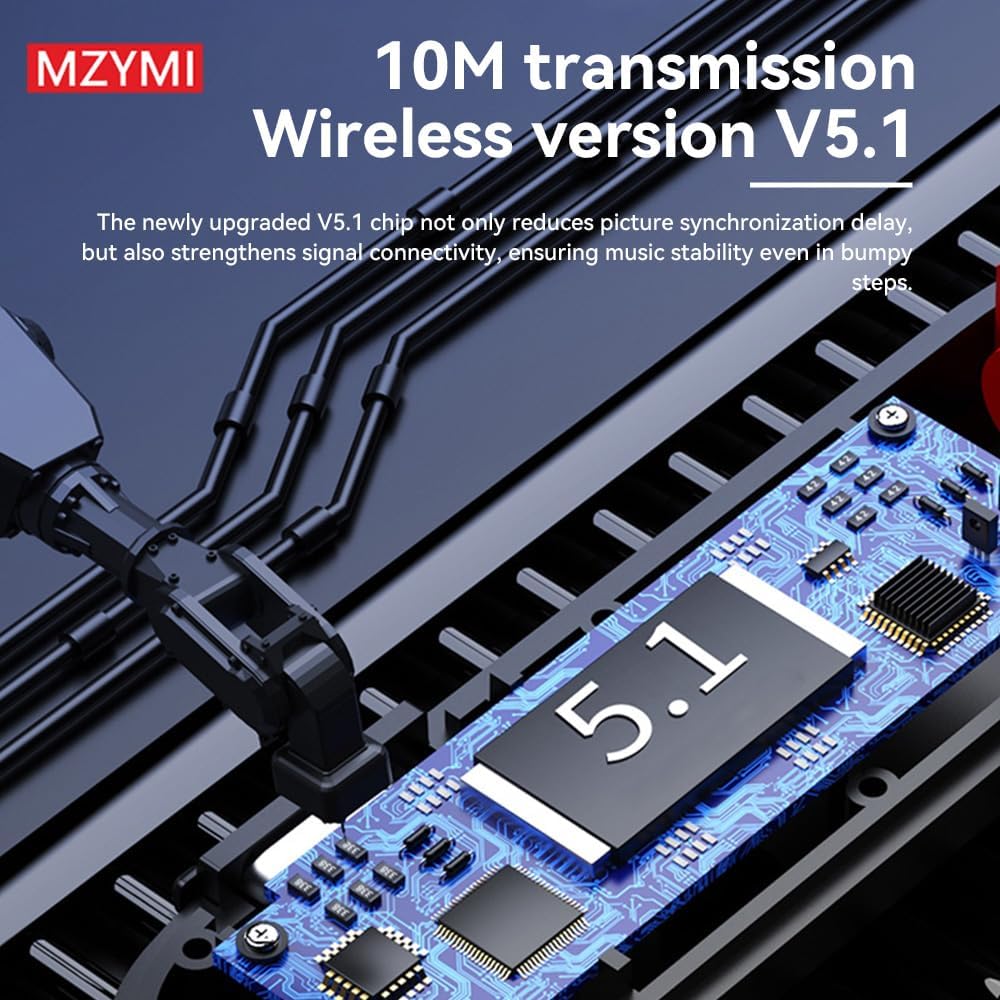
Image: Depiction of the upgraded V5.1 Bluetooth chip, emphasizing 10M transmission range and stable signal connectivity.
5. Operating Instructions
5.1 Music Playback
- Play/Pause: Press the Power button once.
- Next Track: Long press the Volume Up (+) button.
- Previous Track: Long press the Volume Down (-) button.
- Volume Up: Short press the Volume Up (+) button.
- Volume Down: Short press the Volume Down (-) button.
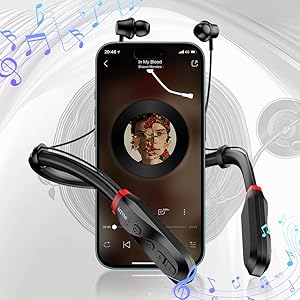
Image: The MZYMI neckband headphones positioned next to a smartphone displaying a music playback interface, illustrating typical usage.
5.2 Call Management
- Answer/End Call: Press the Power button once.
- Reject Call: Press and hold the Power button for 2 seconds.
- Redial Last Number: Double-press the Power button.
5.3 Voice Assistant
Activate your device's voice assistant (Siri, Google Assistant, etc.) by pressing the Multi-function button once.
5.4 Magnetic Suction Feature
The earbuds feature magnetic ends that allow them to snap together when not in use. This prevents tangling and helps secure the headphones around your neck.

Image: Close-up of the earbuds demonstrating the magnetic suction feature, allowing them to automatically adsorb and wrap together when not in use.
5.5 Extended Playtime and Battery Display
These headphones offer an impressive 200 hours of playtime on a single charge, thanks to their efficient power management and 1000mAh battery. The four-grid battery display provides real-time monitoring of the battery level.
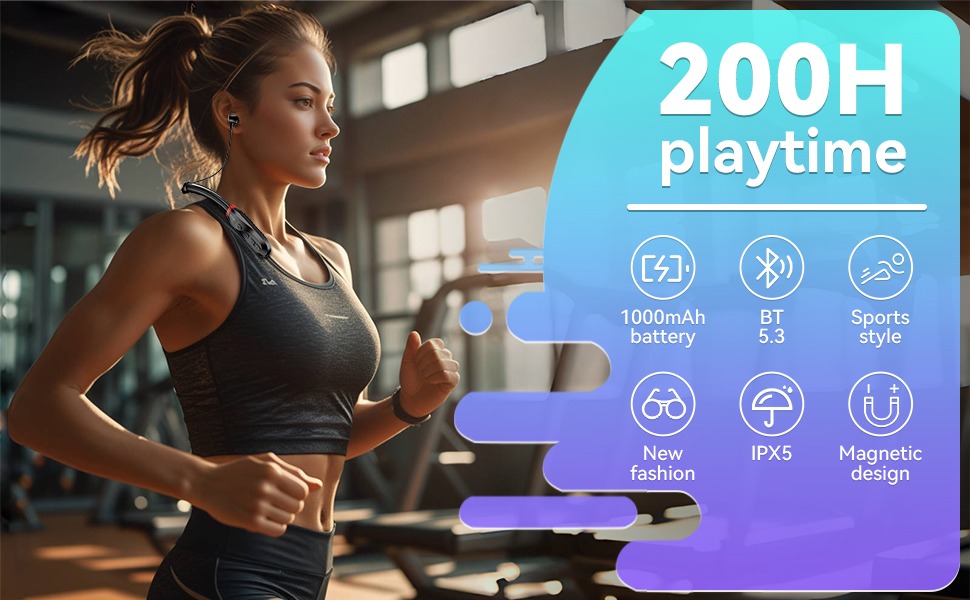
Image: Infographic highlighting key features including 200H playtime, 1000mAh battery, Bluetooth 5.3, sports style, new fashion, IPX5 waterproof rating, and magnetic design.
6. Maintenance
Proper care ensures the longevity of your headphones.
- Cleaning: Use a soft, dry cloth to clean the headphones. Do not use abrasive cleaners or solvents.
- Storage: When not in use, store the headphones in a cool, dry place, away from direct sunlight and extreme temperatures.
- Water Resistance: The headphones are IPX5 rated, meaning they are resistant to sweat and light splashes. Do not submerge them in water.
7. Troubleshooting
If you encounter issues, refer to the table below for common problems and solutions.
| Problem | Possible Cause | Solution |
|---|---|---|
| Headphones won't turn on | Low battery | Charge the headphones fully. |
| Cannot pair with device | Headphones not in pairing mode; Bluetooth off on device; too far apart | Ensure headphones are in pairing mode (flashing red/blue). Turn on Bluetooth on your device. Keep devices within 1 meter. |
| No sound | Volume too low; not connected; incorrect audio output | Increase volume on headphones and device. Re-pair headphones. Check device's audio output settings. |
| Poor sound quality | Interference; low battery; distance from device | Move away from sources of interference. Charge headphones. Reduce distance between headphones and device. |
8. Specifications
| Feature | Detail |
|---|---|
| Model | B0DKTDS8H6 |
| Bluetooth Version | V5.1 |
| Wireless Range | Up to 10 meters (33 feet) |
| Battery Capacity | 1000mAh |
| Charging Time | Approx. 3 hours |
| Playtime | Up to 200 hours |
| Charging Port | USB-C |
| Water Resistance | IPX5 |
9. Warranty and Support
MZYMI products come with a standard manufacturer's warranty. For detailed warranty information or technical support, please refer to the contact information provided on the product packaging or the official MZYMI website. Please retain your proof of purchase for warranty claims.