
1. Introduction
Thank you for choosing the Saker 3-in-1 Cordless Vacuum and Air Duster. This versatile device combines a powerful handheld vacuum cleaner, a high-velocity compressed air duster, and an inflation pump into one compact unit. Designed for convenience and efficiency, it is ideal for cleaning cars, offices, homes, and various electronic devices. Please read this manual thoroughly before use to ensure safe and optimal operation.
2. Safety Instructions
- Keep the device away from water and moisture. Do not use in wet conditions.
- Do not operate the device if it is damaged or malfunctioning. Contact support for assistance.
- Keep out of reach of children.
- Do not block the air intake or outlet during operation.
- Use only the provided charging cable and accessories.
- Avoid pointing the air duster directly at people or animals.
- Do not attempt to disassemble or repair the device yourself.
- Ensure the filter is properly installed before using the vacuum function.
3. Package Contents
Verify that all items are present in your package:
- Saker 3-in-1 Main Unit
- Dust Collection Cup
- Steel Mesh Filter (Pre-installed)
- Extra Steel Mesh Filter
- USB-C Charging Cable
- Long Flat Suction Mouth + Brush Nozzle
- Short Blowing Nozzle
- Blow Long Nozzle + Brush
- Multi-function Air Blower Nozzle
- Large Inflator Nozzle
- Small Inflator Nozzle
- Storage Bag

Image: Saker 3-in-1 main unit with all included accessories, including various nozzles, filters, and charging cable.
4. Product Overview
The Saker 3-in-1 device is engineered with a high-speed brushless motor, offering superior performance for both vacuuming and air dusting. Its compact and lightweight design ensures portability and ease of use in various environments.

Image: Internal view highlighting the advanced brushless motor for powerful and efficient operation.
Key Features:
- 3-in-1 Functionality: Handheld Vacuum, Compressed Air Duster, and Inflation Pump.
- Powerful Brushless Motor: Delivers 12000PA super suction and 150000RPM air thrust.
- Stepless Speed Control: Easily adjust airflow intensity by rotating the switch at the base.
- Washable Steel Mesh Filter: Durable and reusable filter for long-term use.
- Portable and Lightweight: Compact design for easy carrying and storage.
- Rich Accessories: Includes various nozzles for diverse cleaning and inflation tasks.
5. Setup
5.1 Initial Charging
- Before first use, fully charge the device.
- Connect the USB-C charging cable to the charging port on the device (usually at the base).
- Connect the other end of the cable to a compatible USB power adapter (not included) or a USB port.
- The LED indicator will show charging status (e.g., orange/red while charging, solid green when fully charged).
5.2 Attaching Accessories
The device features two main ports: a suction port for vacuuming and a blowing port for dusting/inflation. Attach accessories based on the desired function.
- For Vacuuming: Attach the dust collection cup to the suction port. Ensure the steel mesh filter is inside the cup. Then, attach the desired suction nozzle (e.g., Long Flat Suction Mouth + Brush) to the front of the dust cup.
- For Air Dusting/Inflation: Attach the desired blowing nozzle (e.g., Short Blowing Nozzle, Blow Long Nozzle + Brush, Large/Small Inflator Nozzle) to the blowing port. Align the grooves on the nozzle with the port and twist to secure.
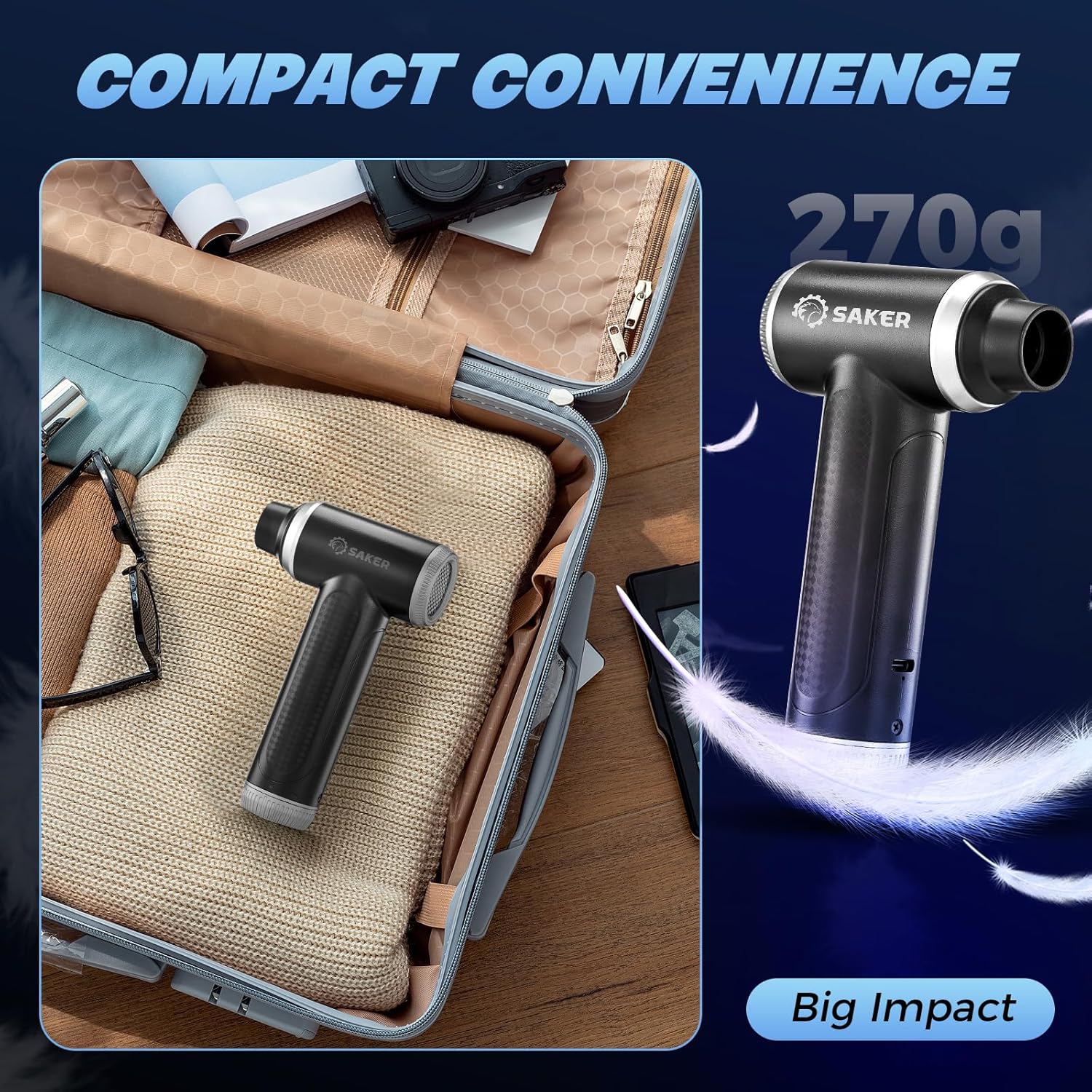
Image: Demonstrates the versatility of attachments for different cleaning and inflation tasks.
6. Operating Instructions
6.1 Power On/Off and Speed Control
The device features a power button and a stepless speed control dial.
- To Power On: Press and hold the power button for a few seconds. The device will start at a low speed.
- To Adjust Speed: Rotate the speed control dial (usually at the base or side) clockwise to increase speed (Low to High) and counter-clockwise to decrease speed (High to Low).
- To Power Off: Press and hold the power button again until the device turns off.

Image: Illustration of the stepless speed control dial for precise power adjustment.
6.2 Vacuum Mode
- Ensure the dust collection cup with the filter and desired suction nozzle is securely attached to the suction port.
- Power on the device and adjust the suction speed as needed.
- Move the nozzle over the surface to be cleaned. The powerful 12000PA suction will pick up dust, crumbs, and debris.

Image: Using the vacuum function to clean a car interior.
6.3 Air Duster Mode
- Attach the appropriate blowing nozzle to the blowing port.
- Power on the device and adjust the air thrust speed. The brushless motor provides up to 150000RPM.
- Direct the nozzle towards the area to be dusted (e.g., keyboard, electronics, car vents).

Image: Demonstrating the powerful air duster function.
6.4 Inflation Mode
- Attach the appropriate inflator nozzle (Large or Small) to the blowing port.
- Power on the device.
- Insert the nozzle into the inflation valve of the item (e.g., pool float, air mattress) and inflate.
7. Maintenance
7.1 Emptying the Dust Collection Cup
- Ensure the device is powered off.
- Twist and detach the dust collection cup from the main unit.
- Empty the collected debris into a waste bin.
7.2 Cleaning the Filter
- Remove the steel mesh filter from the dust collection cup.
- Rinse the filter under running water until clean.
- Allow the filter to air dry completely before reinserting it into the dust cup. Do not use the device with a wet filter.
- Replace the filter if it becomes damaged or excessively worn. An extra filter is provided.
7.3 General Cleaning
- Wipe the exterior of the device with a soft, dry cloth.
- Do not use harsh chemicals or abrasive cleaners.
8. Troubleshooting
| Problem | Possible Cause | Solution |
|---|---|---|
| Device does not turn on | Low battery; Power button not pressed correctly | Charge the device; Press and hold the power button firmly. |
| Low suction power | Dust cup full; Filter clogged; Nozzle blocked | Empty dust cup; Clean or replace filter; Clear any blockages in the nozzle. |
| Weak air thrust | Low battery; Nozzle blocked; Speed set too low | Charge the device; Clear nozzle blockage; Increase speed using the dial. |
| Device not charging | Cable not connected properly; Faulty cable/adapter | Ensure secure connection; Try a different USB-C cable or power adapter. |
If the problem persists after trying these solutions, please contact Saker customer support.
9. Specifications
- Brand: Saker
- Model: HL-107B PLUS
- Vacuum Suction: 12000PA
- Air Duster RPM: 150000RPM
- Motor Type: Brushless Motor
- Power Source: Battery Powered (Cordless)
- Form Factor: Handheld
- Special Feature: Lightweight, Multifunctional
- Included Components: Accessory Kit, USB Charging Cable
- Surface Recommendation: Upholstery, All floors
10. Warranty and Support
Saker products are designed for quality and reliability. For warranty information, technical support, or service inquiries, please refer to the warranty card included with your purchase or visit the official Saker website. Please have your model number (HL-107B PLUS) and purchase date ready when contacting support.