Introduction
Thank you for choosing the Xtrike Me GM-314 WH Wired Gaming Mouse. This manual provides detailed instructions for setting up, operating, and maintaining your gaming mouse to ensure optimal performance and longevity. Please read this manual thoroughly before use.
Package Contents
- Xtrike Me GM-314 WH Wired Gaming Mouse
- User Manual (this document)
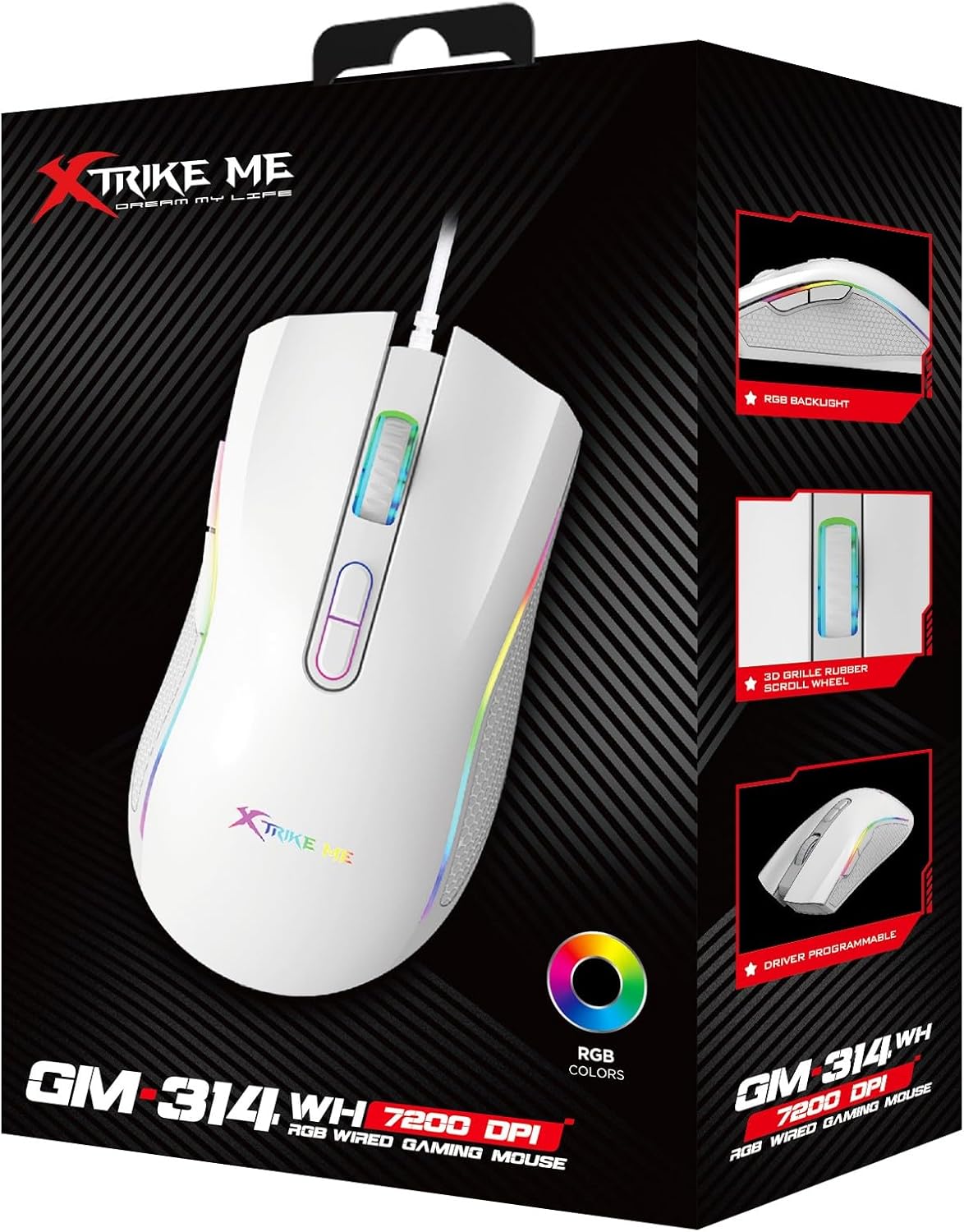
Image: The retail packaging for the Xtrike Me GM-314 WH Wired Gaming Mouse, showing the mouse and key features.
Product Overview
The Xtrike Me GM-314 WH is a wired gaming mouse designed for precision and comfort. It features a 7-button layout, adjustable DPI settings, and customizable RGB backlighting.
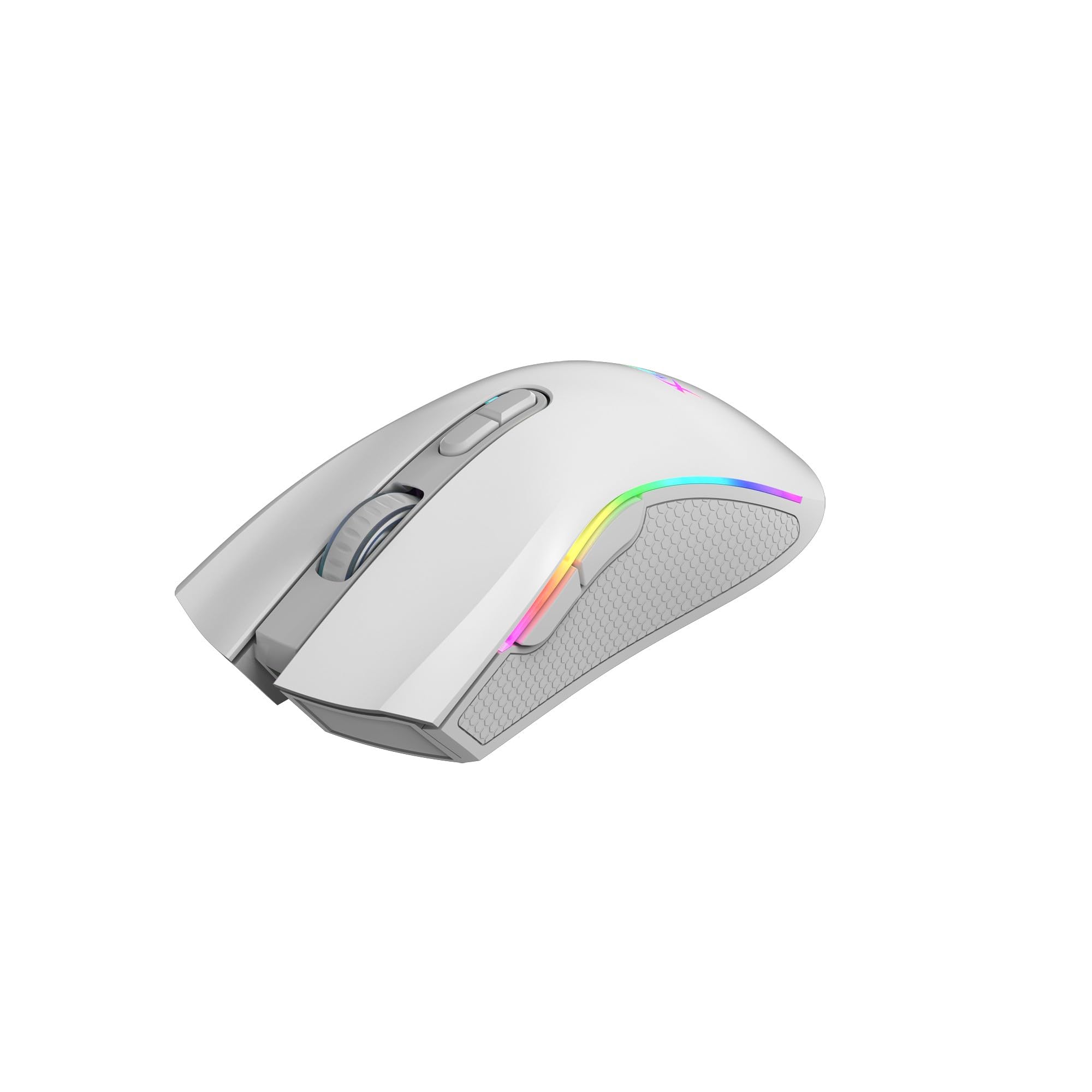
Image: Top view of the Xtrike Me GM-314 WH Wired Gaming Mouse, highlighting the scroll wheel, DPI buttons, and RGB lighting.

Image: Left side view of the Xtrike Me GM-314 WH Wired Gaming Mouse, showing the two programmable thumb buttons and textured grip area.
Button Functions:
- Left Click Button: Standard primary function.
- Right Click Button: Standard secondary function.
- Scroll Wheel: Scrolls content, acts as a middle click button.
- DPI Cycle Button: Cycles through preset DPI sensitivity levels.
- Forward Button (Side): Navigates forward in web browsers or applications.
- Backward Button (Side): Navigates backward in web browsers or applications.
- RGB Mode Button (Bottom/Software): Changes RGB lighting effects (may require software for full control).
Setup
- Connect the Mouse: Plug the USB 2.0 connector of the Xtrike Me GM-314 WH mouse into an available USB port on your computer.
- Driver Installation: The mouse is plug-and-play. Your operating system (Windows XP or newer) will automatically detect and install the necessary drivers. No additional software installation is required for basic functionality.
- Optional Software: For advanced features such as macro programming and detailed RGB customization, visit the official Xtrike Me website to download the dedicated software. http://www.xtrike-me.com
Operating Instructions
DPI Adjustment:
The mouse features a dedicated DPI cycle button, typically located behind the scroll wheel. Press this button to cycle through the available DPI settings:
- 800 DPI
- 1600 DPI
- 2400 DPI
- 3200 DPI
- 4800 DPI
- 7200 DPI
Each DPI level may be indicated by a change in the mouse's RGB lighting color or pattern (refer to software for specific indicators).
RGB Backlight Control:
The GM-314 WH mouse features RGB backlighting with 13 different light effects. These effects can typically be cycled through using a dedicated button (often on the underside of the mouse) or through the optional Xtrike Me software. The software provides more granular control over colors, patterns, and brightness.
Macro Programming:
For advanced users, the mouse supports powerful macro programming. This feature allows you to assign complex sequences of keystrokes and mouse clicks to a single button. To utilize macro programming, download and install the official Xtrike Me software from their website. The software interface will guide you through creating and assigning macros to the 7 programmable buttons.
Maintenance
- Cleaning: Use a soft, dry cloth to wipe the surface of the mouse. For stubborn dirt, slightly dampen the cloth with water. Avoid using harsh chemicals or abrasive materials.
- Sensor Care: Keep the optical sensor on the underside of the mouse clean and free from dust or debris to ensure accurate tracking.
- Cable Management: Avoid sharp bends or excessive pulling on the braided USB cable to prevent damage.
- Storage: When not in use, store the mouse in a clean, dry environment away from extreme temperatures.
Troubleshooting
| Problem | Possible Solution |
|---|---|
| Mouse is not responding. |
|
| Cursor movement is erratic or inaccurate. |
|
| RGB lighting is not working or stuck. |
|
| Macro functions are not working. |
|
Specifications
| Feature | Detail |
|---|---|
| Model Number | XT-GM-314WH |
| Sensor Type | Optical |
| Buttons | 7 |
| DPI Settings | 800-1600-2400-3200-4800-7200 |
| Switch Rating | 5 million clicks |
| Polling Rate | 125Hz |
| Backlight | RGB (13 light effects) |
| Interface | USB 2.0 |
| Cable Length | 1.5 m (braided) |
| Operating System Support | Windows XP or newer |
| Weight | 104g (built-in weighted block) |
| Dimensions (LxWxH) | 124 x 68 x 40 mm |
| Working Voltage | 5V |
| Working Current | 120mA |
| Manufacturer | Shenzhen Xtrikeme Electronics Co.,Ltd |
Warranty and Support
For warranty information, technical support, or to download the latest software and drivers, please visit the official Xtrike Me website:
Please retain your proof of purchase for warranty claims.


