
Introduction
Thank you for choosing the wegear TW6 Wireless Earbuds. This manual provides essential information for setting up, operating, maintaining, and troubleshooting your earbuds to ensure optimal performance and longevity. Please read this manual carefully before use.
Package Contents
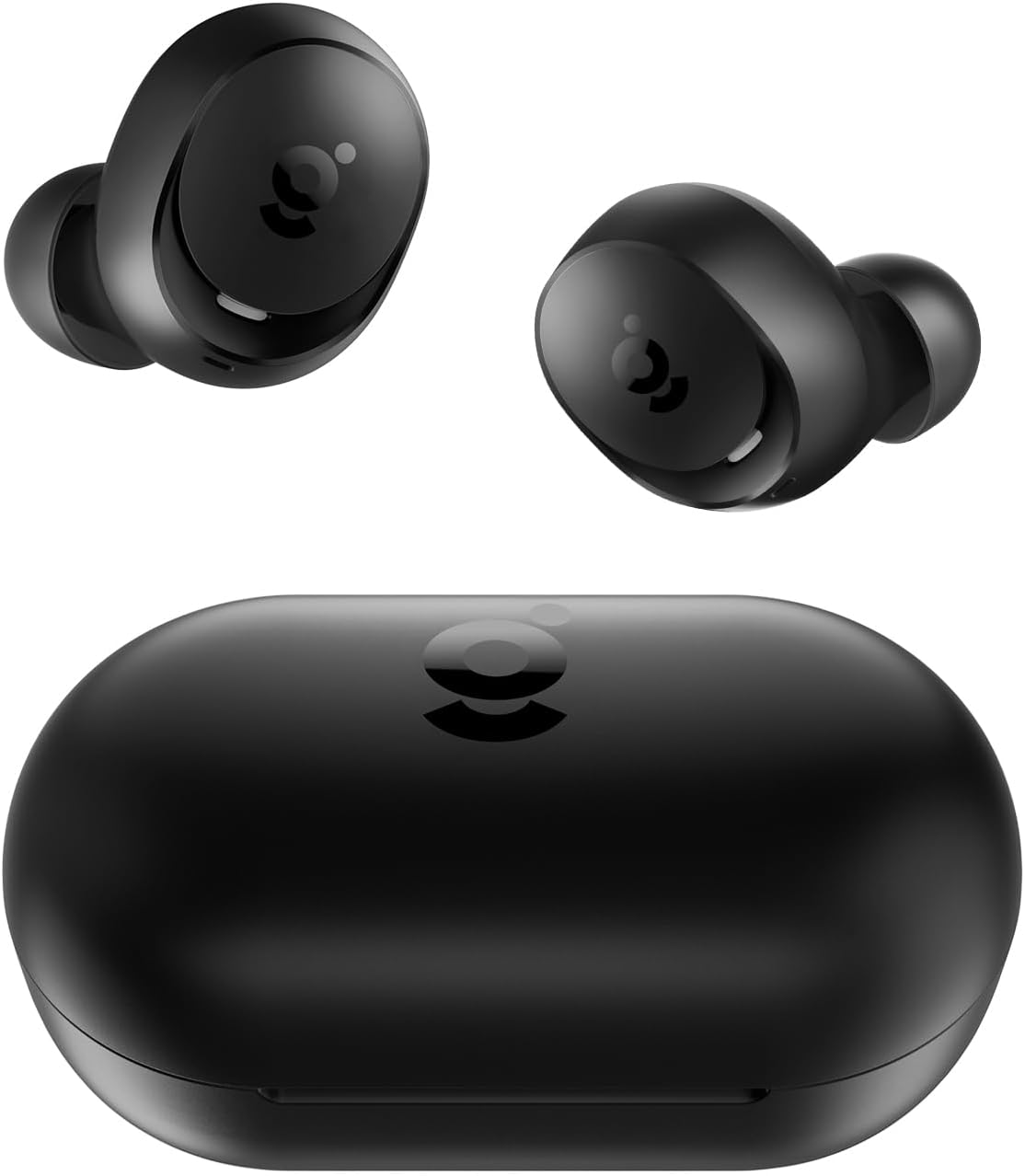
- wegear TW6 Wireless Earbuds (L/R)
- Charging Case
- USB Charging Cable
- Eartips (S, M, L sizes)
- User Manual
Setup
1. Charging the Earbuds and Case
Before first use, fully charge the earbuds and the charging case.
- Place the earbuds into the charging case. Ensure they are correctly seated.
- Connect the USB charging cable to the charging port on the case and to a power source (e.g., USB wall adapter, computer USB port).
- The indicator lights on the charging case will show the charging status. Once fully charged, the lights will indicate completion or turn off.
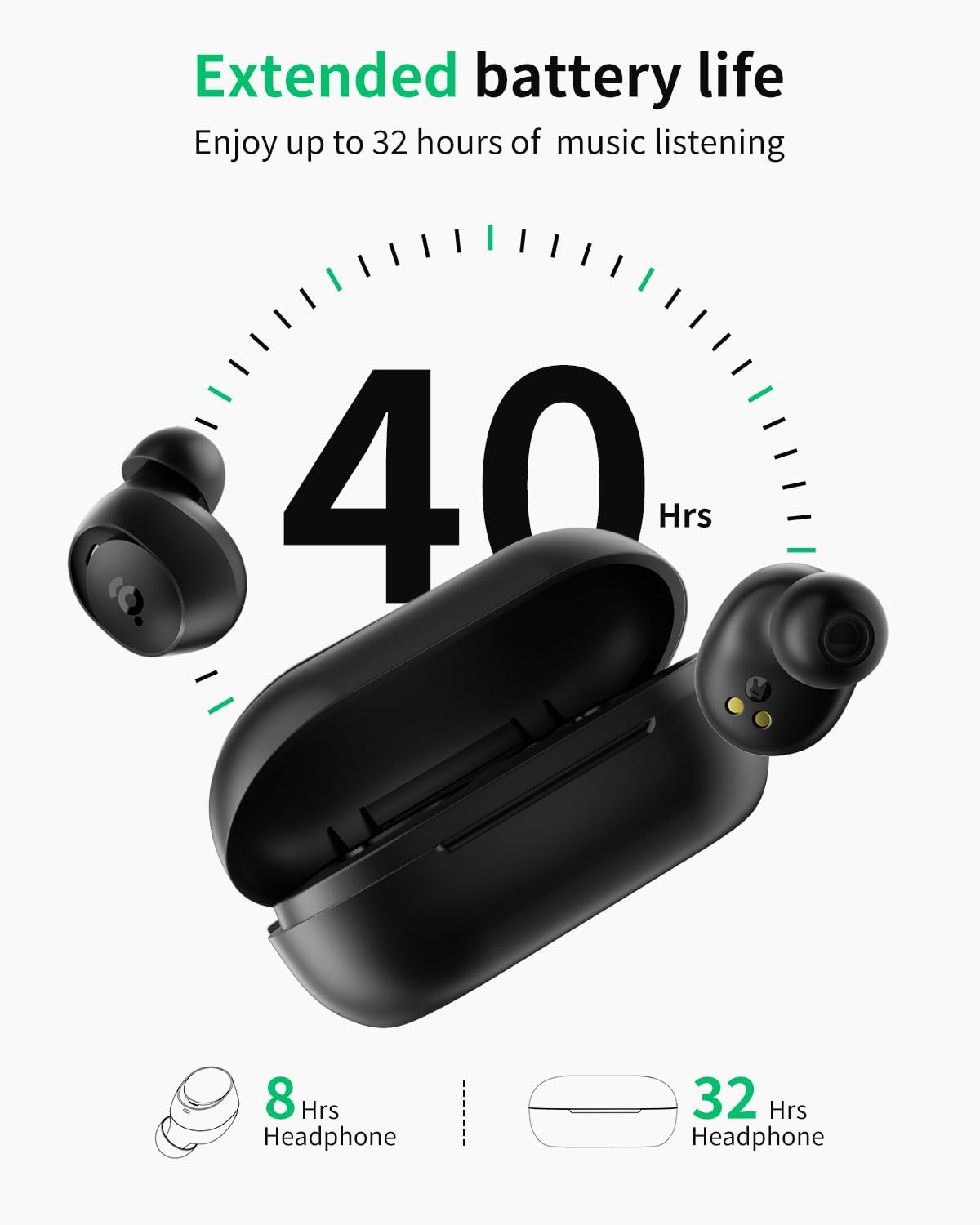
A full charge provides approximately 8 hours of playtime for the earbuds and an additional 32 hours from the charging case, totaling 40 hours.
2. Pairing with Your Device
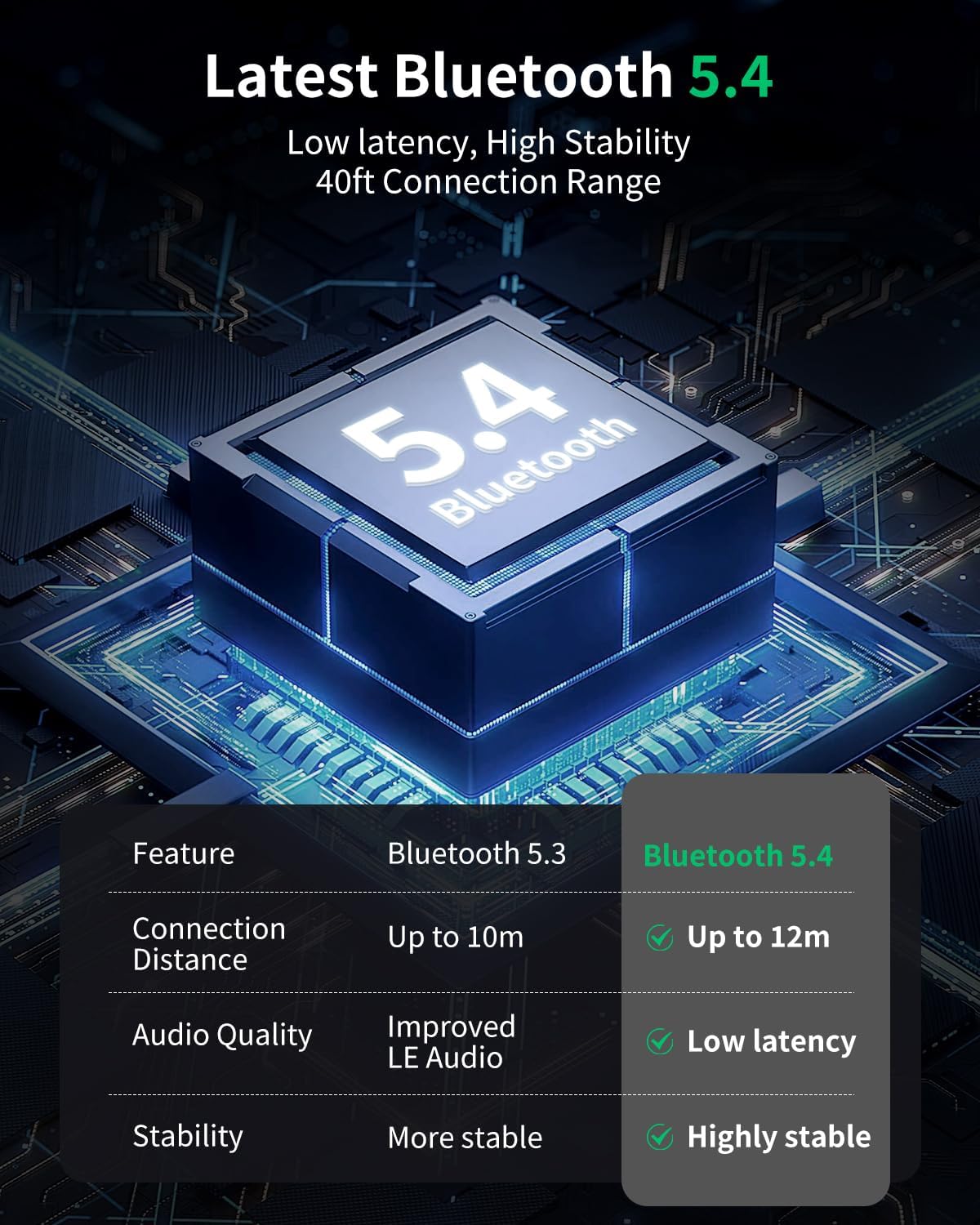
The wegear TW6 earbuds feature Bluetooth 5.4 for stable and efficient connections.
- Initial Pairing: Open the charging case. The earbuds will automatically enter pairing mode.
- On your device (smartphone, tablet, etc.), enable Bluetooth.
- Search for available Bluetooth devices and select "wegear TW6" from the list.
- Once connected, you will hear an audio prompt, and the earbuds will be ready for use.
The earbuds will automatically reconnect to the last paired device when taken out of the case, provided Bluetooth is enabled on the device.

3. Wearing the Earbuds
For optimal sound quality and comfort, choose the correct ear tip size and ensure a secure fit.
- Select the ear tips (S, M, L) that best fit your ears. A snug fit helps with sound isolation and bass response.
- Gently insert each earbud into your ear canal.
- Rotate the earbud slightly until it feels secure and comfortable.
Operating the Earbuds
Touch Controls
The wegear TW6 earbuds feature intuitive touch controls on each earbud.
| Function | Action |
|---|---|
| Play/Pause | Double-tap (L/R earbud) |
| Next Track | Long press (R earbud) for 1.5 seconds |
| Previous Track | Long press (L earbud) for 1.5 seconds |
| Answer/End Call | Double-tap (L/R earbud) |
| Reject Call | Long press (L/R earbud) for 1.5 seconds |
| Voice Assistant | Triple-tap (Left earbud) |
| Low Latency Mode | Triple-tap (Right earbud) |
| Reset | Place both earbuds back in the charging case and simultaneously tap both touch areas 5 times until the earbuds flash white 5 times. |

Clear Calls
The wegear TW6 earbuds are equipped with two built-in microphones and advanced AI-enhanced algorithms. This technology works to reduce environmental background noise, ensuring your voice remains clear during calls, even in noisy surroundings.

Immersive Stereo Sound
Experience high-quality audio with the wegear TW6 earbuds. Featuring 6mm dynamic drivers, they deliver deep bass and bright highs for an immersive stereo sound experience.

Waterproof Design
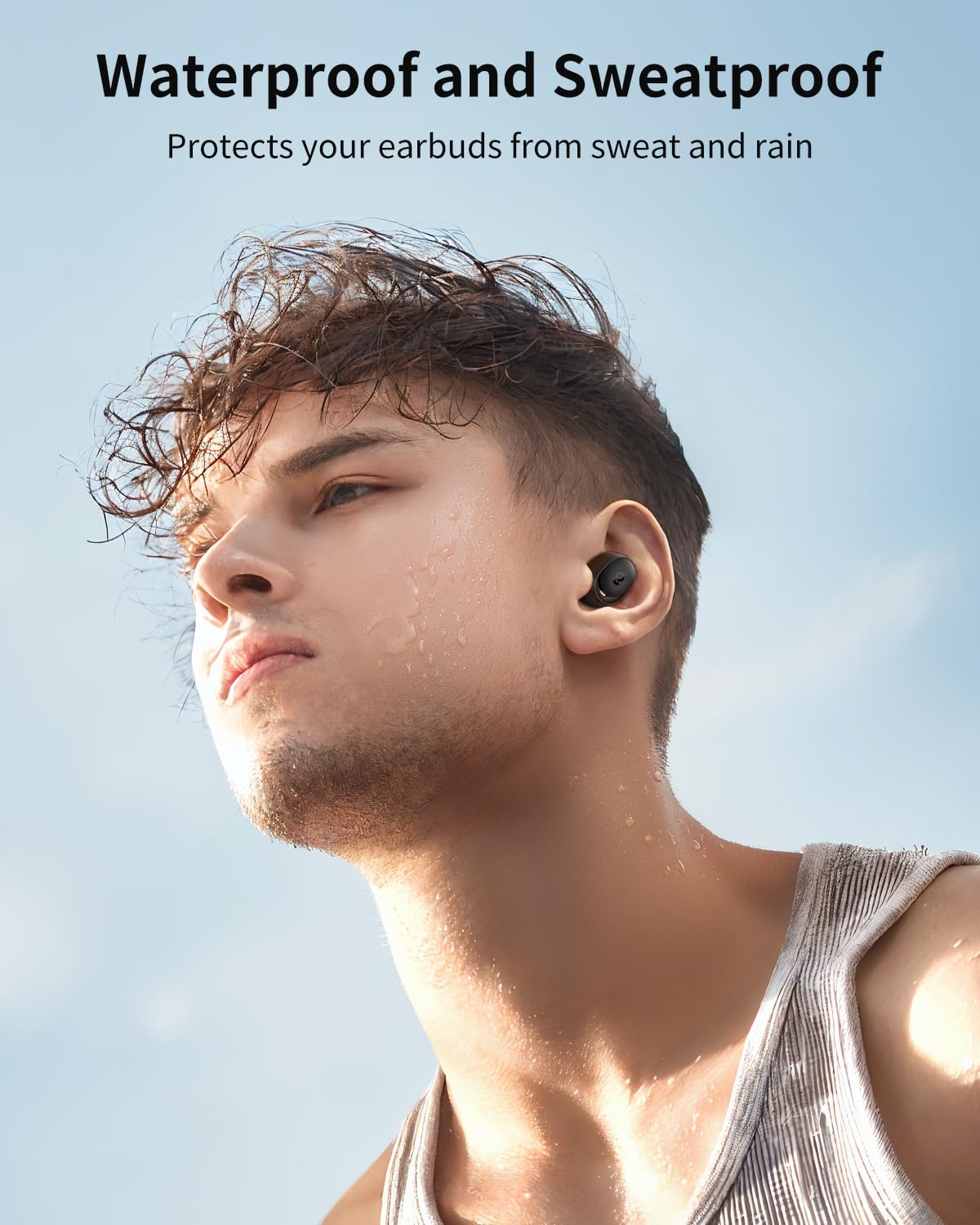
The wegear TW6 earbuds are designed with a waterproof rating, protecting them from sweat and rain. This makes them suitable for sports and outdoor activities.
Maintenance
Cleaning
- Regularly clean the earbuds, ear tips, and charging contacts with a soft, dry, lint-free cloth.
- Do not use harsh chemicals or abrasive materials.
- Ensure the charging port on the case is free of dust and debris.
Storage
- When not in use, store the earbuds in their charging case to protect them and keep them charged.
- Store in a cool, dry place away from extreme temperatures.
Troubleshooting
Common Issues and Solutions
- Earbuds not pairing:
- Ensure earbuds are charged and out of the case.
- Turn off and on Bluetooth on your device.
- Forget "wegear TW6" from your device's Bluetooth list and try pairing again.
- Only one earbud working:
- Place both earbuds back in the charging case, close the lid, then open it again.
- Perform a factory reset (see touch controls table for instructions).
- Earbuds not charging:
- Ensure the charging cable is securely connected to both the case and the power source.
- Clean the charging contacts on both the earbuds and inside the case.
- Try a different charging cable or power adapter.
- Poor sound quality:
- Ensure ear tips provide a good seal in your ear. Try different sizes.
- Clean any debris from the earbud nozzles.
- Ensure your device's volume is appropriately set.
Note: These earbuds do not have a custom EQ feature. If you require EQ adjustments, please use a media player that supports this function.
Specifications
| Feature | Detail |
|---|---|
| Model Name | wegear TW6 |
| Bluetooth Version | 5.4 |
| Bluetooth Range | Up to 39 feet (12 meters) |
| Earbud Battery Life | Up to 8 hours |
| Total Playtime (with case) | Up to 40 hours |
| Charging Case Battery Capacity | 380 mAh |
| Audio Driver Type | 6mm Dynamic Driver |
| Noise Control | Passive Noise Cancellation, AI-enhanced algorithms for calls |
| Water Resistance Level | Waterproof |
| Control Method | Touch Control |
| Item Weight (each earbud) | Approximately 4g |
| Frequency Range | 20 Hz - 20,000 Hz |
| Impedance | 50 Ohm |

Warranty and Support
wegear products are designed for reliability and performance. For warranty information and customer support, please refer to the warranty card included in your package or visit the official wegear brand store.
wegear Brand Store: Visit the wegear Store

