
1. Product Overview
The BoxWave Wall Charger Direct (15W) is a power adapter designed to provide efficient charging for compatible devices, such as the Anjielo Smart Tuya Smart Home 8-inch. It features an integrated 3-foot USB Type-C cable for a direct and secure connection.
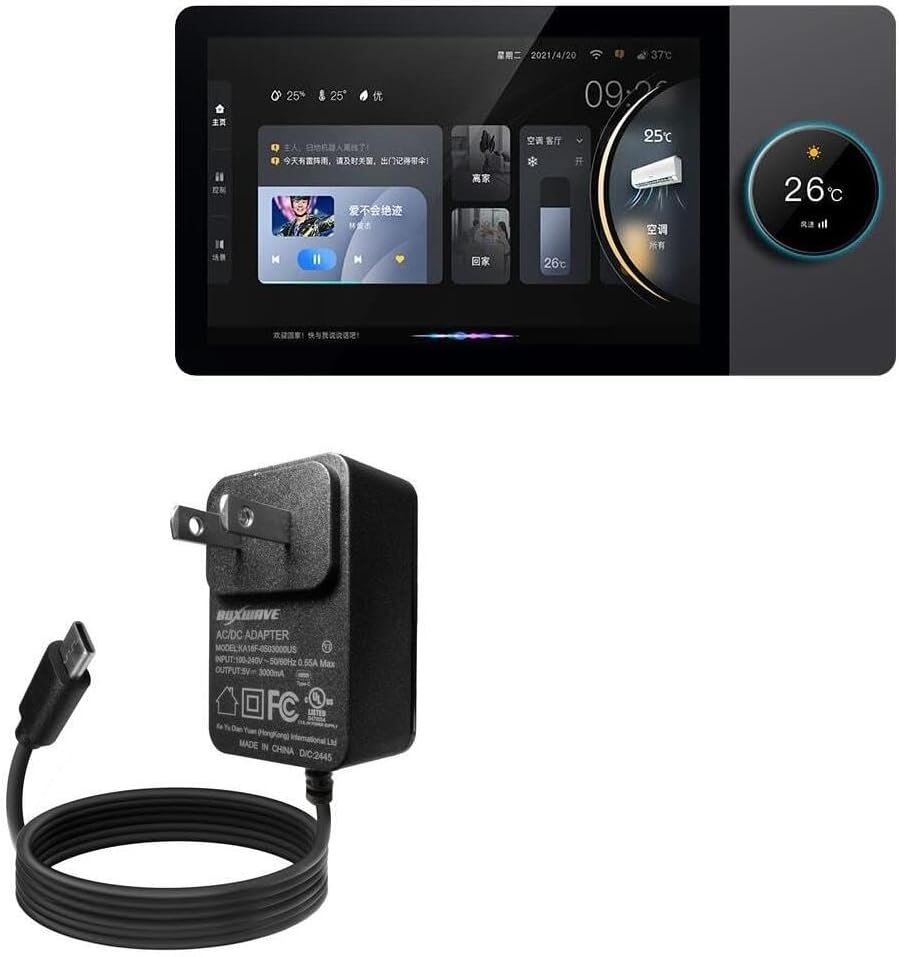
Image: The BoxWave Wall Charger Direct, a black wall adapter with an attached 3-foot USB Type-C cable.
2. Safety Information
- Do not expose the charger to moisture or extreme temperatures.
- Avoid dropping or subjecting the charger to severe impact.
- Do not attempt to disassemble or modify the charger.
- Ensure the wall outlet is easily accessible for disconnection.
- Keep out of reach of children.
- Unplug the charger when not in use or during electrical storms.
3. Package Contents
- 1 x BoxWave Wall Charger Direct (15W) with integrated 3-foot USB Type-C cable
4. Setup
To set up your BoxWave Wall Charger Direct:
- Locate a standard wall outlet (100-240V).
- Plug the charger's prongs firmly into the wall outlet.
- Connect the USB Type-C end of the integrated cable to your compatible device's charging port.
- Ensure the connection is secure. Your device should indicate that it is charging.

Image: A BoxWave Wall Charger Direct plugged into a white wall outlet, with its cable connected to a smartphone that displays a charging icon.
5. Operating Instructions
Once connected, the BoxWave Wall Charger Direct will automatically begin charging your device. The charger delivers 15W of power, enabling efficient charging of compatible devices. The integrated 3-foot USB Type-C cable ensures a secure and consistent connection for charging.
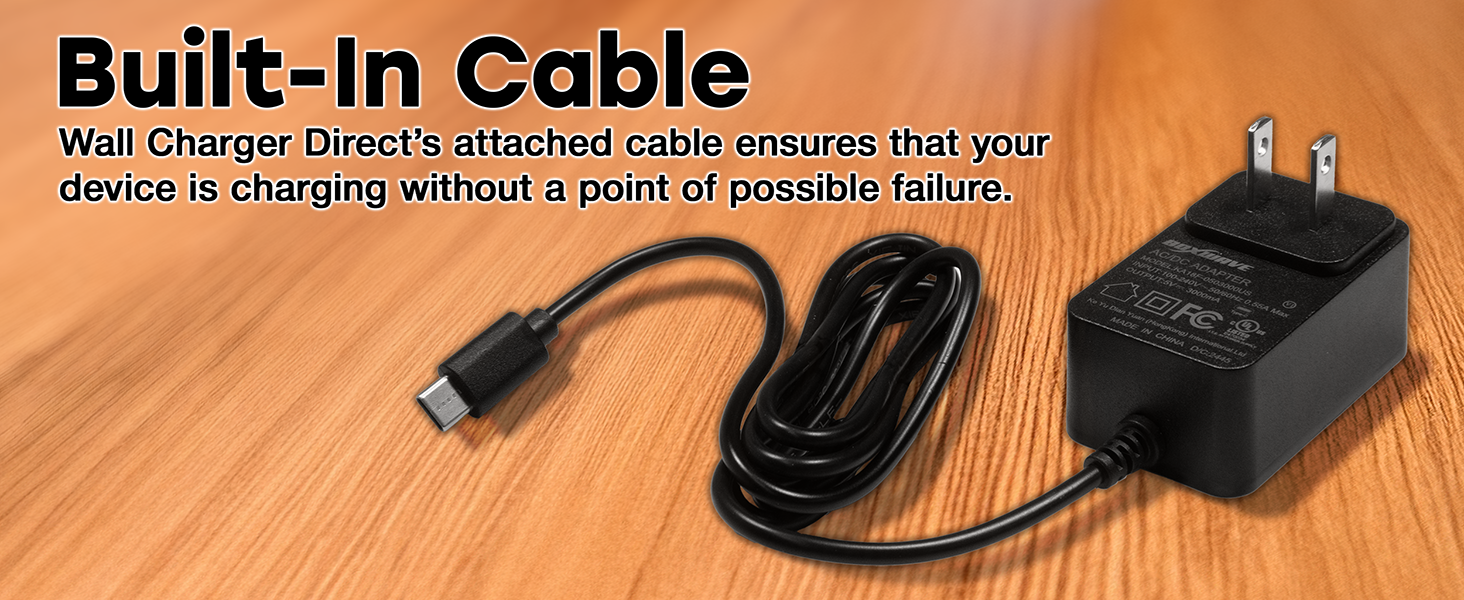
Image: A graphic with text '15W Fast Charging' next to a smartphone displaying a charging battery icon.
6. Maintenance
- Cleaning: Disconnect the charger from the power outlet and your device before cleaning. Use a soft, dry cloth to wipe the surface. Do not use liquid cleaners or aerosols.
- Storage: Store the charger in a cool, dry place away from direct sunlight and extreme temperatures.
- Cable Care: Avoid sharp bends or kinks in the cable. The charger features reinforced strain relief to enhance durability.

Image: A close-up view of a USB Type-C connector, highlighting the reinforced strain relief where the cable meets the connector.
7. Troubleshooting
| Problem | Possible Cause | Solution |
|---|---|---|
| Device not charging | Loose connection; faulty outlet; incompatible device. | Ensure cable is firmly connected. Try a different wall outlet. Verify device compatibility. |
| Slow charging | Device drawing less power; background apps running. | Close unnecessary applications on your device. Ensure the device supports 15W charging. |
| Charger is warm | Normal operation during charging. | This is normal. If it becomes excessively hot, discontinue use and contact support. |
8. Specifications
| Feature | Detail |
|---|---|
| Model Number | BW-WCD |
| Input | 100-240V ~ 50/60Hz, 0.55A Max |
| Output | 5V ⎯ 3000mA (15W) |
| Cable Type | Integrated USB Type-C |
| Cable Length | 3 feet (approx. 0.91 meters) |
| Manufacturer | BoxWave |
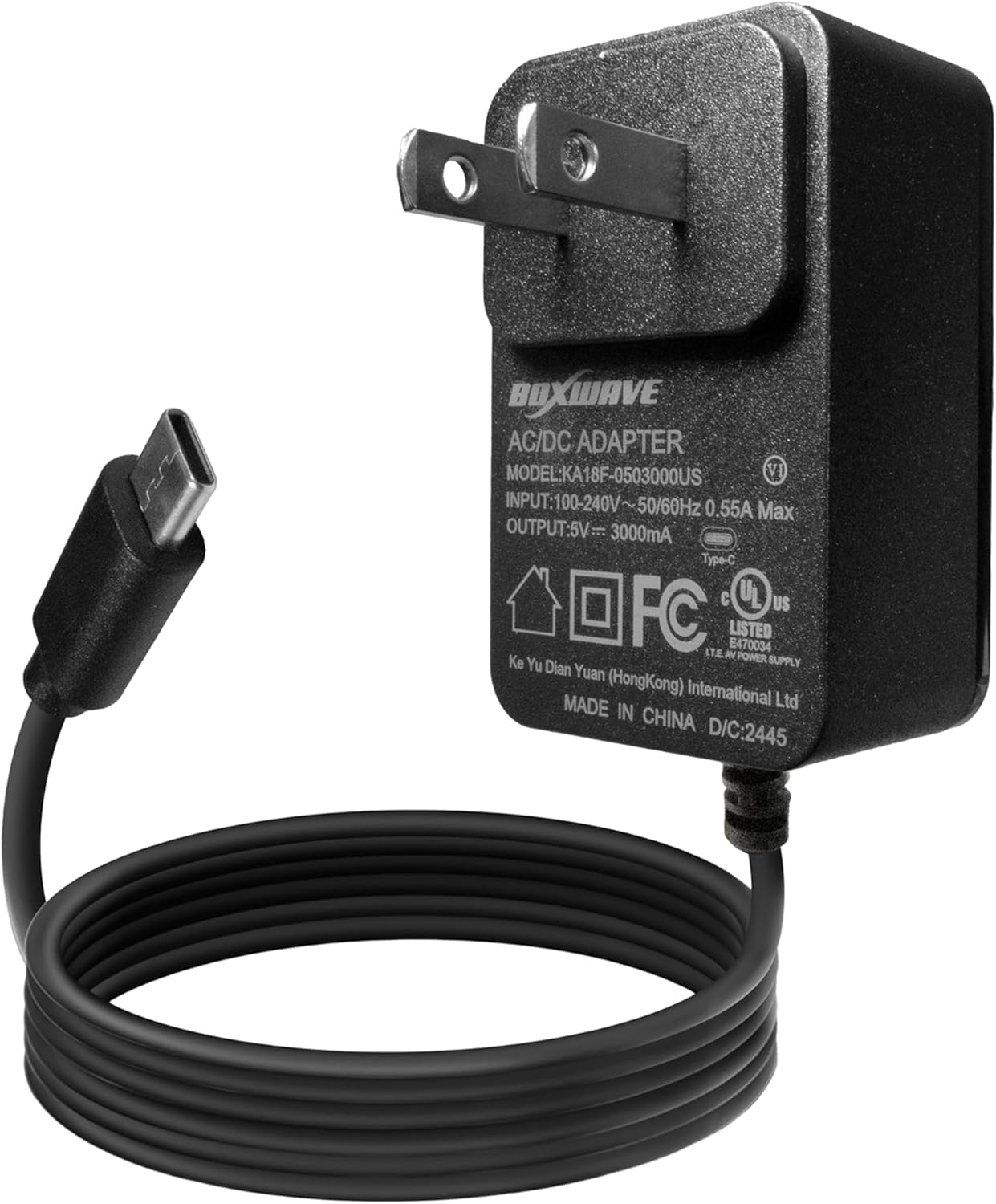
Image: A close-up view of the BoxWave AC/DC adapter, clearly showing the model number, input, and output specifications printed on its label.
9. Warranty and Support
For warranty information or technical assistance, please refer to the BoxWave official website or contact their customer support directly. Keep your purchase receipt for any warranty claims.
Official BoxWave Website: www.boxwave.com