
KOPIDOE XSLEEP
Contents
KOPIDOE Bluetooth Pillow Speaker User Manual
Model: XSLEEP
Introduction
The KOPIDOE Bluetooth Pillow Speaker (Model: XSLEEP) is a mini wireless bone conduction speaker designed to provide a gentle, private audio experience for sleeping and relaxation. It transmits sound through your pillow via vibrations, ensuring minimal disturbance to others. This portable device is ideal for listening to music, podcasts, or white noise to aid in deep sleep and stress relief.

Image: The KOPIDOE Bluetooth Pillow Speaker, a sleek, rectangular device in gray.
Setup
1. Charging the Device
Before first use, fully charge your KOPIDOE Bluetooth Pillow Speaker. The device features a Type-C charging port for stable charging.
- Locate the Type-C charging port on the side of the speaker.
- Connect the included Type-C charging cable to the speaker and a compatible USB power source (e.g., wall adapter, computer USB port).
- A full charge takes approximately 2 hours and provides over 8 hours of playtime.
Image: A close-up view of the speaker, highlighting the Type-C charging port.
2. Power On/Off
- To power on, press and hold the power button located on the side of the speaker until an indicator light appears or an audible prompt is heard.
- To power off, press and hold the power button again until the indicator light turns off or an audible prompt is heard.
3. Bluetooth Pairing
The speaker will automatically enter pairing mode when powered on for the first time or if it's not connected to a previously paired device.
- Ensure the speaker is powered on.
- On your mobile device (smartphone, tablet, etc.), navigate to the Bluetooth settings.
- Search for available devices. The speaker should appear as "XSLEEP".
- Select "XSLEEP" to connect. Once paired, the speaker will confirm the connection, and the indicator light may change.

Image: An illustration demonstrating how to connect the speaker via Bluetooth on a smartphone, showing the "XSLEEP" device listed.
Operating Instructions
1. Playing Audio
- Once paired, you can play any audio from your connected device (music, podcasts, audiobooks, white noise).
- Adjust the volume directly from your connected device. The speaker is designed for low-volume, private listening.
- For optimal sound transmission, place the speaker directly under your pillow.

Image: A person sleeping peacefully with the KOPIDOE speaker positioned under their pillow, illustrating its use for private listening.
2. Auto-off Timer Function
The speaker includes a convenient 30-minute auto-off timer to conserve power and ensure uninterrupted sleep.
- To activate the 30-minute timer, double-click the power button.
- The speaker will automatically shut down after 30 minutes.
- If you prefer continuous playback, do not activate the timer function.
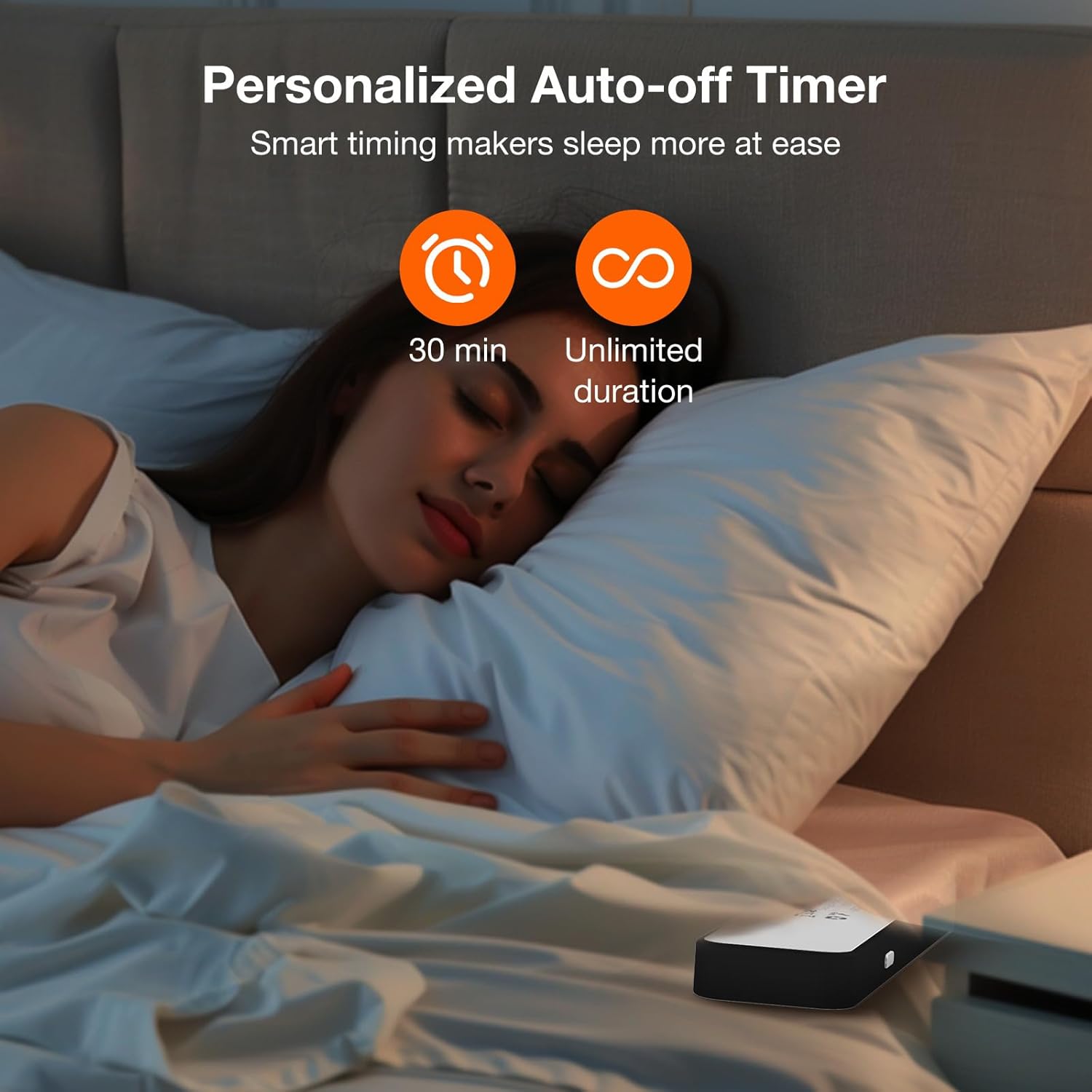
Image: A visual representation of the auto-off timer feature, showing a person sleeping and icons for 30-minute and unlimited duration settings.
3. Optimal Placement for Side Sleepers
The mini size and low volume design make this speaker ideal for side sleepers.
- Place the speaker directly under your pillow, near your ear.
- Adjust the position slightly to find the most comfortable and clear audio experience.
- Note: Not suitable for latex pillows due to material density affecting sound transmission.

Image: A person sleeping on their side, demonstrating the ideal placement of the speaker under the pillow for side sleepers.
4. Portability
The compact and ultra-portable design allows you to carry the speaker for everyday life and travel.

Image: The speaker's dimensions (6.1" L x 1.42" W x 0.5" H) are shown next to an image of it being easily slipped into a jacket pocket, highlighting its portability.
Maintenance
To ensure the longevity and optimal performance of your KOPIDOE Bluetooth Pillow Speaker, follow these maintenance guidelines:
- Cleaning: Wipe the speaker with a soft, dry cloth. Do not use abrasive cleaners or immerse the device in water.
- Storage: Store the speaker in a cool, dry place away from direct sunlight and extreme temperatures.
- Battery Care: To preserve battery life, avoid fully discharging the battery frequently. Charge the device regularly, even if not in constant use.
- Handling: Handle the speaker with care. Avoid dropping it or subjecting it to strong impacts.
Troubleshooting
If you encounter any issues with your KOPIDOE Bluetooth Pillow Speaker, please refer to the following common solutions:
- No Power:
- Ensure the speaker is fully charged. Connect it to a power source using the Type-C cable.
- Press and hold the power button for a few seconds to ensure it's powered on.
- Cannot Pair with Bluetooth:
- Make sure the speaker is in pairing mode (often indicated by a blinking light).
- Ensure Bluetooth is enabled on your device and it's within range (typically 10 meters or 33 feet).
- Forget "XSLEEP" from your device's Bluetooth list and try pairing again.
- Restart both the speaker and your Bluetooth device.
- No Sound or Low Volume:
- Increase the volume on your connected device.
- Ensure the speaker is properly placed under your pillow. Bone conduction requires direct contact or close proximity to a surface for sound transmission.
- Check if the speaker is still connected via Bluetooth.
- Timer Not Working:
- Ensure you double-clicked the power button to activate the 30-minute timer. A single click typically powers on/off.
If the issue persists, please contact KOPIDOE customer support for further assistance.
Specifications
| Model Name | XSLEEP |
| Brand | KOPIDOE |
| Connectivity Technology | Bluetooth 5.0 |
| Speaker Type | Bone Conduction Soundbar |
| Mounting Type | Under Pillow Speaker |
| Color | Gray |
| Product Dimensions | 6"D x 3"W x 0.6"H (approx. 15.24cm x 7.62cm x 1.52cm) |
| Item Weight | 3.52 ounces (approx. 100g) |
| Battery | 1 Lithium Ion battery (included), 400mAh |
| Charging Time | Approx. 2 hours |
| Playtime | Over 8 hours (up to 20 hours continuous playtime) |
| Special Features | Bluetooth connection, 30 minutes Timer, Suitable for Adults, Type-C Charging Port, Portable, Mini |
| UPC | 768383388053 |
Official Product Video
Video: An official product video demonstrating the features and usage of the KOPIDOE Bluetooth Pillow Speaker, including power on/off, charging port, and internal components.
Warranty and Support
KOPIDOE is committed to providing high-quality products. For any warranty inquiries, technical support, or assistance with your Bluetooth Pillow Speaker, please contact KOPIDOE customer service through the retailer where you purchased the product or visit the official KOPIDOE store on Amazon:
Please retain your proof of purchase for warranty claims.
Documents and downloads
Ask a question about this manual
Ask about setup, troubleshooting, compatibility, parts, safety, or missing instructions. Manuals+ will review the question and use this page’s manual context to help answer it.