
Introduction
The Philips Hue Datura Smart Ceiling Panel is an advanced LED lighting solution designed to enhance your home environment. This rectangular panel, measuring 11.81 inches by 47.24 inches, features both a diffused main light and a subtle backlight, offering a full spectrum of White & Color Ambiance. Its frameless design and slim profile allow for seamless integration into various interior styles, including living rooms, bedrooms, and kitchens. The panel supports individual light control and grouping into zones via the Philips Hue app, and is compatible with Bluetooth and voice control systems such as Amazon Alexa, Apple Home, and Google Assistant.
Setup
Follow these steps for proper installation and initial setup of your Philips Hue Datura Smart Ceiling Panel:
- Install the Light Base: Securely mount the light base to your ceiling according to local electrical codes and safety guidelines. Ensure the power supply is turned off at the circuit breaker before beginning installation.
- Wire the Panel: Connect the panel's wiring to your home's electricity using the included hooks. Refer to the wiring diagram in the physical instruction manual for detailed connections.
- Attach the Ceiling Panel: Once wired, carefully click the ceiling panel into place on the mounted base.
- Power On and Connect: Restore power at the circuit breaker. Download the Philips Hue app from your device's app store. Open the app and follow the on-screen instructions to discover and connect your new Datura Smart Ceiling Panel via Bluetooth. For full smart home integration and extended features, consider connecting to a Philips Hue Bridge (sold separately).

Figure 1: Easy installation of the ceiling panel.

Figure 2: Philips Hue Bridge installation overview.

Figure 3: Comparison of features with Hue Bridge vs. Bluetooth.
Operating
The Philips Hue Datura Smart Ceiling Panel offers flexible control options:
- Philips Hue App Control: Use the Philips Hue app to control both the main light and the backlight individually. Adjust brightness, color temperature (from warm to cool white), and choose from millions of colors. Create custom scenes or select from dozens of preset scenes to match your mood or activity. You can also group multiple lights into zones for simultaneous control.
- Voice Control: Integrate your Datura panel with smart home assistants like Amazon Alexa, Apple Home, or Google Assistant for hands-free control. Simply use voice commands to turn lights on/off, change colors, or adjust brightness.
- Bluetooth Connectivity: For basic control without a Hue Bridge, connect directly to the panel via Bluetooth using the Philips Hue app. This allows for immediate control within a single room.
- Smart Accessories: Enhance your control with optional Philips Hue smart accessories such as dimmer switches or motion sensors (sold separately).
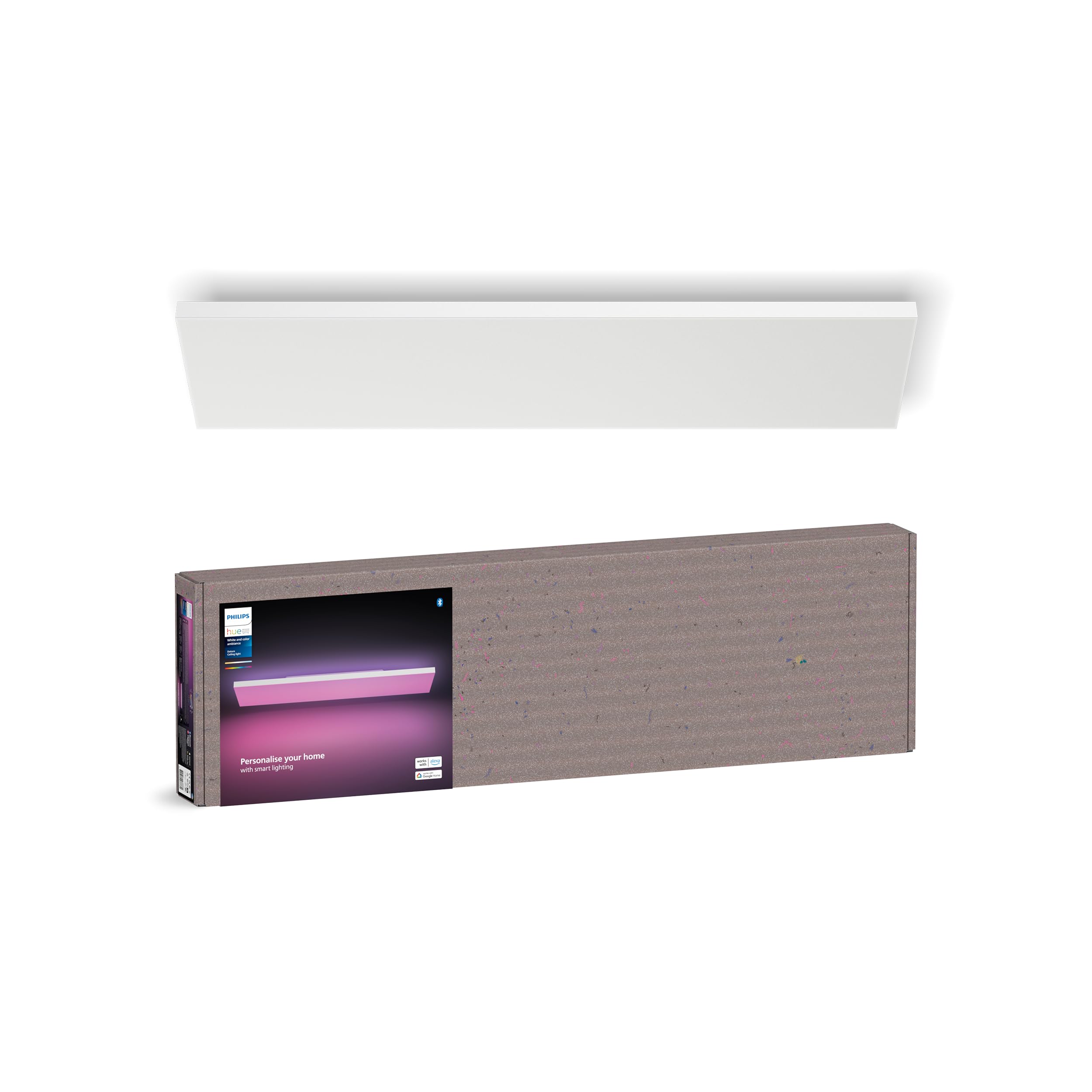
Figure 4: Datura panel displaying various colors.

Figure 5: Individual light control via the Philips Hue app.
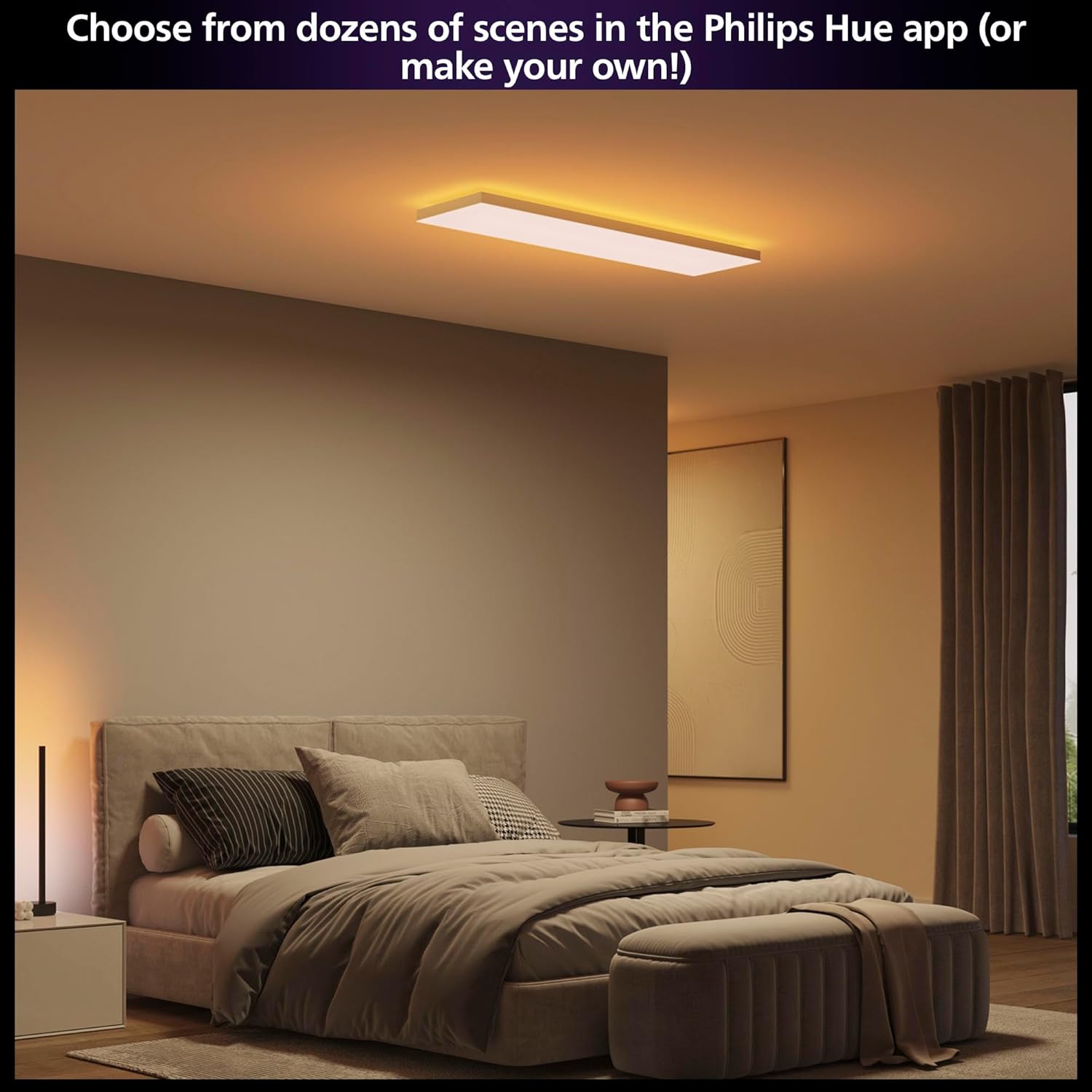
Figure 6: Selecting scenes in the Philips Hue app.

Figure 7: Control via app, smart accessories, or voice.
Video 1: Official Philips Hue video demonstrating the Datura Ceiling Lights in various settings and colors.
Maintenance
To ensure the longevity and optimal performance of your Philips Hue Datura Smart Ceiling Panel, follow these simple maintenance guidelines:
- Cleaning: Gently wipe the surface of the panel with a soft, dry, or slightly damp cloth. Avoid using abrasive cleaners, solvents, or harsh chemicals, as these can damage the finish or electronic components.
- Dust Removal: Periodically remove dust from the panel using a soft brush or a vacuum cleaner with a brush attachment.
- Inspection: Regularly inspect the panel for any signs of damage or loose connections. If any issues are observed, contact customer support.
Note: The LED light source is non-removable and not user-serviceable. Do not attempt to disassemble the unit.
Troubleshooting
If you encounter issues with your Philips Hue Datura Smart Ceiling Panel, refer to the following common troubleshooting steps:
- Light Not Turning On:
- Check if the power supply to the fixture is active at the wall switch and circuit breaker.
- Ensure all wiring connections are secure and correctly installed.
- Verify that the panel is properly clicked into its base.
- Cannot Connect via Bluetooth/App:
- Ensure Bluetooth is enabled on your mobile device and you are within range of the light.
- Restart the Philips Hue app.
- If using a Hue Bridge, ensure it is powered on and connected to your network.
- Perform a factory reset on the light if necessary (refer to the Philips Hue app for instructions).
- Inconsistent Light Performance:
- Check for any interference from other wireless devices.
- Ensure your Philips Hue app and any connected Hue Bridge firmware are up to date.
- Voice Control Issues:
- Verify that your voice assistant (Alexa, Google Assistant, Apple Home) is properly linked to your Philips Hue account.
- Check your internet connection if using a cloud-based voice assistant.
- Ensure the correct device name is being used in your voice commands.
For further assistance, consult the Philips Hue support website or contact customer service.
Specifications
| Feature | Detail |
|---|---|
| Brand | Philips Hue |
| Model Number | 586784 |
| Dimensions (Panel) | 11.81 in x 47.24 in (Rectangular) |
| Item Dimensions (L x W x H) | 51.96"L x 16.06"W x 4.92"H |
| Item Weight | 8.26 Kilograms |
| Color | White |
| Material | Plastic |
| Light Source | LED |
| Number of Light Sources | 2 (Main and Backlight) |
| Voltage | 120 Volts |
| Wattage | 67 watts |
| Brightness | 4800 Lumens |
| Efficiency | 72 lm/W |
| Connectivity Protocol | Bluetooth, Zigbee |
| Control Method | App |
| Smart Home Compatibility | Amazon Alexa, Apple Home, Google Assistant |
| Installation Type | Flush Mount |
| Indoor/Outdoor Usage | Indoor |
| Water Resistance Level | Not Water Resistant |
| Included Components | Instruction Manual |
Warranty and Support
Your Philips Hue Datura Smart Ceiling Panel is covered by a 2-year manufacturer's warranty. This warranty covers defects in materials and workmanship under normal use.
For warranty claims, technical support, or additional product information, please visit the official Philips Hue support website or contact their customer service directly. Keep your proof of purchase for warranty validation.
Online Support: www.philips-hue.com/support

