Product Overview
The Dooya DC2760 is a 2-channel single control emitter designed for seamless operation of various Dooya electric curtains, roller blinds, and sunshade tubular motors. This remote control offers a comfortable user experience with its large button design and efficient 433.92MHz RF communication.
Key Features:
- 2-Channel Control: Manage two separate channels for different window treatments.
- Wide Compatibility: Supports various 433MHz Dooya motor equipment, covering devices such as curtains, roller blinds, and opening/closing curtains.
- User-Friendly Design: Features large buttons for easy operation, suitable for all ages.
- Energy Efficient: Low power consumption design ensures long battery life.
- Reliable RF Communication: Operates on 433.92MHz frequency with a transmission distance of over 35 meters.
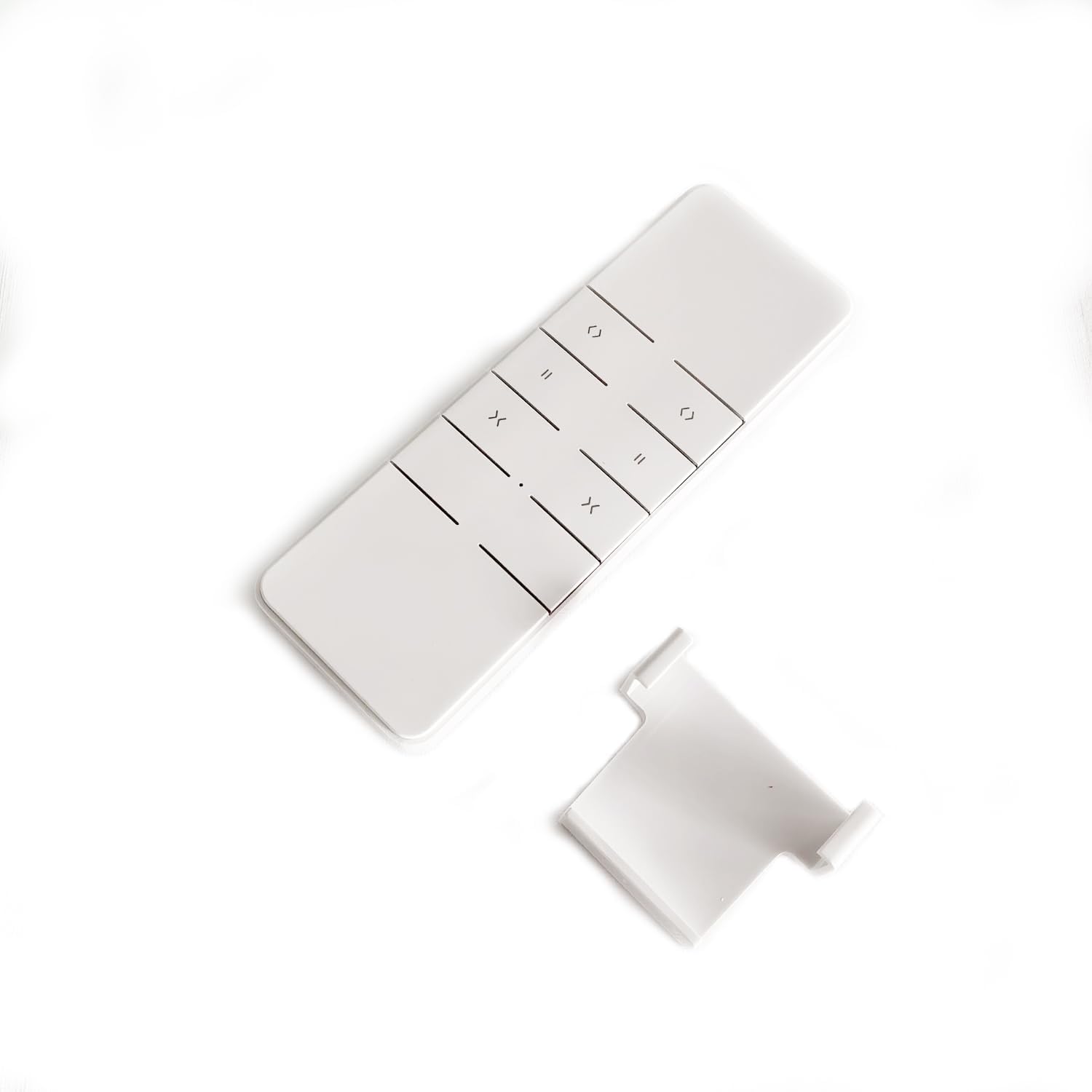
Figure 1: Front view of the DC2760 Remote Control.
Setup and Pairing
This section guides you through the process of pairing your DC2760 remote control with a Dooya motor. Ensure your motor is powered on before beginning the pairing process.
Pairing Instructions:
- Access the Motor Setting Button:
Locate the small setting button on your Dooya motor. This button is typically recessed and may require a small tool (like a pin or paperclip) to press.

Figure 2: The DC2760 remote control is compatible with various Dooya motor types, including Tubular, DC Tubular, Venetian, and Curtain motors.
- Enter Pairing Mode on Motor:
Press the motor setting button once. The motor will emit a sound (a beep or short movement) indicating it has entered pairing mode.
- Pair with Remote Control:
On the DC2760 remote control, locate the small P2 setting button. This button is usually on the back or side of the remote, often recessed. Press the P2 setting button twice. The remote control will emit a sound (beeps) and the motor will respond, indicating successful pairing. When the sound from the remote control stops, the pairing is complete.

Figure 3: Back of the DC2760 remote control, showing the battery and potential location for the P2 button.
- Test Operation:
After successful pairing, use the up, down, and stop buttons on the remote control to test the motor's functionality. The motor should respond to your commands.
Visual Guide: Pairing Process
Video 1: This video demonstrates the step-by-step process of pairing the Dooya DC2760 remote control with a Dooya motor. It shows how to access the motor's setting button and use the remote's P2 button for successful pairing.
Operation
The DC2760 remote control provides intuitive control over your motorized window treatments.
Channel Selection:
The remote features a 2-channel single control emitter. The LCD screen displays the currently selected channel. To switch between channels:
- Press the "channel switch" button labeled P1- to decrease the channel number.
- Press the "channel switch" button labeled P1+ to increase the channel number.
Release your finger when the indicator light moves to the desired effective channel.
Basic Control Functions:

Figure 4: Button layout of the DC2760 remote control.
- Up Button: Moves the curtain or blind upwards.
- Down Button: Moves the curtain or blind downwards.
- Stop Button: Halts the movement of the curtain or blind at its current position.
Specifications
| Feature | Detail |
|---|---|
| Model Number | DC2760 |
| Input Voltage | 3V (CR2450 Battery) |
| Emission Frequency | 433.92MHz ± 100KHz |
| Emission Current | 6~15mA |
| Quiescent Current | <15uA |
| Operating Temperature | -10°C to 50°C |
| Transmission Distance | >35m |
| Product Dimensions | 5.12"L x 1.73"W (approx. 13cm x 4.4cm) |
| Item Weight | 8 ounces |
| Color | White |

Figure 5: Dimensions of the DC2760 remote control.
Maintenance
Battery Replacement:
The DC2760 remote control is powered by a CR2450 battery. If you notice the emission distance becoming significantly shorter or the remote becoming less sensitive, it is time to replace the battery.
- Carefully open the back cover of the remote control.
- Remove the old CR2450 battery.
- Insert a new CR2450 battery, ensuring correct polarity.
- Close the back cover securely.
Important: Please dispose of used batteries responsibly according to local recycling guidelines.
General Care:
- Avoid exposing the remote control to moisture or direct water contact.
- Protect the remote from physical impact or dropping, as this can affect its lifespan and functionality.
- Clean the remote control with a soft, dry cloth. Do not use abrasive cleaners or solvents.
Troubleshooting
Common Issues and Solutions:
- Remote control range is short or less sensitive:
This is typically an indication of a low battery. Replace the CR2450 battery with a new one.
- Motor does not respond to remote control:
- Ensure the remote control has a fresh battery.
- Verify that the remote control is on the correct channel for the motor you are trying to operate.
- Re-attempt the pairing process as described in the "Setup and Pairing" section.
- Check if the motor is receiving power.
- Motor responds erratically:
Interference from other RF devices might be a cause. Try operating the remote closer to the motor. If the issue persists, re-pairing might resolve it.
Warranty and Support
For specific warranty information regarding your Dooya DC2760 remote control, please refer to the documentation provided at the time of purchase or contact the seller directly. Keep your proof of purchase for any warranty claims.
If you encounter issues that cannot be resolved using the troubleshooting steps provided, please contact the product seller or manufacturer for further assistance. Provide them with your product model number (DC2760) and a detailed description of the problem.


