
Introduction
This user manual provides comprehensive instructions for the SASKATE 2-in-1 Smart Watch, which integrates a smartwatch with Bluetooth earbuds. It covers essential information regarding product setup, operation, maintenance, and troubleshooting to ensure optimal use of your device.

Image: Front view of the SASKATE 2-in-1 Smart Watch, displaying a digital watch face with time and date.
Package Contents
Please verify that all items are present in your product package:
- 1 x Smartwatch
- 1 x Charging Cable
- 1 x Instruction Manual
Product Overview
The SASKATE 2-in-1 Smart Watch combines the functionality of a smartwatch with the convenience of integrated Bluetooth earbuds. This design enhances portability and ease of use for daily communication, entertainment, and fitness tracking.
Key Features:
- 2 IN 1 WATCH: Combines watch and headset for portability and ease of use, with multiple customizable dials.
- HD COLOR SCREEN: Features a 1.85-inch touch color screen for a high-definition visual experience and convenient mobile touch control.
- EARBUDS: Built-in white noise for comfortable sleep. Tap controls for calls, music playback, and song switching. Earbuds charge magnetically when stored in the watch.
- MP3 PLAYBACK: Supports MP3 and MP4 formats for direct music playback without phone connection.
- LONG LASTING LIFE: Efficient charging with 12 days of standby time, powered by a strong processor for extended battery performance.

Image: Rear view of the SASKATE Smart Watch with the earbud compartment open, showing the charging contacts and earbud slots.
Setup
Charging the Device:
Before initial use, ensure both the smartwatch and its integrated earbuds are fully charged.
- Connect the provided charging cable to the smartwatch's charging port.
- Plug the other end of the cable into a USB power adapter (not included) or a computer's USB port.
- The watch display will indicate the charging status.
- The earbuds will charge automatically when properly placed inside the watch's dedicated compartment.
Powering On/Off:
To power on the device, long press the power button. For specific button locations, refer to the included physical instruction manual. To power off, long press the power button and follow the on-screen prompts.
App Installation and Pairing:
The smartwatch requires the "Powerband" application for full functionality and data synchronization. This app is compatible with Android phones.
- Download and install the "Powerband" app from your device's app store or by scanning the QR code provided in the physical manual.
- Ensure Bluetooth is enabled on your Android phone.
- Open the "Powerband" app and follow the on-screen instructions to search for and connect to your SASKATE smartwatch.
- Confirm the pairing request on both your phone and the smartwatch to establish a connection.
Operating Instructions
Smartwatch Navigation:
The smartwatch features a 1.85-inch IPS HD touch color screen. Navigate through menus and functions by swiping left, right, up, or down on the display.
Earbuds Usage:
The integrated earbuds provide high-quality audio playback and call functionality. They are designed to be small and comfortable, even for extended wear.

Image: A woman sleeping peacefully with the SASKATE Smart Watch on her wrist, highlighting the white noise feature of the earbuds for improved sleep.
Earbud Controls:

Image: A diagram illustrating the touch controls for the earbuds, including single click for power/answer, double click for track control, and long press for refusing calls or activating voice assistant.
- Click: Press and hold for 2 seconds to turn on, 5 seconds to turn off. Short press to answer or end calls.
- Double Click L/R: Short press twice to switch between tracks (up/down).
- Double Click (3 times): Press Play/Pause three times.
- Wake Siri Up: Press four times.
- Refuse to Answer Phone: Long press the earbud or place it back into the watch compartment.
MP3 Playback:
The watch supports direct MP3 and MP4 audio playback. This allows you to listen to music anytime, anywhere, without the need to connect to your mobile phone.
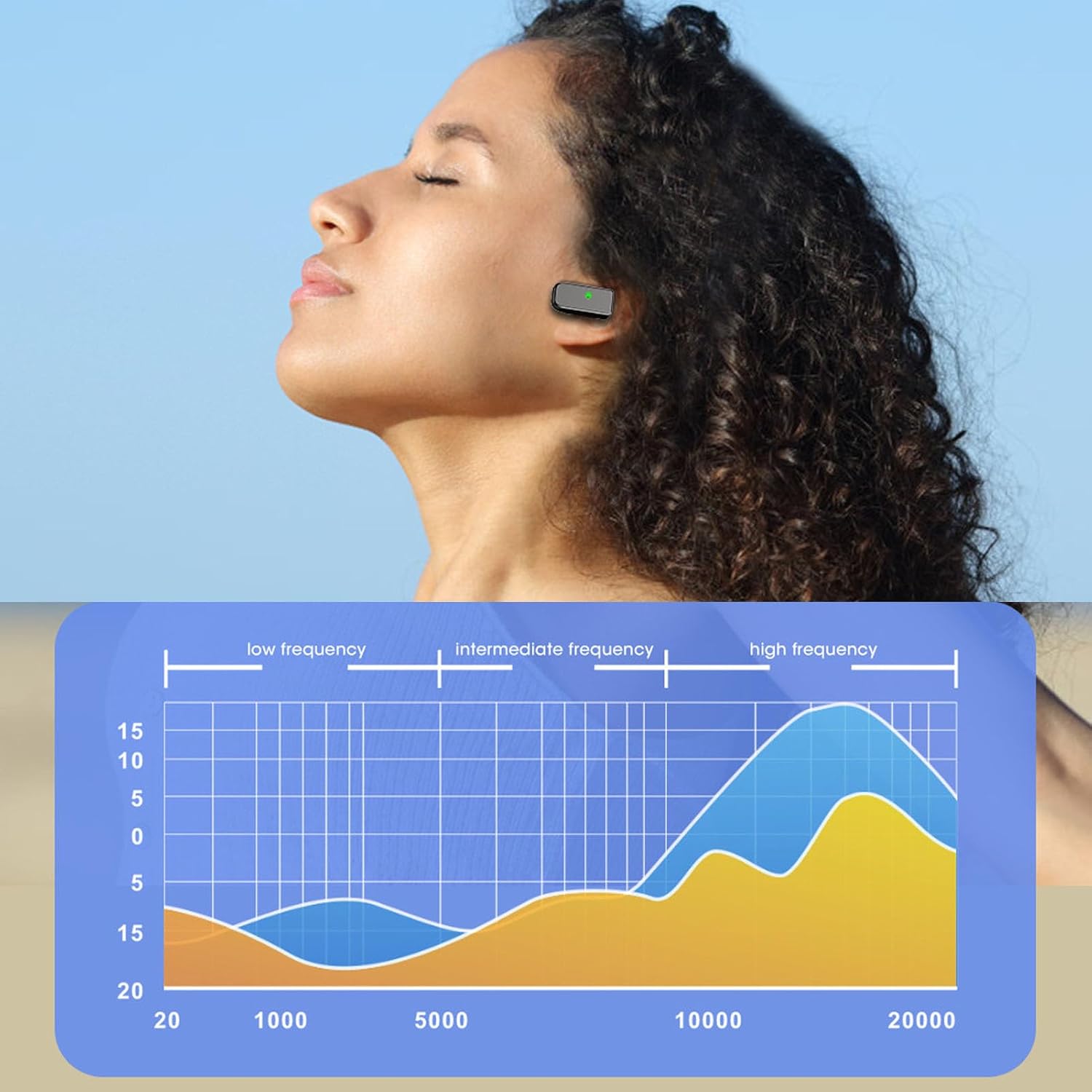
Image: SASKATE earbuds positioned near a smartphone displaying a game, suggesting seamless audio integration for media consumption.
Health and Fitness Tracking:
The smartwatch is equipped with various sensors to monitor health and fitness metrics. Access these features directly through the watch interface or view detailed data within the "Powerband" app.

Image: A woman exercising, wearing the SASKATE Smart Watch, with icons representing various activities like climbing, walking, cycling, rope skipping, and table tennis.
Maintenance
Cleaning:
To maintain the device's appearance and functionality, regularly wipe the watch and earbuds with a soft, dry, lint-free cloth. Avoid using harsh chemicals, abrasive cleaners, or solvents, as these can damage the device's finish and internal components.
Water Resistance:
The SASKATE Smart Watch has an IP67 water-resistant rating. This rating indicates protection against dust ingress and temporary immersion in water up to 1 meter for a maximum of 30 minutes. It is important to note that this device is not suitable for swimming, showering, or exposure to high-pressure water jets.
Storage:
When not in use for extended periods, store the device in a cool, dry place away from direct sunlight and extreme temperatures. Ensure the device is fully charged before storing to preserve battery health.
Troubleshooting
This section addresses common issues you might encounter with your SASKATE Smart Watch and Earbuds.
Device Not Turning On:
- Ensure the device is fully charged. Connect it to the charging cable and allow it to charge for at least 30 minutes.
- Long press the power button for several seconds (typically 3-5 seconds) to initiate power-on.
Earbuds Not Connecting:
- Verify that the earbuds are properly seated in their charging compartment within the watch.
- Check your phone's Bluetooth settings to ensure Bluetooth is enabled and the earbuds are discoverable.
- Try restarting both the smartwatch and your phone, then attempt to reconnect.
App Connection Issues:
- Confirm that Bluetooth is active on your phone and the smartwatch.
- Ensure the "Powerband" app has all necessary permissions enabled in your phone's settings.
- If issues persist, try unpairing the device from your phone's Bluetooth settings and then re-pairing it through the "Powerband" app.
Specifications
Detailed technical specifications for the SASKATE 2-in-1 Smart Watch:
| Feature | Specification |
|---|---|
| Product Dimensions | 6.3 x 3.15 x 1.18 inches |
| Item Weight | 4.1 ounces |
| ASIN | B0DK9FQ1GV |
| Item model number | SASKATEdg1qx6f4oe-12 |
| Date First Available | October 18, 2024 |
| Manufacturer | SASKATE |
| Standing screen display size | 1.85 Inches |
| Special Feature | Adjustable |
| Shape | Square |
| Screen Size | 1.85 Inches |
| Brand | SASKATE |
| Model Name | SASKATEdg1qx6f4oe-12 |
| Style | 1 |
| Color | Gold |
| Age Range (Description) | Adult |
| Compatible Devices | Laptop |
| Item dimensions L x W x H | 6.3 x 3.15 x 1.18 inches |
Additional specifications from manufacturer:
- Display Size: 1.85 Inch IPS HD
- Resolution: 240x284
- Battery Information: Li Battery 280mAh (Built In)
- Water Resistant Rating: IP67
- Bluetooth Version: 5.2
- Compatible Phones: For Android
- APP: for Powerband
Warranty and Support
For detailed warranty information, product support, or to inquire about service, please refer to the documentation included with your original product packaging. You may also visit the official SASKATE website for the most up-to-date support resources.
Manufacturer: SASKATE
Date First Available: October 18, 2024