Introduction
This manual provides essential information for the proper use and maintenance of your SOLEYIN Ultra PLA Filament. This 1.75mm Polylactic Acid (PLA) filament is designed for FDM 3D printers, offering features such as high-speed printing capability, excellent adhesion, and dimensional accuracy. Please read these instructions carefully to ensure optimal printing results and product longevity.
Product Features
- High-Speed Printing: Capable of printing at speeds up to 300mm/s, enabling faster project completion.
- Excellent Adhesion & Anti-Warping: Engineered for strong layer adhesion and minimal shrinkage, reducing warping issues.
- Smooth Extrusion & Clog-Free: Manufactured with high-purity raw materials for consistent diameter and smooth flow, preventing nozzle clogging and bubble formation.
- High Dimensional Accuracy: Filament diameter of 1.75mm with a tolerance of +/- 0.02mm ensures consistent extrusion.
- Neat Winding: Features an automatic winding process to prevent tangles and breaks during printing.
- Eco-friendly Material: Produced from renewable plant resources such as corn and potatoes.
- Vacuum Packaging: Each spool is vacuum-sealed with desiccant to protect against moisture.
- Wide Compatibility: Suitable for most 1.75mm FDM 3D printers, including Creality Ender and CR series.
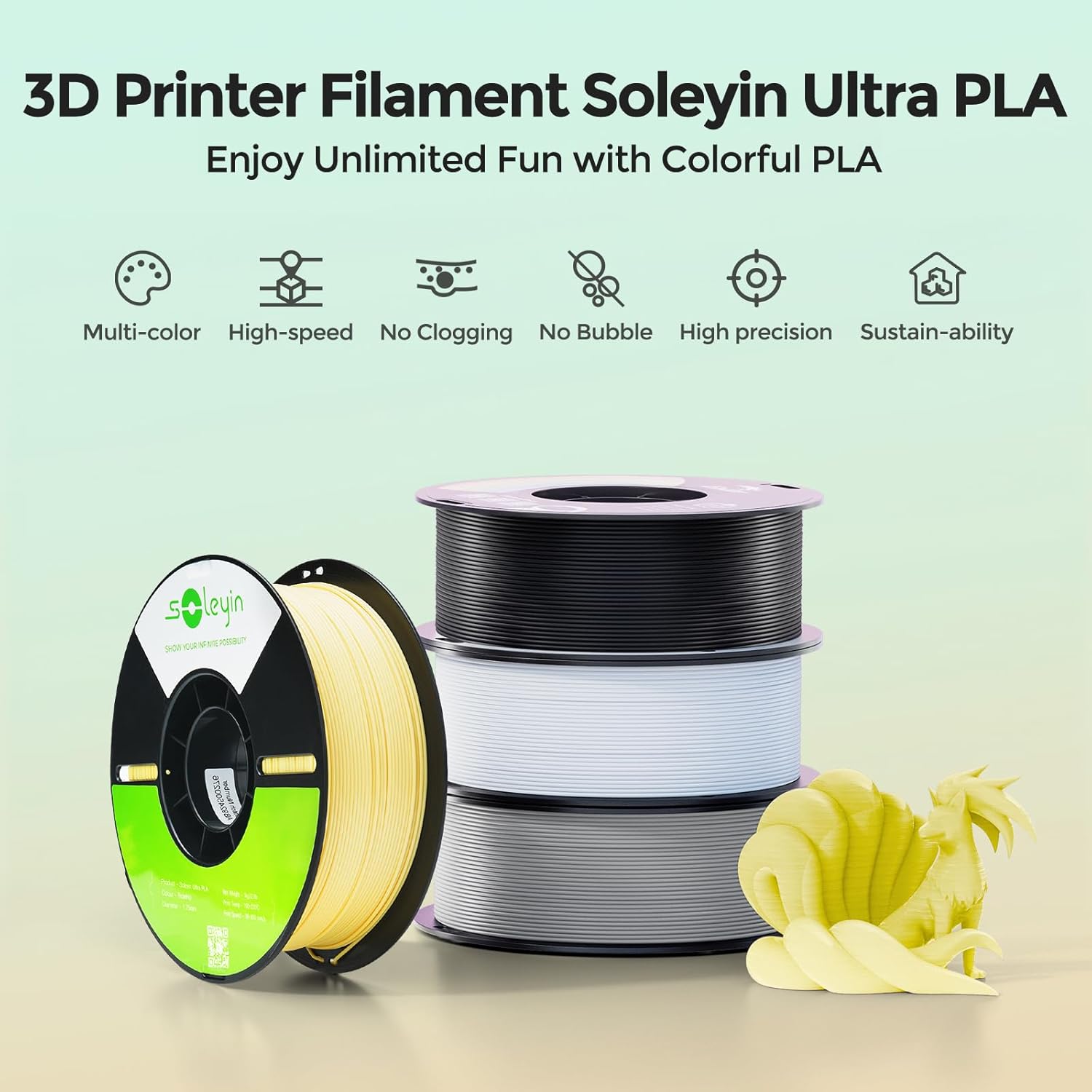
Image: SOLEYIN Ultra PLA filament spools in various colors, highlighting multi-color printing capabilities.
Setup and Preparation
Unpacking
- Carefully open the product packaging.
- Remove the vacuum-sealed filament spool.
- Inspect the filament for any visible damage or moisture. If moisture is suspected, consider drying the filament before use.
Loading Filament
- Ensure your 3D printer is powered on and preheated to the recommended nozzle and bed temperatures for PLA.
- Cut the end of the filament at a 45-degree angle to facilitate smooth insertion.
- Feed the filament into the printer's extruder mechanism according to your printer's specific instructions.
- Confirm that the filament is properly loaded and extruding smoothly from the nozzle.
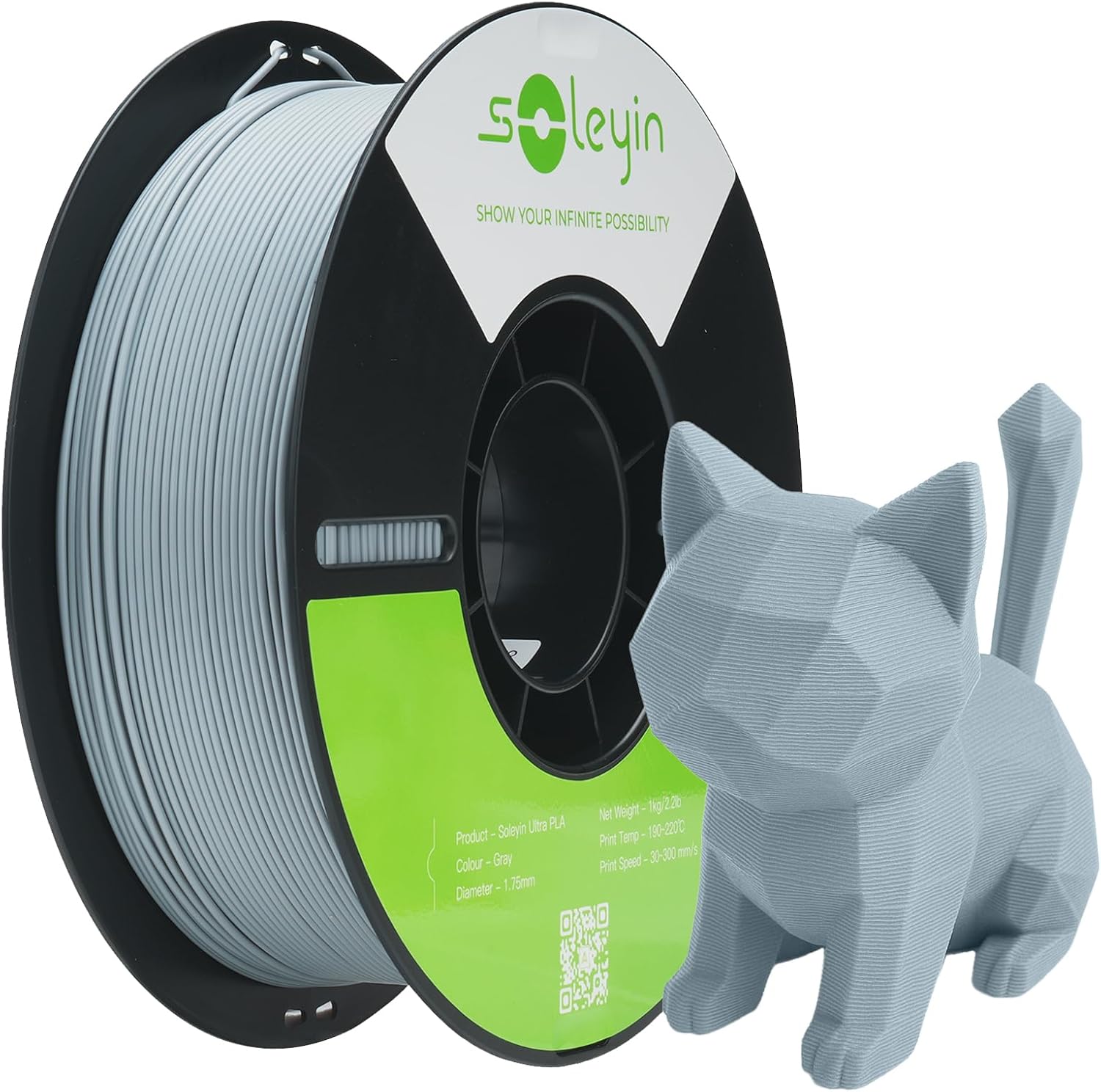
Image: SOLEYIN Ultra PLA filament spool and a sample 3D print.
Operating Guidelines
Recommended Printing Parameters
The following parameters are general recommendations. Optimal settings may vary depending on your specific 3D printer model and environmental conditions. Adjust as needed for best results.
| Parameter | Recommended Range |
|---|---|
| Nozzle Temperature | 190°C - 230°C |
| Hotbed Temperature | 45°C - 60°C |
| Printing Speed | 30mm/s - 300mm/s |
| Cooling Fan Speed | 100% (for most prints) |
High-Speed Printing Considerations
This filament is engineered for high-speed printing. To achieve optimal results at higher speeds (e.g., 200-300mm/s), ensure your 3D printer is capable of maintaining consistent extrusion and precise movements. It is recommended to perform calibration prints when significantly increasing print speed to fine-tune settings such as flow rate and retraction.

Image: Comparison of printing speeds between SOLEYIN Ultra PLA and ordinary PLA.

Image: Demonstrating excellent adhesion with SOLEYIN Ultra PLA compared to ordinary PLA.
Maintenance and Storage
Filament Storage
- After opening, store unused filament in its original vacuum-sealed bag with the desiccant packet.
- Keep filament in a cool, dry place away from direct sunlight and humidity.
- Proper storage prevents moisture absorption, which can lead to printing issues like bubbles and poor layer adhesion.
Printer Maintenance
- Regularly clean your printer's nozzle to prevent clogs.
- Ensure the print bed is clean and level before each print for optimal adhesion.

Image: Illustrating the dimensional accuracy and quality of SOLEYIN Ultra PLA filament.
Troubleshooting
Common Issues and Solutions
- Warping or Poor Bed Adhesion:
Solution: Increase hotbed temperature within the recommended range (45°C-60°C). Ensure the print bed is clean. Consider using a bed adhesive (e.g., glue stick, hairspray) for large prints or challenging geometries. - Nozzle Clogging:
Solution: Verify nozzle temperature is within the recommended range (190°C-230°C). Check for debris in the nozzle and perform a cold pull or hot end cleaning if necessary. Ensure filament is not tangled on the spool. - Bubbles or Popping Sounds During Printing:
Solution: This indicates moisture absorption. Ensure filament is stored properly. If issues persist, consider drying the filament in a dedicated filament dryer or oven at a low temperature (e.g., 45-50°C for 4-6 hours). - Weak Layer Adhesion:
Solution: Increase nozzle temperature slightly. Reduce print speed to allow more time for layers to bond. Ensure cooling fan speed is not excessively high for the first few layers.

Image: Example of a 3D print with exceptional layer adhesion using Ultra PLA.
Product Specifications
| Specification | Value |
|---|---|
| Material | Polylactic Acid (PLA) |
| Filament Diameter | 1.75 mm |
| Dimensional Accuracy | +/- 0.02 mm |
| Net Weight | 1 kg (2.2 lbs) |
| Color (Current Variant) | Gray |
| Density | 1.25 g/cm³ |
| Tensile Strength | 345.482 Pa |
| Elongation at Break (X-Y) | 12.897% |
| Flexural Strength (X-Y) | 70.696 MPa |
| Recommended Printing Temperature | 190°C - 230°C |
| Recommended Hotbed Temperature | 45°C - 60°C |
| Recommended Print Speed | 30 mm/s - 300 mm/s |
| Recommended Fan Speed | 100% |
| Certifications | RoHS, REACH, MSDS |
| Spool Dimensions | 2.76 x 7.09 x 7.09 inches (approx.) |
| Compatible Printing Platform | Carbon crystalline silicon, PEI platform board |

Image: SOLEYIN Ultra PLA filament demonstrating wide compatibility with various FDM 3D printers.
Compatibility
SOLEYIN Ultra PLA Filament is designed for broad compatibility with most Fused Deposition Modeling (FDM) 3D printers that utilize 1.75mm filament. It is verified to be compatible with Creality 3D printers, including the Ender series, CR series, and Fully-Enclosed series, ensuring reliable performance across a wide range of popular machines.
Warranty and Support
For warranty information, technical support, or any inquiries regarding your SOLEYIN Ultra PLA Filament, please refer to the official SOLEYIN website or contact their customer service directly. Keep your purchase receipt as proof of purchase for any warranty claims.
You can visit the SOLEYIN store for more products and information: SOLEYIN Store on Amazon


