
1. Introduction
This manual provides essential instructions for the safe and efficient operation of your BAOFENG DM-1701A Digital Two-Way Radio. The DM-1701A is a versatile device supporting both Digital Mobile Radio (DMR) and analog communication modes, featuring dual-band capabilities and a 5W output for extended range. Please read this manual thoroughly before using the radio.
2. Package Contents
Upon unpacking, please verify that all items listed below are present and in good condition:
- Portable Radio
- 2200mAh Original Battery
- High Gain Antenna
- Belt Clip
- Sling
- Charger (Dock & Adapter)
- User’s manual

3. Product Overview
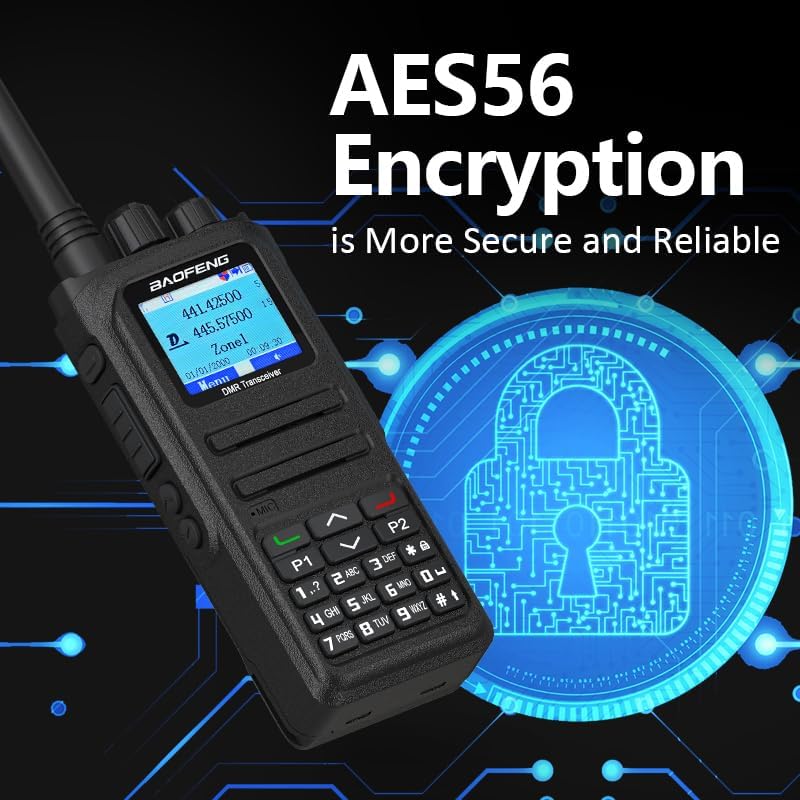
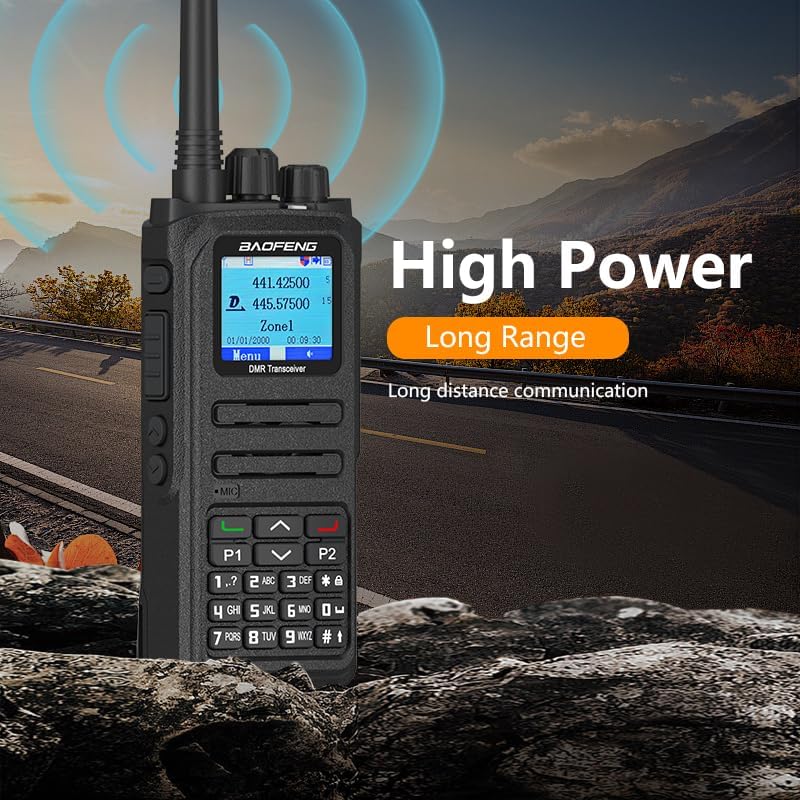
The BAOFENG DM-1701A features a robust design with a full keypad and a 1.77-inch color TFT display for clear information display and easy navigation. Its ergonomic design ensures comfortable handling.



4. Setup
4.1. Battery Installation and Charging
The DM-1701A uses a 2200mAh Li-ion battery. To install, align the battery with the radio's back and slide it into place until it clicks. To charge, either connect a USB-C cable directly to the radio's port or place the radio in the provided charging dock. The charging indicator will show the battery status.

4.2. Programming the Radio
The DM-1701A requires programming for full functionality. This is typically done using a programming cable and dedicated software (CPS) from the official BAOFENG website. The radio is not pre-programmed with GD77 firmware; contact the seller for necessary files and guides.
5. Operating Instructions
5.1. Power On/Off and Volume Control
To power on the radio, rotate the top knob clockwise. Continue rotating to adjust the volume. To power off, rotate the knob counter-clockwise until it clicks.
5.2. Channel Selection
Channels can be selected using the keypad or by rotating the top knob. The 1.77-inch color TFT display will show the selected channel and other relevant information.
5.3. Digital and Analog Modes
The DM-1701A supports both DMR digital and analog communication modes, allowing for smooth transition and compatibility with various communication needs.

5.4. SMS Function
The radio supports SMS functionality, allowing for text editing and sending messages up to 64 characters in Chinese and English. This is useful when voice communication is inconvenient.
5.5. Customizable Side Buttons
The side buttons on the DM-1701A can be customized to quickly access frequently used functions, enhancing user convenience.
5.6. GPS Functionality
The DM-1701A includes built-in GPS, allowing for location tracking and sharing. This feature can be accessed through the radio's menu.
5.7. Dual Time Slot (DMO True2-Slot)
The Direct Mode Dual-Slot communication allows two groups of calls at a single frequency point simultaneously, doubling communication efficiency and conserving frequency resources.
6. Maintenance
To ensure the longevity and optimal performance of your BAOFENG DM-1701A, follow these maintenance guidelines:
- Cleaning: Use a soft, damp cloth to clean the radio's exterior. Avoid harsh chemicals or abrasive cleaners.
- Battery Care: Fully charge the battery before initial use. Avoid overcharging or completely draining the battery to prolong its lifespan. Store the battery in a cool, dry place when not in use.
- Storage: Store the radio in a dry, dust-free environment away from extreme temperatures.
7. Troubleshooting
If you encounter issues with your DM-1701A, refer to the following common problems and solutions:
- Radio not turning on: Ensure the battery is properly installed and charged. Check the power knob for proper engagement.
- No sound or low volume: Adjust the volume knob. Check the speaker/microphone connection if using an external accessory. Ensure the squelch level is not set too high.
- Programming issues: Verify the programming cable is securely connected to both the radio and the computer. Ensure the correct software (CPS) and drivers are installed and the correct communication port is selected.
- Poor signal reception/transmission: Ensure the antenna is securely attached. Check for obstructions in your environment.
8. Technical Specifications
| Feature | Specification |
|---|---|
| Memory Channel | Up to 3000 |
| Frequency Stability | ±1.0ppm |
| Operating Temperature | -30℃~+60℃ |
| Operating Voltage | DC 7.4V |
| Output Power | 5W/1W |
| Output Consumption (Analog) | ≤1.6A |
| Output Consumption (Digital) | <0.9A |
| Consumption (Standby) | ≤0.18A |
| Modulation Distortion | ≤5% |
| Adjacent Channel | ≤-65dB ≤-60dB |
| Antenna Port Spurious | 1GHz-12.75GHz: ≤-30dBm |
| Item Weight | 1.39 pounds |
| Package Dimensions | 8.03 x 4.8 x 4.17 inches |
| Frequency Range | 136-174 MHz, 450-470 MHz |
| Talking Range Maximum | 5 Mile |
| Water Resistance Level | Not Water Resistant |
9. Warranty and Support
This product comes with a 1-year warranty provided exclusively through "Shiqun Electronics Co., Ltd". For any support inquiries or warranty claims, please contact the seller directly.