1. Introduction
Thank you for choosing the Kieslect Smartwatch with Bluetooth Calling. This manual provides essential information for setting up, operating, and maintaining your device. Please read it carefully to ensure optimal performance and longevity of your smartwatch.
The Kieslect Smartwatch combines advanced health tracking, stable Bluetooth calling, and a vibrant 2.1-inch FHD AMOLED display, all within an IP68 water-resistant design. It supports over 100 sports modes and is compatible with both Android and iOS devices.
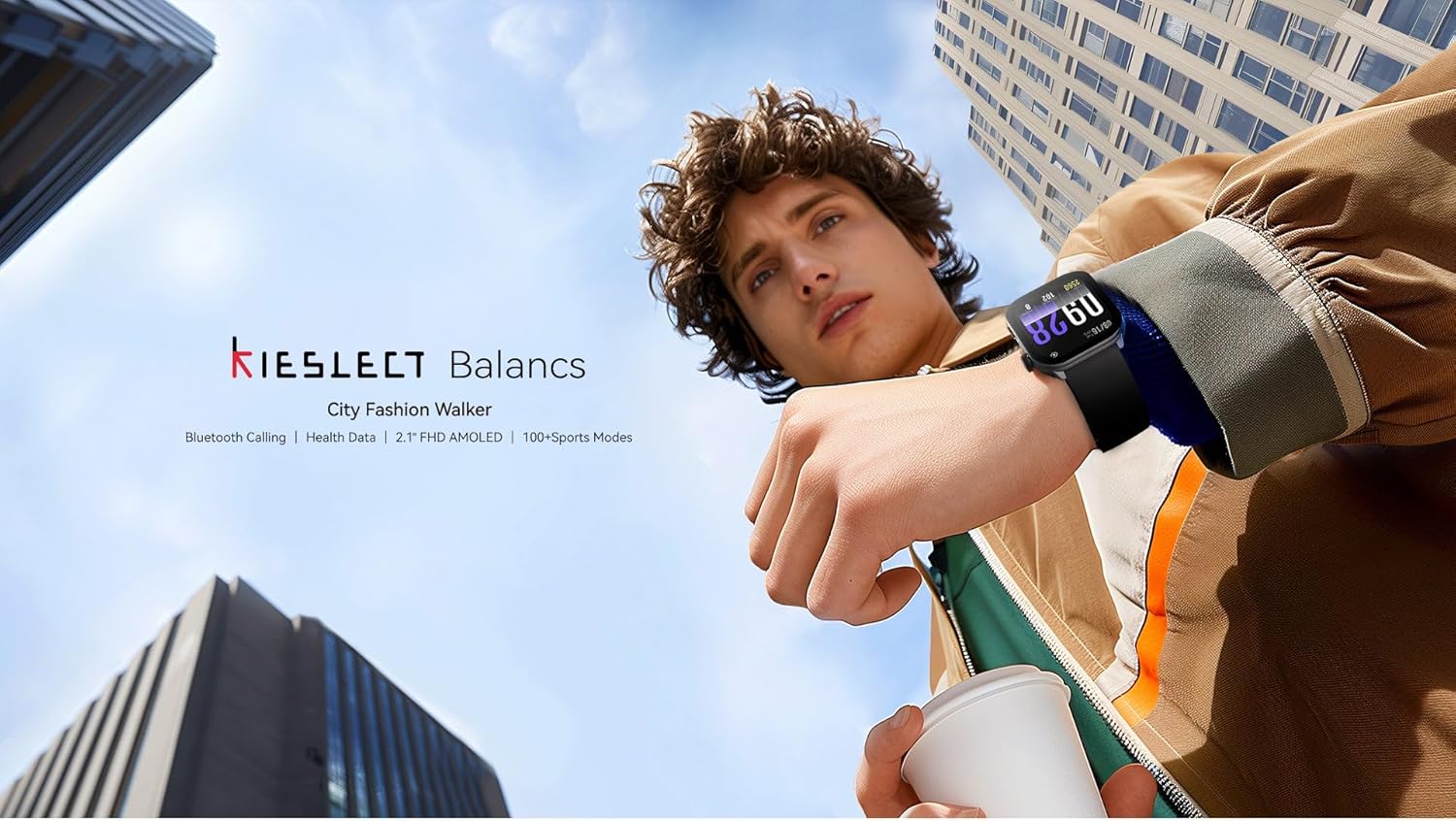
Image 1: Kieslect Smartwatch in use, highlighting key features.
2. Setup
2.1 Package Contents
- Kieslect Smartwatch
- Charging Cable
- User Manual
2.2 Charging the Smartwatch
Before first use, fully charge your smartwatch. Connect the magnetic charging cable to the charging contacts on the back of the watch and plug the USB end into a standard USB power adapter (not included) or a computer USB port.
- Ensure the charging contacts are clean and dry.
- A full charge typically takes approximately 2 hours.
- The battery icon on the screen will indicate charging status.
2.3 App Installation and Pairing
To unlock the full potential of your Kieslect Smartwatch, download the companion app on your smartphone.
- Scan the QR code in the manual or on the watch screen (if available) or search for the 'Kieslect' app in your smartphone's app store (Google Play Store for Android, Apple App Store for iOS).
- Install and open the app.
- Enable Bluetooth on your smartphone.
- In the app, follow the on-screen instructions to add a new device. Select 'Kieslect Smartwatch' from the list of available devices.
- Confirm the pairing request on both your smartphone and the smartwatch.
Once paired, your smartwatch will synchronize data and settings with the app.
3. Operating Instructions
3.1 Basic Navigation
The Kieslect Smartwatch features a responsive 2.1-inch FHD AMOLED touchscreen and a side button for navigation.
- Swipe Up/Down: Scroll through notifications, menus, or quick settings.
- Swipe Left/Right: Access widgets like heart rate, activity data, weather, etc.
- Tap: Select an item or open an application.
- Press Side Button: Return to the home screen or access the app list.
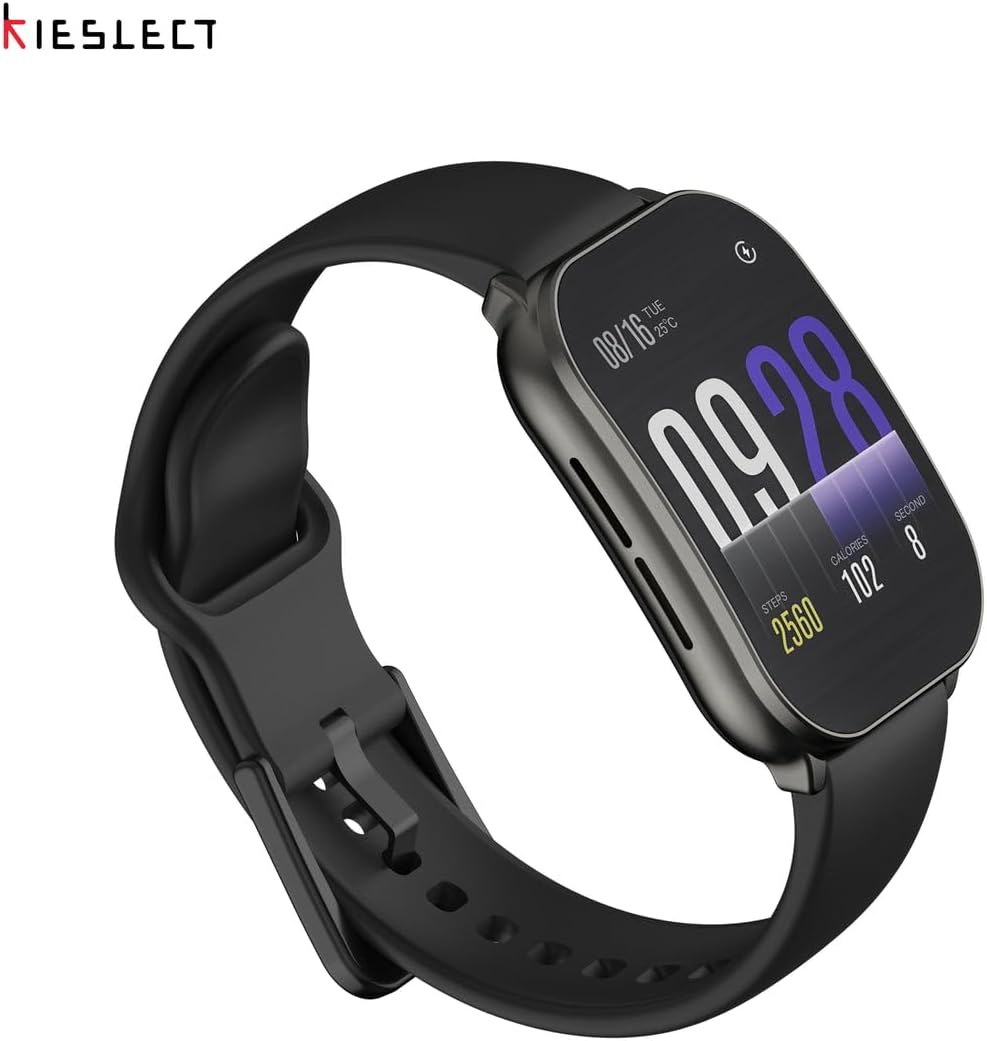
Image 2: Detailed view of the smartwatch display and interface.
3.2 Bluetooth Calling
After successful pairing, you can make and receive calls directly from your smartwatch.
- Making a Call: Access the 'Phone' or 'Dialer' app on your watch, then dial a number or select a contact.
- Receiving a Call: When a call comes in, the watch will display the caller ID. Tap the green icon to answer or the red icon to reject.
- Ensure your watch is within Bluetooth range of your paired smartphone for stable call quality.

Image 3: Smartwatch showing Bluetooth call functionality and other features.
3.3 Health Data Tracking
Your smartwatch continuously monitors various health metrics.
- Heart Rate: Access the heart rate monitor app to view your current heart rate and historical data.
- Steps & Calories: The watch tracks your daily steps, distance, and estimated calories burned.
- Sleep Monitoring: Wear the watch to bed to track your sleep patterns.
- All health data is synchronized with the companion app for detailed analysis.
3.4 Sports Modes
The Kieslect Smartwatch offers over 100 sports modes to accurately track your workouts.
- Navigate to the 'Workout' or 'Sports' app on your watch.
- Select your desired activity (e.g., running, cycling, swimming).
- The watch will record duration, calories, heart rate, and other relevant metrics.
3.5 Always-On Display (AOD)
The 2.1-inch FHD AMOLED display supports an Always-On Display feature, allowing you to see the time and essential information without fully waking the screen.
- This feature can be enabled or disabled in the watch settings to manage battery life.

Image 4: Display features including Always-On Display and curved design.
3.6 Customization
Personalize your smartwatch with various watch faces.
- Access watch face settings on the device or through the companion app.
- Choose from a wide selection of pre-installed faces or download more via the app.
- Some watch faces allow for custom backgrounds using your own photos.

Image 5: Examples of stylish and customizable watch faces.
4. Maintenance
4.1 Cleaning the Smartwatch
- Wipe the watch screen and body with a soft, lint-free cloth.
- For stubborn dirt, slightly dampen the cloth with water. Avoid harsh chemicals or abrasive materials.
- Clean the charging contacts regularly to ensure proper charging.
4.2 Water Resistance (IP68)
The Kieslect Smartwatch is IP68 water-resistant, meaning it can withstand immersion in up to 1.5 meters of fresh water for up to 30 minutes.
- It is suitable for daily use, hand washing, and light rain.
- Not recommended for hot showers, saunas, diving, or high-pressure water activities.
- After exposure to water, dry the watch thoroughly before charging.
4.3 Battery Care
- Avoid extreme temperatures, which can affect battery life.
- Do not leave the watch fully discharged for extended periods.
- Use only the provided charging cable.
5. Troubleshooting
If you encounter issues with your Kieslect Smartwatch, try the following solutions:
| Problem | Solution |
|---|---|
| Watch not turning on | Ensure the watch is fully charged. Press and hold the side button for 10-15 seconds. |
| Cannot pair with smartphone | Make sure Bluetooth is enabled on your phone. Restart both the watch and phone. Ensure the watch is not already paired with another device. Clear Bluetooth cache on your phone if necessary. |
| Inaccurate health data | Ensure the watch is worn snugly on your wrist, about one finger-width above the wrist bone. Clean the sensor on the back of the watch. |
| Bluetooth calls unstable | Ensure your watch is within close proximity to your smartphone. Check your phone's network signal. |
| Screen unresponsive | Restart the watch. If the issue persists, contact customer support. |
If these steps do not resolve the issue, please refer to the Warranty & Support section for further assistance.
6. Specifications
| Feature | Detail |
|---|---|
| Brand | Kieslect |
| Model Name | Kieslect Smartwatch |
| Display | 2.1-inch FHD AMOLED Curved Screen |
| Connectivity | Bluetooth 5.2 |
| Water Resistance | IP68 |
| Battery Type | Lithium-Ion |
| Special Features | Bluetooth Calling, Health Data Tracking, 100+ Sports Modes, Always-On Display |
| GPS | No built-in GPS |
| Item Shape | Rectangular |
| Package Dimensions | 10.9 x 10.1 x 6.4 cm |
| Item Weight | 60 grams |
7. Warranty & Support
7.1 Warranty Information
Your Kieslect Smartwatch is covered by a limited warranty from the date of purchase. This warranty covers manufacturing defects under normal use. It does not cover damage caused by misuse, accidents, unauthorized modifications, or failure to follow the instructions in this manual.
Please retain your proof of purchase for warranty claims.
7.2 Customer Support
For technical support, warranty claims, or any questions regarding your Kieslect Smartwatch, please contact our customer service team. Refer to the contact information provided on the product packaging or the official Kieslect website.
When contacting support, please have your product model and purchase details ready.


