
1. Product Overview
The KIMAFUN KM-G70 is a versatile 2.4G wireless microphone system designed for clear audio transmission. It includes both a headset microphone and a lavalier (lapel) microphone, offering flexibility for various applications such as public speaking, teaching, presentations, and audio recording. The system features a compact transmitter and receiver, ensuring ease of use and portability.

Image: The KIMAFUN KM-G70 wireless microphone system, showing the transmitter, receiver, headset mic, and lavalier mic.
2. What's Included
Your KIMAFUN KM-G70 package contains the following items:
- Lavalier Mic Transmitter (1 unit)
- 1/8'' Receiver (1 unit)
- 1/4'' Adapter (1 unit)
- External Lapel Mic (1 unit)
- External Headset Mic (1 unit)
- Charging Cable (1 unit)
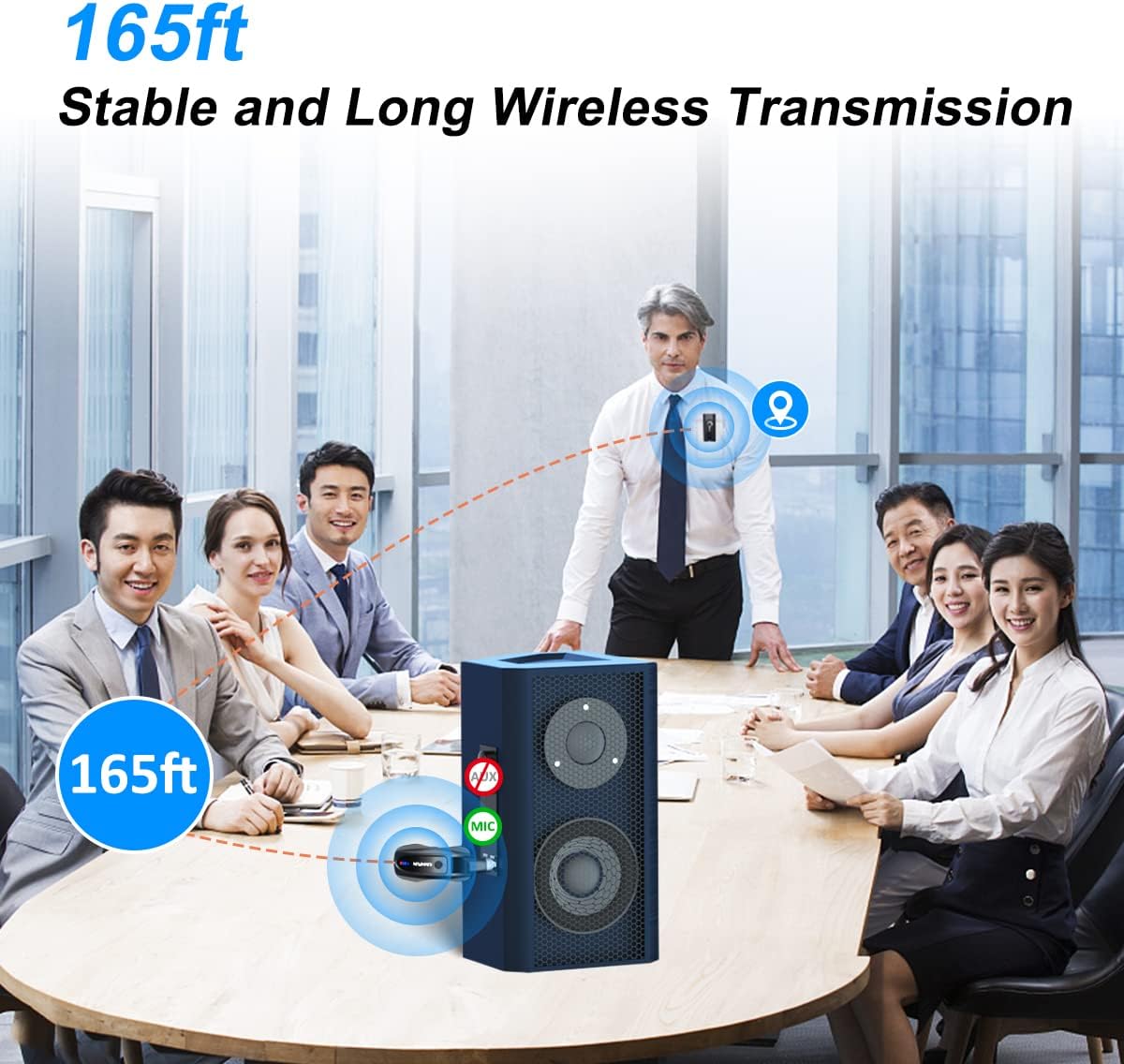
Image: All components included in the KM-G70 package, laid out for clear identification.
3. Setup Instructions
3.1 Charging the Devices
Before initial use, ensure both the transmitter and receiver are fully charged. Connect the provided charging cable to the charging ports on both devices and a USB power source. A full charge typically takes 1 hour and provides up to 8 hours of working time. The battery indicator lights will show the charging progress and remaining battery level.

Image: Illustration showing the 8-hour working time and 1.5-hour charging time for the transmitter and receiver.
3.2 Pairing the Transmitter and Receiver (Plug and Play)
The KM-G70 system is designed for plug-and-play operation. No Bluetooth pairing is required. Simply long-press the power switch on both the transmitter and the receiver. They will automatically match and connect within a few seconds.

Image: Visual guide demonstrating the simple 3-second long-press to pair the transmitter and receiver.
3.3 Connecting to Audio Equipment
Plug the receiver into the 3.5mm (1/8'') or 6.35mm (1/4'') audio input/microphone input of your speaker, PA system, audio mixer, or power amplifier. Use the included 1/4'' adapter if your equipment requires it. The receiver's plug can be rotated 200 degrees to fit various device configurations and save space.

Image: Diagram showing compatible audio equipment (loudspeakers, PA systems, audio mixers, power amplifiers) and incompatible devices (Bluetooth speakers, computers, laptops, smartphones, cameras, camcorders).
4. Operating Instructions
4.1 Using the Microphones
The KM-G70 system offers three ways to capture audio:
- Built-in Lavalier Mic: The transmitter has a built-in omnidirectional microphone for direct sound pickup. Simply clip the lightweight transmitter (28g) to your shirt, collar, or tie.
- External Lapel Mic: Connect the external lapel microphone to the transmitter's 3.5mm input for discreet placement.
- External Headset Mic: Connect the external headset microphone to the transmitter's 3.5mm input for hands-free operation and secure fit, especially during active use. The headset mic can be bent to fit comfortably.

Image: Demonstrates three wearing options: external lavalier mic, built-in lavalier mic, and headset mic.
4.2 Wireless Transmission Range
The system provides a stable wireless transmission distance of up to 50 meters (165 feet) in line-of-sight conditions. Be aware that the transmitted signal may weaken if the microphone and speaker are in different rooms or if there are significant obstructions.

Image: Illustration showing the effective wireless transmission range of up to 165 feet (50 meters).
4.3 Noise Reduction
The KM-G70 features a built-in intelligent noise reduction chip and an omnidirectional microphone to capture clear audio even in noisy environments. This ensures your voice is recorded with professional sound quality, minimizing interference and audio delay.

Image: Exploded view of the omnidirectional microphone, highlighting its 360-degree sound pickup capability.

Image: Diagram illustrating the effect of the smart noise reduction chip, showing sound waves before and after noise cancellation.
5. Maintenance
To ensure the longevity and optimal performance of your KIMAFUN KM-G70 wireless microphone system, follow these maintenance guidelines:
- Cleaning: Use a soft, dry cloth to clean the transmitter and receiver. Avoid using harsh chemicals or abrasive materials.
- Storage: Store the system in a cool, dry place away from direct sunlight and extreme temperatures.
- Battery Care: For long-term storage, charge the batteries to about 50% every few months to maintain battery health.
- Cable Management: Avoid sharp bends or kinks in the charging and microphone cables to prevent damage.
6. Troubleshooting
If you encounter issues with your KM-G70 system, refer to the following common problems and solutions:
| Problem | Possible Cause | Solution |
|---|---|---|
| No sound output | Receiver not powered on or paired; Receiver not properly connected to audio equipment; Audio equipment input not selected; Microphone not powered on. | Ensure both transmitter and receiver are powered on and paired (blue indicator light solid); Check receiver connection to speaker/mixer; Select correct input on your audio equipment; Ensure microphone is connected to transmitter. |
| Poor sound quality / Interference | Out of range; Obstructions between transmitter and receiver; Low battery; Interference from other 2.4G devices. | Move closer to the receiver (within 50m/165ft line of sight); Ensure clear path between devices; Recharge transmitter and receiver; Move away from other wireless devices. |
| System not charging | Charging cable faulty; Power source issue; Charging port obstructed. | Try a different charging cable or USB power adapter; Clean charging ports gently. |
| Not compatible with my device | Attempting to connect to unsupported devices. | This system is only compatible with public speakers, mixers, power amplifiers, and cameras with 3.5mm/6.35mm audio/mic input. It is NOT compatible with mobile phones, computers, or small speakers with only Bluetooth function. |
7. Specifications
| Feature | Detail |
|---|---|
| Brand | KIMAFUN |
| Model | KM-G70 |
| Connectivity | 2.4GHz Wireless |
| Microphone Format | Lavalier (built-in and external), Headset |
| Transmission Range | Up to 50m (165ft) line of sight |
| Battery Life | Up to 8 hours |
| Charging Time | Approx. 1 hour |
| Special Features | Battery Indicator Light, Noise Reduction, Volume Control |
| Compatible Devices | Speakers, Audio Mixers, Power Amplifiers, Cameras (with 3.5mm/6.35mm input) |
| Incompatible Devices | Mobile phones, Computers, Small Bluetooth speakers |
| Transmitter Weight | 28g |
| Receiver Plug Rotation | 200 degrees |
| Material Type | Acrylonitrile Butadiene Styrene, Metal |
8. Warranty and Support
KIMAFUN products are designed for reliability and performance. For warranty information, technical support, or service inquiries, please refer to the contact details provided with your product packaging or visit the official KIMAFUN website. Keep your purchase receipt as proof of purchase for warranty claims.
9. Product Video Overview
Video: An official product video showcasing the KIMAFUN KM-G70 Wireless Microphone System, its features, and usage scenarios. This video provides a visual guide to the product's capabilities and setup.


