
Introduction
Thank you for choosing the NANAMI CyberCharger Wireless Charging Station. This 3-in-1 charging station is designed to provide efficient and safe wireless charging for your iPhone, Apple Watch, and AirPods simultaneously. Please read this manual carefully before use to ensure optimal performance and longevity of your device.
Package Contents
Verify that all items are present in the package:
- 1 x NANAMI CyberCharger 3-in-1 Wireless Charging Station
- 1 x User Guide
- 1 x 30W Quick Charge Wall Charger
- 1 x 5ft Type-C Cable
Product Overview
The NANAMI CyberCharger features a unique design and provides dedicated charging areas for your devices.
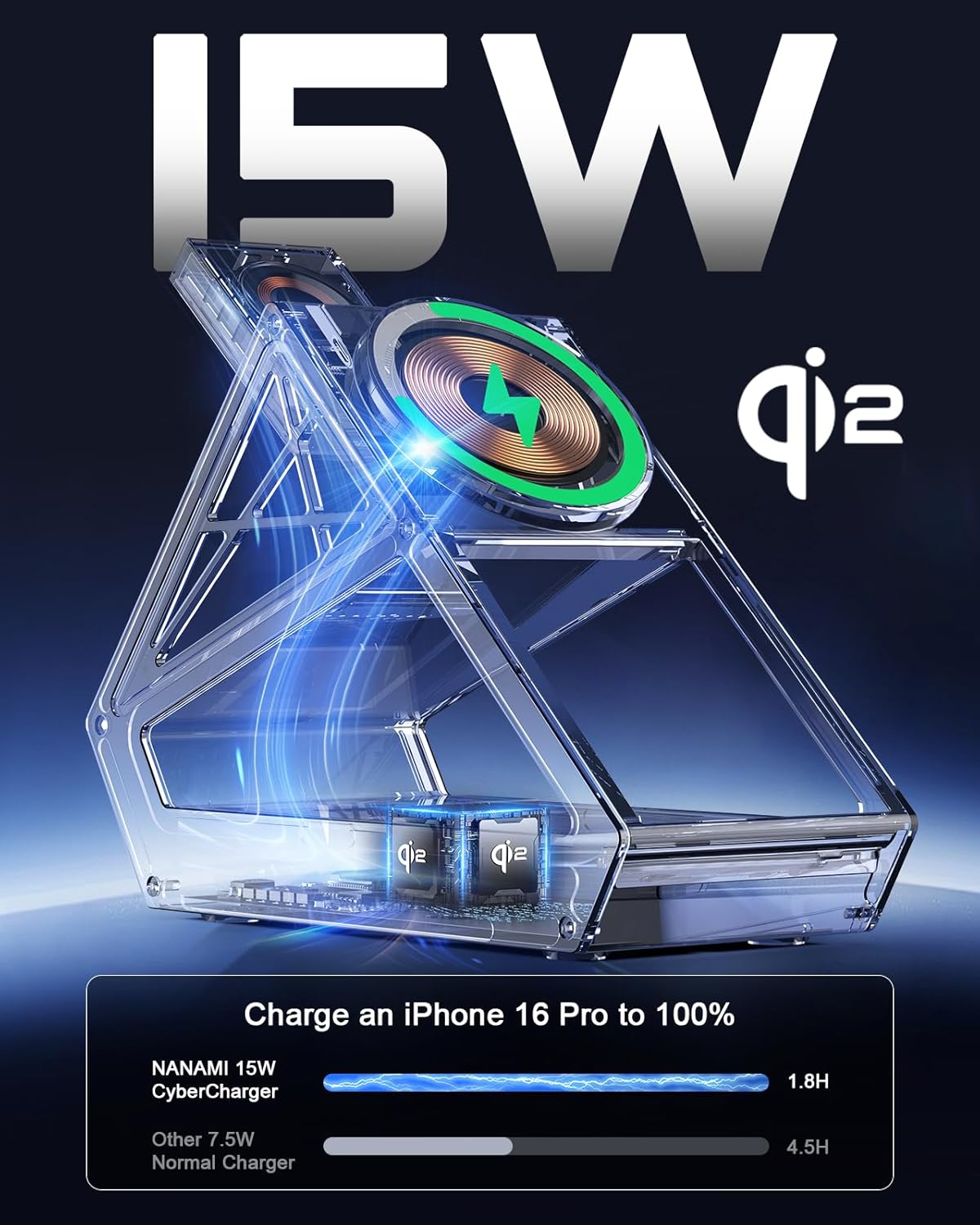
Image: The NANAMI CyberCharger Wireless Charging Station, showcasing its overall design and charging surfaces.
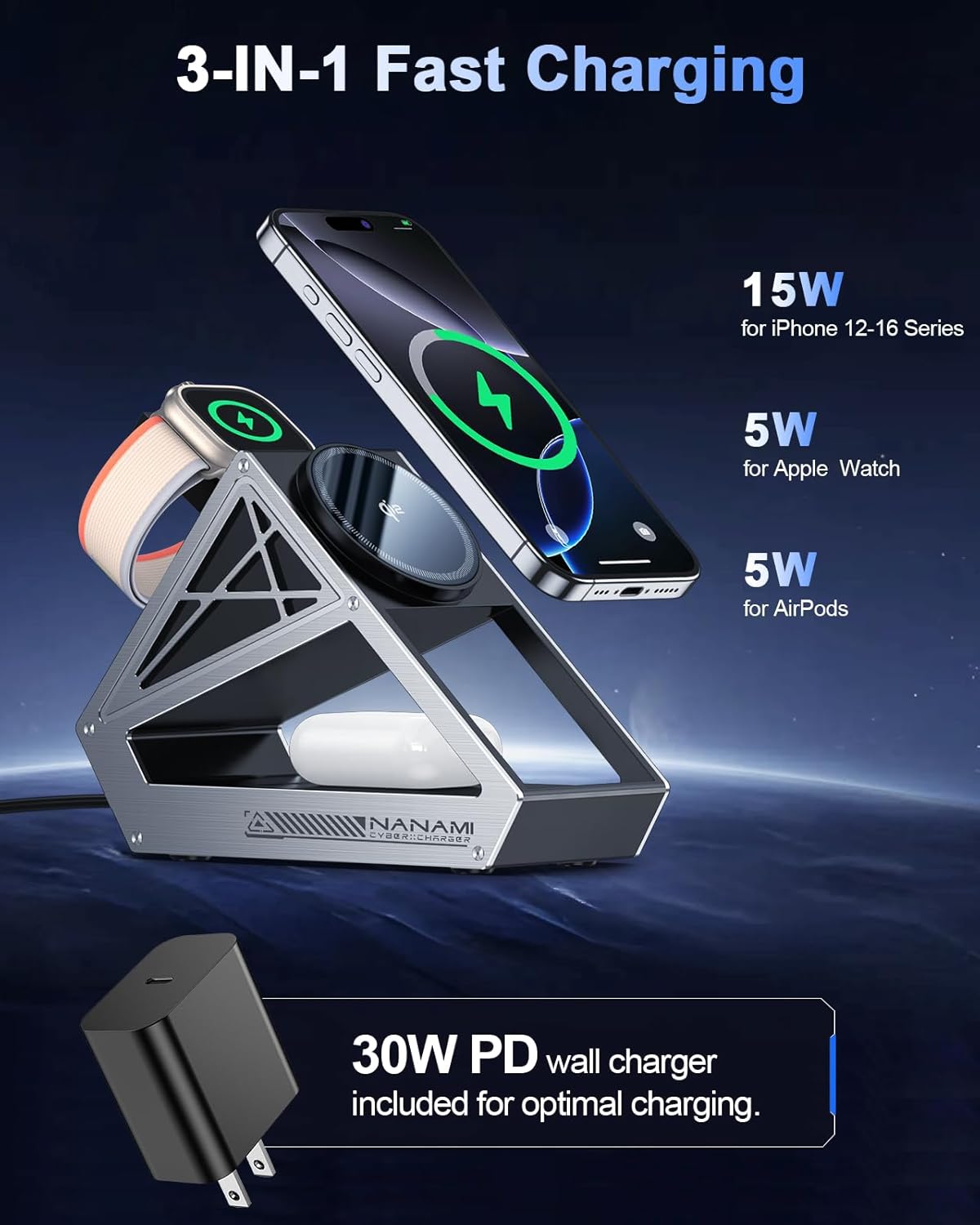
Image: The charging station simultaneously charging an iPhone, Apple Watch, and AirPods, highlighting its 3-in-1 capability.
Setup Instructions
Connect Power: Insert the provided 5ft Type-C cable into the USB-C port on the back of the charging station. Connect the other end of the cable to the included 30W Quick Charge Wall Charger, then plug the wall charger into a power outlet.

Image: A user connecting the USB-C cable to the charging station and power adapter.
Placement: Place the charging station on a flat, stable surface. Ensure there is adequate ventilation around the device.
Initial Power-On: The LED indicator on the charging station will blink slowly three times upon successful power connection, then turn off. This indicates it is ready for use.
Operating Instructions
Charging Your iPhone
Ensure your iPhone is compatible with MagSafe or Qi2 wireless charging (iPhone 12 series and newer).
Place your iPhone onto the magnetic charging pad. The strong magnetic force will align your phone correctly.
The charging station supports 15W fast wireless charging for compatible iPhones. The LED indicator will remain off during charging to avoid disturbing sleep.
For optimal charging, use a MagSafe-compatible case. Non-MagSafe cases, credit cards, or grips/stands may interfere with charging.

Image: Illustration showing compatibility with MagSafe cases and potential issues with non-MagSafe cases or accessories.
Charging Your Apple Watch
Lift the Apple Watch charging module to its upright position.
Place your Apple Watch onto the certified charging puck. The module is designed for secure placement.
The station provides 5W fast charging for Apple Watch, capable of charging Series 9 to 49% in approximately 30 minutes.
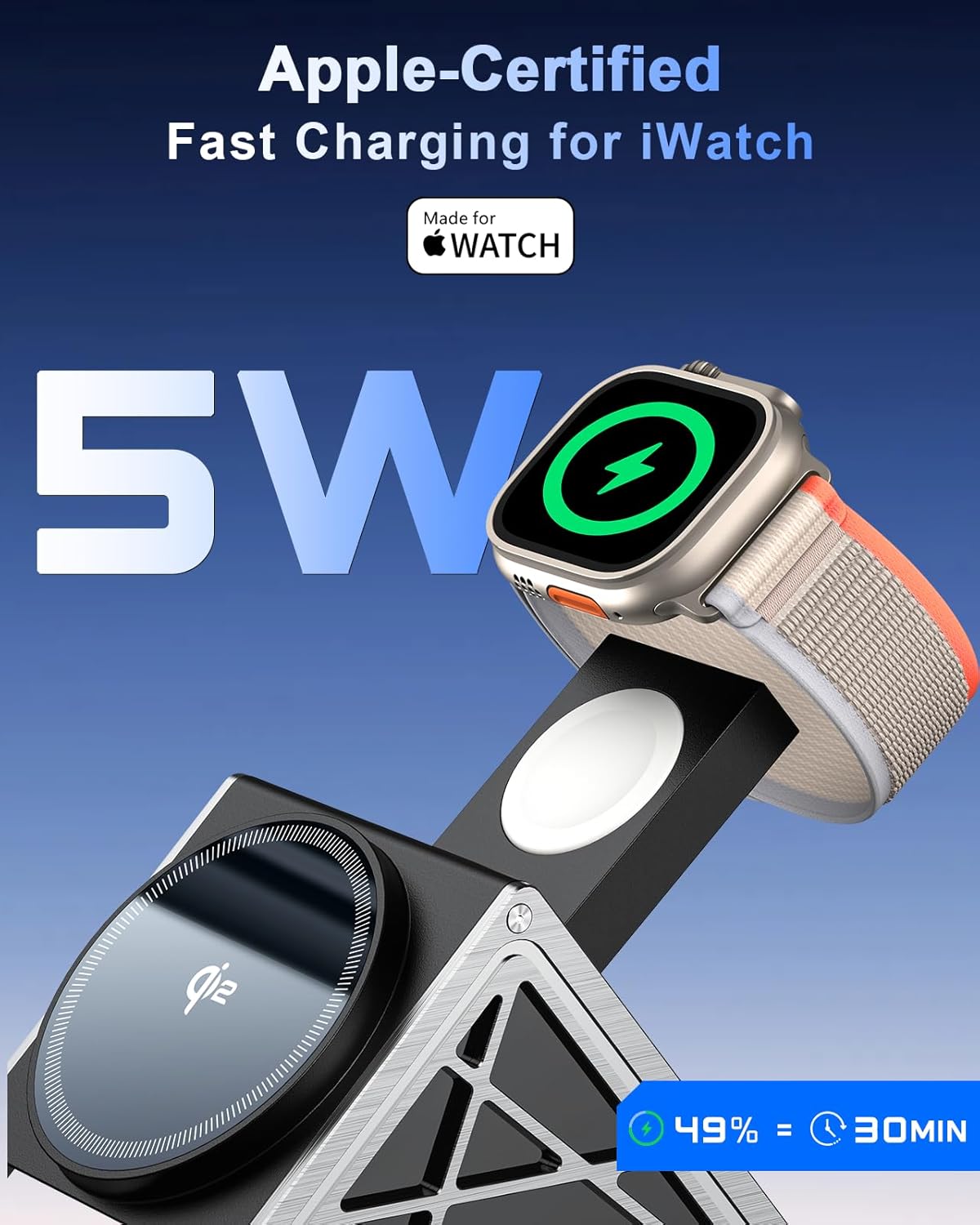
Image: An Apple Watch being charged on the dedicated charging module of the NANAMI CyberCharger.
Charging Your AirPods
Place your AirPods (with wireless charging case) onto the designated charging area at the base of the station.
The station provides 5W charging for AirPods.
Important Notes on Charging
- The charging station is Qi2 certified, ensuring efficient and safe charging.
- The intelligent protection technology includes temperature control, surge protection, and short-circuit prevention.
- The LED indicator is designed to be non-disturbing; it blinks briefly upon device placement and then turns off.
Video: An official demonstration of the NANAMI CyberCharger's features, including its fast charging capabilities for Apple devices.
Maintenance
Cleaning: Disconnect the power before cleaning. Use a soft, dry cloth to wipe the surface of the charging station. Avoid using abrasive cleaners or solvents.
Storage: When not in use for extended periods, store the charging station in a cool, dry place away from direct sunlight and extreme temperatures.
Heat Dissipation: The device features heat dissipation holes at the bottom and for the Apple Watch module. Ensure these are not blocked to maintain efficient and safe operation.
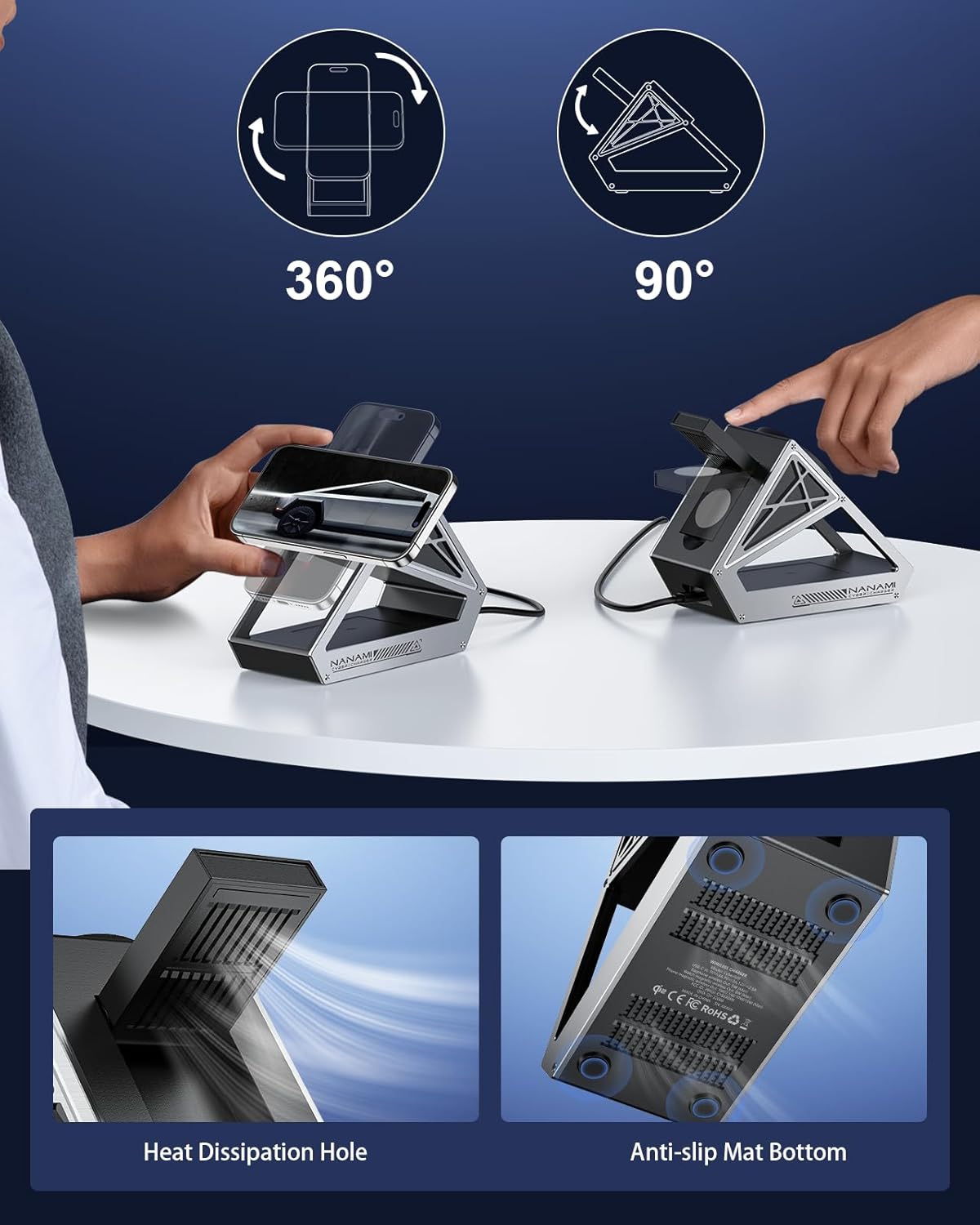
Image: Close-up view of the heat dissipation holes and anti-slip mat on the bottom of the charging station.
Troubleshooting
| Problem | Possible Cause | Solution |
|---|---|---|
| Device not charging or charging slowly. |
|
|
| LED indicator not lighting up. |
|
|
| Overheating during charging. |
|
|
Specifications
| Feature | Detail |
|---|---|
| Brand | NANAMI |
| Model Number | Cyber009 |
| Connectivity Technology | Qi2, Wireless |
| Connector Type | USB Type C |
| Input Voltage | 12 volts |
| Output Voltage | 5 volts |
| Output Current | 3 A |
| Wattage | 15 watts (Max) |
| Wireless Charging Standard | Qi2 |
| Compatible Devices | iPhone 12/13/14/15/16/17 Series, Apple Watch SE/2/3/4/5/6/7/8, AirPods 2/Pro |
| Material | Aluminum alloy and plastic |
| Item Weight | 365 g |
| Special Features | Charging Indicator, Fast Charging, Magnetic wireless charger, Qi2, Temperature Control, Surge Protection, Short-circuit Prevention |
| Certifications | Qi2, ETL, FCC |
Warranty and Support
The NANAMI CyberCharger Wireless Charging Station comes with a 12-month guarantee. For any product inquiries, technical assistance, or warranty claims, please contact our customer support team. We offer 24-hour friendly customer support to assist you.
Please refer to the contact information provided on the product packaging or the official NANAMI website for support details.
Safety Information
- Do not disassemble or modify the product.
- Keep the device away from water and other liquids.
- Do not expose the device to extreme temperatures or direct sunlight.
- Avoid dropping or subjecting the device to strong impacts.
- Use only the provided power adapter and cable for optimal performance and safety.
- Keep metallic objects, credit cards, and other magnetic-sensitive items away from the charging surface during operation.
