
Introduction
Thank you for choosing the Ikago Coffee Cup Warmer and Mug Set. This product is designed to keep your beverages at your preferred temperature with precision and safety. This manual provides essential information for the correct setup, operation, and maintenance of your new warmer and mug set. Please read it thoroughly before use and retain it for future reference.
Safety Information
- This product is a beverage warmer, not a self-heating mug. It is designed to maintain the temperature of an already hot beverage.
- Use only with the provided ceramic mug or other ceramic mugs. Do not use with glass, metal, paper, or insulated cups, as this may affect performance and safety.
- Ensure the warmer is placed on a stable, flat, and heat-resistant surface.
- Do not immerse the warmer base in water or any other liquid. Clean with a damp cloth only.
- Keep out of reach of children and pets.
- Unplug the warmer when not in use or before cleaning.
- The warming plate can become hot during operation. Avoid direct contact with the heating surface.
- The warmer features an automatic shut-off function after 15 minutes without a cup or 2 hours of inactivity for enhanced safety.
- This product does not contain a battery, eliminating battery degradation and associated safety risks.
Package Contents
Verify that all items are present in the package:
- Smart Mug Warmer Base
- 15oz Ceramic Mug
- Ceramic Mug Lid
- Stirring Spoon
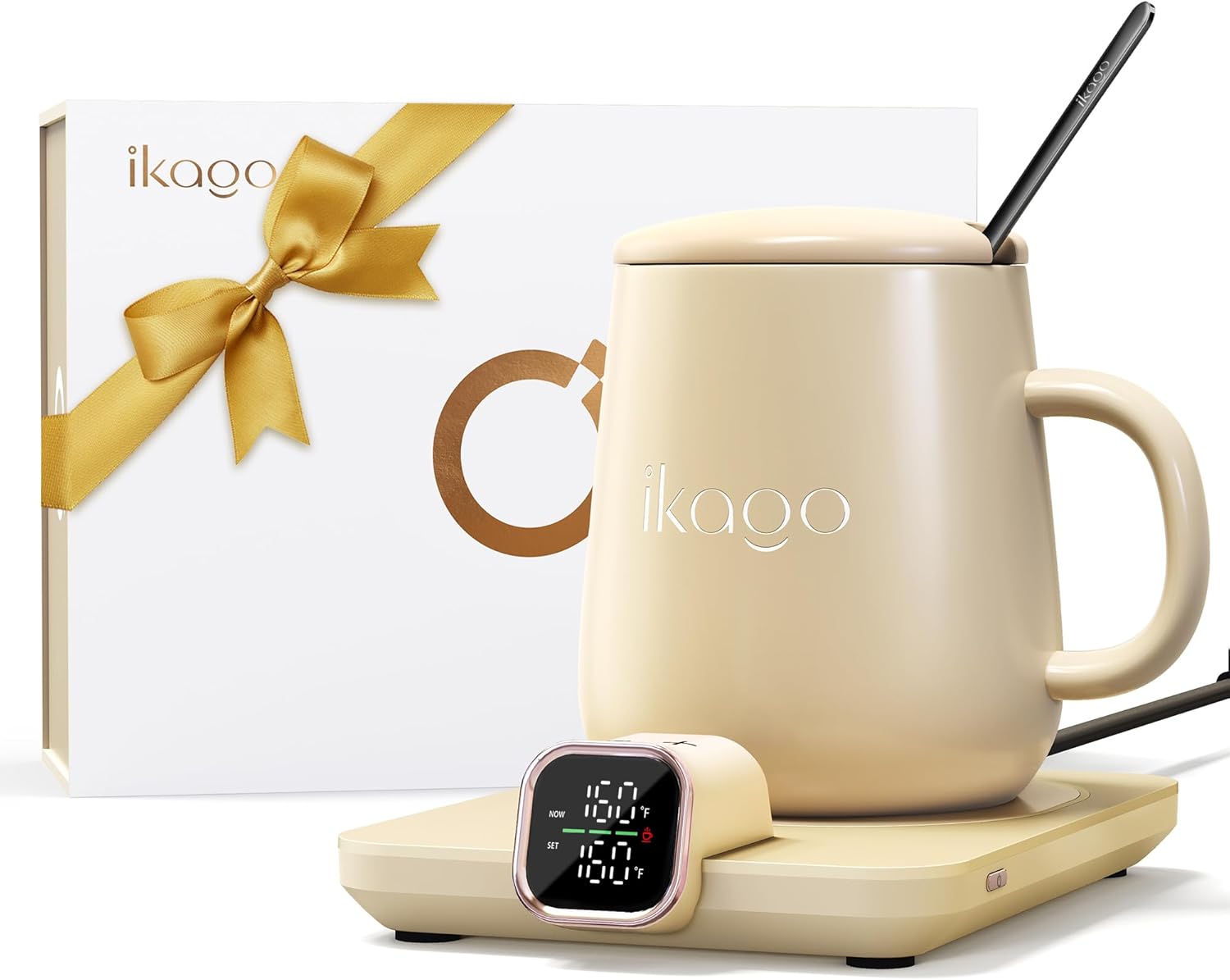
Image: The complete Ikago Coffee Cup Warmer and Mug Set, including the warmer base, ceramic mug, lid, and spoon.
Product Overview
The Ikago Coffee Cup Warmer and Mug Set provides a precise and stable warming experience for your beverages. Key features include:
- Smart Dual Temperature Control: Displays both real-time and set temperatures.
- 1°F Precise Temperature Adjustment: Allows setting your ideal temperature between 105°F and 175°F.
- Fast 75W Heating: Efficiently warms and maintains beverage temperature.
- Auto Shut-Off: Automatically turns off after 15 minutes without a cup or 2 hours of inactivity.
- Infrared Sensor: Detects the presence of a mug for smart operation.
- °F/°C Optional: Easily switch between Fahrenheit and Celsius display.
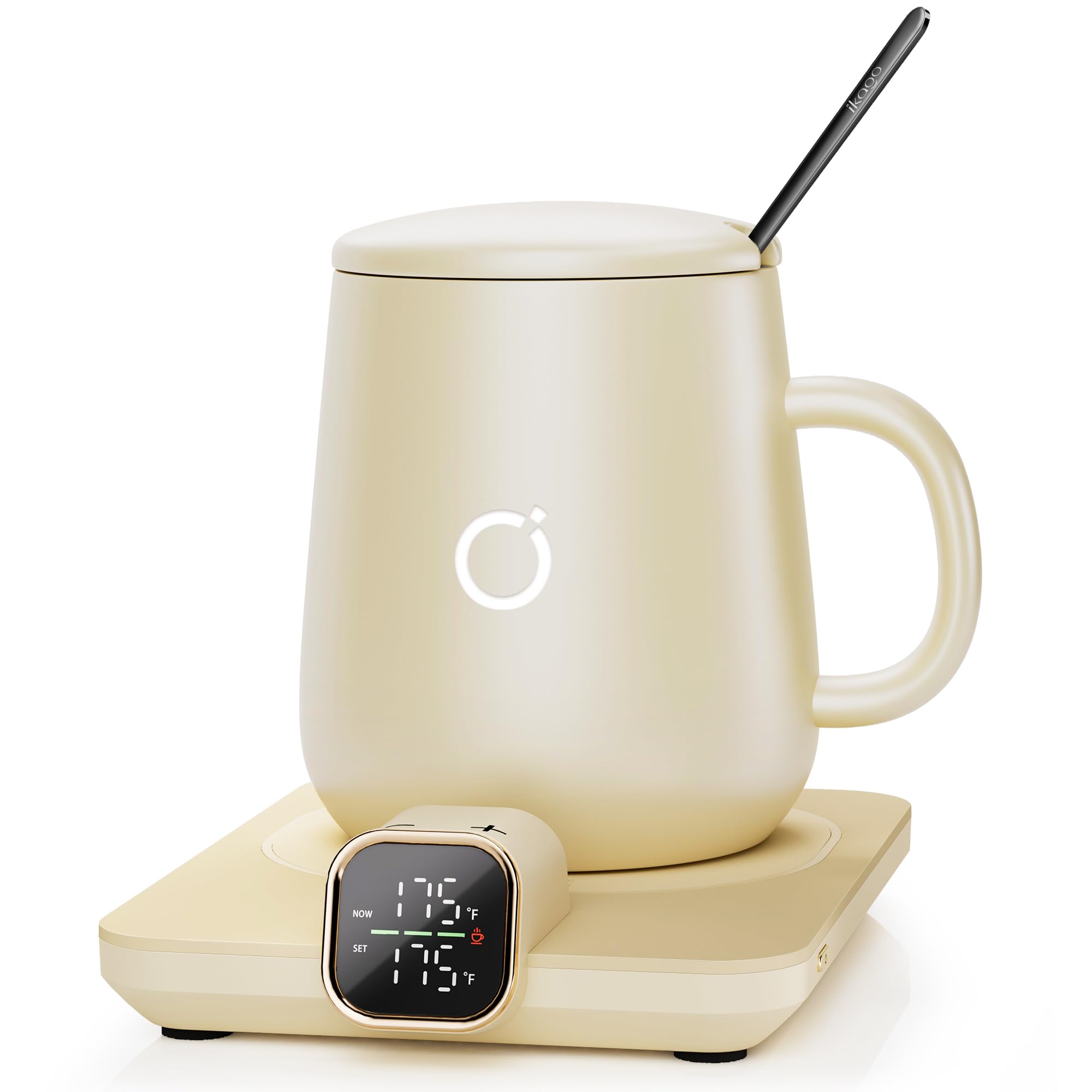
Image: The Ikago Coffee Cup Warmer and Mug Set in beige, showcasing its compact design.
Setup
- Unpack: Carefully remove all components from the packaging.
- Placement: Place the warmer base on a clean, dry, flat, and stable surface, away from flammable materials. Ensure adequate ventilation.
- Connect Power: Plug the power cord into a standard 120V electrical outlet. The display will illuminate.
- Initial Cleaning: Before first use, wash the ceramic mug, lid, and spoon with warm soapy water and rinse thoroughly. Wipe the warmer base with a damp cloth.
Operating Instructions
- Power On: Press the power button on the side of the warmer base to turn it on. The display will show the current temperature.
- Place Mug: Pour your hot beverage into the ceramic mug and place it onto the warming plate. The infrared sensor will detect the mug.
- Set Temperature: Use the '+' and '-' buttons on the warmer to adjust your desired temperature. You can set it with 1°F precision between 105°F and 175°F (40°C and 80°C).
- Switch Units: To switch between Fahrenheit (°F) and Celsius (°C), press and hold both the '+' and '-' buttons simultaneously for a few seconds.
- Lid Use: For optimal heat retention, place the ceramic lid on the mug while warming.
- Automatic Warming: The warmer will automatically heat your beverage to the set temperature and maintain it. It will pause heating if the beverage becomes too hot and resume as it cools.
- Auto Shut-Off: The warmer will automatically turn off if no mug is detected for 15 minutes, or after 2 hours of continuous inactivity.
- Power Off: Press the power button again to turn off the warmer manually.

Image: Close-up of the Ikago Coffee Cup Warmer's digital display, showing temperature and control buttons.
Maintenance
- Cleaning the Warmer Base: Ensure the warmer is unplugged and completely cool before cleaning. Wipe the surface with a soft, damp cloth. Do not use abrasive cleaners or immerse in water.
- Cleaning the Mug, Lid, and Spoon: These components are dishwasher safe, but hand washing is recommended to preserve their finish.
- Storage: Store the warmer and mug set in a dry place when not in use.
Troubleshooting
| Problem | Possible Cause | Solution |
|---|---|---|
| Warmer does not turn on. | Not plugged in; power outlet issue; power button not pressed. | Ensure the warmer is securely plugged into a working outlet. Press the power button. |
| Beverage is not warming. | Mug not properly placed; incorrect mug type; temperature set too low. | Ensure the ceramic mug is centered on the warming plate. Verify you are using a ceramic mug. Increase the set temperature. |
| Temperature display is inaccurate. | Sensor obstruction; non-ceramic mug used. | Ensure the warming plate and mug bottom are clean. Use only ceramic mugs for accurate readings. |
| Warmer automatically shuts off. | Auto shut-off activated (no mug for 15 min or 2 hours inactivity). | This is a safety feature. Place the mug back on the warmer or restart the device if needed. |
Specifications
- Model Number: ZJZ-KF-01-US
- Brand: Ikago
- Color: Beige
- Material: Aluminum (warmer base), Ceramic (mug, lid, spoon)
- Product Dimensions: 11"L x 4.33"W x 4.3"H
- Power Source: Corded Electric
- Capacity: 15 Fluid ounces (mug)
- Voltage: 120 Volts
- Wattage: 75 Watts
- Temperature Range: 105°F - 175°F (40°C - 80°C)
- UPC: 199284054653
Warranty and Support
For any issues, including items arriving damaged, please contact Amazon support directly. Specific warranty details may vary; refer to your purchase documentation or contact the seller for comprehensive warranty information.
