
VIDXCVIT HA
VIDXCVIT 2.3 Cuft Digital Security Safe Box (Model HA) Instruction Manual
Comprehensive guide for setup, operation, and maintenance of your VIDXCVIT safe.
1. Introduction
This manual provides detailed instructions for the installation, operation, and maintenance of your VIDXCVIT 2.3 Cuft Digital Security Safe Box, Model HA. Please read this manual thoroughly before using the safe to ensure proper function and security.
The VIDXCVIT safe is designed to protect your valuables, documents, and personal items from unauthorized access. It features a digital keypad, emergency key access, and an anti-theft alarm system.
2. Package Contents
Verify that all items listed below are included in your package:
- 1 x VIDXCVIT 2.3 Cuft Digital Security Safe Box
- 1 x Instruction Manual (this document)
- 1 x Floor Mat
- 2 x Emergency Keys
- 2 x Expansion Screws (for mounting)
- 1 x External Battery Box

Image: Contents of the VIDXCVIT safe package, showing the safe, emergency keys, expansion screws, and instruction manual.
3. Safety Precautions
- Do not store emergency keys inside the safe. Keep them in a secure, separate location.
- Ensure the safe is placed on a stable, level surface or securely mounted to a wall or floor.
- Keep the safe away from excessive moisture or extreme temperatures.
- Do not attempt to force the safe open if the digital lock malfunctions. Use the emergency key.
- Keep children away from the safe and its contents, especially if storing dangerous items.
4. Setup
4.1 Initial Opening
Upon receiving your safe, it will be locked. To open it for the first time:
- Locate the emergency keyhole, usually concealed behind the keypad cover or a small plate.
- Insert one of the provided emergency keys into the keyhole.
- Turn the key clockwise while simultaneously turning the knob clockwise to open the safe door.
- Remove the emergency key and store it in a safe place outside the safe.

Image: Illustration showing how to use the emergency key to open the safe for the first time.
4.2 Battery Installation
The digital keypad requires 4 AA batteries (not included) for operation.
- Open the safe door.
- Locate the battery compartment on the inside of the door.
- Insert 4 AA batteries, ensuring correct polarity (+/-).
- Close the battery compartment cover.
4.3 Setting the User Code
The initial password is "159##". It is highly recommended to change this immediately.
- With the safe door open, press the red reset button located on the inside of the door, near the hinge. You will hear a beep.
- On the keypad, enter your desired 3-8 digit code.
- Press the "#" button to confirm your new code. You will hear a confirmation beep.
- Test the new code with the door open before closing it.

Image: Diagram illustrating the steps to set a new personal code on the safe's digital keypad.
4.4 Mounting the Safe (Optional)
For enhanced security, the safe can be bolted to a wall or floor using the provided expansion screws.
- Choose a suitable location for mounting.
- Mark the drilling points through the pre-drilled holes inside the safe.
- Drill pilot holes in the wall or floor using an appropriate drill bit.
- Align the safe with the drilled holes and insert the expansion screws.
- Tighten the screws securely.
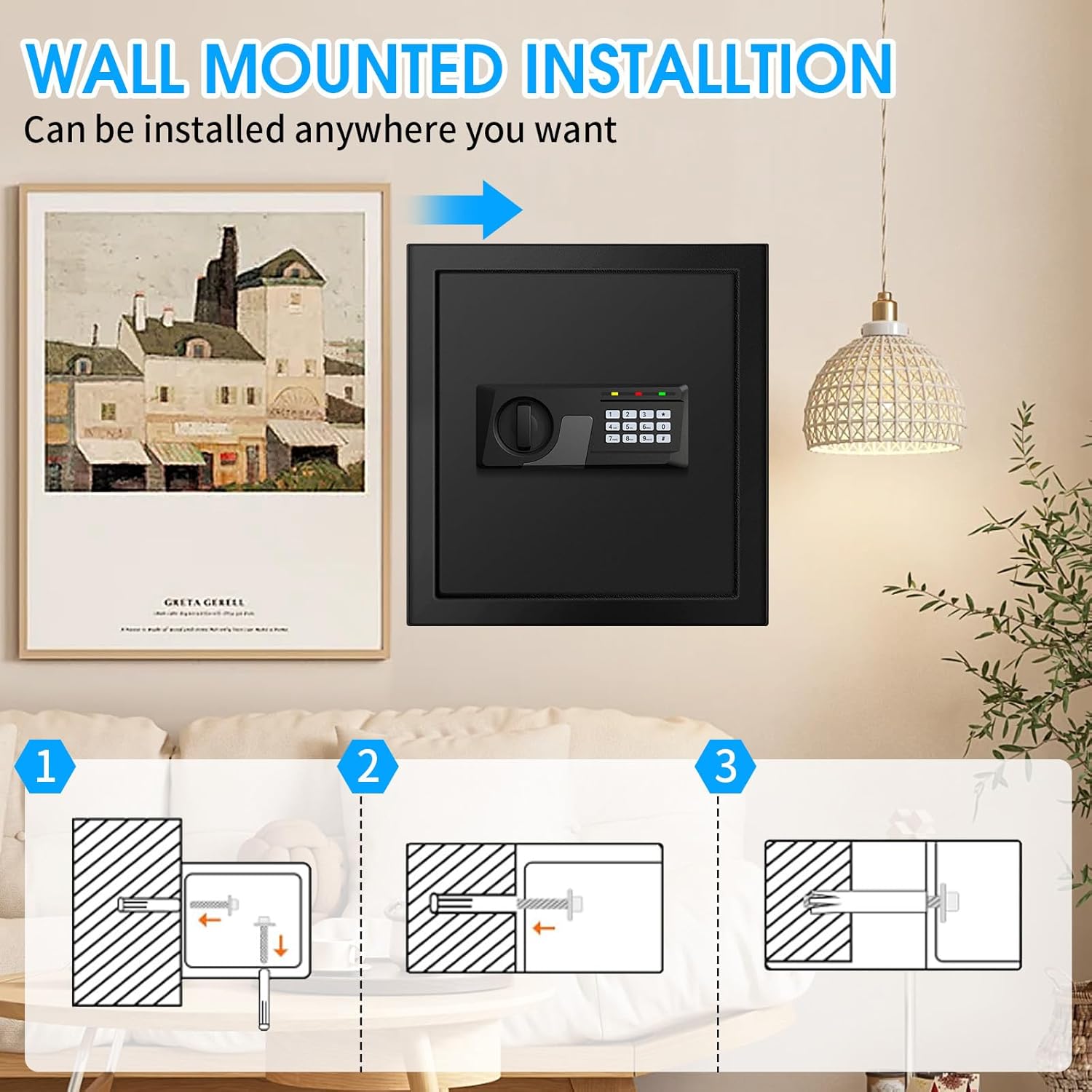
Image: Visual guide for wall mounting the safe, showing drilling and securing steps.
5. Operating Instructions
5.1 Opening the Safe with User Code
- Enter your 3-8 digit user code on the keypad.
- Press the "#" button. The green light will illuminate.
- Within 5 seconds, turn the knob clockwise to open the door.
5.2 Closing and Locking the Safe
Close the safe door and turn the knob counter-clockwise until it is securely locked. The safe will automatically lock.
5.3 Using the Emergency Key
The emergency key can be used if you forget your code or if the batteries are depleted.
- Locate the emergency keyhole.
- Insert the emergency key and turn it clockwise.
- Simultaneously turn the knob clockwise to open the door.
5.4 Using the External Battery Box
If the internal batteries are dead and you do not have the emergency key readily available, you can use the external battery box.
- Insert 4 AA batteries into the external battery box.
- Plug the external battery box into the port located on the keypad.
- Enter your user code and press "#".
- Turn the knob clockwise to open the door.
- Replace the internal batteries as soon as possible.
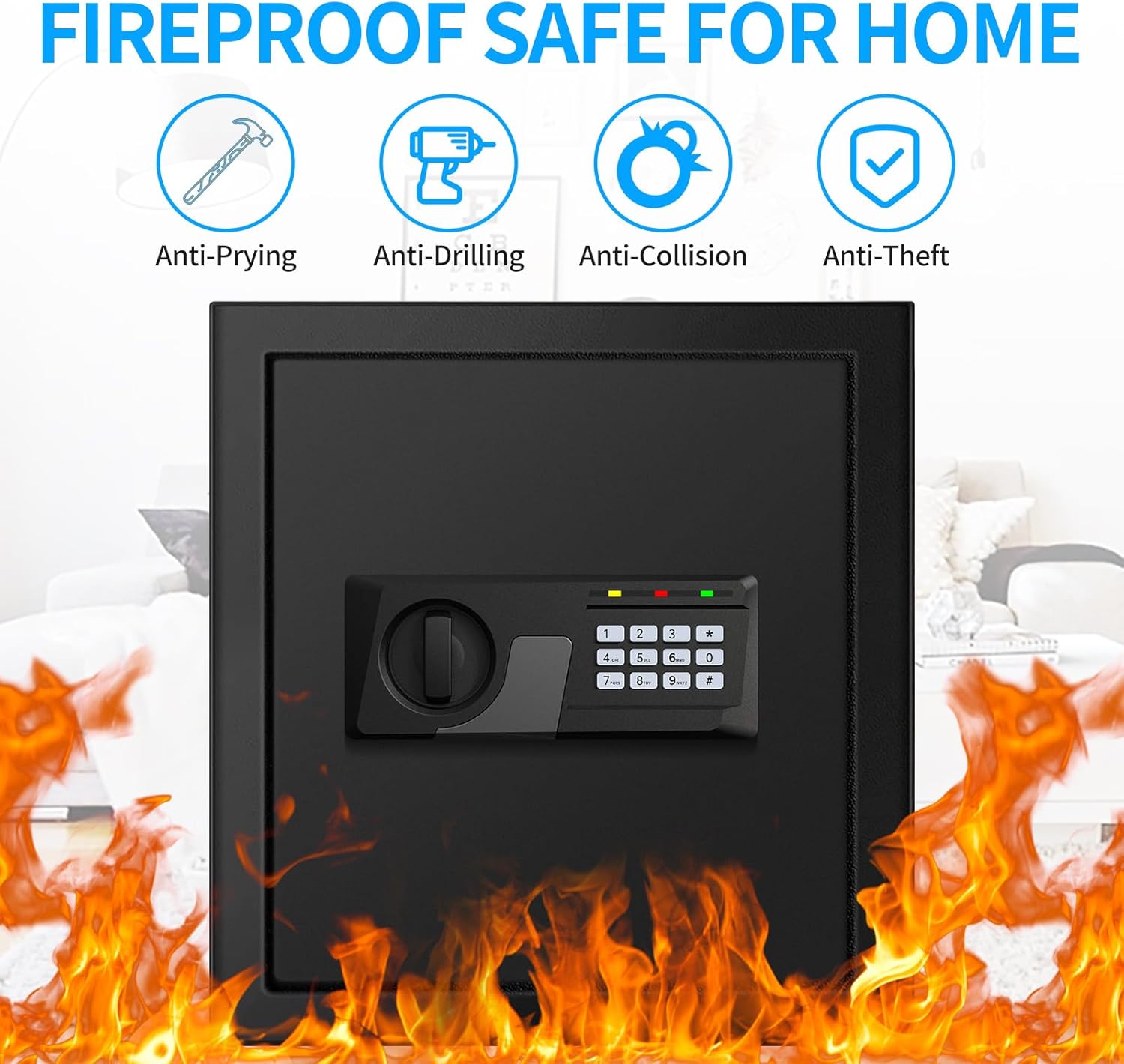
Image: Visual representation of the three methods to open the safe: using the digital code, the emergency key, or the external battery box with the code.
5.5 Anti-Theft Alarm System
The safe is equipped with an alarm system to deter unauthorized access.
- If an incorrect code is entered 3 times consecutively, the system will lock for 20 seconds.
- If an incorrect code is entered 6 times consecutively, the system will lock for 5 minutes and activate an audible alarm.
- To silence the alarm, enter the correct user code or use the emergency key.
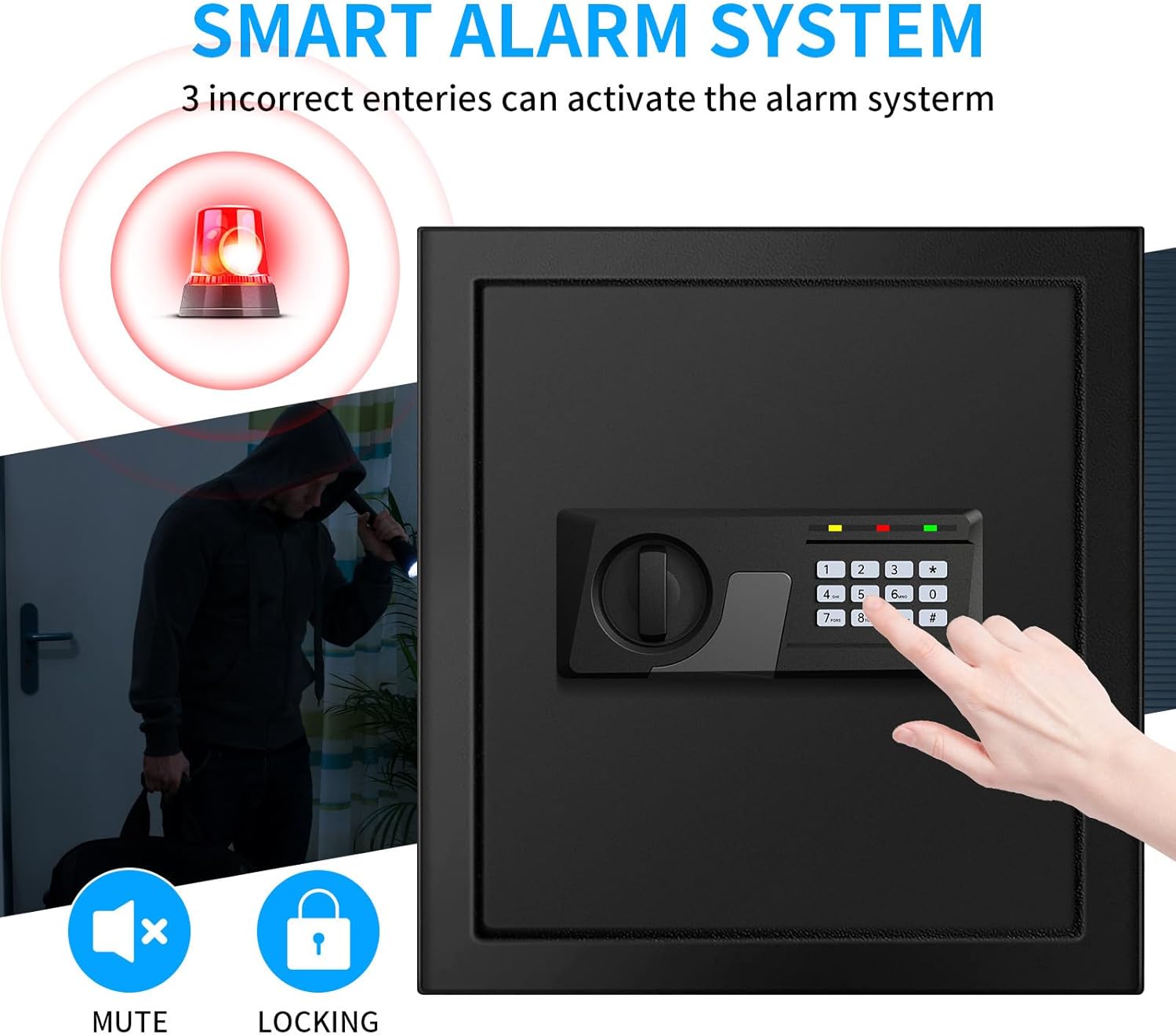
Image: Depiction of the safe's alarm system activating after multiple incorrect code entries, showing a flashing light and a person attempting unauthorized access.
5.6 Interior Sensor Light
The safe features an integrated LED sensor light that illuminates the interior when the door is opened, providing visibility in low-light conditions.
6. Maintenance
- Battery Replacement: Replace the internal AA batteries annually or when the low battery indicator appears on the keypad.
- Cleaning: Wipe the exterior of the safe with a soft, damp cloth. Avoid abrasive cleaners or solvents.
- Keypad Care: Keep the keypad dry and clean. Avoid pressing buttons with excessive force.
- Door Hinges: Periodically check the door hinges for smooth operation. Lubricate if necessary with a small amount of light oil.
7. Troubleshooting
| Problem | Possible Cause | Solution |
|---|---|---|
| Safe does not open with code. | Incorrect code entered; batteries are low or dead; keypad malfunction. | Re-enter code carefully. Replace batteries. Use emergency key or external battery box. Contact support if issue persists. |
| Keypad does not respond. | Dead batteries; loose battery connection. | Replace batteries. Ensure batteries are correctly inserted. Use external battery box if needed. |
| Alarm sounds unexpectedly. | Multiple incorrect code entries; physical shock to the safe. | Enter correct code to disarm. Avoid bumping or moving the safe while locked. |
| Door is stiff or difficult to open/close. | Obstruction in the door frame; hinges require lubrication. | Check for any obstructions. Apply a small amount of light lubricant to the hinges. |
8. Specifications
| Feature | Detail |
|---|---|
| Brand | VIDXCVIT |
| Model Number | HA |
| Capacity | 2.3 Cubic Feet |
| Exterior Dimensions (H x W x D) | 14.17" x 12.99" x 12.99" |
| Interior Dimensions (H x W x D) | 14" x 12.3" x 12.3" |
| Weight | 26 Pounds |
| Material | Alloy Steel |
| Lock Type | Electronic Keypad, Key |
| Power Source | 4 x AA Batteries (not included) |
| Special Features | Alarm System, Anti-Theft, Combination Lock, Mute Function, Removable Shelf, Interior Sensor Light |
| Mounting Type | Wall or Floor Mount |
Image: Visual representation of the safe's dimensions and included components.
9. Warranty and Support
VIDXCVIT provides a 5-year return or exchange warranty for this product. Additionally, lifetime technical support and free replacement parts service are available.
For technical assistance, warranty claims, or replacement parts, please contact VIDXCVIT customer service through the retailer where the product was purchased or refer to the contact information provided on the official VIDXCVIT website.

Image: Graphic indicating 5-year warranty, quick response, faster delivery, and parts replacement from VIDXCVIT.
Ask a question about this manual
Ask about setup, troubleshooting, compatibility, parts, safety, or missing instructions. Manuals+ will review the question and use this page’s manual context to help answer it.