
1. Introduction
1.1. Overview
The SUNKTA K-52 Military Smart Watch is a rugged, multi-functional device designed for active lifestyles. It features Bluetooth call capabilities, comprehensive health monitoring (heart rate, blood pressure, SpO2), over 100 sports modes, a 1.39-inch HD touchscreen, and 5ATM water resistance. This manual provides essential information for setting up, operating, and maintaining your smartwatch.
1.2. Package Contents
Upon unboxing your SUNKTA K-52 Smart Watch, please verify that all the following items are included:
- SUNKTA K-52 Smart Watch
- Silicone Strap
- Steel Strap
- Magnetic Charging Cable
- Strap Adjustment Tool
- User Manual
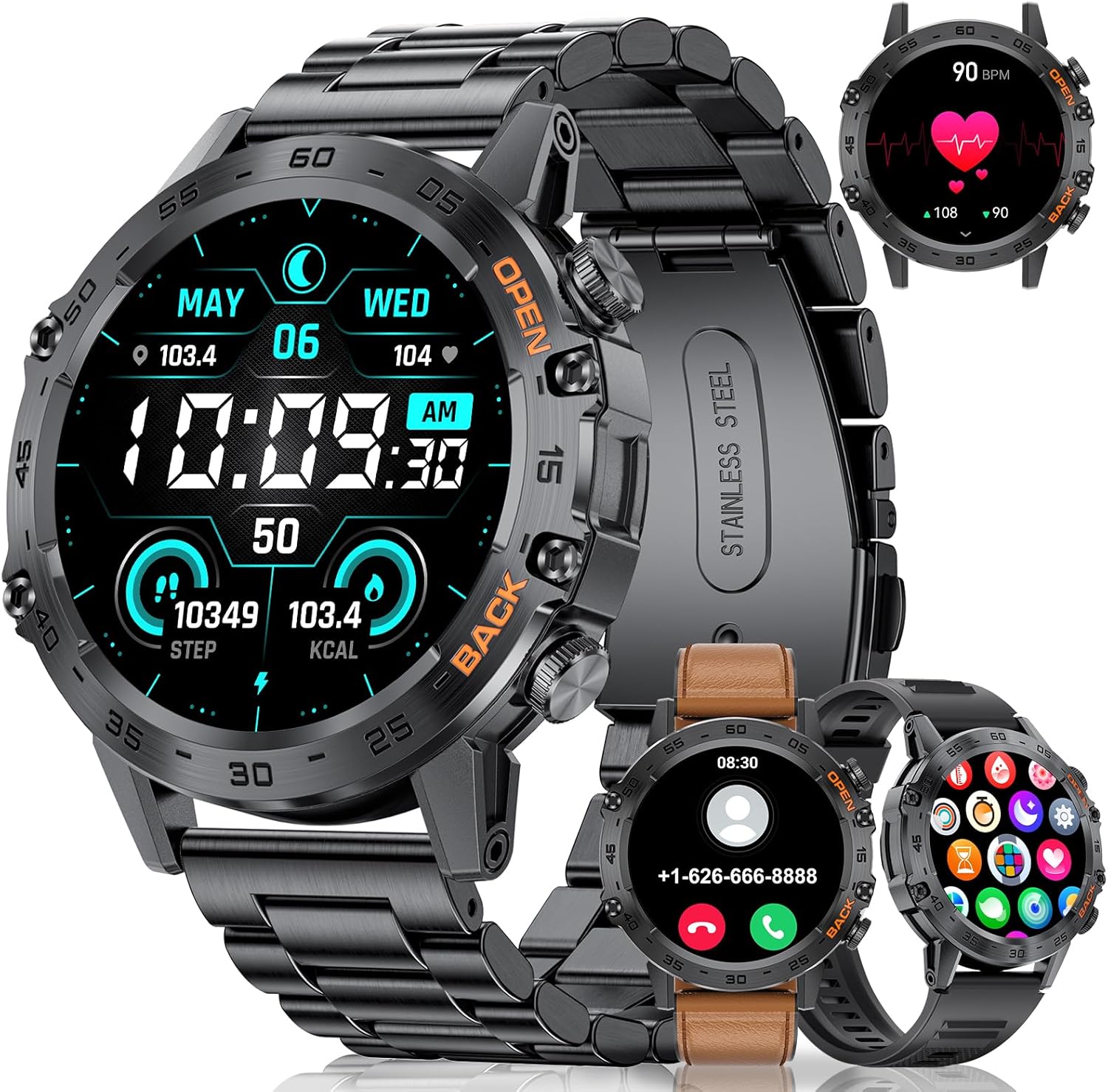
Image: SUNKTA K-52 Smart Watch with its various components and strap options.
Video: Smartwatch Unboxing Video 1846. This video demonstrates the unboxing process and shows the contents of the SUNKTA K-52 Smart Watch package, including the watch, straps, and accessories.
2. Safety Information
- The SUNKTA K-52 Smart Watch is not a medical device. Health monitoring data is for reference only and should not be used for medical diagnosis or treatment.
- Avoid exposing the watch to extreme temperatures, direct sunlight for prolonged periods, or corrosive liquids.
- While the watch is 5ATM water-resistant, it is not suitable for hot water, saunas, or steam rooms, as steam can penetrate the seals.
- Keep the watch and its accessories out of reach of children.
3. Setup
3.1. Initial Charging
Before first use, long-press the power button for 10 seconds to activate the watch. Fully charge the smartwatch using the provided magnetic charging cable. Connect the magnetic end to the charging points on the back of the watch and the USB end to a power adapter (not included) or a computer's USB port. A full charge typically takes 1-2 hours.

Image: The SUNKTA K-52 Smart Watch connected to its magnetic charging cable, illustrating the charging process.
3.2. App Installation and Pairing
To unlock the full functionality of your smartwatch, download and install the FitCloudPro app on your smartphone.
- Turn on Bluetooth on your phone.
- Search for "FitCloudPro" on Google Play Store (Android) or Apple App Store (iOS), or scan the QR code provided in the user manual.
- Open the FitCloudPro app and navigate to the "Devices" screen.
- Tap "+ Bind Device" and select "K-52" to pair.
- After successful connection, ensure "Call audio" and "Media audio" are enabled in the watch's Bluetooth settings for call functionality. To do this, swipe right on the watch screen, tap the "Call" icon, and ensure both options are toggled on.

Image: A smartphone displaying the FitCloudPro app icon, indicating the application required for smartwatch pairing.
Video: Smartwatch Settings Unit 1846. This video demonstrates how to adjust unit settings (temperature, distance, weight) within the FitCloudPro app, ensuring consistency between the watch and your preferences.
3.3. Strap Adjustment
The steel strap can be adjusted to fit your wrist using the provided strap adjustment tool. Carefully follow the instructions to remove or add links as needed. The silicone strap offers flexible sizing.

Image: Hands demonstrating the use of a strap adjustment tool to modify the length of the watch's steel strap.
Video: Smart Watch Band Adjustment 1846. This video provides a visual guide on how to adjust the watch band, specifically for the steel strap, using the included tool.
4. Operating Instructions
4.1. Basic Navigation
- Swipe Up/Down: Scroll through menus and notifications.
- Swipe Left/Right: Access quick functions or different screens.
- Tap: Select an item or confirm an action.
- Long Press: On the watch face, long press to change the dial.
- Side Buttons: Use for power on/off, back, or quick access to specific functions (e.g., sports modes).
Video: Smart Watch Features BW1846. This video demonstrates various features and navigation methods on the SUNKTA K-52 Smart Watch, including accessing different menus and functions.
4.2. Watch Faces
The watch offers a variety of pre-installed watch faces. You can change them by long-pressing the current watch face and swiping to select a new one. The FitCloudPro app also provides access to a wider selection of watch faces and allows for custom dial designs using your own photos.
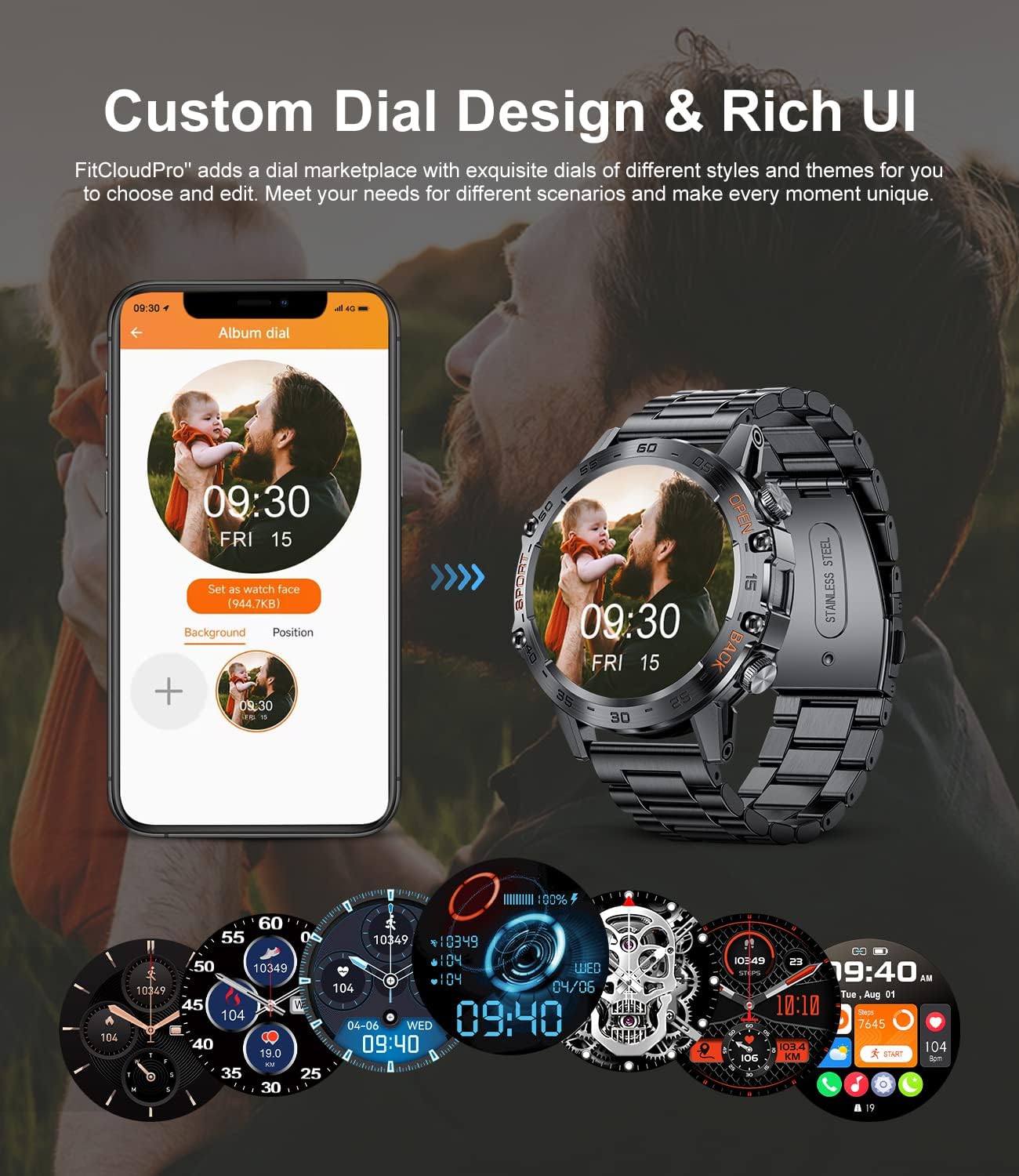
Image: The SUNKTA K-52 Smart Watch showcasing various custom dial designs and the option to personalize with photos via the app.
4.3. Bluetooth Calls and Notifications
With its 5.0 Bluetooth chip, the watch allows you to make and receive calls directly from your wrist. It also displays message notifications from your smartphone.
- Making Calls: Access the phone function on the watch to dial numbers or select from synced contacts.
- Receiving Calls: Answer or reject incoming calls directly from the watch.
- Message Notifications: Receive alerts for SMS, WhatsApp, Facebook, and other app messages. You can view previews of messages on the watch screen.
- Voice Assistant: Utilize the integrated AI voice assistant for hands-free commands.
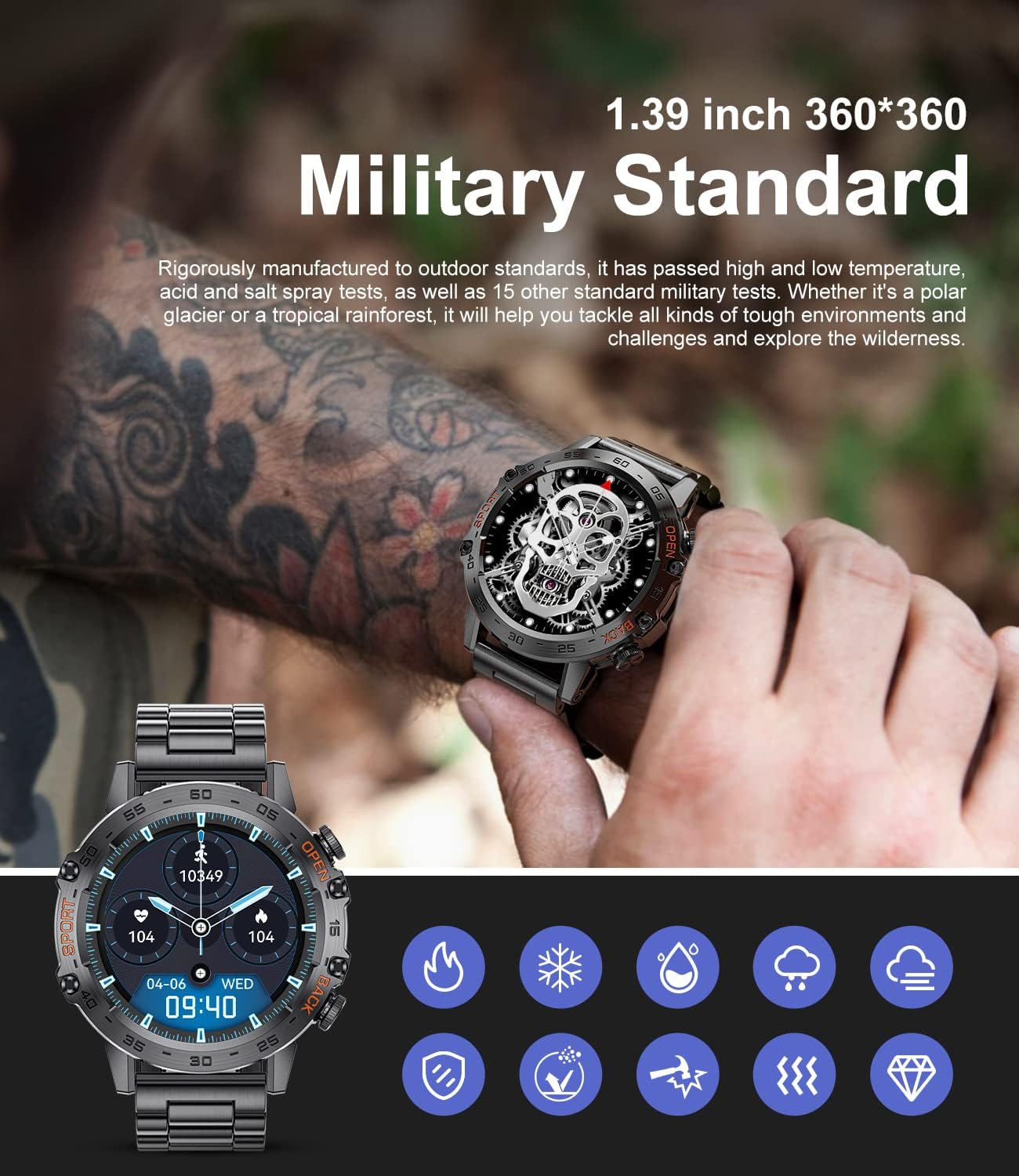
Image: The SUNKTA K-52 Smart Watch showing an incoming call and message notifications, highlighting its communication features.
4.4. Health Monitoring
The smartwatch provides continuous health tracking features:
- Heart Rate: 24-hour heart rate monitoring.
- Blood Pressure: Real-time blood pressure detection.
- Blood Oxygen (SpO2): Real-time blood oxygen level monitoring.
- Sleep Monitoring: Tracks sleep duration and quality (deep sleep, light sleep, REM).
Access these features through the watch menu or the FitCloudPro app. Monitoring data is saved for 30 days in the app for review.
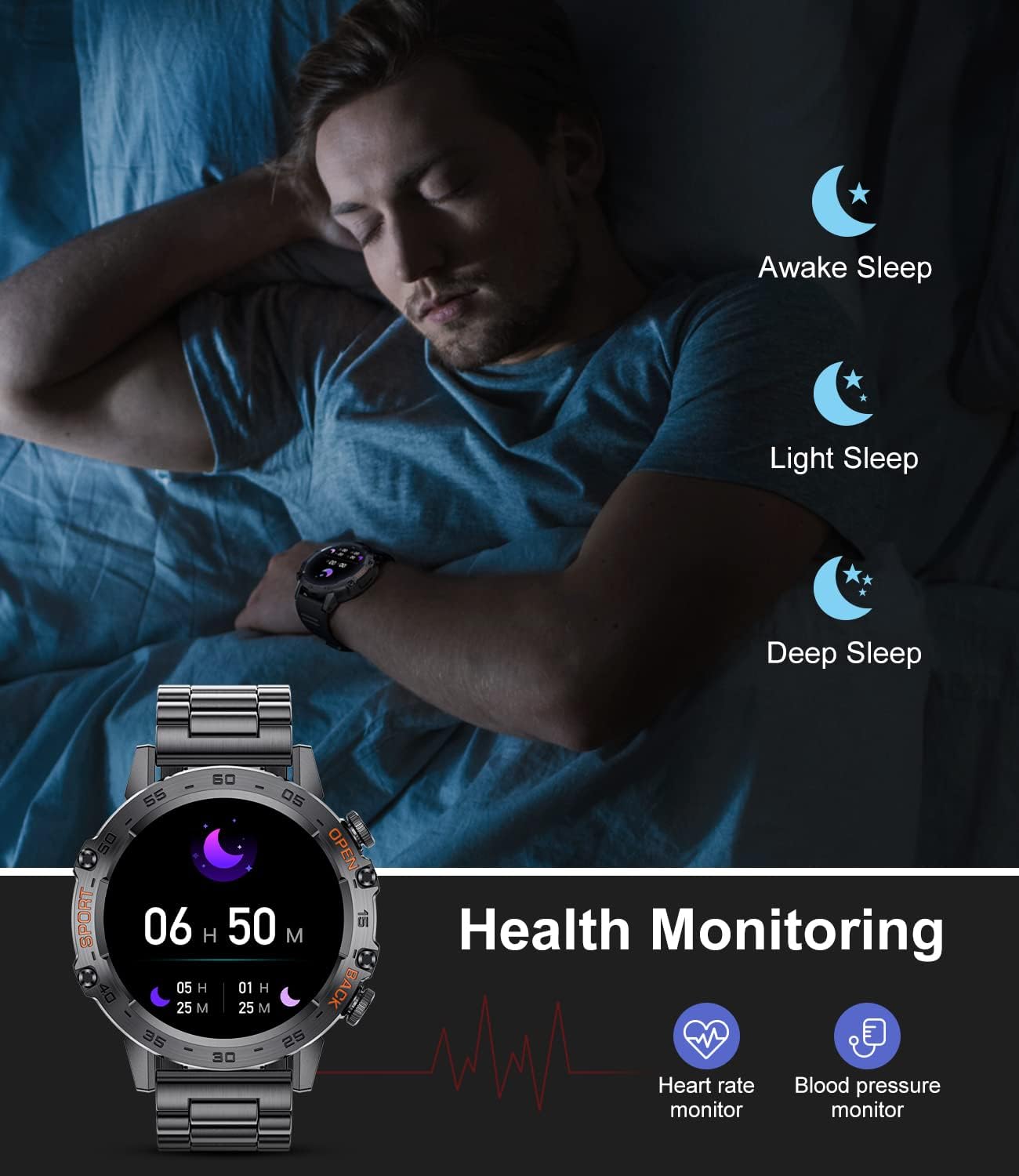
Image: The SUNKTA K-52 Smart Watch showing various health monitoring metrics, including heart rate, blood pressure, and sleep stages.
4.5. Sports Modes
The watch supports over 100 sports modes, including cycling, running, basketball, rugby, and skiing. Select a sport from the workout menu to track key data such as heart rate, distance, speed, and calories burned.
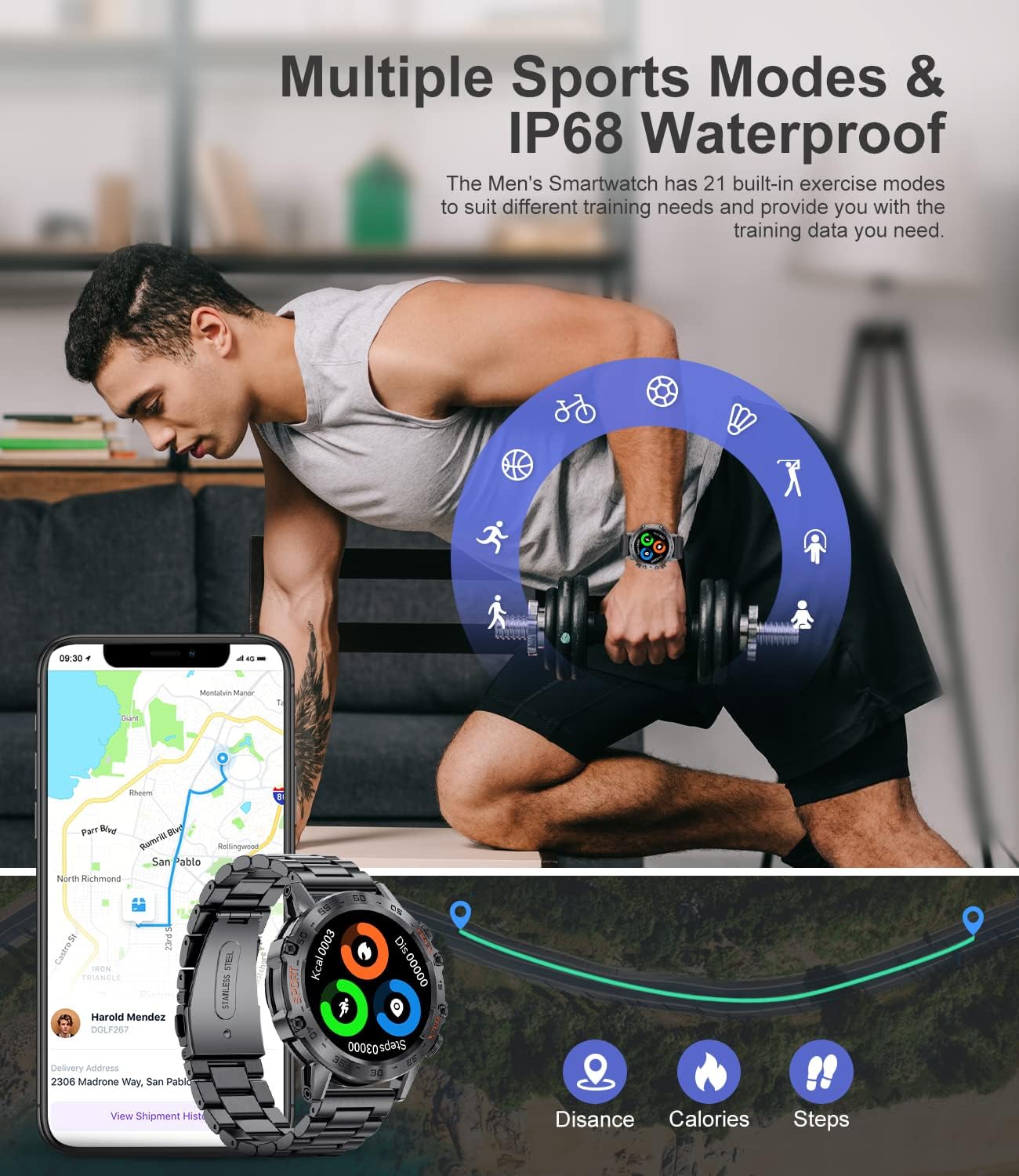
Image: The SUNKTA K-52 Smart Watch interface showing various sports mode icons, indicating its fitness tracking capabilities.
4.6. Other Features
The SUNKTA K-52 Smart Watch includes additional useful functions:
- Weather Forecast: View real-time weather updates.
- Alarm Clock: Set alarms directly from the watch.
- Timer/Stopwatch: Utilize for various timing needs.
- Music Control: Control music playback on your phone.
- Remote Camera: Trigger your phone's camera remotely.
- Find Phone/Watch: Locate your paired device.
- Passcode Lock: Secure your watch with a passcode.
- Brightness Adjustment: Adjust screen brightness (5 levels) for optimal visibility.
- Sedentary/Drink Water Reminders: Receive alerts to stay active and hydrated.
5. Maintenance
5.1. Cleaning
Regularly clean your watch with a soft, dry cloth. For stubborn dirt, slightly dampen the cloth with water. Avoid using harsh chemicals or abrasive materials.
5.2. Water Resistance
The watch is 5ATM water-resistant, meaning it can withstand pressures equivalent to a depth of 50 meters. This makes it suitable for swimming and showering. However, it is not recommended for diving, high-pressure water activities, or exposure to hot water/steam, which can compromise the water resistance.
5.3. Battery Care
- Charge the watch regularly; avoid letting the battery completely drain to 0% frequently, as this can reduce battery lifespan.
- Use only the provided magnetic charging cable.
- Store the watch in a cool, dry place when not in use.
6. Troubleshooting
6.1. Connectivity Issues
If the watch frequently disconnects from your phone, ensure the FitCloudPro app is not being put into "deep sleep" or optimized for battery saving by your phone's operating system. Adjust your phone's settings to allow the app to run in the background without restrictions.
6.2. Charging Problems
If the watch does not charge, check the charging port for dust or debris. Ensure the magnetic charging cable is properly aligned with the charging points on the watch. Try using a different USB power source.
6.3. Inaccurate Health Data
The health monitoring features are designed for general wellness and fitness purposes. For accurate medical readings, consult professional medical devices. Ensure the watch is worn snugly on your wrist for the best possible readings.
7. Specifications
- Model Number: WW-BW1846S-US-SXT-2
- Screen Size: 1.39 Inches HD Touchscreen (360*360 pixels)
- Battery Capacity: 400 mAh Lithium Polymer
- Battery Life: Up to 7-10 days (normal use), up to 30 days (standby)
- Water Resistance: 5ATM
- Connectivity: Bluetooth 5.0
- Operating System: Wear OS
- RAM: 128 MB
- Product Dimensions: 3.94 x 1.97 x 0.98 inches
- Item Weight: 9.6 ounces
- Compatibility: Android 4.4 and above, iOS 8.0 and above
8. Warranty and Support
The SUNKTA K-52 Military Smart Watch comes with a 12-month warranty. If you encounter any issues with watch accessories, quality, operation, or charging, please contact SUNKTA customer service. We are committed to providing a solution within 24 hours.
For support, please refer to the contact information provided in your product packaging or visit the official SUNKTA website.


