
Introduction
This manual provides essential information for the safe and efficient operation of your RXUJYC 3.8 Cubic Feet Digital Fireproof Safe. Please read these instructions carefully before setup and use, and retain them for future reference.
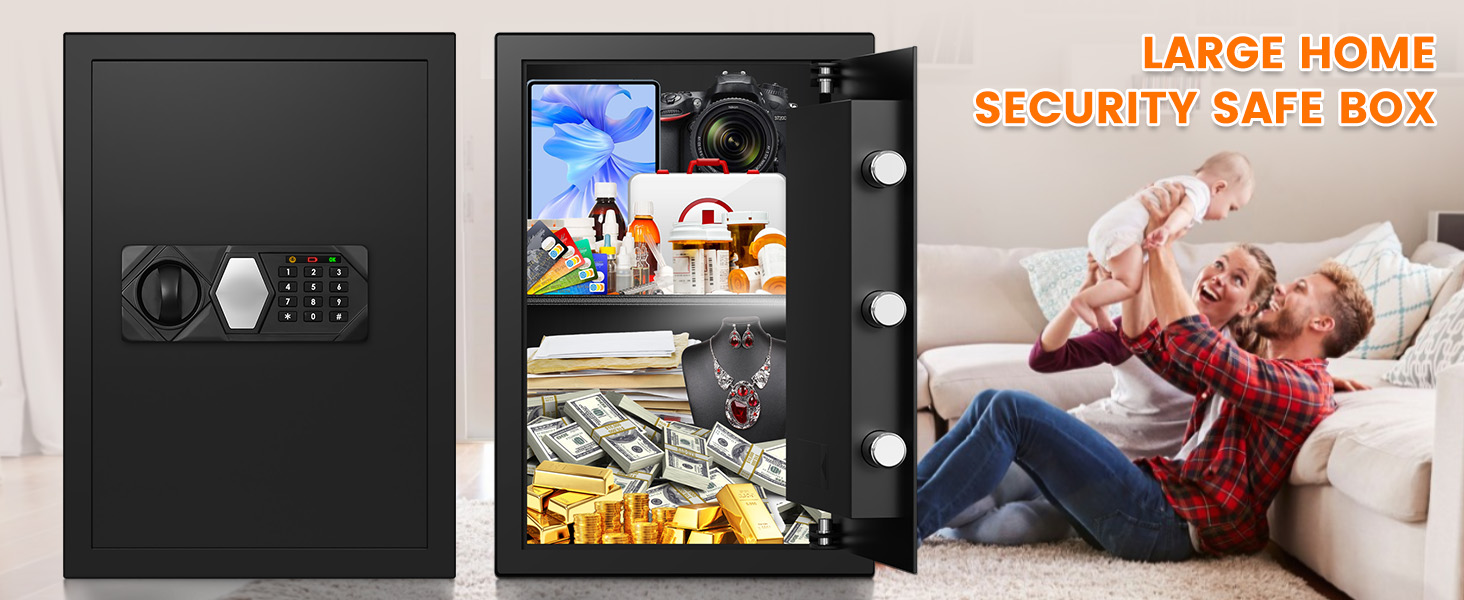
Image: The RXUJYC 3.8 Cubic Feet Digital Fireproof Safe in a modern home environment, emphasizing its role in protecting valuables for families.
Safety Information
- Always keep emergency keys in a secure location away from the safe.
- Do not store the emergency keys inside the safe.
- Ensure the safe is securely mounted to prevent unauthorized removal.
- Keep children away from the safe to prevent accidental locking or tampering.
- This safe is fireproof but not water resistant. Protect it from water exposure.
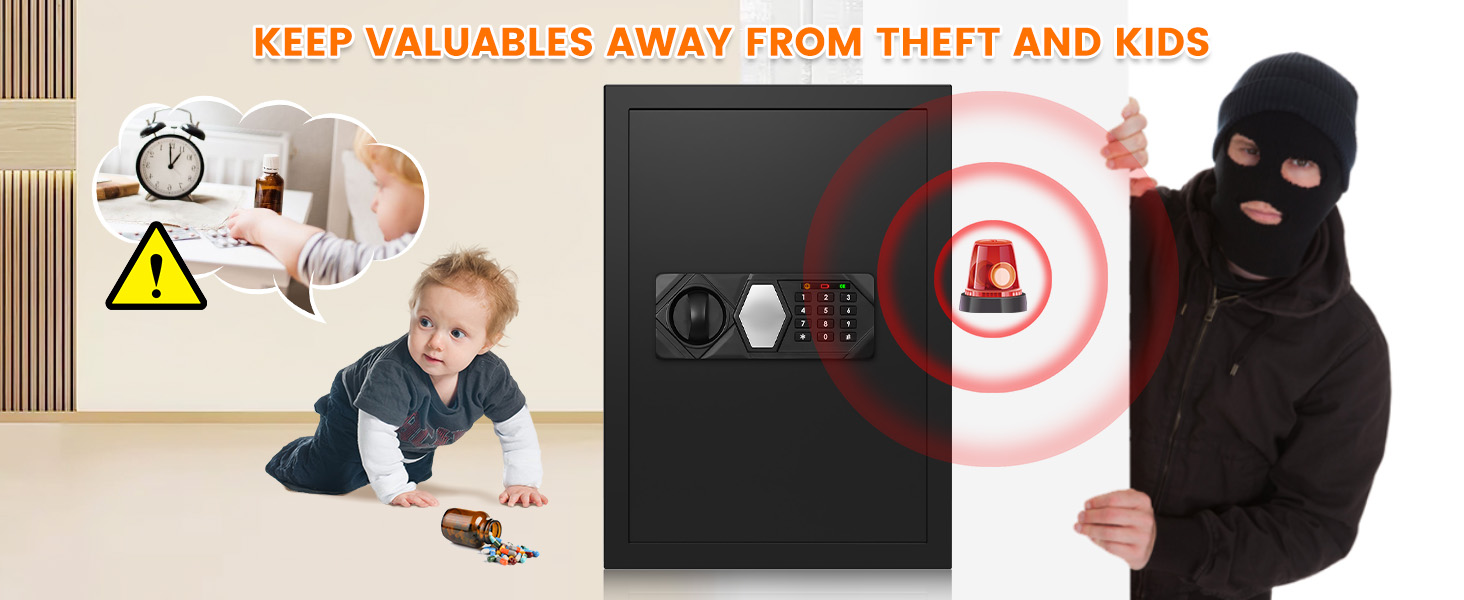
Image: A visual representation of the safe's purpose, keeping valuables secure from both children and potential theft, highlighting the alarm system.
Product Overview
The RXUJYC 3.8 Cubic Feet Digital Fireproof Safe is designed for secure storage of your valuables. It features a digital keypad, backup keys, an alarm system, and a removable shelf for flexible storage.
Key Features:
- Steel Construction: Made from reinforced solid steel with 3 x 0.7" (20mm) diameter live-locking bolts and anti-pry concealed hinges.
- Digital Keypad: Programmable for secure and easy access.
- Backup Keys: Two emergency keys for manual access.
- Alarm System: Activates after multiple incorrect password attempts.
- Removable Shelf: Allows customization of interior space.
- Built-in LED: Illuminates the interior when the safe is opened.

Image: A detailed view of the safe's door construction, highlighting the 1.8 inch (45mm) thickened alloy steel door and the 3 x 0.8 inch (20mm) anti-prying bolts, emphasizing its robust security features.

Image: An illustration demonstrating the safe's anti-theft system, including wall or cabinet mount options, an LED light, and a password error alert mechanism.
Setup
1. Unpacking and Initial Inspection:
Carefully remove the safe from its packaging. Inspect for any damage. Ensure all included components are present: 1 x Home Safe, 1 x Using Manual, 2 x Emergency Keys, 4 x Expansion Screws.
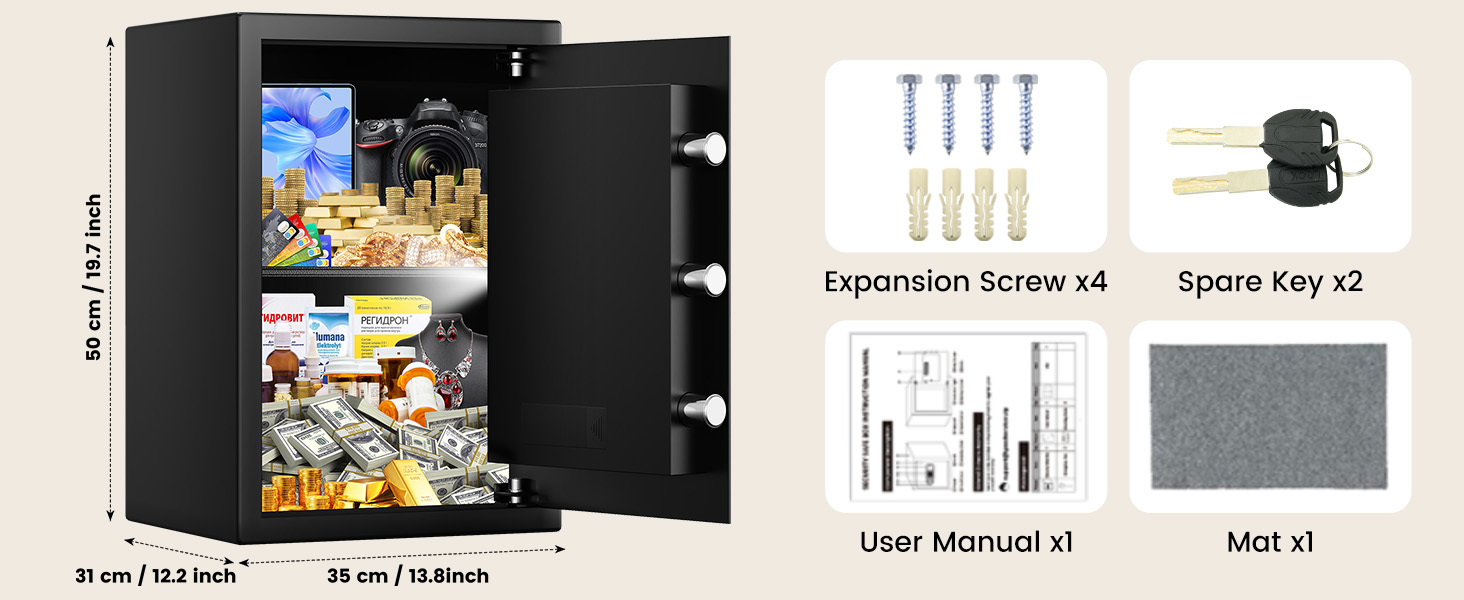
Image: The RXUJYC safe displayed alongside its included accessories: four expansion screws, two spare keys, a user manual, and a protective mat.
2. Battery Installation:
The safe requires batteries for the digital keypad. Open the battery compartment, typically located on the inside of the door, and insert the required batteries (not included). Ensure correct polarity.
3. Setting Your Passcode:
- With the safe door open, locate the reset button on the inside of the door.
- Press the reset button. The indicator light on the keypad will illuminate.
- Enter your desired 3-8 digit passcode on the keypad.
- Press the '#' button to confirm. The indicator light will flash, confirming the new passcode is set.
4. Mounting the Safe:
The safe comes with 4 expansion bolts for secure mounting. It can be mounted to a wall, floor, or inside a closet to prevent unauthorized removal.
- Choose a suitable location for mounting.
- Mark the drilling points through the pre-drilled holes at the back or bottom of the safe.
- Drill holes in the wall or floor using an appropriate drill bit.
- Align the safe with the drilled holes and secure it using the provided expansion bolts.
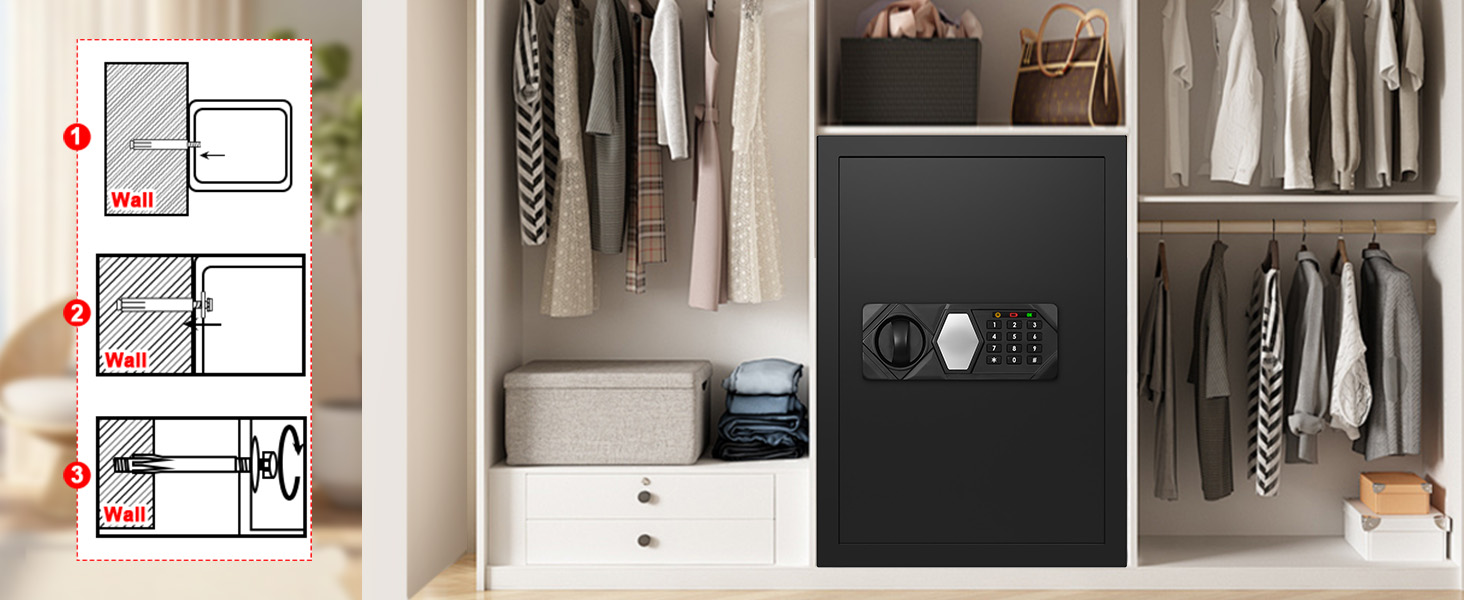
Image: A step-by-step diagram illustrating the process of securely mounting the RXUJYC safe to a wall, ensuring stability and anti-theft protection.
Operating
1. Opening the Safe with Passcode:
- Enter your programmed passcode on the digital keypad.
- Press the '#' button. The green indicator light will illuminate.
- Within 5 seconds, turn the knob clockwise to open the safe door.
2. Opening the Safe with Backup Key:
In case of forgotten passcode or dead batteries, use the emergency backup key.
- Remove the cover plate from the keyhole on the keypad.
- Insert the emergency key and turn it counter-clockwise.
- Simultaneously turn the knob clockwise to open the safe door.
3. Emergency Battery Case:
If the internal batteries are dead and you don't have the backup key, an external battery case can be used.
- Connect the external battery case to the port on the keypad.
- Enter your passcode.
- Turn the knob clockwise to open the safe door.

Image: A visual guide detailing the three methods for unlocking the RXUJYC safe: using the emergency key, entering a password on the digital keypad, and utilizing the external emergency battery case.
4. Mute Function:
To mute the keypad sounds, press *633. To unmute, press *66.
5. Changing Passcode:
Follow the steps in 'Setting Your Passcode' (Setup section) to change your existing passcode.
6. Removable Shelf Adjustment:
The safe includes a removable shelf. To adjust or remove it, simply lift and slide it out from its supports. This allows for flexible storage of items of various sizes.

Image: A comparison showing the interior of the RXUJYC safe both with and without the removable shelf, demonstrating its adaptable storage capacity for various items.
Video: This video demonstrates the robust construction of the RXUJYC safe, showcasing its thickened door panel, steel casings, solid bolts, and resistance to hammering, drilling, and prying. It also illustrates the smart alarm system, multiple unlocking methods (spare key, initial password, emergency battery box), anti-theft mounting design, and the versatility of removable shelves for organizing contents.
Video: This video provides an overview of the RXUJYC Heavy Duty Home Safe Series, highlighting various sizes available. It demonstrates the digital keypad, emergency key access, the functionality of the removable shelf, the mute function for keypad sounds, and the process for resetting the safe's code.
Maintenance
1. Battery Replacement:
When the battery indicator light signals low power, replace all batteries promptly to ensure continuous operation of the digital keypad. Use the external battery case or emergency key if batteries die while the safe is locked.
2. Cleaning:
Clean the exterior of the safe with a soft, damp cloth. Avoid abrasive cleaners or solvents that could damage the finish. Do not spray liquids directly onto the keypad.
Troubleshooting
1. Alarm System:
The alarm system will activate if the password is entered incorrectly 3 times in a row (locks for 20 seconds) or 6 times in a row (locks for 5 minutes). Enter the correct password to dismiss the alarm.
2. Lock Mechanism Issues:
If the safe does not open after entering the correct code, ensure the batteries are not depleted. Try using the emergency backup key. If issues persist, contact customer support.
3. Lost Emergency Keys:
If your emergency keys are lost, please contact customer support for assistance. Provide your product details for verification.
Specifications
| Feature | Detail |
|---|---|
| Brand | RXUJYC |
| Product Dimensions | 12.5"D x 13.8"W x 19.7"H |
| Interior Dimensions | 11.42"D x 12.99"W x 18.90"H |
| Lock Type | Electronic Combination Lock |
| Capacity | 3.8 Cubic Feet |
| Material | Alloy Steel |
| Mounting Type | Floor Mount |
| Item Weight | 29 Pounds |
| Alarm | Audible (after incorrect attempts) |
| Water Resistance Level | Not Water Resistant |
| Batteries Required | Yes (not included) |
Warranty and Support
The manufacturer offers a commitment to excellence, including product quality and replacement service. If there is a quality problem within 24 months, a direct replacement will be provided without the need for a return. For any inquiries or support, please contact us via Amazon.