1. Introduction
Thank you for purchasing the KEJOG Mini Projector. This portable projector offers Full HD 1080P resolution with 4K support, 12,000 lumens brightness, and a 10,000:1 high contrast ratio, designed for both indoor and outdoor use. It features upgraded Bluetooth 5.2 for audio output and includes an HDMI 3-in-1 cable for easy smartphone and tablet connectivity, along with a portable projection screen.
What's in the Box:
- 1 KEJOG Projector
- 1 Remote Control
- 1 Power Cord
- 1 User Manual
- 1 HDMI Mobile Phone Adapter Cable (3-in-1)
- 1 Projection Screen

2. Safety Information
- Do not look directly into the projector lens when the lamp is on. The bright light can cause eye damage.
- Ensure proper ventilation around the projector. Do not block ventilation openings.
- Keep the projector away from water or other liquids. Do not operate in wet environments.
- Use only the power cord provided with the projector.
- Do not attempt to disassemble or repair the projector yourself. Refer all servicing to qualified personnel.
- Place the projector on a stable, level surface to prevent it from falling.
- Keep out of reach of children.
3. Setup
3.1 Placement
Position the projector on a flat, stable surface. The projection size can range from 40 inches to 200 inches with a projection distance between 4.9 feet to 18.4 feet. Adjust the distance to achieve your desired screen size. The projector supports desktop, overhead ceiling, and tripod placement.

3.2 Power Connection
Connect the provided power cord to the projector's power input port and then plug the other end into a standard electrical outlet.
3.3 Connecting Devices
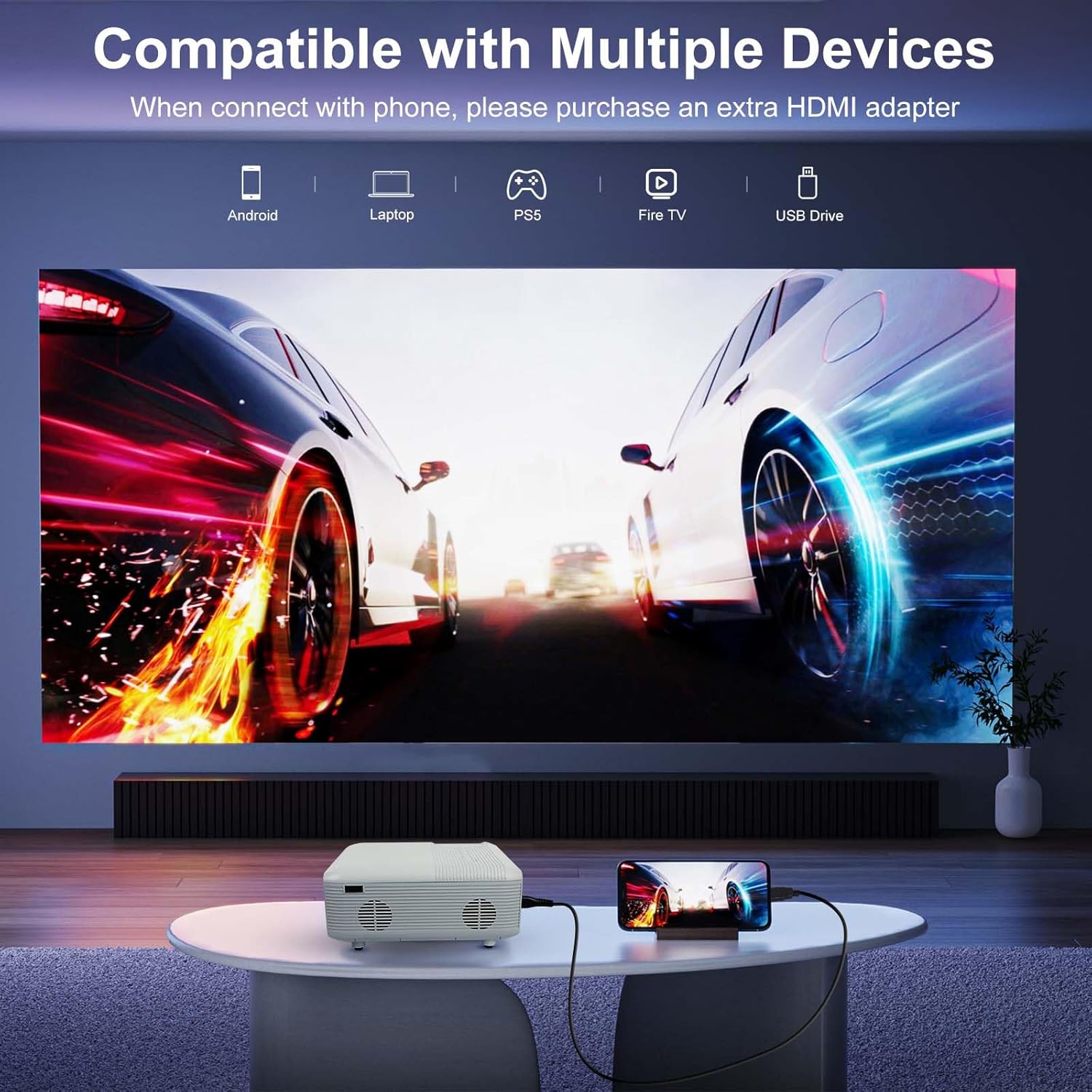
The projector supports various input sources including HDMI, USB, and Bluetooth for audio. Use the included HDMI 3-in-1 cable for direct connection to smartphones and tablets. For Android phones, an app download may be required, and only pictures and videos can be transferred, not sound, via this method.
- HDMI Connection: Connect your device (e.g., TV Stick, laptop, gaming console) to the projector's HDMI port using an HDMI cable.
- USB Connection: Insert a USB drive into the USB port to play media files directly.
- Smartphone/Tablet Connection (Wired): Use the included HDMI 3-in-1 cable. Plug one end into your phone/tablet and the other into the projector. Wait 5-10 seconds, then click "Trust" on your device if prompted.

3.4 Focus Adjustment
Rotate the focus ring on the projector lens until the projected image appears clear and sharp on the screen.
4. Operating Instructions
4.1 Powering On/Off
Press the power button on the projector or the remote control to turn the unit on or off.
4.2 Input Source Selection
Use the "Source" button on the remote control or the projector's control panel to cycle through available input sources (HDMI, USB, etc.). Select the desired input source for your connected device.
4.3 Bluetooth Audio Connection
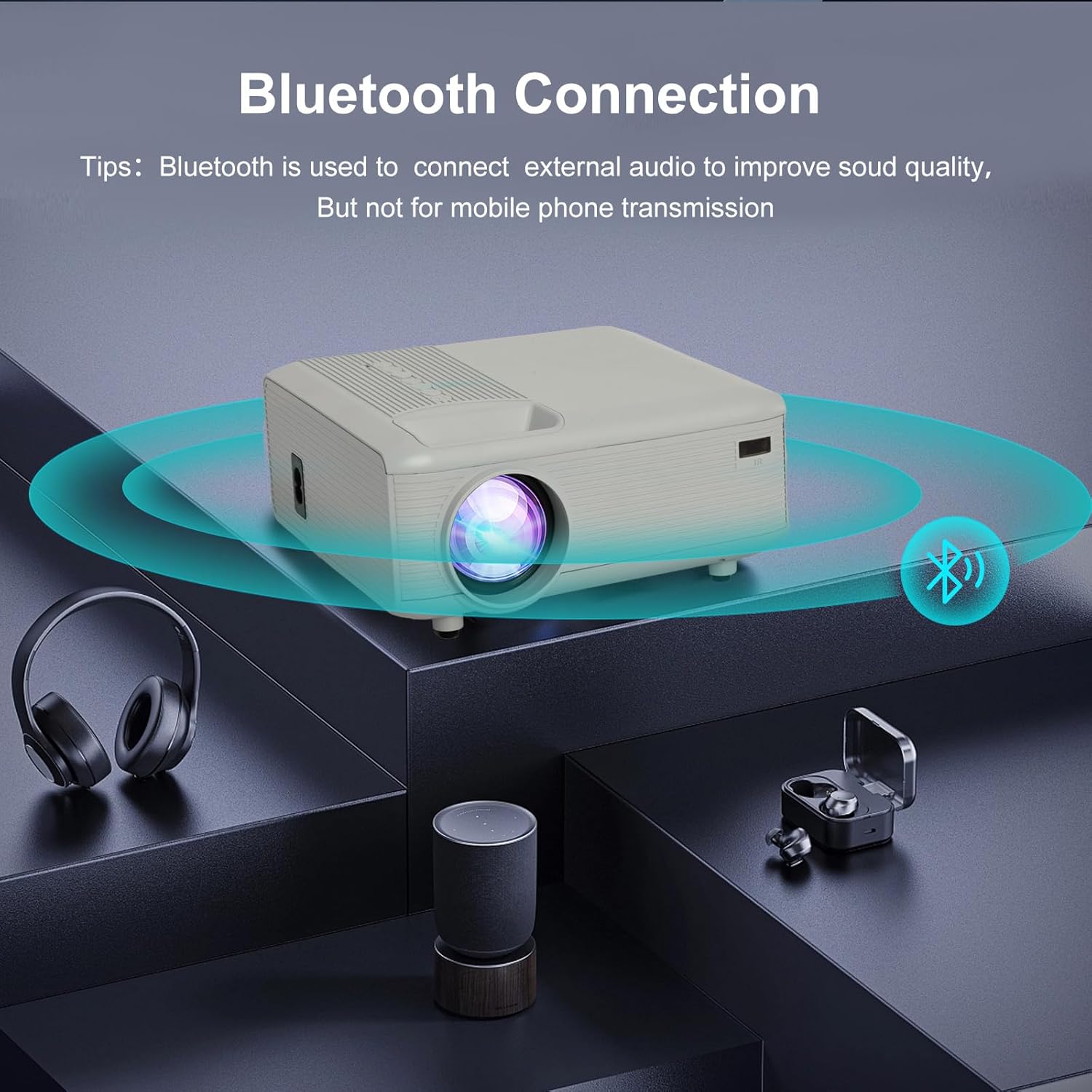
The projector has a built-in Bluetooth 5.2 chip and speakers. To enhance audio, you can pair the projector with external Bluetooth headphones or speakers. Navigate to the Bluetooth settings on the projector's menu, enable Bluetooth, and select your desired audio device from the list to pair. Note: Bluetooth does not support connection with smartphones for content transmission. It is for connecting external audio devices only.

4.4 Image Quality
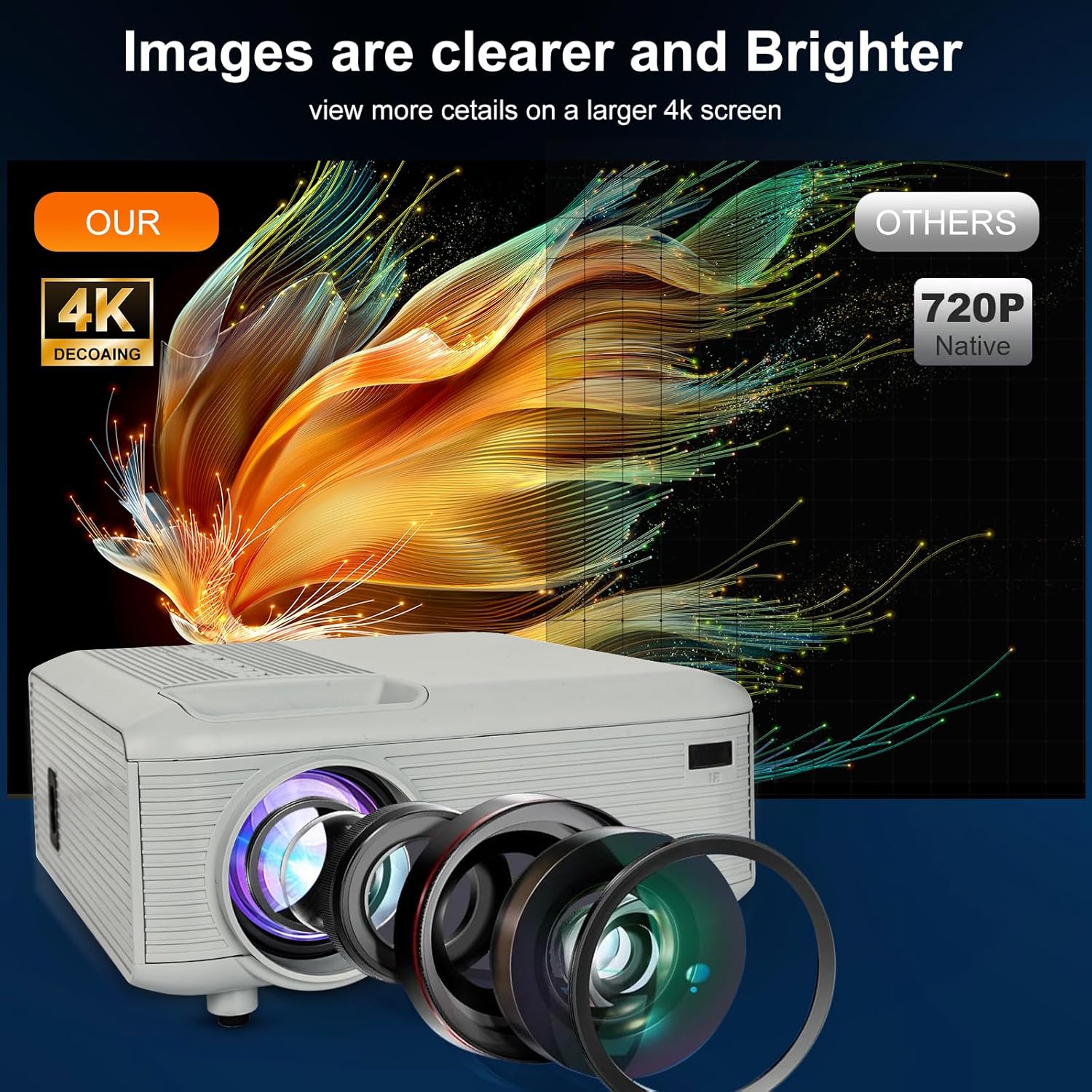
The projector delivers native 1920x1080P resolution with support for 4K content. It boasts 12,000 lumens brightness and a 10,000:1 contrast ratio for clear and vibrant images.

5. Maintenance
5.1 Cleaning the Lens
Use a soft, lint-free cloth specifically designed for optical lenses to gently wipe the projector lens. Do not use abrasive cleaners or solvents.
5.2 Cleaning the Projector Body
Wipe the exterior of the projector with a soft, dry cloth. For stubborn marks, a slightly damp cloth can be used, followed by a dry cloth.
5.3 Storage
When not in use for extended periods, store the projector in a cool, dry place, away from direct sunlight and excessive dust. Use the lens cap to protect the lens.
6. Troubleshooting
| Problem | Possible Cause | Solution |
|---|---|---|
| No picture | Power cord not connected; Incorrect input source selected; Device not connected properly. | Ensure power cord is securely plugged in. Select the correct input source (HDMI, USB). Check all cable connections to the source device. |
| No sound | Volume too low; Muted; External audio device not connected or paired correctly; Android phone wired connection does not transmit sound. | Increase volume. Unmute the projector. Ensure Bluetooth audio device is paired correctly. For Android wired connection, use an external audio source. |
| Blurry image | Focus not adjusted; Projector too far/close to screen. | Adjust the focus ring on the lens. Adjust the projection distance. |
| Bluetooth connection issues | Attempting to connect to a smartphone for content; Device out of range; Pairing mode not active. | Remember Bluetooth is for external audio devices only, not smartphones for content. Ensure device is within range. Put Bluetooth device into pairing mode. |
7. Specifications
- Brand: KEJOG
- Model Number: Project -sreen -HDMI
- Display Resolution: 1920 x 1080 (Native Full HD)
- Brightness: 12,000 Lumens
- Contrast Ratio: 10,000:1
- Connectivity Technology: Bluetooth 5.2, USB, HDMI, 3.5mm Jack
- Projection Size: 40" - 200"
- Projection Distance: 4.9ft - 18.4ft
- Item Weight: 1.76 pounds
- Product Dimensions: 8 x 6.9 x 1.3 inches
- Color: White
- Special Features: Built-In Speaker, Portable, Lightweight
- Recommended Uses: Education, Home Cinema, Gaming, Business
- Lamp Life: Up to 100,000 hours
8. Warranty and Support
KEJOG offers reliable after-sales service and lifetime technical support for your projector. If you encounter any issues or have questions regarding your product, please contact KEJOG customer support for assistance. Refer to the contact information provided in your product packaging or on the official KEJOG website.


