
1. Introduction
This manual provides essential instructions for the setup, operation, and maintenance of your Bewinner BM150 Tiny Mini Mobile Phone. Please read this guide carefully to ensure proper use and to maximize the device's functionality.

Image 1.1: Front and back view of the Bewinner BM150 Tiny Mini Mobile Phone. The phone is red with a grey screen and silver navigation buttons. The back shows a textured surface and speaker grille.
2. Setup
2.1 Package Contents
- Bewinner BM150 Tiny Mini Mobile Phone
- Charging Cable (Micro USB)
- User Manual (this document)

Image 2.1: The Bewinner BM150 phone displayed next to its white Micro USB charging cable.
2.2 SIM Card and Battery Installation
- Remove the Back Cover: Gently pry off the back cover of the phone.
- Insert SIM Card(s): The phone supports dual Nano SIM cards or one Nano SIM card and one small memory card (up to 64GB). Carefully insert the SIM card(s) into the designated slots. Ensure the metal contacts face downwards.
- Insert Battery: Place the provided Lithium-ion battery (380mAh) into the battery compartment, aligning the gold contacts.
- Replace Back Cover: Securely attach the back cover until it clicks into place.

Image 2.2: The Bewinner BM150 phone with its back cover removed, revealing the battery compartment and slots for SIM cards and a small memory card. The battery is shown separately.
2.3 Charging the Device
Connect the charging cable to the phone's Micro USB port and the other end to a compatible USB power adapter (not included). The battery indicator on the screen will show charging status. A full charge typically takes approximately 2-3 hours.
2.4 Powering On/Off
- To Power On: Press and hold the Power/End Call button (red button) until the screen illuminates.
- To Power Off: Press and hold the Power/End Call button until the power-off option appears, then confirm.
3. Operating Instructions
3.1 Basic Phone Functions
- Making Calls: Enter the phone number using the keypad and press the Call button (green button).
- Answering Calls: Press the Call button when the phone rings.
- Ending Calls: Press the Power/End Call button.
- Sending SMS: Navigate to the 'Messages' menu, select 'Write Message', enter your text, and send to the desired recipient.
3.2 Bluetooth Connectivity
The BM150 can function as a Bluetooth music player and connect to other Bluetooth-enabled devices like smartphones and tablets. To activate Bluetooth:
- Navigate to the 'Settings' menu.
- Select 'Bluetooth' and turn it 'On'.
- Search for available devices and pair with your desired device.
3.3 Voice Changer Feature
The phone includes a voice changer feature that allows you to alter your voice during calls. This feature requires a SIM card to be active. Consult the phone's menu for specific voice changer options and activation steps.
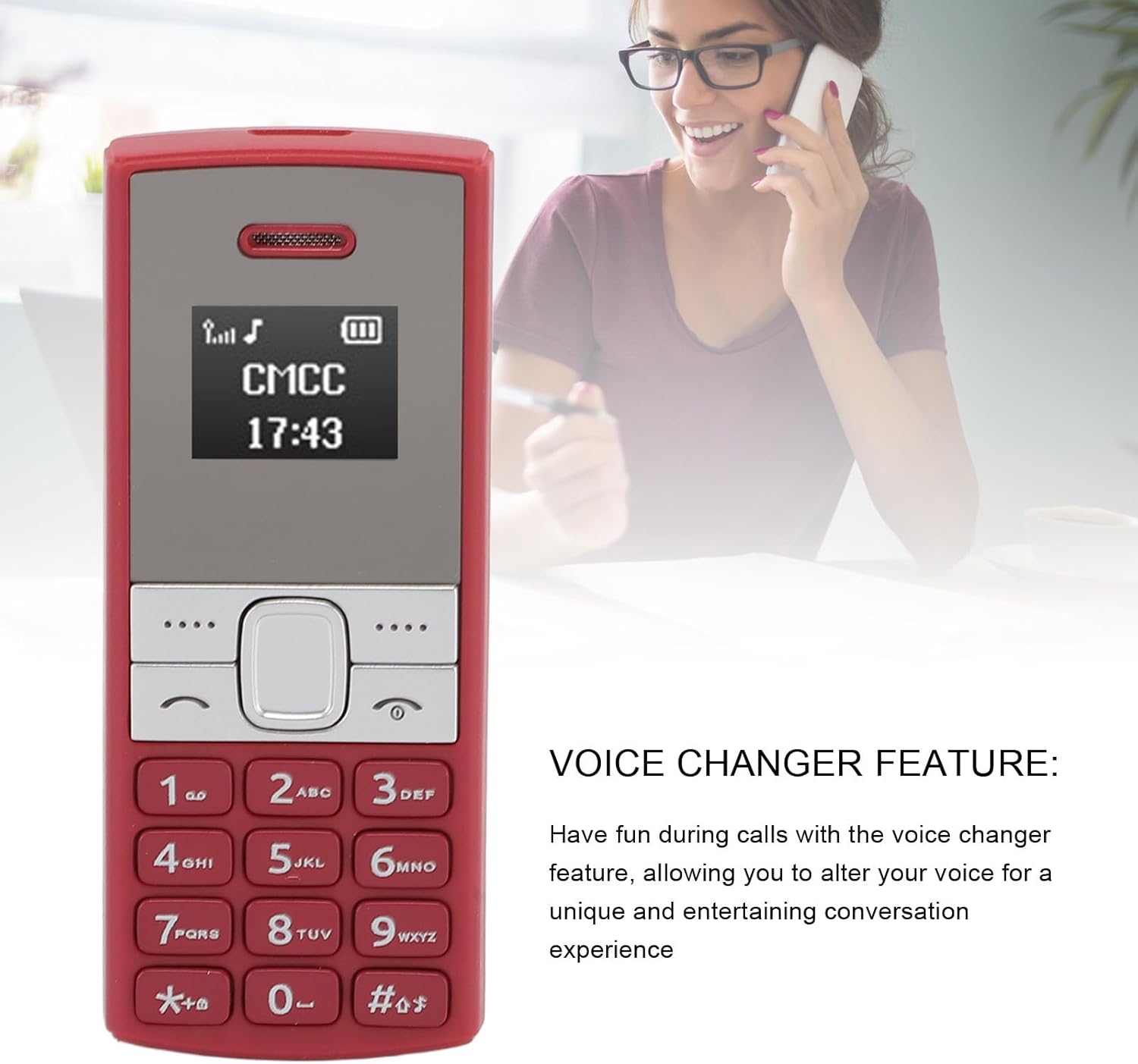
Image 3.1: The Bewinner BM150 phone displayed alongside text highlighting its voice changer feature. A person is shown in the background using a phone, illustrating the feature's use.
3.4 Network Compatibility
The Bewinner BM150 operates on 2G GSM frequencies: 850/900/1800/1900MHz. While 4G and 5G SIM cards can be used, they must support these specific 2G GSM frequencies for the phone to function as a standalone device. Please verify with your SIM card operator that 2G networks are still supported in your area, as some operators have phased out 2G services.

Image 3.2: The Bewinner BM150 phone with text indicating 'BAND (2G) COMPATIBILITY'. An ear graphic with sound waves emanating from it illustrates the phone's communication capabilities.
4. Maintenance
- Cleaning: Use a soft, dry cloth to clean the phone's exterior. Avoid liquid cleaners.
- Storage: Store the phone in a cool, dry place away from direct sunlight and extreme temperatures.
- Battery Care: To prolong battery life, avoid fully discharging the battery frequently. Charge the phone regularly.
- Avoid Impact: Protect the phone from drops and impacts to prevent damage.
5. Troubleshooting
- Phone Not Turning On:
- Ensure the battery is correctly installed and charged.
- Try charging the phone for at least 30 minutes before attempting to power on again.
- No Network Signal:
- Verify that the SIM card is properly inserted.
- Confirm that your SIM card supports 2G GSM networks (850/900/1800/1900MHz).
- Check if 2G network coverage is available in your current location.
- Bluetooth Not Connecting:
- Ensure Bluetooth is enabled on both the BM150 and the target device.
- Make sure both devices are within close proximity.
- Try restarting both devices.
- Poor Call Quality:
- Move to an area with better network reception.
- Check for any obstructions around the phone's microphone or speaker.
6. Specifications
| Feature | Specification |
|---|---|
| Model Number | Bewinnerzred9fsg5n-12 |
| Frequency Band | GSM 2G 850/900/1800/1900MHz |
| Display Screen | 0.66 inch OLED / 64x48 |
| Standby Time | Approx. 72 hours |
| Built-in Battery | Lithium-ion Battery 380mAh |
| Memory Card Support | Maximum 64GB (not included) |
| SIM Card Type | Standard SIM Card (not included) |
| Item Weight | 2.01 ounces |
| Product Dimensions | 5.91 x 3.15 x 1.18 inches |