Introduction
Thank you for choosing Bewinner Bluetooth 5.4 Wireless Earbuds. This manual provides essential information for setting up, operating, and maintaining your new earbuds. Please read it carefully to ensure optimal performance and longevity of your device.
Product Overview
The Bewinner wireless earbuds are designed for high-quality audio and communication, featuring Bluetooth 5.4 connectivity and noise-canceling microphone technology.
Package Contents:
- 1 x Charging Case
- 2 x Bluetooth Earphones
- 1 x Charging Cable
- 2 x Pairs of Earphone Caps (ear tips)

This image displays all items included in the product package: the charging case, two earbuds, a charging cable, and multiple pairs of ear tips for a customized fit.
Earbud Components:
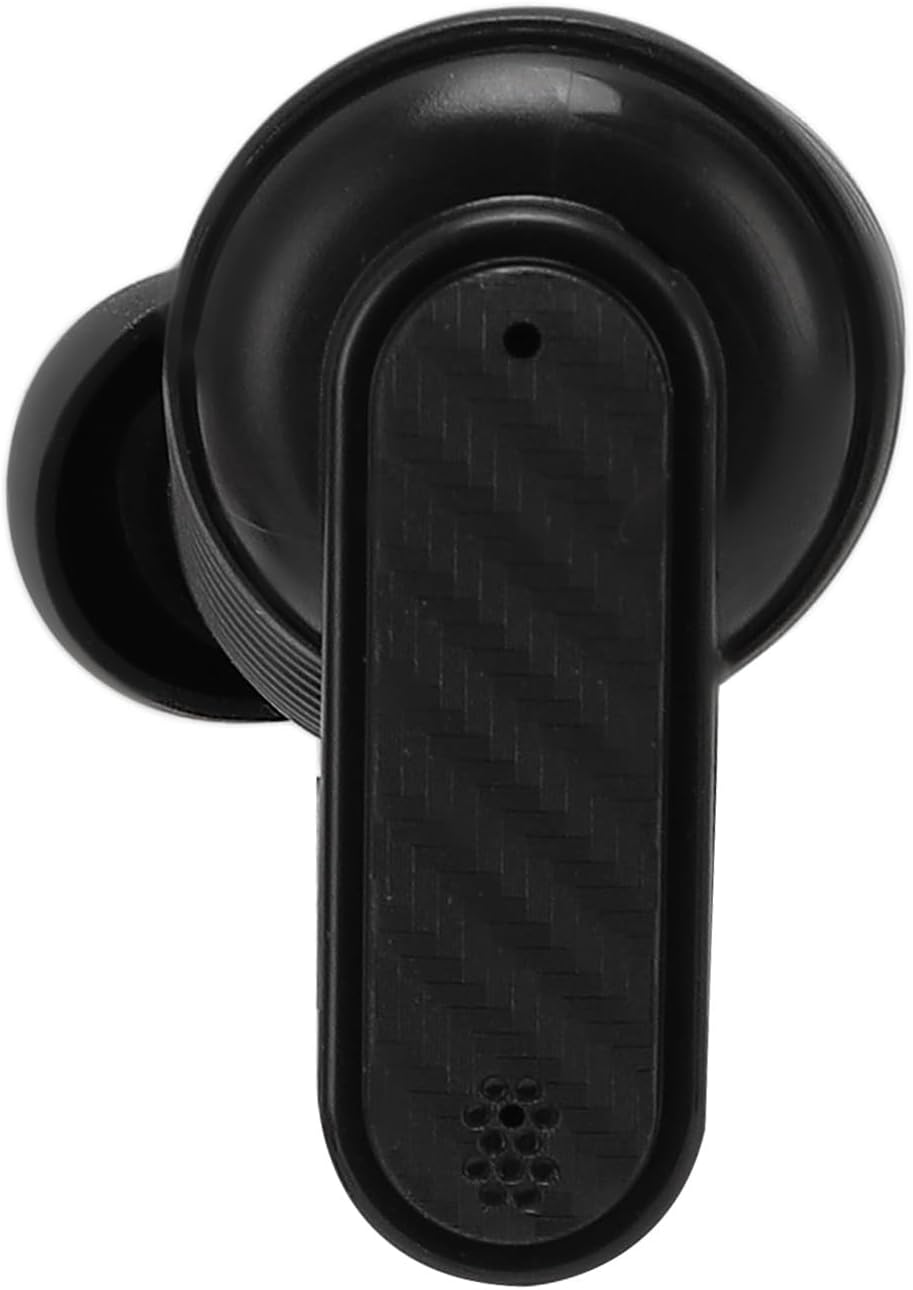
A detailed top-down view of one earbud, showing its ergonomic design and microphone placement.

A detailed side view of one earbud, highlighting the in-ear tip and overall profile.
Setup
1. Charging the Earbuds and Case:
- Place both earbuds into the charging case. Ensure they are correctly seated.
- Connect the charging cable to the charging case and a USB power source.
- The indicator lights on the case will show the charging status. A full charge for the earphones takes approximately 40 minutes, and the charging case takes about 1 hour.

This image displays the Bewinner wireless earbuds resting inside their open charging case, ready for use or charging.
2. Bluetooth Pairing:
- Open the charging case. The earbuds will automatically enter pairing mode.
- On your device (smartphone, tablet, computer), enable Bluetooth.
- Search for available Bluetooth devices and select "Bewinner Earbuds" (or similar name) from the list.
- Once connected, you will hear a confirmation tone, and the earbuds will be ready for use.

This image demonstrates the earbuds' ability to connect simultaneously to both a mobile device and a computer, allowing for seamless switching between devices.
Operating Instructions
Basic Functions:
- Power On/Off: Earbuds power on automatically when removed from the case and power off when placed back in the case.
- Play/Pause: Tap either earbud once.
- Next Track: Double-tap the right earbud.
- Previous Track: Double-tap the left earbud.
- Answer/End Call: Tap either earbud once.
- Reject Call: Press and hold either earbud for 2 seconds.
- Activate Voice Assistant: Triple-tap either earbud.
Noise Cancellation:
The earbuds feature ENC (Environmental Noise Cancellation) technology for clearer calls in noisy environments. This feature is automatically active during calls.
Advanced Features:
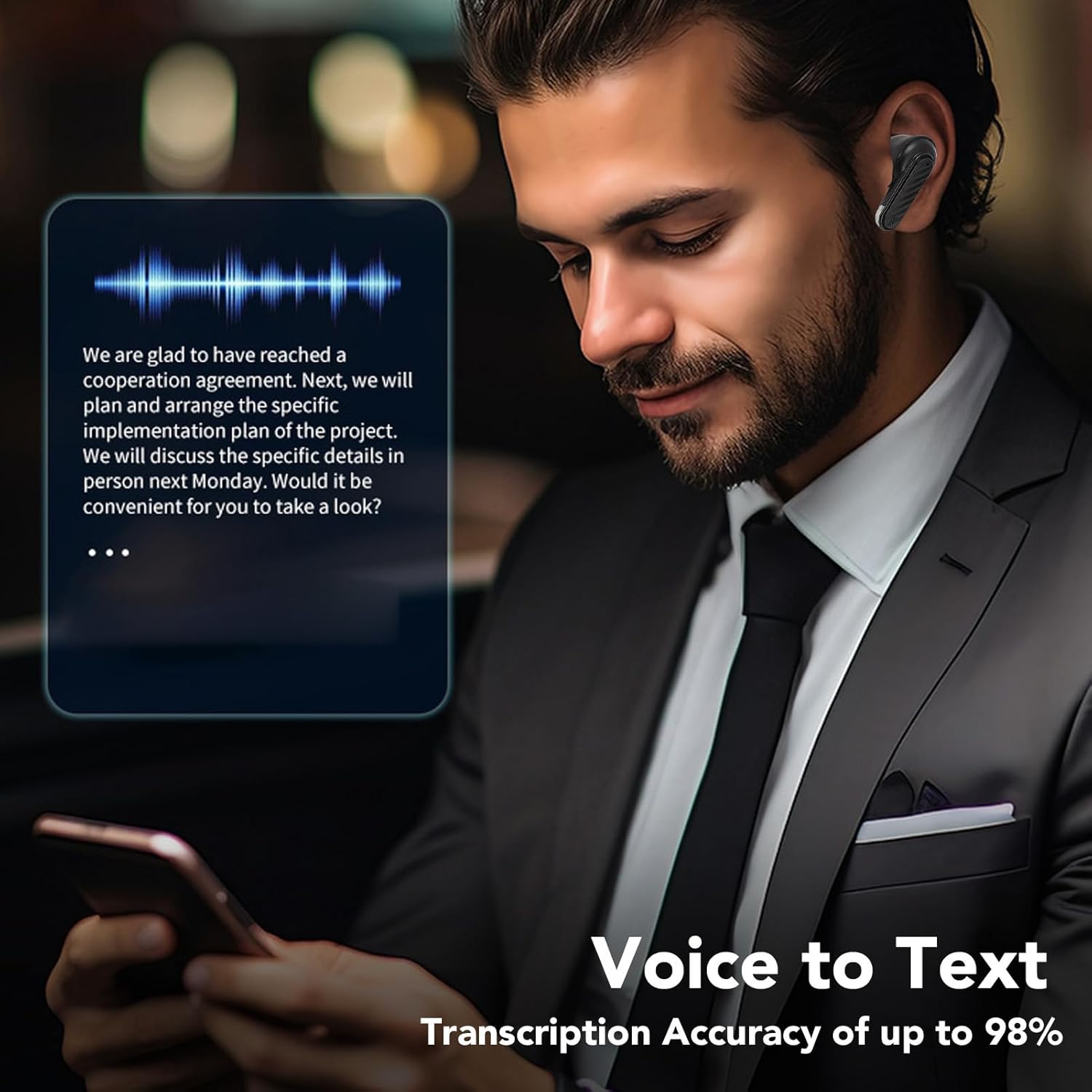
A user is shown utilizing the earbuds with a smartphone, illustrating the voice-to-text transcription capability.

This composite image showcases three primary features: support for multiple translation modes, high-definition call clarity, and superior sound quality for audio playback.
Maintenance
Cleaning:
- Regularly clean the earbuds and charging case with a soft, dry, lint-free cloth.
- Do not use abrasive cleaners, alcohol, or chemical solvents.
- Gently remove ear tips and clean any earwax or debris from the speaker mesh using a small, soft brush.
Storage:
- Store the earbuds in their charging case when not in use to protect them and keep them charged.
- Avoid exposing the earbuds to extreme temperatures, humidity, or dust.
Battery Care:
- Charge the earbuds and case regularly, even if not used for extended periods, to maintain battery health.
- Avoid fully depleting the battery frequently.
Troubleshooting
Earbuds not pairing:
- Ensure both earbuds are charged.
- Turn off Bluetooth on your device and turn it back on.
- Forget the device from your Bluetooth list and try pairing again.
- Place earbuds back in the case, close it, wait a few seconds, then open it again to reset pairing mode.
No sound or low volume:
- Check the volume level on both your device and the earbuds.
- Ensure the earbuds are properly connected to your device.
- Clean the earbud speaker mesh for any obstructions.
Charging issues:
- Verify the charging cable is securely connected to both the case and the power source.
- Try a different charging cable or power adapter.
- Ensure the charging contacts on the earbuds and inside the case are clean and free of debris.
Specifications
| Feature | Specification |
|---|---|
| Bluetooth Version | 5.4 |
| Speaker Type | Composite Film Speaker |
| Microphone Type | Silicone Microphone |
| Single Earphone Battery | 30mAh |
| Charging Case Battery | 200mAh |
| Shutdown Standby Time | 180 Days |
| Music Time | 4 Hours |
| Talk Time | 4 Hours |
| Earphone Charging Time | 40 Minutes |
| Charging Case Charging Time | 1 Hour |
| Talking Distance | Approx. 10m / 32.8ft |
| Material | Acrylonitrile Butadiene Styrene (ABS) |
| Item Weight | 2.72 ounces |
| Package Dimensions | 3.94 x 3.94 x 1.57 inches |

An exploded view highlights the 13mm drive unit, a key component responsible for the earbud's sound reproduction.
Warranty and Support
For warranty information or technical support, please refer to the contact details provided with your purchase or visit the official Bewinner website. Keep your proof of purchase for any warranty claims.
