
BAOFENG BF888S
Contents
BAOFENG Walkie Talkies User Manual
Model: BF888S
Brand: BAOFENG
1. Product Overview
The BAOFENG BF888S Walkie Talkies are designed for reliable and convenient two-way communication over long distances. These compact and lightweight radios are suitable for various applications, including outdoor activities like camping, fishing, and skiing, as well as professional use in hotels, restaurants, and construction sites. Featuring up to 16 channels, VOX function, flashlight, and a unique frequency copy capability, they offer a robust communication solution.

Image: Four BAOFENG BF888S walkie talkies, each with its charging base and an earpiece with microphone, ready for use.
2. Key Features
- 16 Channels: Provides multiple communication channels for various groups or purposes.
- Long Range Communication: Achieves up to 3 miles in open areas and 0.7-1.2 miles in urban environments.
- Wireless Frequency Copy: Easily decipher and copy frequencies from other compatible walkie talkies without the need for computer programming.
- VOX Function: Voice-activated transmission allows for hands-free operation.
- Built-in Flashlight: Provides illumination in low-light conditions.
- Battery Save Function: Extends battery life during standby.
- Low Battery Alarm: Alerts users when the battery needs recharging.
- Durable Design: Sturdy construction suitable for various environments.
- Detachable Belt Clip: For convenient carrying.
- Earpiece with Mic: Included for private communication.

Image: A visual representation of the key features of the BAOFENG walkie talkie, including wireless copy frequency, VOX, emergency alarm, battery save, flashlight, and 16 channels.

Image: A close-up of the walkie talkie emphasizing its 9-level noise reduction function for clear, high-definition sound quality.
3. Setup Guide
- Unpacking: Carefully remove all components from the packaging. Ensure you have the walkie talkie unit, battery, charging base, power adapter, belt clip, and earpiece.
- Battery Installation:
- Align the battery pack with the grooves on the back of the walkie talkie.
- Slide the battery upwards until it clicks securely into place.
- Charging the Battery:
- Connect the power adapter to the charging base.
- Place the walkie talkie (with battery installed) into the charging base. The indicator light on the charger will typically turn red while charging and green when fully charged.
- A full charge usually takes several hours.

Image: Demonstrates how to place the walkie talkie into its base charger for easy charging. The image shows the charging indicator lights.
- Attaching the Belt Clip:
- Locate the two screws on the back of the walkie talkie.
- Align the belt clip with the screw holes and secure it using a screwdriver.

Image: A BAOFENG walkie talkie securely attached to a belt, demonstrating the use of the belt clip for portability.
- Connecting the Earpiece:
- Open the rubber cover on the side of the walkie talkie to reveal the 2-pin jack.
- Insert the earpiece plug firmly into the jack.
4. Operating Instructions
- Power On/Off and Volume Control:
- To power on, rotate the top-left knob clockwise until you hear a click and a voice prompt.
- Continue rotating the knob to adjust the volume.
- To power off, rotate the knob counter-clockwise until you hear a click.
- Channel Selection:
- Rotate the top-right knob to select one of the 16 available channels. A voice prompt will announce the selected channel number.
- Ensure all radios in your group are set to the same channel for communication.
- Transmitting and Receiving (PTT):
- To transmit, press and hold the large Push-to-Talk (PTT) button on the side of the walkie talkie. Speak clearly into the microphone.
- Release the PTT button to stop transmitting and listen for a response.
Image: A detailed view of the walkie talkie's side buttons, indicating the Push-to-Talk (PTT), Flashing (flashlight), and Monitor functions.
- Wireless Frequency Copy Function:
This feature allows you to quickly match the frequency of another walkie talkie without complex programming.
- Step 1: Press and hold the PTT button and the [SK1] key (the top orange button) simultaneously to turn on the walkie talkie.
- Step 2: Press the [SK1] key again. You will hear a "beep" sound, and the green light will remain on, indicating the scanning process has started.
- Step 3: Use another walkie talkie to transmit a signal. The BF888S will automatically scan and store the frequency. After successful copying, it will prompt with two beeps, and the green light will flash.
Image: Step-by-step visual guide on how to use the wireless frequency copy function, eliminating the need for a programming cable.
- Flashlight Operation:
- Press the [SK2] key (the bottom orange button) to turn the flashlight on.
- Press it again to turn the flashlight off.
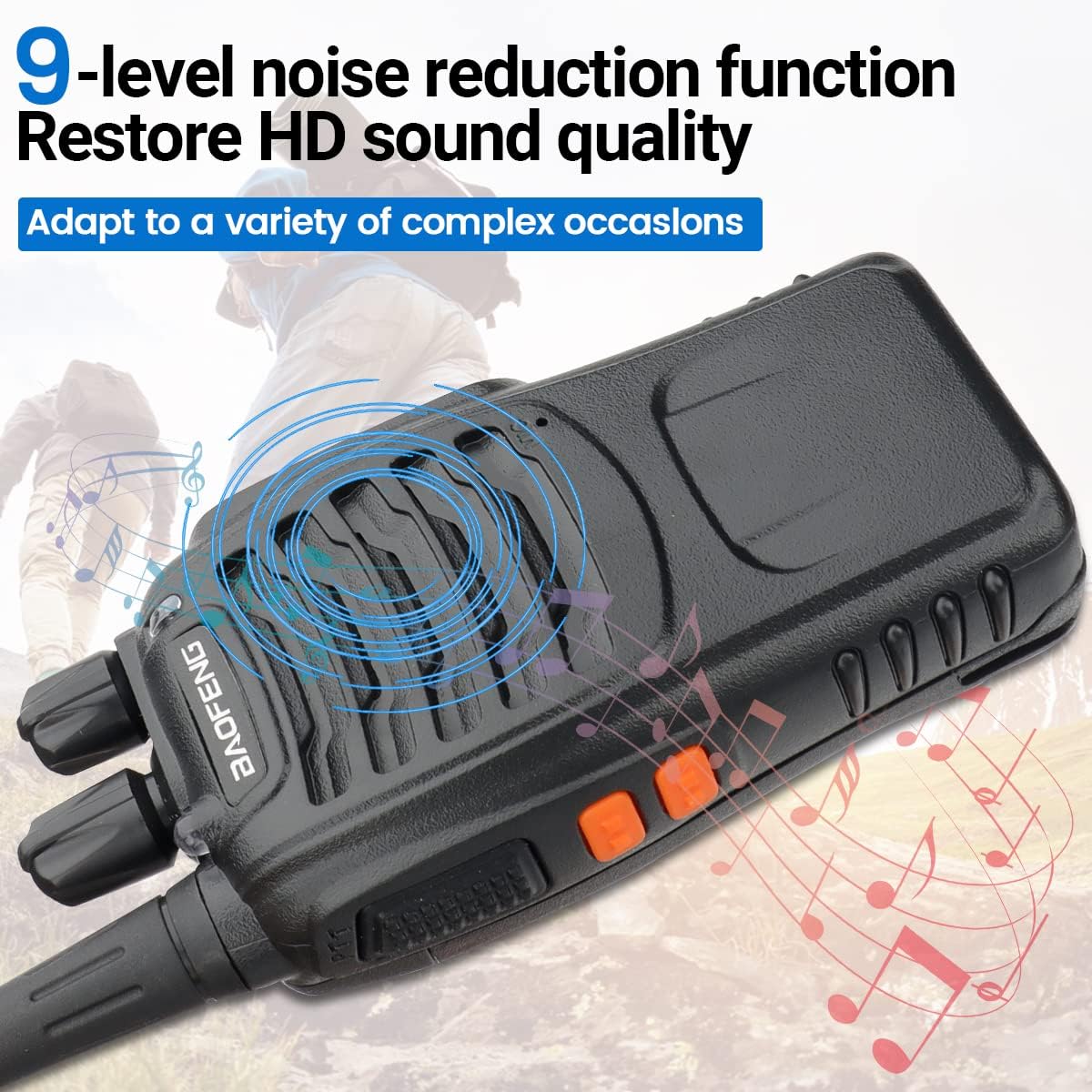
Image: A BAOFENG walkie talkie with its bright built-in flashlight activated, providing convenience in dark environments.
- VOX Function:
The Voice Operated Exchange (VOX) allows transmission without pressing the PTT button. When VOX is enabled, the radio transmits automatically when it detects your voice.
- Refer to the detailed programming software (Chirp or BF-V8A compatible) for enabling and adjusting VOX sensitivity, as this function is typically configured via software.
Product Demonstration Video
Video: This official product video demonstrates the physical dimensions, 2-pin jack, PTT and function buttons, power on and channel selection, one-click frequency copy, flashlight operation, base charger usage, and belt clip attachment of the BAOFENG walkie talkie.
5. Maintenance
- Cleaning: Use a soft, damp cloth to clean the radio's surface. Do not use harsh chemicals or abrasive cleaners.
- Battery Care:
- Avoid overcharging or completely draining the battery.
- If storing the radio for an extended period, charge the battery to about 50% and remove it from the unit.
- Storage: Store the walkie talkie in a cool, dry place away from direct sunlight and extreme temperatures.
- Antenna: Do not bend or modify the antenna, as this can affect performance.
6. Troubleshooting
| Problem | Possible Cause | Solution |
|---|---|---|
| No power | Battery is dead or not installed correctly. | Charge the battery or ensure it is properly seated. |
| Cannot transmit or receive | Incorrect channel selected; out of range; low battery. | Verify channel setting; move closer to other radios; recharge battery. |
| Poor audio quality | Volume too low/high; interference; out of range. | Adjust volume; move away from sources of interference; move closer to other radios. |
| Frequency copy not working | Incorrect procedure; source radio not transmitting. | Follow the frequency copy steps precisely; ensure the source radio is transmitting during scanning. |
7. Specifications
| Feature | Detail |
|---|---|
| Model Number | BF888S |
| Item Weight | 2.77 pounds (for 4-pack) |
| Package Dimensions | 9.53 x 7.32 x 4.8 inches |
| Batteries | 4 Lithium Ion batteries required (included) |
| Number of Channels | 16 |
| Frequency Range | 400-470MHZ |
| Talking Range Maximum | 3 Mile (open areas) |
| Tuner Technology | UHF |
| Water Resistance Level | Not Water Resistant |
| Included Components | Walkie talkies, earpieces, charging bases, power adapters, belt clips. |
| Compatible Devices | Earpiece with Mic, Other BAOFENG devices on the same frequency |
8. Warranty and Support
Please note that this product does not come with a manufacturer's warranty as per the product specifications. For any operational questions, troubleshooting assistance, or product-related inquiries, please refer to the product listing page on Amazon or contact the seller directly through the Amazon platform. You may also find additional resources and community support for BAOFENG products online.
For further information, you can visit the BAOFENG Store on Amazon.
Documents and downloads
Ask a question about this manual
Ask about setup, troubleshooting, compatibility, parts, safety, or missing instructions. Manuals+ will review the question and use this page’s manual context to help answer it.