
1. Introduction
Thank you for choosing the Dreo Evaporative Air Cooler. This manual provides essential information for the safe operation, maintenance, and troubleshooting of your new appliance. Please read it thoroughly before use and retain it for future reference.

Figure 1.1: Dreo Evaporative Air Cooler (White model) with included remote control and two ice packs.
2. Product Features
The Dreo Evaporative Air Cooler is designed to provide efficient and quiet cooling for your living space. Key features include:
- Quiet Operation: Cross-flow impeller design ensures ultra-quiet cooling at only 35dB.
- Evaporative Cooling: Dry, hot air passes through humid cooling pads, returning as cool, moisturized air.
- Wide Oscillation: 80° wide-angle oscillation with air speeds up to 22 ft/s for broad coverage.
- Easy Maintenance: Removable water tank, cooling pad, and rear grille for simple cleaning.
- Powerful Airflow: Optimized impellers and cooling pads generate up to 13,000 cubic feet per hour of cool, humid air.

Figure 2.1: Illustration of the evaporative cooling process, showing hot air entering and cool, vapor-cooled air exiting the unit.
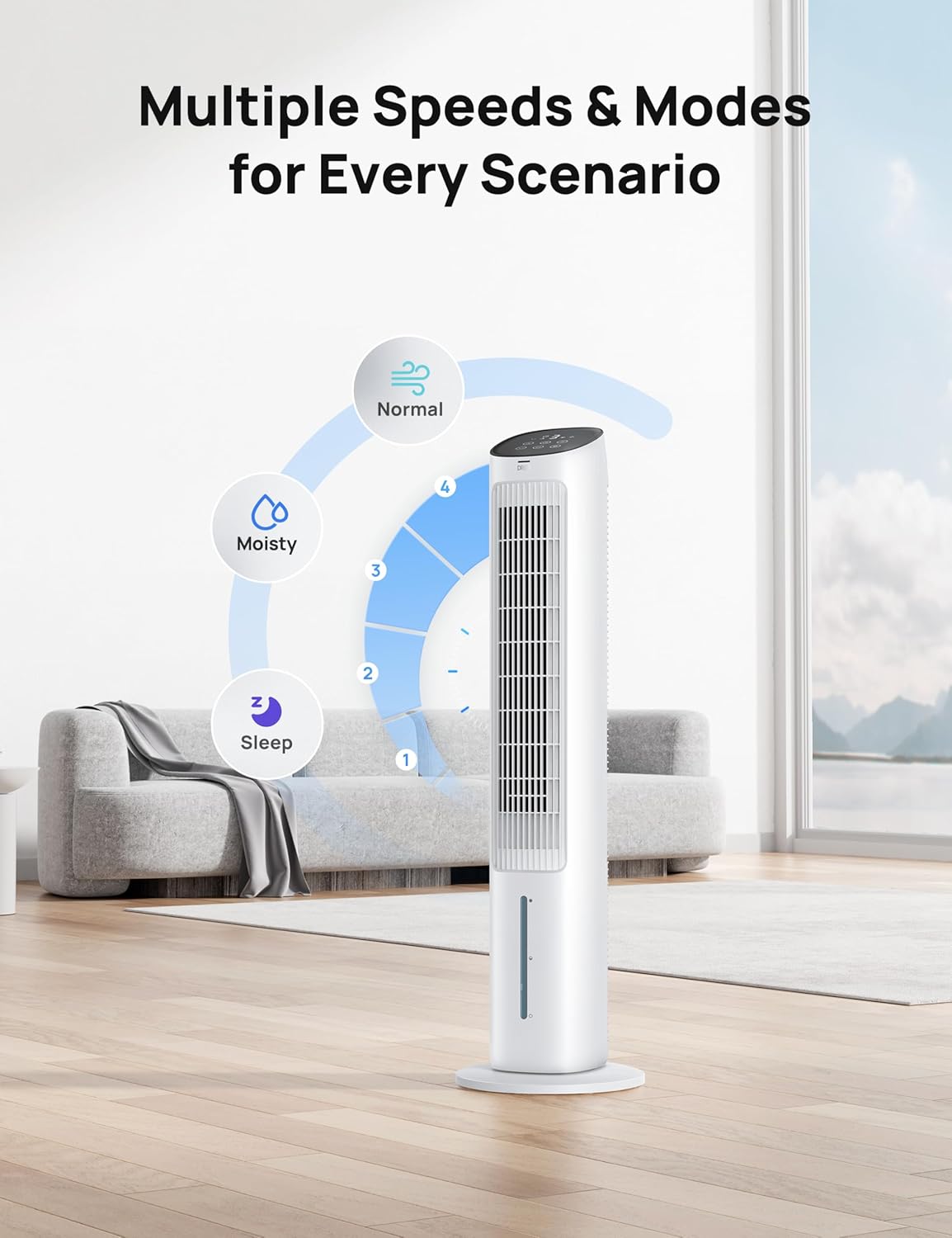
Figure 2.2: The control panel indicating multiple speed settings (1-4) and modes (Normal, Moist, Sleep).

Figure 2.3: The evaporative cooler operating quietly in a bedroom, demonstrating its low noise level of 35dB compared to other fans.

Figure 2.4: The removable grill and honeycomb filter, illustrating the ease of cleaning for optimal performance.
3. Setup Guide
Follow these steps to set up your Dreo Evaporative Air Cooler:
- Unpack: Carefully remove all components from the packaging. Ensure you have the main unit, base, remote control, and two ice packs.
- Assemble the Base: Attach the base to the main unit. Align the short pegs on the fan with the lock signs on the base. Rotate the base counterclockwise to secure it and run the power cord through the designated keepers.
- Prepare Ice Packs (Optional): For enhanced cooling, place the included ice packs in a freezer for several hours until completely frozen.
- Fill Water Tank: Pull out the water tank from the bottom rear of the unit. Fill it with clean, cool water. You may also place the frozen ice packs into the water tank. Do not exceed the maximum fill line. Securely reinsert the water tank.
- Power On: Plug the power cord into a standard electrical outlet.
Video 3.1: Detailed instructions on how to properly install the base of the Dreo Evaporative Air Cooler.
4. Operating Instructions
Your Dreo Evaporative Air Cooler offers various settings for personalized comfort:
4.1 Control Panel and Remote
The unit can be operated using the touch control panel on top or the included remote control. Ensure the remote has a working A-type battery (1 required).
4.2 Power On/Off
Press the Power Button to turn the unit on or off.
4.3 Speed Settings
Press the Speed Button to cycle through 4 fan speeds: 1 (Low), 2 (Medium), 3 (High), 4 (Max).
4.4 Modes
Press the Mode Button to select from three operating modes:
- Normal Mode: Constant airflow at selected speed.
- Moisty Mode: Activates the evaporative cooling function, releasing cool, humid air. Ensure the water tank is filled.
- Sleep Mode: Reduces fan speed and noise for undisturbed sleep.
4.5 Oscillation
Press the Oscillation Button to activate or deactivate the 80° wide-angle oscillation feature, distributing cool air across a larger area.
Video 4.1: An overview of the Dreo Evaporative Air Cooler's features, demonstrating its cooling and humidifying capabilities.
5. Maintenance
Regular cleaning ensures optimal performance and longevity of your air cooler.
5.1 Cleaning the Water Tank
The water tank should be cleaned regularly, especially if using the moisty mode, to prevent mold and mildew buildup. Remove the tank, empty any remaining water, and clean with a mild detergent and water. Rinse thoroughly. For stubborn deposits, a solution of citric acid or vinegar is recommended.
5.2 Cleaning the Cooling Pad and Rear Grille
The cooling pad and rear grille are removable for easy cleaning. Gently remove them and wash with water and a soft brush. Allow them to air dry completely before reinserting. Do not use harsh chemicals or abrasive materials.
Figure 5.1: The cooling pad and rear grille are designed for easy removal and cleaning, promoting hygienic operation.
5.3 Exterior Cleaning
Wipe the exterior of the unit with a soft, damp cloth. Do not immerse the unit in water or spray water directly onto it.
6. Troubleshooting
If you encounter issues with your air cooler, refer to the following common problems and solutions:
| Problem | Possible Cause | Solution |
|---|---|---|
| Unit does not turn on. | No power supply; power cord not properly connected. | Ensure the power cord is securely plugged into a working outlet. Check household circuit breaker. |
| No cool air/weak cooling. | Water tank empty; ice packs not frozen; cooling pad dirty; high ambient humidity. | Fill water tank; freeze ice packs; clean cooling pad; evaporative coolers are less effective in high humidity. |
| Unusual odor. | Stagnant water in tank; dirty cooling pad. | Empty and clean water tank regularly; clean cooling pad. |
| Remote control not working. | Battery depleted; obstruction between remote and unit. | Replace battery; ensure clear line of sight to the unit's receiver. |
If the problem persists after attempting these solutions, please contact customer support.
7. Specifications
| Feature | Specification |
|---|---|
| Brand | Dreo |
| Model Name | IceWind |
| Item Model Number | DR-HEC001 AC White 2025 |
| Color | White |
| Product Dimensions | 39.69"D x 11.42"W x 11.42"H |
| Item Weight | 13.2 pounds |
| Voltage | 120 Volts |
| Noise Level | 35 dB |
| Number of Speeds | 4 |
| Air Flow Capacity | 1017 Cubic Feet Per Minute |
| Floor Area Coverage | Up to 22 Feet Per Second (airflow distance) |
| Included Components | User Manual, Air Cooler, Remote Control, Ice Pack×2 |
| UPC | 810142851138 |

Figure 7.1: Detailed dimensions of the Dreo Evaporative Air Cooler.
8. Warranty and Support
8.1 Warranty Information
This product comes with a 12-month default warranty. You can extend your warranty up to 30 months by registering your product on the official Dreo website. Please refer to the warranty card included in your packaging for full terms and conditions.
8.2 Customer Support
For any questions, technical assistance, or warranty claims, please contact Dreo Customer Support:
- Website: www.dreo.com
- Email: support@dreo.com
- Phone: (Refer to Dreo website for regional contact numbers)
Please have your model number (DR-HEC001 AC White 2025) and purchase information ready when contacting support.