
Introduction
The Furinno Jaya 24-Shelf Multimedia Storage Rack is designed to organize your media collection efficiently. This versatile unit features adjustable shelves, allowing you to customize storage for CDs, DVDs, Blu-rays, game discs, books, and decorative items. Its durable construction and minimalist design integrate well into various home environments, including living rooms, bedrooms, and home offices. This manual provides detailed instructions for assembly, operation, maintenance, and troubleshooting to ensure optimal use and longevity of your storage rack.
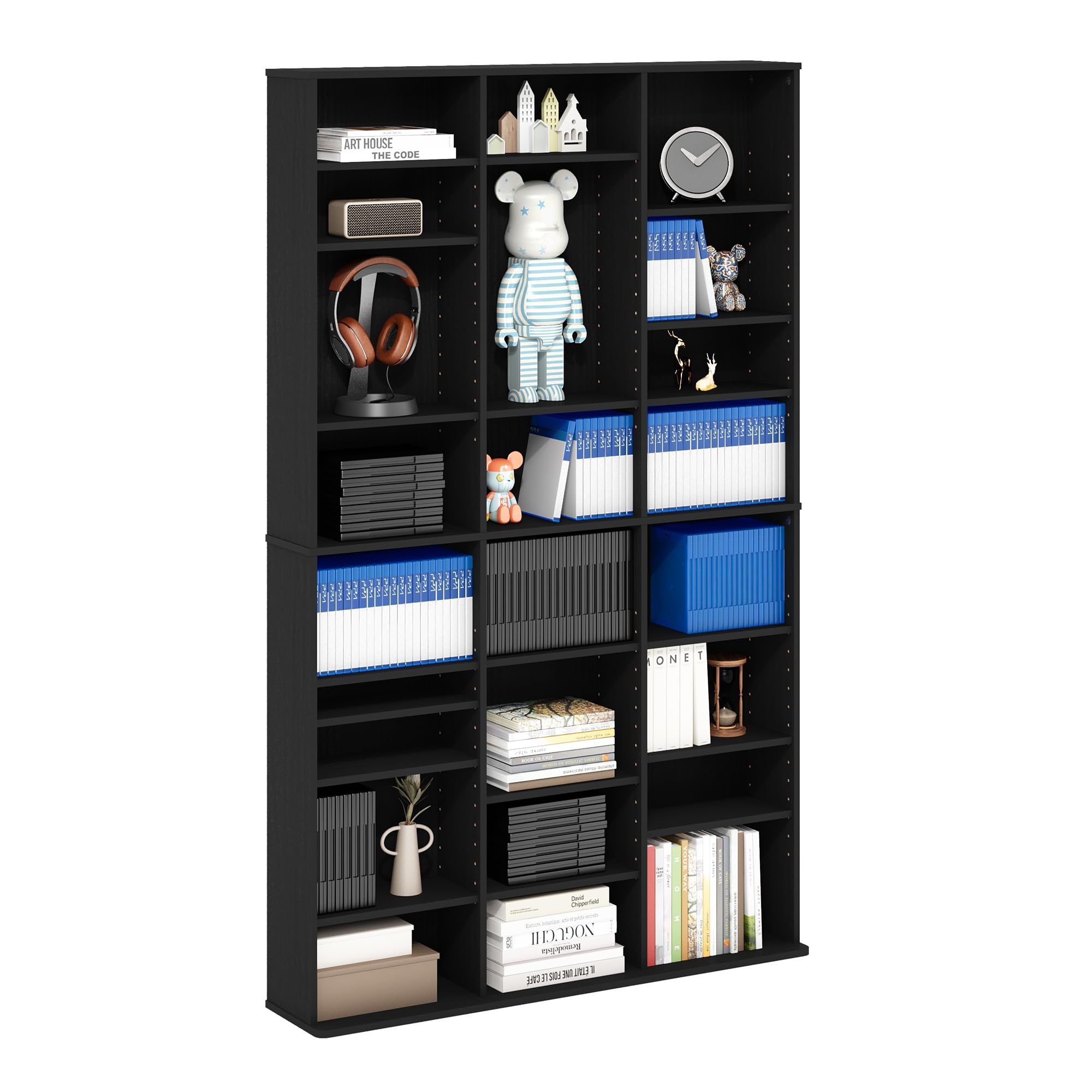
Image: The Furinno Jaya 24-Shelf Multimedia Storage Rack in Americano finish, showcasing its capacity for various media and decorative items within a home environment.
Safety Information
- Wall-Anchor Kit: Always use the provided wall-anchor kit to secure the storage rack to a wall. This prevents tipping and ensures stability, especially in households with children or pets.
- Weight Distribution: Distribute items evenly across shelves. Do not exceed the maximum weight capacity of 10 lbs (4.5 kg) per adjustable shelf and 40 lbs (18 kg) for the lowest shelf. The total weight capacity is 360 lbs (163.3 kg).
- Placement: Place the unit on a flat, level surface to prevent wobbling.
- Heat Sources: Keep the unit away from naked flames or direct heat sources to prevent damage to the material.

Image: Illustration of the anti-toppling kit installation, demonstrating how to secure the unit to the wall for enhanced safety.
Package Contents
Before beginning assembly, verify that all components are present and undamaged. The package should include:
- Shelf Panels (various sizes)
- Hardware Pack (screws, dowels, shelf pegs, wall-anchor kit)
- Assembly Instructions
If any parts are missing or damaged, please contact Furinno customer support.
Setup and Assembly Instructions
Assembly is designed to be straightforward and typically takes approximately 60 minutes with two people. Basic tools such as a hammer and screwdriver are required.
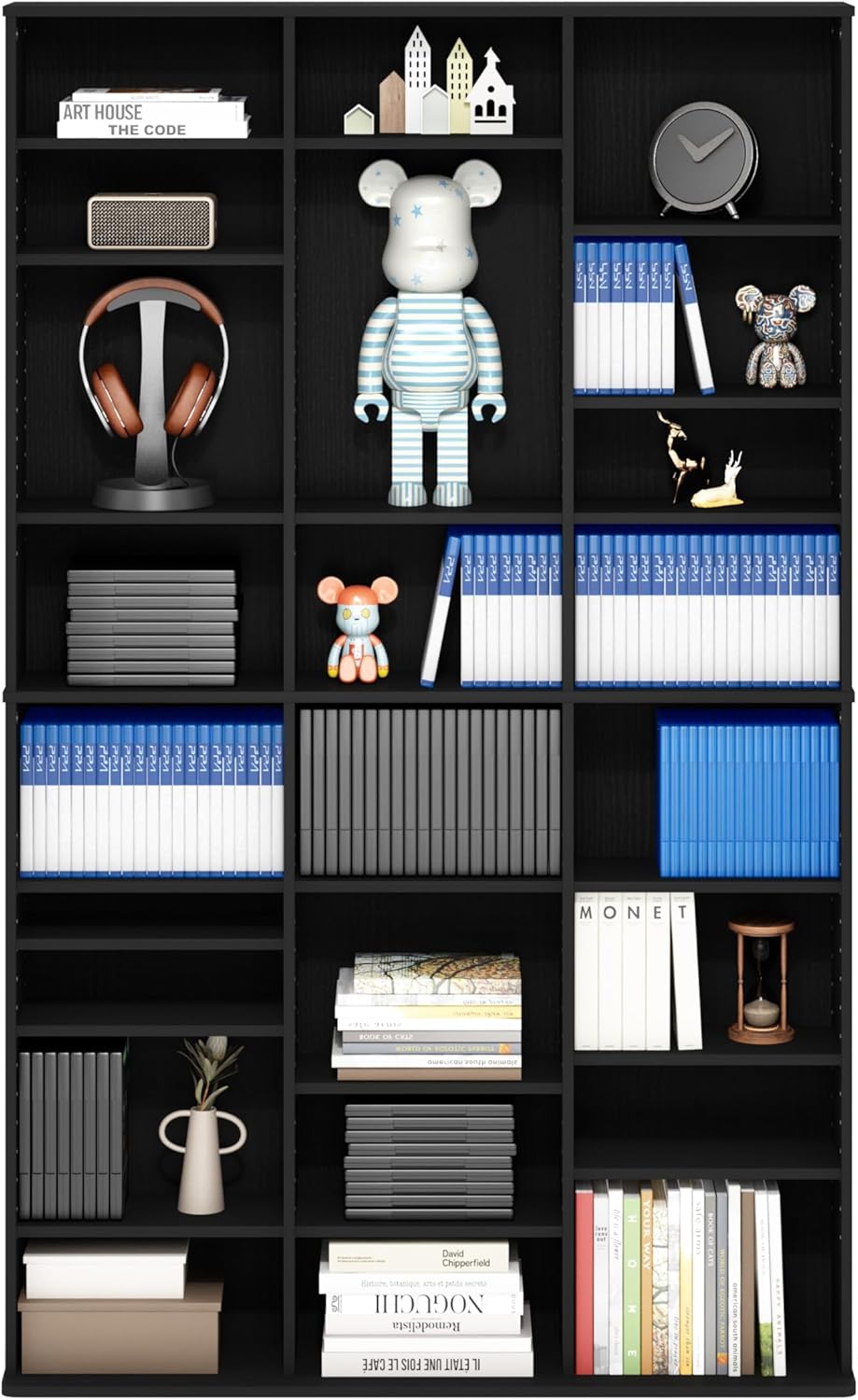
Image: Overview of assembly requirements, including dimensions, estimated time, personnel, and tools.
Step-by-Step Assembly:
- Unpack and Identify Parts: Carefully remove all components from the packaging. Refer to the included assembly diagram to identify each part. Ensure all stickers are removed from the pieces before assembly to avoid residue.
- Assemble Side Panels: Attach the base and top panels to the main side panels using the provided hardware (e.g., cam locks and dowels). Ensure all connections are secure.
- Insert Fixed Shelves: Secure any fixed shelves into their designated slots according to the instructions.
- Install Back Panel: Attach the back panel to the unit. This adds stability and prevents wobbling. Use the reinforced back panel locking screws for added stability.
- Install Adjustable Shelf Pegs: Insert the shelf pegs into the desired holes for your adjustable shelves. Ensure pegs are firmly seated.
- Place Adjustable Shelves: Carefully place the adjustable shelves onto the installed pegs.
- Secure to Wall: Using the anti-toppling kit, secure the assembled unit to a wall. This is a critical safety step.
Assembly Video:
Video: An official Furinno video demonstrating the assembly process for the 24068AM Media Storage unit. This video provides a visual guide to complement the written instructions.
Operating Instructions
Adjusting Shelves:
The Furinno Jaya Multimedia Storage Rack features adjustable shelves to accommodate various item heights. To adjust a shelf:
- Remove all items from the shelf you wish to adjust.
- Carefully lift the shelf and remove the four shelf pegs supporting it.
- Re-insert the shelf pegs into the desired holes on the side panels. Ensure all four pegs are at the same height and fully seated.
- Place the shelf back onto the pegs, ensuring it is level and stable before placing items on it.

Image: Visual guide demonstrating the adjustable shelf feature, showing how to reposition shelves using the provided pegs.
Maintenance
- Cleaning: Wipe the surface clean with a soft, damp cloth. Avoid using harsh chemicals, abrasive cleaners, or polishes, as these can damage the laminated finish.
- Inspection: Periodically check all connections and hardware to ensure they remain tight and secure. Re-tighten screws if necessary.
- Stability: Regularly verify that the unit is still securely anchored to the wall, especially if it is frequently moved or if heavy items are stored.
Troubleshooting
- Problem: Shelves are wobbly or pegs fall out easily.
- Solution: Ensure that the shelf pegs are fully inserted into the holes. If pegs continue to be loose, consider applying a small amount of wood glue or a similar adhesive to the peg holes before inserting the pegs. For enhanced stability, ensure the back panel is securely attached and consider using alternative metal shelf pegs (6mm diameter) if the provided plastic ones are insufficient.
- Problem: Unit feels unstable after assembly.
- Solution: Double-check all cam lock connections and screws to ensure they are tightened. Verify that the back panel is correctly installed and secured. Most importantly, ensure the anti-toppling kit is properly installed and anchored to a sturdy wall stud or appropriate wall anchor.
- Problem: Parts are missing or damaged.
- Solution: Do not proceed with assembly. Contact Furinno customer support immediately for replacement parts.
Specifications
| Feature | Detail |
|---|---|
| Model Name | JAYA |
| Model Number | 24068AM |
| Dimensions (D x W x H) | 7.8" x 37.3" x 60.5" (19.8 cm x 94.7 cm x 153.7 cm) |
| Material | Engineered Wood |
| Finish Type | Laminated |
| Color | Americano |
| Number of Shelves | 24 (adjustable) |
| Weight Capacity (per adjustable shelf) | 10 lbs (4.5 kg) |
| Weight Capacity (lowest shelf) | 40 lbs (18 kg) |
| Total Weight Capacity | 360 lbs (163.3 kg) |
| Item Weight | 50.3 lbs (22.8 kg) |
| Special Features | Adjustable shelves, Durable, Easy Assembly, Space Saving, Wall-Anchor Kit |
Warranty and Support
The Furinno Jaya Multimedia Storage Rack is covered by a 1-year limited manufacturer's warranty against defects in materials and workmanship.
For warranty claims, missing parts, or technical assistance, please contact Furinno customer support. Refer to the product packaging or the official Furinno website for the most current contact information.
For more information about Furinno products, visit the official Furinno Store on Amazon.


