
HiFuture Pocket S
HiFuture Pocket S Mini Portable & Wearable Speaker User Manual
Model: Pocket S
Brand: HiFuture
Introduction
Welcome to the user manual for your new HiFuture Pocket S Mini Portable & Wearable Speaker. This guide provides essential information on setting up, operating, maintaining, and troubleshooting your device to ensure optimal performance and longevity. Please read this manual thoroughly before using your speaker.
Package Contents
Before you begin, please check the package contents to ensure all items are present:
- HiFuture Pocket S Mini Portable & Wearable Speaker
- USB Type-C Charging Cable
- User Manual (this document)

Figure 1: HiFuture Pocket S Mini Portable Speaker. This image shows the compact, rectangular speaker with a blue body and green accents, featuring a triangular lattice pattern on the front grille and a small loop for attachment.
Setup
1. Charging the Speaker
Before first use, fully charge your HiFuture Pocket S speaker. The speaker features a Type-C charging port for quick and convenient power delivery.
- Locate the Type-C charging port on the speaker.
- Connect one end of the provided USB Type-C cable to the speaker's charging port.
- Connect the other end of the USB cable to a compatible USB power adapter (not included) or a computer's USB port.
- The charging indicator light will illuminate during charging and turn off when fully charged.
A full charge provides up to 8 hours of playtime.

Figure 2: Speaker features including the Type-C charging port. This image highlights various features of the speaker, including its magnetic clip, IPX7 waterproof rating, lightweight design (77g), and the Type-C charging port located on the side.
2. Bluetooth Pairing
The HiFuture Pocket S uses advanced Wireless 5.4 technology for stable and seamless connections.
- Power On: Press and hold the Power button (usually indicated by a power symbol) on the speaker until you hear an audible prompt or see an indicator light flash, indicating it's in pairing mode.
- Activate Bluetooth: On your smartphone, tablet, or other Bluetooth-enabled device, go to the Bluetooth settings and ensure Bluetooth is turned on.
- Select Device: In the list of available Bluetooth devices, look for "HiFuture Pocket S" and select it.
- Confirm Connection: Once connected, you will hear a confirmation sound from the speaker, and the indicator light will typically turn solid.
The speaker will automatically attempt to reconnect to the last paired device when powered on.
Operating the Speaker
Basic Controls
The HiFuture Pocket S features intuitive controls for easy operation:
- Power Button: Press and hold to power on/off. Short press for play/pause (if applicable).
- Volume Up/Next Track: Short press for volume up. Long press for next track.
- Volume Down/Previous Track: Short press for volume down. Long press for previous track.
Using the Magnetic Clip
The versatile magnetic clip allows you to easily attach the Pocket S to various surfaces, enhancing its portability.
- Fabric Attachment: Clip the speaker onto clothing, backpack straps, or other fabric items. The strong magnetic hold ensures it stays in place during activities.
- Metal Surface Attachment: The magnetic clip also allows the speaker to adhere to metal surfaces, such as refrigerators or metal poles, for convenient placement.
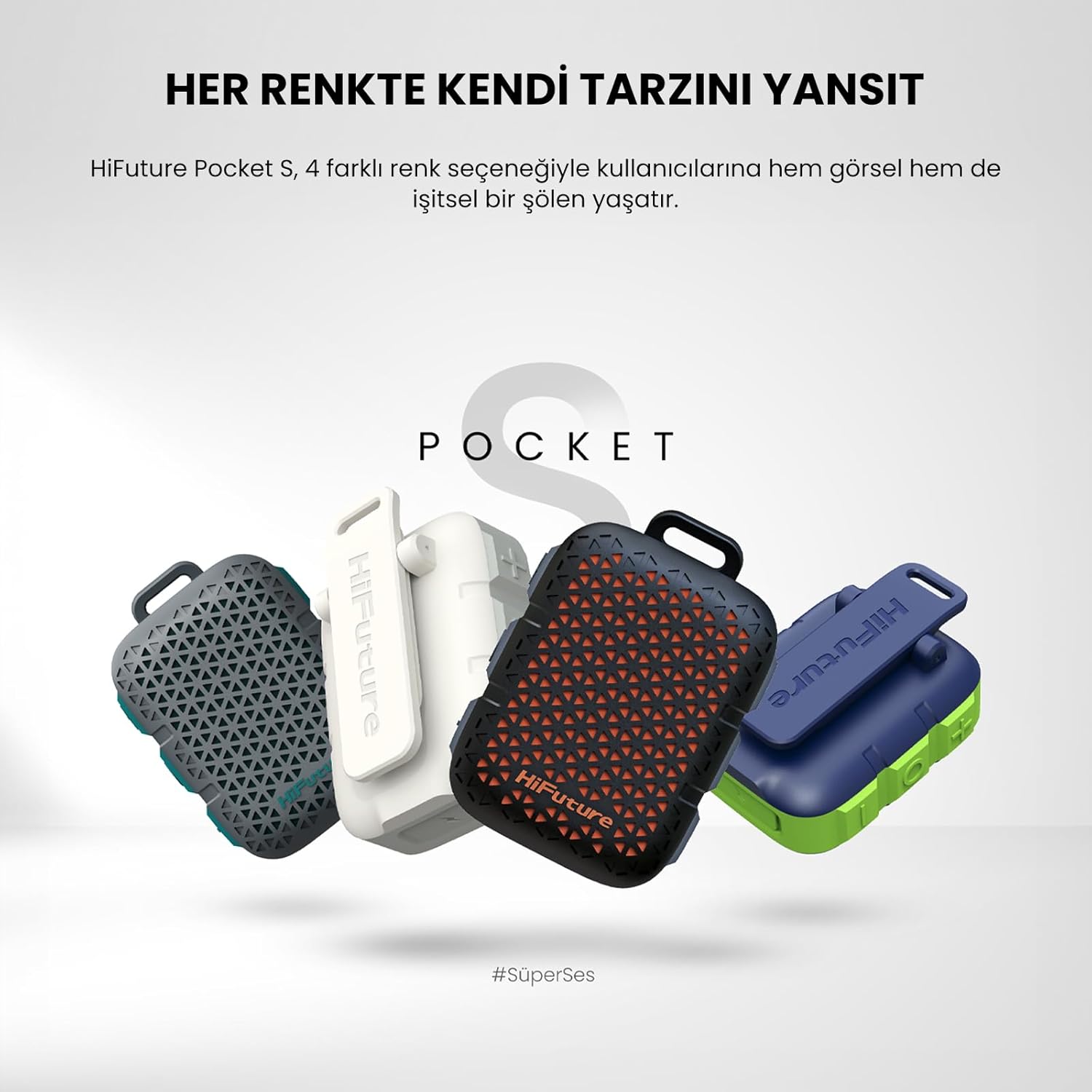
Figure 3: The HiFuture Pocket S speaker demonstrating its magnetic clip. The image shows the speaker attached to a surface, highlighting the functionality of its integrated magnetic clip for easy portability.
IPX7 Waterproof Feature
The HiFuture Pocket S is IPX7 waterproof, meaning it can withstand immersion in water up to 1 meter for 30 minutes. This makes it ideal for outdoor activities and use near water.
- Do not intentionally submerge the speaker for extended periods or beyond the specified depth.
- Ensure the charging port cover is securely closed before exposing the speaker to water.
- After exposure to water, wipe the speaker dry with a soft cloth before charging.

Figure 4: The HiFuture Pocket S speaker partially submerged in water, illustrating its IPX7 waterproof capability. This image emphasizes the speaker's durability and suitability for use in wet environments.
Maintenance
Cleaning
To maintain the appearance and functionality of your speaker:
- Wipe the speaker with a soft, damp cloth.
- Do not use harsh chemicals, cleaning solvents, or strong detergents.
- Ensure the charging port is dry and free of debris before charging.
Storage
When not in use for extended periods, store the speaker in a cool, dry place, away from direct sunlight and extreme temperatures. It is recommended to charge the speaker at least once every three months to preserve battery health.
Troubleshooting
If you encounter any issues with your HiFuture Pocket S speaker, please refer to the following common problems and solutions:
| Problem | Possible Cause | Solution |
|---|---|---|
| Speaker does not power on. | Low battery; Power button not pressed correctly. | Charge the speaker fully. Press and hold the Power button for a few seconds. |
| Cannot pair with Bluetooth device. | Speaker not in pairing mode; Bluetooth off on device; Device too far; Interference. | Ensure speaker is in pairing mode. Turn Bluetooth on/off on your device. Move device closer to speaker. Avoid strong electromagnetic interference. |
| No sound or low volume. | Volume too low on speaker/device; Speaker not connected; Muted. | Increase volume on both speaker and connected device. Re-pair the speaker. Check if device is muted. |
| Charging not working. | Cable faulty; Power source issue; Port dirty. | Try a different USB Type-C cable. Use a different USB power adapter/port. Clean the charging port gently. |
Specifications
Detailed technical specifications for the HiFuture Pocket S Mini Portable & Wearable Speaker:
- Model: Pocket S
- Product Dimensions: 2.5 x 5.5 x 6.9 cm
- Weight: 77 grams
- Speaker Maximum Output Power: 5 Watts
- Connectivity Technology: Bluetooth (Wireless 5.4)
- Audio Output Mode: Stereo
- Mounting Type: Magnetic Clip / Bracket Mount
- Waterproof Rating: IPX7
- Playtime: Up to 8 hours
- Charging Port: Type-C
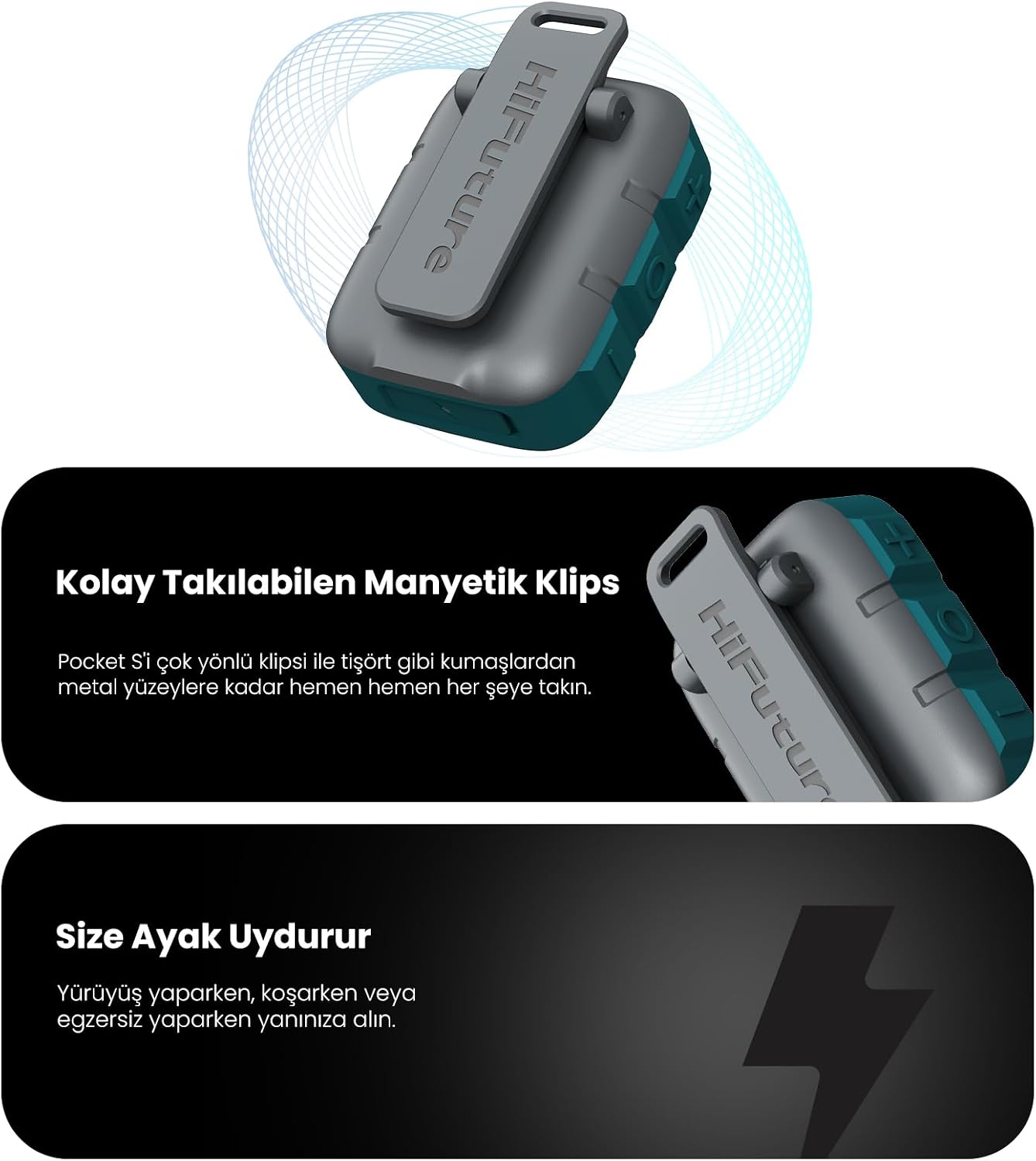
Figure 5: Exploded view of the HiFuture Pocket S speaker's internal components, highlighting its 5W audio output capability. This image provides insight into the speaker's compact yet powerful design.

Figure 6: The HiFuture Pocket S speaker with annotations indicating its ultra-light design (77g) and compact dimensions (71.60mm height, 31.30mm width). This image emphasizes the speaker's portability and small footprint.
Warranty and Support
Warranty Information
Your HiFuture Pocket S speaker may be eligible for extended warranty options. Please refer to your purchase documentation or the seller's information for details on available warranty plans, such as the 1-Year or 2-Year Extended Warranty by Salama Care.
Keep your proof of purchase for any warranty claims.
Customer Support
For further assistance, technical support, or warranty inquiries, please contact your retailer or visit the official HiFuture website. You can also refer to the seller's contact information provided at the time of purchase.
HiFuture Official Store: Visit the HiFuture Store on Amazon
Related documentsPocket S


Ask a question about this manual
Ask about setup, troubleshooting, compatibility, parts, safety, or missing instructions. Manuals+ will review the question and use this page’s manual context to help answer it.