
1. Introduction
This manual provides essential information for the setup, operation, and maintenance of your Reflex Active Series 31 Amoled Smart Calling Watch. This device combines advanced fitness tracking with smart calling capabilities, featuring a 1.19-inch AMOLED display for clear visuals and intuitive interaction. Please read this manual thoroughly to ensure proper use and to maximize your watch's potential.
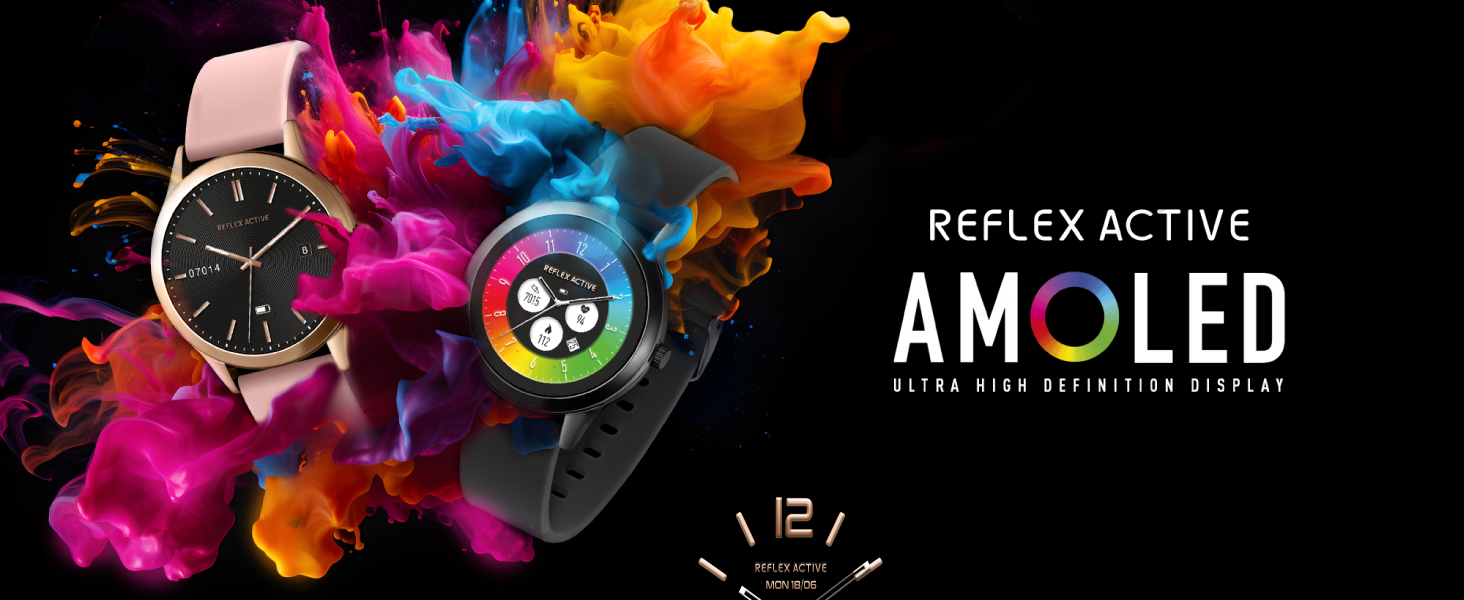
Image: Two Reflex Active smartwatches showcasing the AMOLED Ultra High Definition Display.
2. What's in the Box
Upon unboxing your Reflex Active Series 31 Smart Calling Watch, please verify that all the following items are included:
- Reflex Active Series 31 Smart Watch
- Charging Cable (USB)
- Instruction Manual
- Gift Box

Image: The Reflex Active Series 31 Smart Watch packaging, including the instruction manual and USB charging cable.
3. Setup
3.1. Charging the Watch
Before initial use, fully charge your Reflex Active Series 31 Smart Watch. Connect the provided USB charging cable to the charging port on your watch and a compatible USB power source. A full charge typically takes approximately 2 hours.
3.2. App Download and Installation
To unlock the full functionality of your smart watch, download the free Reflex Active Red App from your device's app store. The app is compatible with devices running iOS 12+ and Android 9.0+.
- Search for "Reflex Active Red App" in the Apple App Store or Google Play Store.
- Download and install the application on your smartphone.
- Follow the on-screen instructions to create an account or log in.
3.3. Pairing Your Watch
Ensure your watch is charged and your smartphone's Bluetooth is enabled.
- Open the Reflex Active Red App on your smartphone.
- Navigate to the device pairing section within the app.
- Select your Reflex Active Series 31 from the list of available devices.
- Confirm the pairing request on both your watch and smartphone.
4. Operating the Watch
4.1. Display and Customization
The watch features a 1.19-inch AMOLED display with exceptional clarity and color reproduction.
- Always-On Display: This feature allows the time to be visible without needing to activate the screen.
- Dial Personalization: Choose from a collection of exclusive Reflex Active dials or upload your own gallery photo through the app to personalize your watch face.
- Dual-Time Feature: Displays time for two different time zones simultaneously, useful for travel.

Image: The Reflex Active Smart Watch showcasing an incredible selection of high-definition AMOLED dials, with a smartphone displaying more options.

Image: A Reflex Active smartwatch highlighting the Always-On display functionality.

Image: A Reflex Active smartwatch displaying the Dual Time Zones feature, showing two different time zones.
4.2. Bluetooth Calls and Notifications
Stay connected by making and receiving calls directly from your watch, and view messages and social media notifications on your wrist.
- Making Calls: Access your contacts or dial numbers directly from the watch interface.
- Receiving Calls: Answer or reject incoming calls with a tap on the watch screen.
- Message Alerts: Receive notifications for SMS, email, and various social media applications.

Image: A person wearing a Reflex Active smartwatch, which is displaying an incoming call notification.
4.3. Fitness and Health Tracking
The Series 31 offers a comprehensive suite of features to monitor your health and fitness.
- Multiple Sports Modes: Track various activities including walking, running, swimming, and more.
- Heart Rate Monitor: Continuously monitors your heart rate throughout the day.
- Blood Oxygen Level Tracking: Measures your blood oxygen saturation (SpO2).
- Cycle Tracking: Provides insights into menstrual cycles for women.
- Step Counter: Records your daily steps using the built-in pedometer.
- Sleep Tracking: Monitors your sleep patterns and quality.
- Breathing Exercises: Guided breathing sessions for relaxation.
- Hydration Reminders: Prompts you to drink water at regular intervals.
- Sedentary Reminders: Alerts you when you've been inactive for too long.
- Calorie Tracking: Estimates calories burned based on your activity.
- Women's Health: Dedicated features for women's health monitoring.

Image: A person wearing a Reflex Active smartwatch during a multi-sport tracking activity.

Image: A person stretching outdoors, with a Reflex Active smartwatch on their wrist, illustrating the step counter feature.
4.4. Additional Features
- Music Control: Control music playback on your connected smartphone.
- GPS Connection: Utilizes your phone's GPS for activity tracking.
- Camera Control: Remotely trigger your smartphone's camera shutter.
- Voice Assistant: Access your smartphone's voice assistant.
- Weather Updates: Receive current weather information.
- Watch Locator: Helps locate your watch if misplaced (within Bluetooth range).

Image: A graphic illustrating various additional features of the Reflex Active smartwatch, including calls, messages, step counter, sleep tracking, and more.
5. Maintenance
To ensure the longevity and optimal performance of your Reflex Active Series 31 Smart Watch, follow these maintenance guidelines:
- Cleaning: Regularly wipe the watch screen and strap with a soft, dry cloth. For stubborn dirt, a slightly damp cloth can be used. Avoid harsh chemicals.
- Water Resistance: The watch has an IP68 water resistance rating, making it suitable for surface swimming and daily activities like hand washing. Avoid hot water, saunas, or high-pressure water jets, as these can compromise the seals.
- Storage: Store the watch in a cool, dry place when not in use. Avoid extreme temperatures.
- Charging: Use only the provided charging cable. Do not attempt to force the charger into the port.
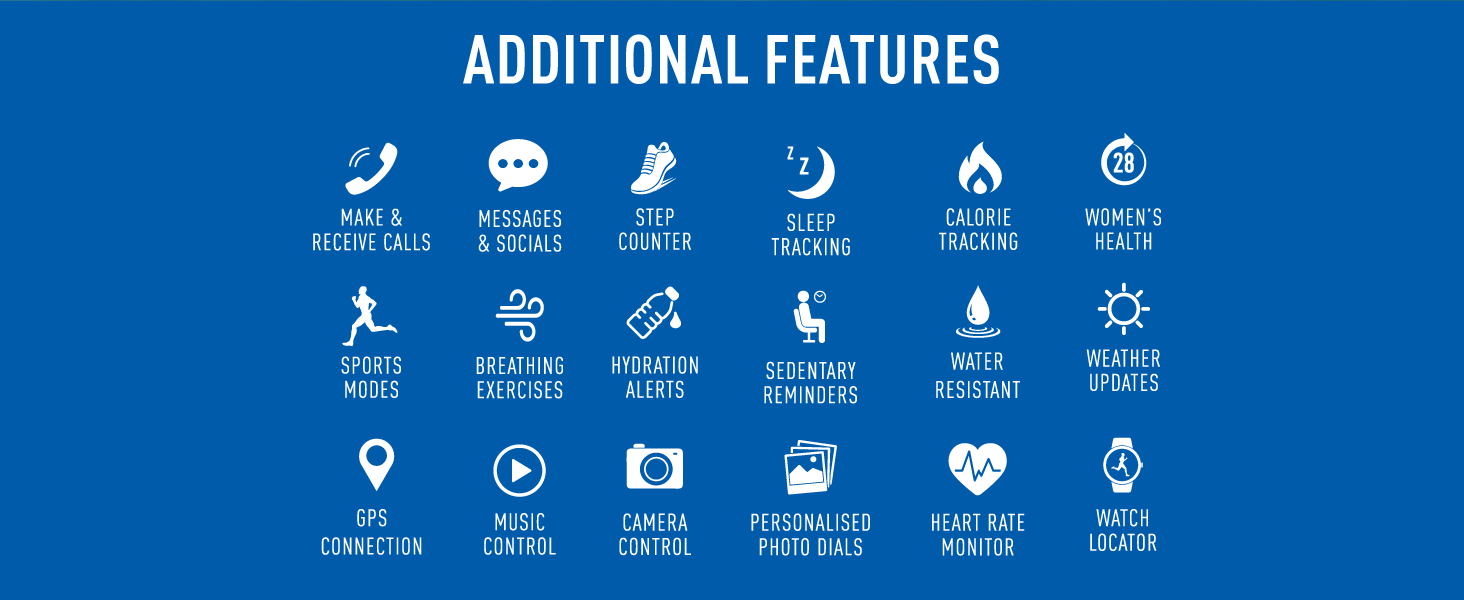
Image: A Reflex Active smartwatch being splashed with water, illustrating its IP68 water resistance.
6. Troubleshooting
If you encounter issues with your Reflex Active Series 31 Smart Watch, please refer to the following common solutions:
- Watch Not Turning On: Ensure the watch is fully charged. Connect it to the charger for at least 30 minutes.
- Cannot Pair with Phone: Make sure Bluetooth is enabled on your phone and the watch is within range. Restart both the watch and your phone, then try pairing again through the Reflex Active Red App.
- Notifications Not Appearing: Check the notification settings within the Reflex Active Red App and your phone's system settings to ensure permissions are granted for the app to display notifications.
- Inaccurate Health Data: Ensure the watch is worn snugly on your wrist, about one finger's width above your wrist bone. Clean the sensor on the back of the watch.
- App Crashing/Freezing: Close the app completely and reopen it. If the issue persists, try reinstalling the app.
For further assistance, please visit the official Reflex Active support website: Reflex Active Support
7. Specifications
| Feature | Detail |
|---|---|
| Model Number | 6119d7c6-68b6-4176-ae33-99975f0a1010 |
| Screen Size | 1.19 Inches |
| Display Type | AMOLED, Ultra High Definition |
| Connectivity Technology | Bluetooth |
| Wireless Communication Standard | Bluetooth |
| Battery Type | 1 Lithium Polymer (included) |
| Battery Cell Composition | Lithium Polymer |
| GPS | No GPS (uses phone's GPS) |
| Water Resistance | IP68 |
| Shape | Round |
| Colour | Pink |
| Compatibility | iOS 12+ & Android 9.0+ |
| Manufacturer | Peers Hardy |
| Country of Origin | China |
| Package Dimensions | 16.1 x 8.5 x 2.2 cm; 60 g |
| Special Features | Always on display, Dual-Time feature, Amoled, High Definition, Dial Personalisation, Make & Answer Calls, Message and Social Notifications, Fitness Tracking, Sports modes, Heart Rate Monitor, Blood Oxygen, Cycle Tracking, Gift Box, Charger included |
8. Warranty and Support
Your Reflex Active Series 31 Smart Calling Watch comes with a 2-year guarantee, ensuring peace of mind regarding manufacturing defects and performance issues.
For detailed warranty information, product support, FAQs, and additional resources, please visit the official Reflex Active support website:
www.reflex-active.com/pages/support
You can also find additional information and exclusive content related to AMOLED watches at: www.reflex-active.com/pages/amoled