
Logitech G PRO X TKL Rapid
Logitech G PRO X TKL Rapid Tenkeyless Wired Gaming Keyboard User Manual
Model: PRO X TKL Rapid (920-013133)
Introduction
This manual provides comprehensive instructions for the Logitech G PRO X TKL Rapid Tenkeyless Wired Gaming Keyboard. Designed for precision and responsiveness, this keyboard features magnetic analog switches, customizable actuation, and dynamic RGB lighting. Please read this guide thoroughly to ensure optimal performance and longevity of your device.
Package Contents
- PRO X TKL RAPID Tenkeyless Gaming Keyboard (Magenta)
- USB-A to USB-C Charging/Data Cable
- User Documentation
Setup Guide
- Connect the Keyboard: Insert the USB-C end of the provided cable into the port on the keyboard. Connect the USB-A end to an available USB port on your PC.
- Install Logitech G HUB Software: For full customization options, including actuation points, KEYCONTROL, and LIGHTSYNC RGB settings, download and install the Logitech G HUB software from the official Logitech G website.
- Initial Power On: The keyboard will power on automatically once connected to your PC. The default RGB lighting profile will activate.
Operating Instructions
Key Features
- Magnetic Analog Switches: Experience precise and responsive keystrokes with magnetic analog (Hall-Effect) switches. These switches offer a quick 2.5mm travel distance for ultra-precise actuation.
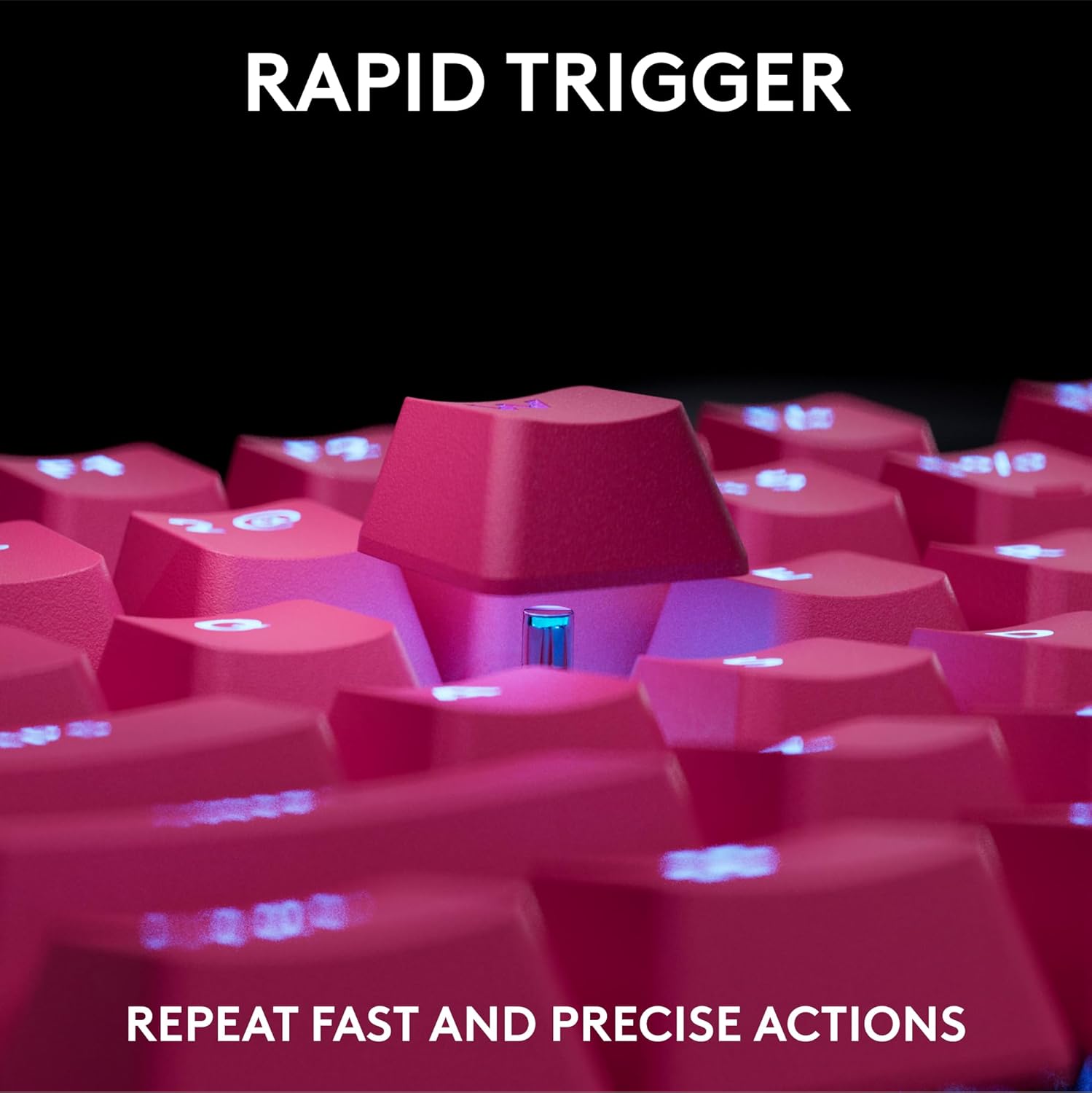
- Rapid Trigger: This feature allows for immediate key reactivation without a full release, ideal for fast-paced gaming scenarios. Configure Rapid Trigger settings via Logitech G HUB.
- Customizable Actuation Points: Adjust the actuation point and sensitivity of each key to match your play style. This customization is performed through the Logitech G HUB software.
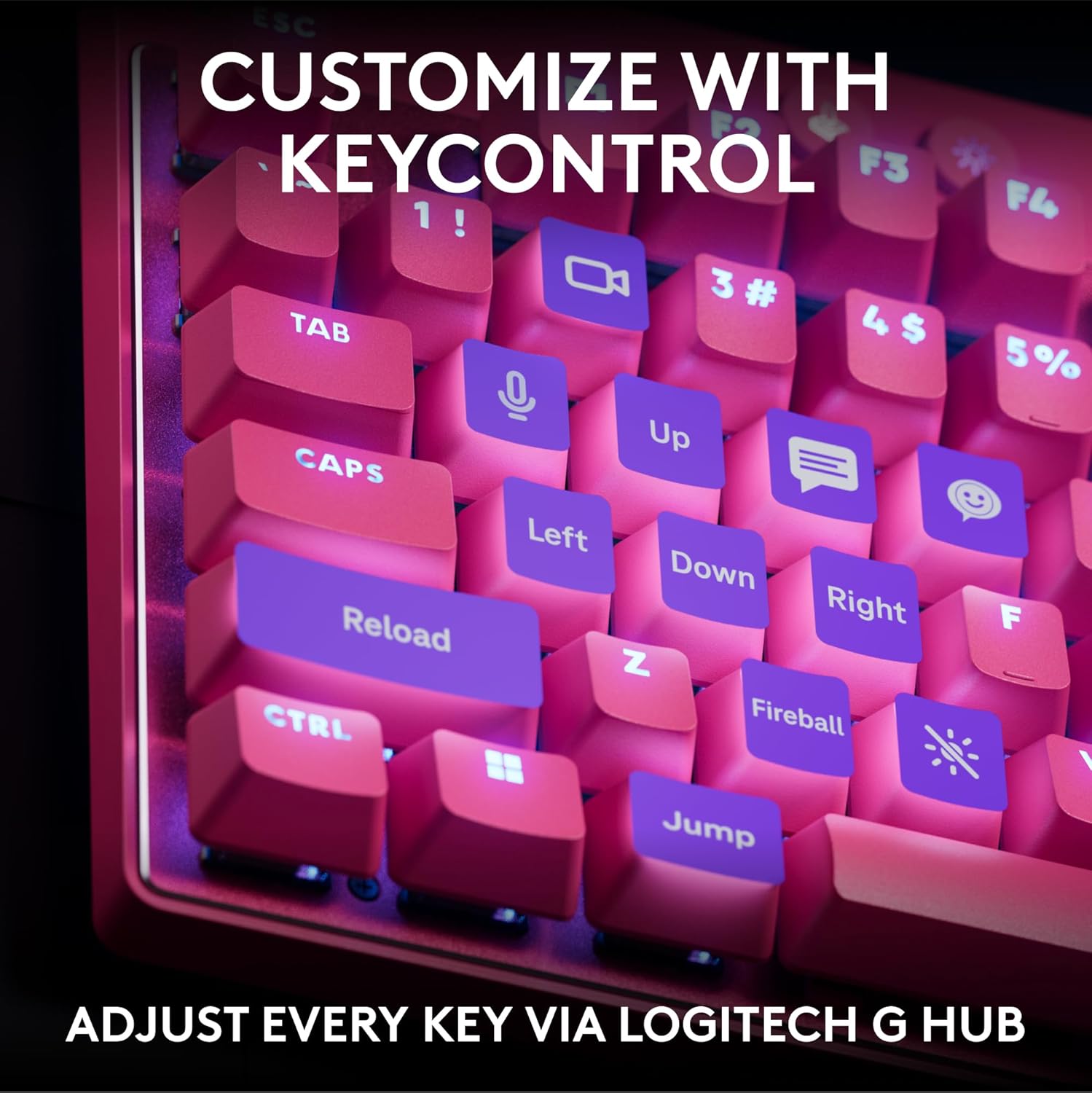
- KEYCONTROL: Gain total control over your keyboard by setting specific commands or building multi-action combos across multiple layers on every single key using Logitech G HUB.
- LIGHTSYNC RGB Lighting: Personalize your gaming experience with dynamic RGB lighting. Synchronize lighting effects with music or on-screen action, and customize individual key colors using Logitech G HUB.
Dedicated Media Controls
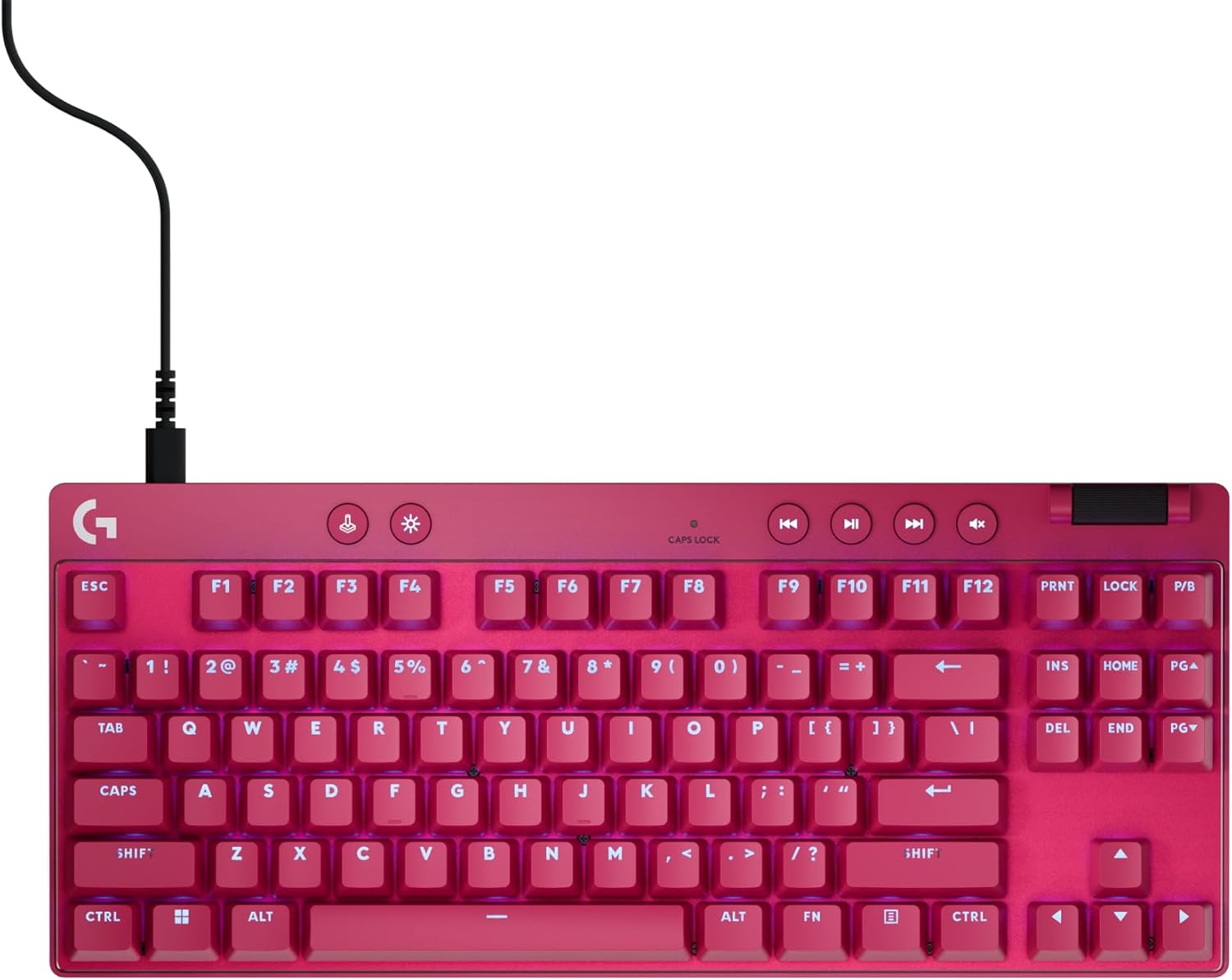
The keyboard features dedicated media control buttons for convenient audio and video management. These include play/pause, skip forward, skip backward, and mute. A volume roller is also integrated for easy volume adjustments.
Game Mode Button
Activate Game Mode by pressing the dedicated Game Mode button (usually indicated by a joystick icon). In Game Mode, the Windows key is disabled to prevent accidental interruptions during gameplay. This button may also disable other keys as configured in Logitech G HUB.
Adjustable Feet
The keyboard is equipped with adjustable feet on the underside, allowing you to set the typing angle for optimal comfort. Options typically include 4-degree and 8-degree inclinations.
Maintenance
- Cleaning: Use a soft, lint-free cloth to wipe down the keyboard surface. For deeper cleaning, gently remove keycaps (if applicable and designed for removal) and use compressed air to clear debris. Avoid harsh chemicals or abrasive materials.
- Cable Care: Ensure the USB-C cable is not bent sharply or placed under heavy objects to prevent damage.
- Storage: When not in use, store the keyboard in a clean, dry environment away from extreme temperatures.
Troubleshooting
- Keyboard Not Responding:
- Ensure the USB-C cable is securely connected to both the keyboard and the PC.
- Try connecting the keyboard to a different USB port on your PC.
- Restart your PC.
- RGB Lighting Not Working/Incorrect:
- Verify that Logitech G HUB software is installed and up to date.
- Check lighting settings within Logitech G HUB to ensure the desired effects are selected.
- Ensure the brightness is not set to minimum using the dedicated brightness control button on the keyboard.
- Keys Not Registering Correctly (Rapid Trigger/Actuation):
- Open Logitech G HUB and check the actuation point and Rapid Trigger settings for the affected keys. Adjust as necessary.
- Ensure the keyboard firmware is up to date via Logitech G HUB.
Specifications
| Brand | Logitech G |
| Model Name | PRO X TKL Rapid |
| Item Model Number | 920-013133 |
| Color | Magenta |
| Style | Rapid Trigger Wired |
| Connectivity Technology | USB-C |
| Keyboard Backlighting | RGB (LIGHTSYNC) |
| Special Features | Backlit, Lightweight, Portable, Programmable Keys |
| Product Dimensions | 14.06"L x 5.91"W x 1.5"H |
| Item Weight | 5.3 ounces |
Warranty and Support
For warranty information, technical support, or to access additional resources, please visit the official Logitech G support website. Keep your purchase receipt for warranty claims.
Media Gallery
Product Images




Official Product Videos
Related documentsPRO X TKL Rapid


Ask a question about this manual
Ask about setup, troubleshooting, compatibility, parts, safety, or missing instructions. Manuals+ will review the question and use this page’s manual context to help answer it.