
Sperax RM-01
Contents
Sperax Walking Vibration Pad Instruction Manual
Model: RM-01
Product Overview
The Sperax Walking Vibration Pad is an innovative 4-in-1 fitness machine designed for versatile home and office use. It combines the functionality of an under-desk treadmill with a vibration plate, offering multiple exercise modes including walking, running, and various vibration settings. Featuring a quiet servo motor and a robust design, it supports users up to 350 lbs while remaining highly portable and easy to store.

Figure 1: Sperax Walking Vibration Pad in use with mobile app integration.
Safety Information
- Always read the entire instruction manual before operating the device.
- Ensure the area around the treadmill is clear of obstructions.
- Wear appropriate footwear during use.
- Keep children and pets away from the device during operation.
- Consult a physician before starting any new exercise program.
- It is recommended to use the treadmill on hard floors to prevent injury and ensure proper heat dissipation for the motor.
Package Contents
Upon unboxing, please verify that all the following items are included:
- Sperax Walking Vibration Pad (Pre-assembled)
- Power Cord
- Remote Control (requires 2 AAA batteries, not included)
- User Manual
- Lubricating Oil
- L-Shaped Wrench (for belt adjustment)
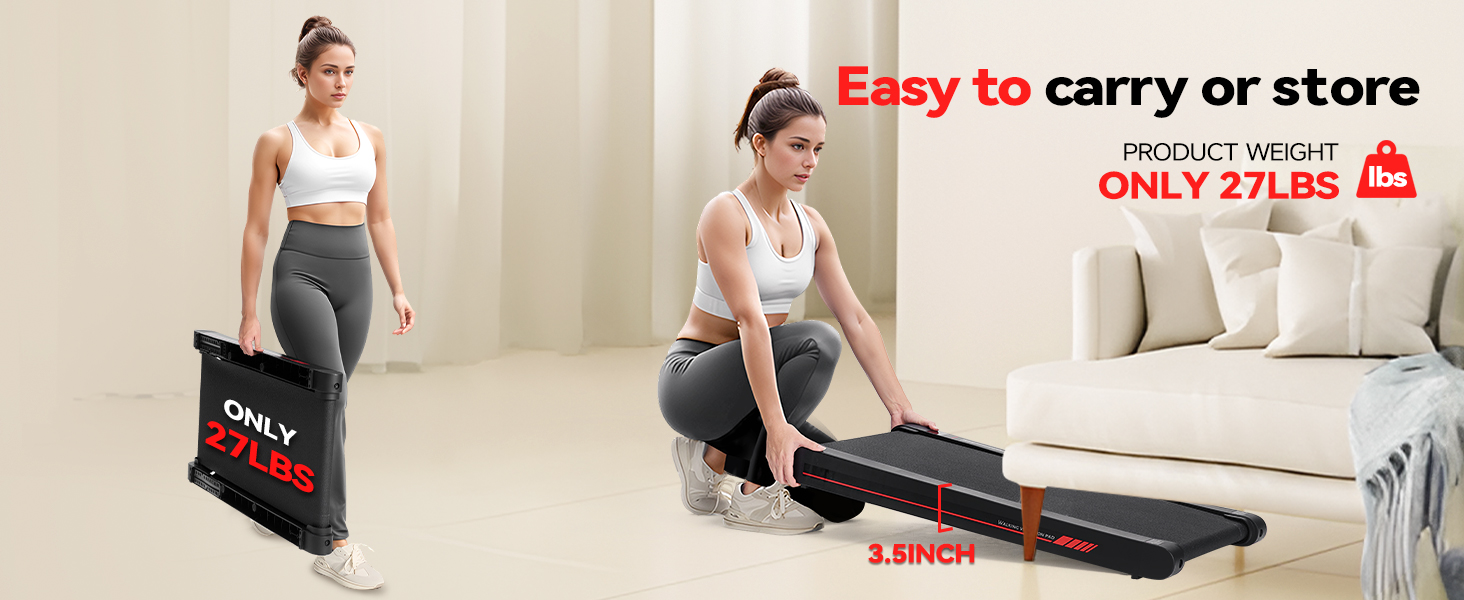
Figure 2: All accessories included with the Sperax Walking Vibration Pad.
Setup
The Sperax Walking Vibration Pad comes pre-assembled for your convenience.
- Place the treadmill on a flat, stable surface.
- Connect the power cord to the treadmill's power input and then to a wall outlet.
- Insert 2 AAA batteries into the remote control.
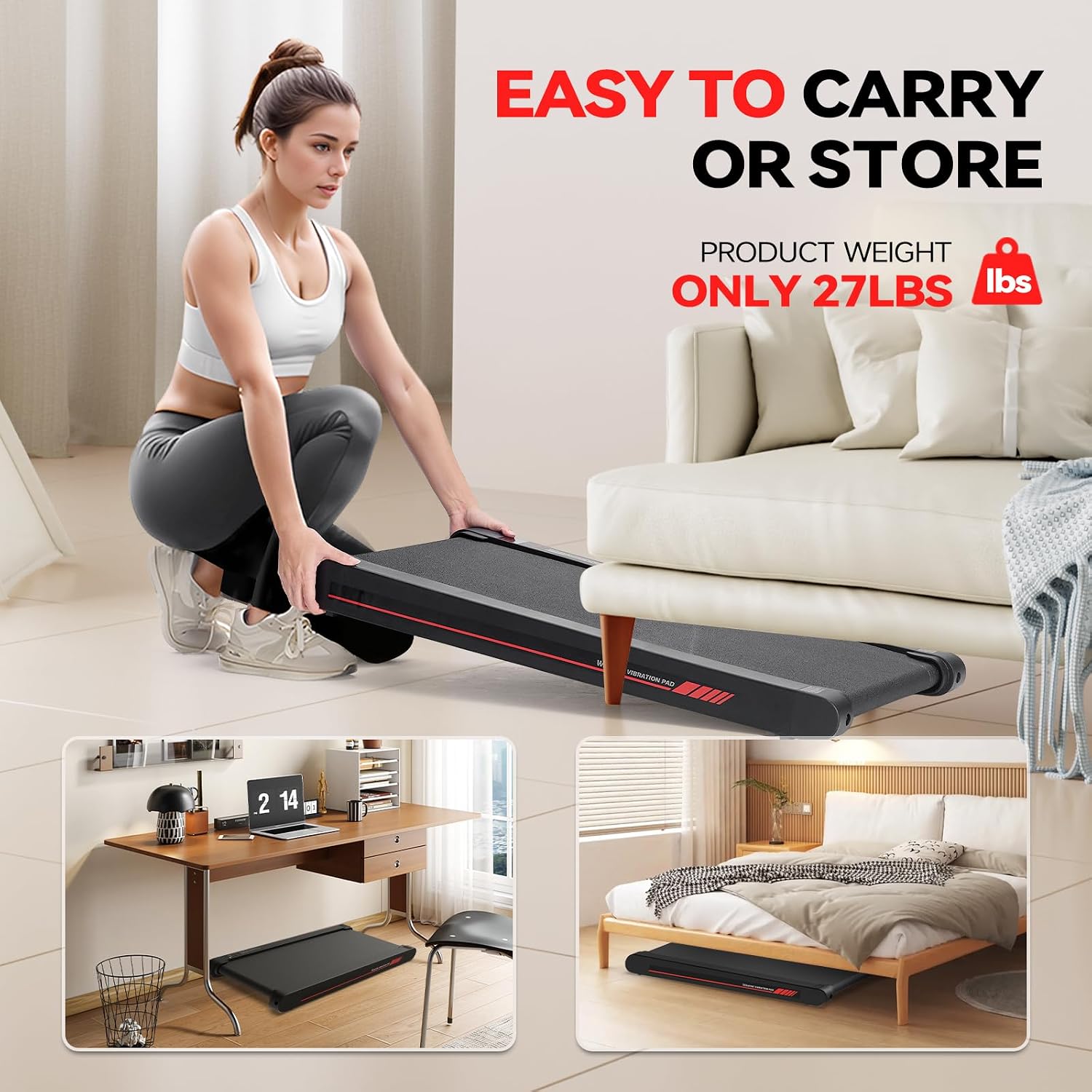
Figure 3: The lightweight design allows for easy carrying and storage.
Operating Instructions
Power On/Off and Speed Adjustment
The treadmill is controlled solely by the included remote control. The LED display on the treadmill shows important metrics such as speed, time, and calories burned.
- Press the power button on the remote to turn the treadmill on or off.
- Use the '+' and '-' buttons to adjust the speed. The speed ranges from 0.2 MPH to 3.8 MPH, increasing or decreasing in 0.1 MPH increments. Holding the button will adjust the speed more quickly.
- When stopping, the treadmill will gradually slow down to 0 MPH for a smooth and safe stop.
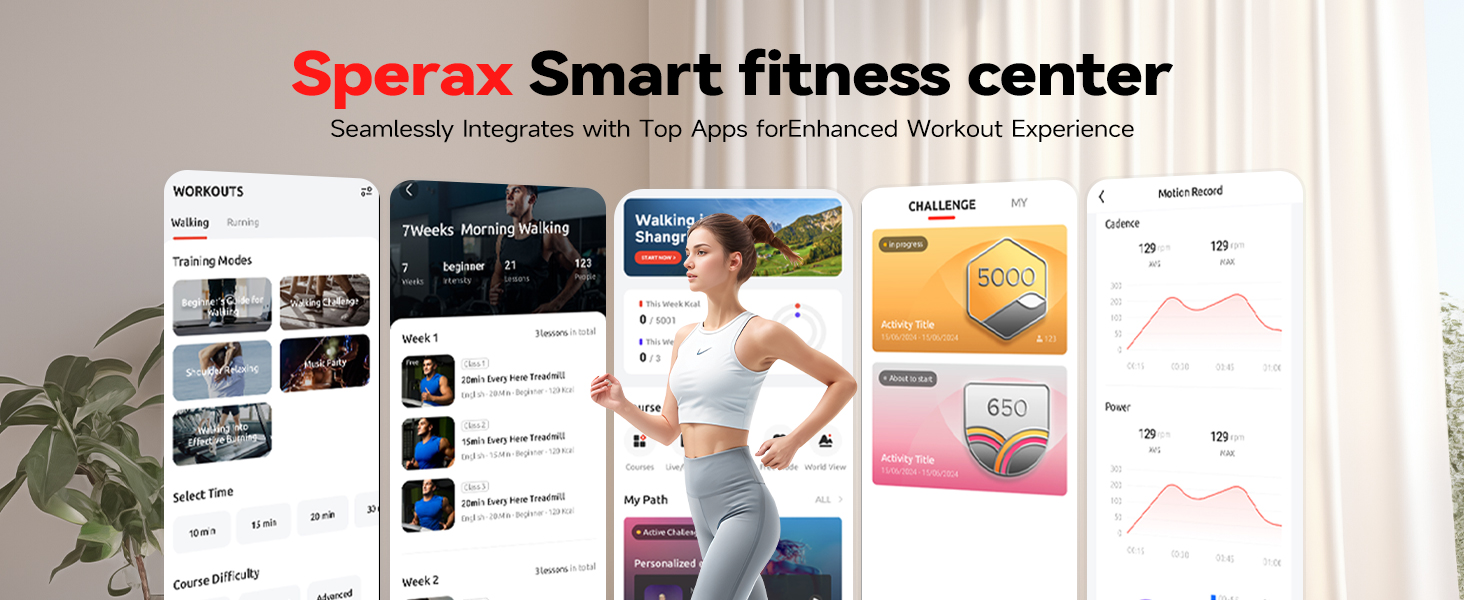
Figure 4: Remote control and LED display for real-time data and control.
Vibration Mode
This treadmill features a unique vibration mode, turning it into a vibration fitness machine. This mode can aid in muscle relaxation, improve circulation, and help burn extra calories.
- Press the dedicated vibration button on the remote control to activate this mode.
- There are 4 different vibration intensity levels to choose from, allowing you to customize your experience.

Figure 5: The 3-in-1 functionality of the walking machine.

Figure 6: Explore the various vibration fitness modes for different benefits.
Mobile App Integration
The Sperax Fitness app (available on App Store and Google Play) can be used to track your workouts and access various training courses. Please note that data entry for tracking may need to be done manually as direct connection for data transfer is not always seamless.
Video 1: Official product video demonstrating the Sperax Walking Vibration Pad with APP functionality.
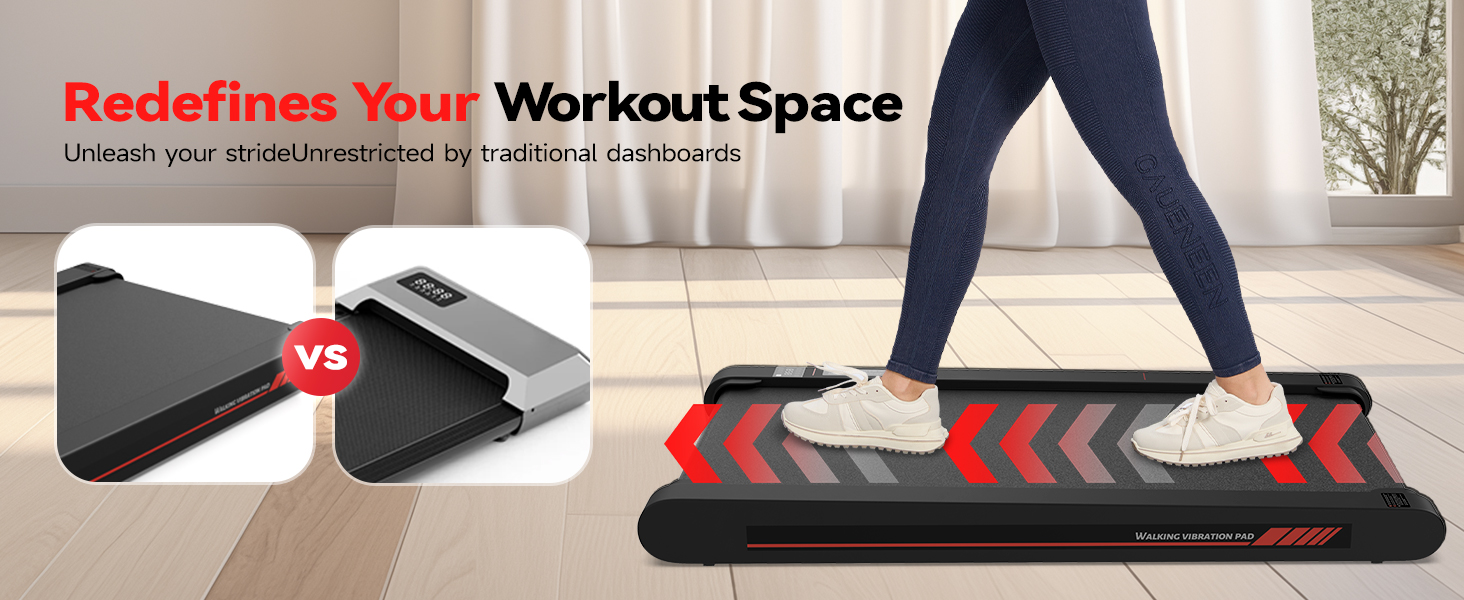
Figure 7: The exclusive fitness app provides access to training videos and workout tracking.
Maintenance
Lubrication
Regular lubrication is crucial for maintaining the treadmill's performance, reducing friction, and extending its lifespan. Use the provided lubricating oil.
- Usage < 3 hours/week: Lubricate every 6 months.
- Usage 3-5 hours/week: Lubricate every 3 months.
- Usage > 5 hours/week: Lubricate every month.
To lubricate:
- Power off and unplug the treadmill.
- Gently lift the edge of the belt on one side and apply the oil between the belt and the base.
- Repeat the process on the other side.
- Run the treadmill at 1-2 MPH for a few minutes to ensure even oil distribution.
Running Belt Adjustment
If the running belt becomes loose or drifts, you can adjust it using the provided L-shaped wrench. There is one screw on each side at the rear of the treadmill.
- Turning the screw to the left (counter-clockwise) loosens the belt.
- Turning the screw to the right (clockwise) tightens the belt.
- Adjust both sides evenly to ensure proper tension and alignment.
Troubleshooting
- Treadmill not turning on: Check power cord connection, wall outlet, and ensure the main power switch on the treadmill is on.
- Remote not working: Ensure batteries are correctly inserted and have sufficient charge. Replace batteries if necessary.
- Belt slipping or making noise: Check belt tension and lubrication. Refer to the Maintenance section for instructions.
- Unusual sounds from motor: Ensure the treadmill is properly lubricated. If sounds persist, contact customer support.
Specifications
| Feature | Detail |
|---|---|
| Brand | Sperax |
| Model Name | RM-01 (RM-05 also listed) |
| Product Dimensions | 39"D x 21"W x 3.5"H |
| Item Weight | 22 Pounds |
| Maximum Weight Recommendation | 350 Pounds |
| Maximum Speed | 3.8 Miles per Hour |
| Minimum Speed | 0.2 Miles per Hour |
| Maximum Horsepower | 2.5 Horsepower |
| Material | Metal, Acrylonitrile Butadiene Styrene (ABS) |
| Display Type | LED |
| Assembly Required | No |
| Power Source | Corded Electric |
Warranty and Support
The product's warranty information is not explicitly provided in the available data, stating 'No' for warranty description. However, Sperax is committed to customer satisfaction.
If you have any questions or require assistance, please contact the seller by e-mail first, and they will provide a satisfactory solution.
Ask a question about this manual
Ask about setup, troubleshooting, compatibility, parts, safety, or missing instructions. Manuals+ will review the question and use this page’s manual context to help answer it.