
KSUN KSW-CT1plus
KSUN CT1plus 4G Network Nationwide POC Radio User Manual
Model: KSW-CT1plus | Brand: KSUN
1. Introduction
The KSUN CT1plus is a 4G Network Nationwide POC (Push-to-Talk Over Cellular) radio designed for long-range communication. It comes with a pre-paid SIM card for one year of service, enabling instant group and individual calls over a wide area. This manual provides essential information for setting up, operating, and maintaining your device.
1.1 What's in the Box
- 2 x KSUN CT1plus Radios
- 2 x Pre-Paid SIM Cards (1-year limited service)
- 2 x Rechargeable Batteries
- 2 x USB Data Cables (Type-C)
- 2 x Power Adapters
- 2 x Back Clips with Lanyards
- 1 x User Manual

2. Key Features
- Nationwide 4G Network Coverage: Utilizes 4G networks for communication over distances exceeding 5,000 miles.
- Pre-Paid SIM Card: Includes a 1-year pre-paid SIM card, eliminating additional subscription fees for the first year.
- LED Screen Display: Features a clear screen for displaying group information, battery status, and other essential data.
- High-Capacity Battery: Equipped with a 4800 mAh rechargeable battery, providing 2 to 3 days of outdoor operation.
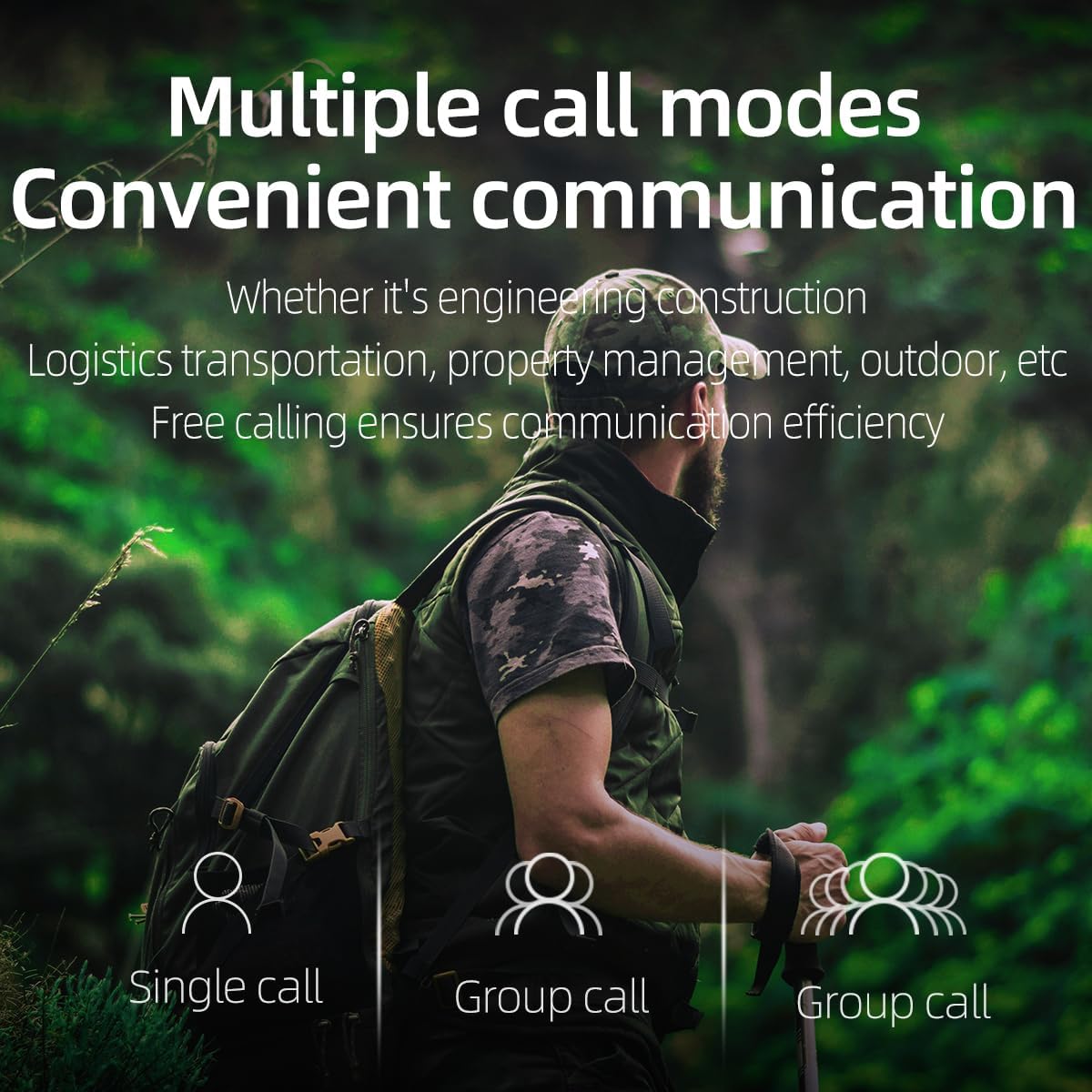
- Multiple Call Modes: Supports single calls and group calls for flexible communication.
- GPS Positioning: Integrated GPS functionality for location tracking.
- Type-C Fast Charging: Convenient and rapid charging via a Type-C USB port.


3. Setup Guide
3.1 Battery and SIM Card Installation
- Ensure the radio is powered off before installation.
- Locate the battery compartment on the back of the radio.
- Insert the provided SIM card into the designated slot.
- Insert the rechargeable battery into the compartment, ensuring proper alignment.
- Close the battery compartment cover securely.

3.2 Initial Power On
Press and hold the power button (usually the red button) for approximately 3 seconds until the device powers on and the screen illuminates. The radio will automatically connect to the 4G network and display its group information.
3.3 Group Configuration for Multiple Units
By default, KSUN CT1plus radios are configured for intercom between two units. If you purchase more than two units and wish for them to communicate within the same group, you must contact KSUN customer service. Provide the group names displayed on the screen (e.g., "ct1p001") and the IMEI code for each device. KSUN will assist in setting up your account to enable group communication for all your devices.
4. Operation
4.1 Basic Controls

- Push-To-Talk (PTT) Button: Located on the side. Press and hold to transmit your voice, release to listen.
- Volume Up/Down Buttons: Adjust the speaker volume.
- Green Menu Button: Used for menu navigation, selection, and OK confirmation.
- Red Button: Functions as a 'Back' button, PTT, and for Power ON/OFF (long press for 3 seconds).
- Headphone Jack: For connecting external audio accessories.
4.2 Making Calls
Once powered on and connected to the network, your radio is ready for communication.
- Group Call: To speak to your pre-configured group, simply press and hold the PTT button, speak clearly, and release the button when finished. All radios in your group will receive your transmission.
- Single Call: Refer to the on-screen menu for options to initiate a private call with a specific contact within your network.
5. Maintenance
5.1 Battery Charging
To charge the radio, connect the provided Type-C USB data cable to the radio's charging port and the other end to the power adapter. Plug the adapter into a standard electrical outlet. The LED screen will indicate charging status. A full charge provides 2-3 days of operation.

5.2 Cleaning
Wipe the radio's exterior with a soft, damp cloth. Do not use harsh chemicals or abrasive cleaners. Ensure the charging port and headphone jack are free of dust and debris.
6. Troubleshooting
6.1 Radios Not Communicating in a Group (More than 2 units)
If you have purchased more than two KSUN CT1plus units and they are not communicating with each other in a single group, this is expected behavior by default. You must contact KSUN customer service to have all your devices configured into a unified group. Provide the IMEI code and the group name displayed on the screen for each radio to facilitate this process.
6.2 SIM Card Renewal
The included SIM card provides 1 year of pre-paid service. To renew your SIM card after this period, follow these steps:
- Remove the battery from the radio to reveal the QR code located inside the battery compartment.
- Scan the QR code with your smartphone to access the self-renewal portal.
- Follow the on-screen instructions to complete the renewal process. You may need to enter the ICCID (Integrated Circuit Card Identifier) which can be found by checking device info on the radio's screen or by physically removing the SIM to view it.
- After successful renewal, restart your device to activate the renewed service.

7. Technical Specifications
| Feature | Specification |
|---|---|
| Model Number | KSW-CT1plus |
| Item Weight | 1.04 pounds |
| Product Dimensions | 3.81 x 1.37 x 1.96 inches |
| Batteries | 1 Lithium Polymer battery required (included) |
| Display Type | LCD |
| Brand | KSUN |
| Color | Black |
| Special Feature | Long Range |
| Frequency Range | 700 MHz - 2.5 GHz |
| Talking Range Maximum | 5000 Miles |
| Tuner Technology | POC |
| Voltage | 3.7 Volts (DC) |
| Water Resistance Level | Not Water Resistant |
| Country of Origin | China |

8. Warranty and Support
For detailed warranty information, please refer to the official KSUN website or contact your retailer. For technical support, group configuration assistance, or any other inquiries, please contact KSUN customer service. You can also refer to the official User Manual PDF for additional details:
Related documentsKSW-CT1plus


Ask a question about this manual
Ask about setup, troubleshooting, compatibility, parts, safety, or missing instructions. Manuals+ will review the question and use this page’s manual context to help answer it.