
1. Important Safety Information
Please read all safety instructions carefully before assembly and use. Failure to follow these instructions may result in injury or damage to the product.
- Ensure the desk is correctly assembled and secured according to the assembly instructions provided.
- Periodically check that all screws and fasteners are tight. Loose connections can compromise stability.
- Observe the specified load capacity of the desk and ensure it is not overloaded. Overloading can cause damage or instability.
- Do not place the desk near heat sources, open flames, or in direct sunlight for prolonged periods.
- Avoid placing the desk on unstable or uneven surfaces.
- Keep children and pets away from the desk during operation to prevent accidents.
2. Product Overview
The TRIUMPHKEY Electric Height Adjustable Desk is designed to provide a versatile and ergonomic workspace. It features an electric lifting system, memory presets for preferred heights, and an integrated monitor stand.
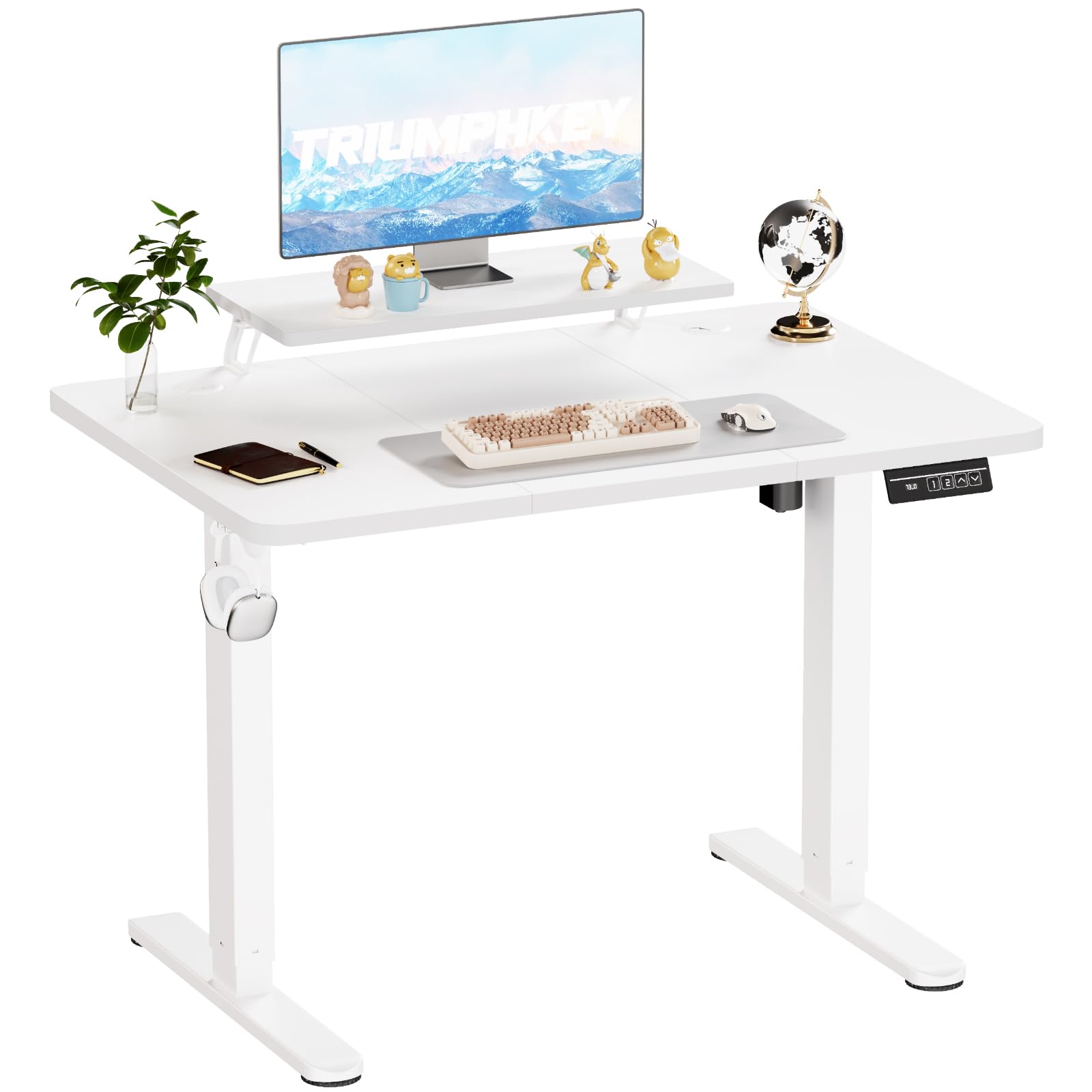
Figure 2.1: TRIUMPHKEY Electric Height Adjustable Desk in a typical setup.
2.1 Key Features
- Electric Height Adjustment: Smoothly adjust desk height from 73 cm to 118 cm.
- Memory Presets: Two programmable memory buttons for quick height recall.
- Ergonomic Monitor Stand: Integrated stand to elevate your monitor for improved posture.
- Quiet Operation: Motor operates at less than 55dB for a peaceful work environment.
- Sturdy Construction: Metallic T-shaped legs for enhanced stability.
- Cable Management: Designed to help organize wires for a tidy desktop.
- Desk Hook: Convenient hook for headphones or bags.
3. Setup and Assembly
The TRIUMPHKEY desk is designed for straightforward assembly. All necessary parts are clearly numbered, and a screwdriver is included. Follow the detailed instructions provided in the package.
3.1 Unpacking and Component Check
- Carefully open the packaging and remove all components.
- Refer to the included parts list to ensure all components are present and undamaged. Contact customer support immediately if any parts are missing or damaged.
3.2 Assembly Steps
Follow the step-by-step graphical instructions provided in your product package. General steps include:
- Attach the lifting columns to the desktop.
- Secure the foot pads to the bottom of the lifting columns.
- Install the control box and connect the motor cables.
- Mount the control panel to the underside of the desk.
- Attach the monitor stand to the desktop.
- Ensure all screws are tightened securely, but do not overtighten.
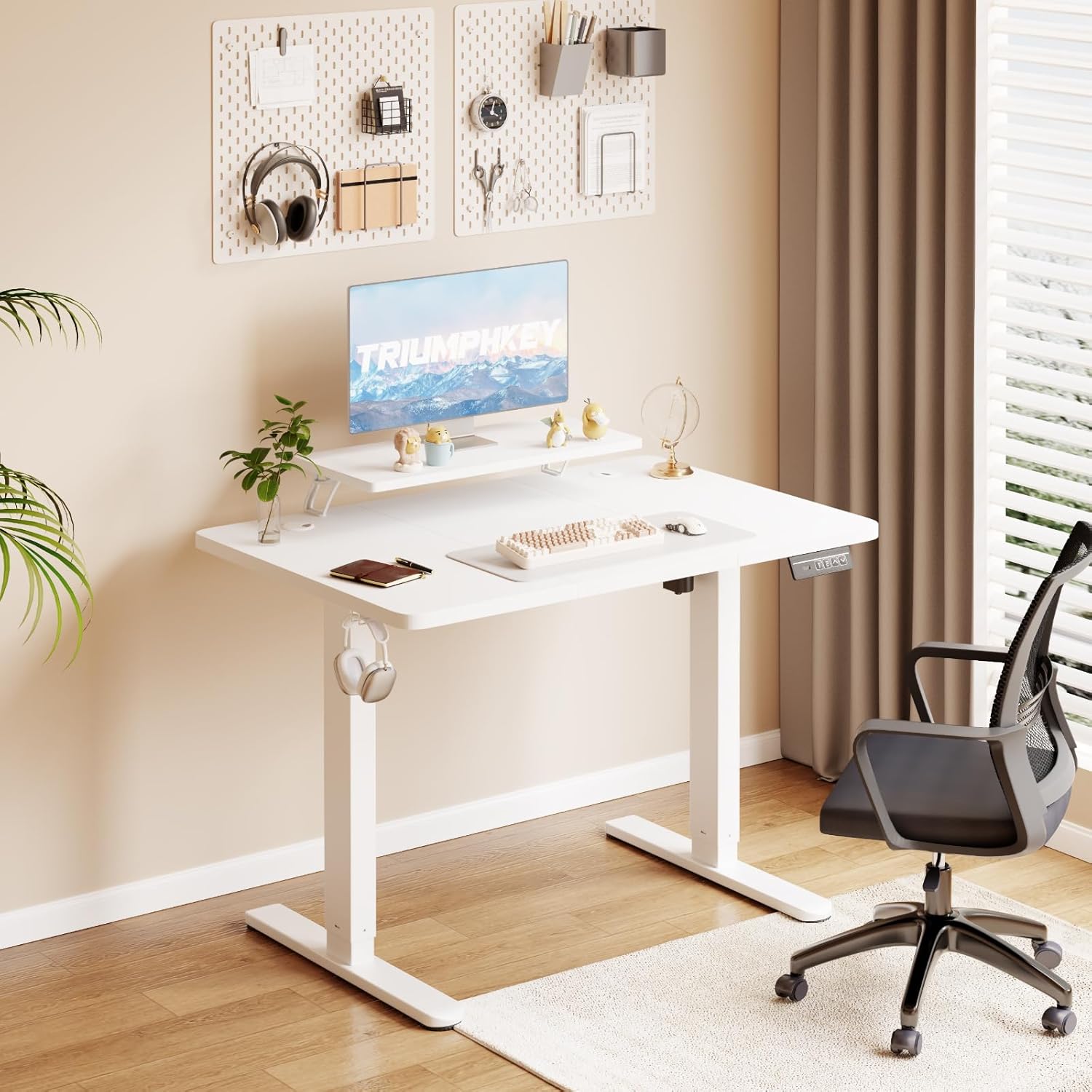
Figure 3.1: Product dimensions and available colors.
4. Operating Instructions
Your TRIUMPHKEY electric desk features an intuitive control panel for easy height adjustment and memory functions.
4.1 Control Panel Functions

Figure 4.1: Convenient Multi-function Intelligent Keypad.
- LED Screen: Displays the current desk height in centimeters.
- Up/Down Buttons (▲ / ▼): Press and hold to continuously adjust the desk height. Release to stop at the desired height.
- Memory Presets (1, 2): These buttons allow you to save and recall your preferred sitting and standing heights.
4.2 Adjusting Desk Height
- Press and hold the ▲ button to raise the desk.
- Press and hold the ▼ button to lower the desk.
- Release the button when the desk reaches your desired height. The LED screen will show the current height.

Figure 4.2: Electric Height Lifting System with a range of 73cm to 118cm.
4.3 Setting Memory Presets
To save a specific height:
- Adjust the desk to your desired height using the Up/Down buttons.
- Press the 'M' button (if available, or follow specific instructions in your manual if different).
- Immediately press one of the memory preset buttons (1 or 2) until you hear a beep or see a confirmation on the LED screen. The height is now saved to that button.
To recall a saved height:
- Simply press the desired memory preset button (1 or 2). The desk will automatically move to the saved height.

Figure 4.3: Smart Keypad with LED display and memory functions.
5. Maintenance
Regular maintenance ensures the longevity and optimal performance of your TRIUMPHKEY desk.
- Cleaning: Wipe the desk surface and frame with a soft, damp cloth. Avoid abrasive cleaners or harsh chemicals that could damage the finish.
- Inspection: Periodically check all screws and connections to ensure they are tight. Retighten if necessary.
- Cable Management: Ensure cables are neatly organized and not pinched or tangled, which could affect desk movement or damage wires.
- Motor Care: The electric motor is designed for maintenance-free operation. Avoid disassembling the motor unit.
6. Troubleshooting
If you encounter any issues with your desk, refer to the following troubleshooting guide before contacting customer support.
| Problem | Possible Cause | Solution |
|---|---|---|
| Desk does not move | Power cable disconnected; Overload; Motor error. | Check power connection. Reduce weight on desk. Unplug for 10 minutes, then plug back in to reset. |
| Uneven height adjustment | Obstruction; Unbalanced load. | Remove any obstructions. Redistribute weight evenly on the desktop. |
| Noise during operation | Normal motor sound; Loose components. | A slight motor sound is normal (<55dB). Check and tighten all assembly screws if excessive noise occurs. |
| Memory presets not working | Incorrect saving procedure. | Refer to Section 4.3 to correctly set memory presets. |
7. Specifications
Detailed technical specifications for the TRIUMPHKEY 120x60cm Electric Height Adjustable Desk.
| Feature | Specification |
|---|---|
| Brand | TRIUMPHKEY |
| Model Number | DT-HAD24-0463-122WT |
| Color | White |
| Product Dimensions (L x W x H) | 120 x 60 x 73-118 cm |
| Material | Engineered Wood (Desktop), Alloy Steel (Base) |
| Height Adjustment Range | 73 cm to 118 cm |
| Special Features | Height Adjustable, Ergonomic, Monitor Stand |
| Weight Capacity | 60 kg (approximate, based on image) |
| Product Weight | 20 kg |
| Desk Design | Standing Desk |
| Style | Modern |
8. Warranty and Support
TRIUMPHKEY is committed to providing high-quality products and customer satisfaction.
8.1 Product Warranty
Please refer to the warranty information included with your product packaging for specific terms and conditions. Typically, products are covered against manufacturing defects for a defined period from the date of purchase.
8.2 Customer Support
If you have any questions, require assistance with assembly, or experience issues not covered in the troubleshooting section, please contact TRIUMPHKEY customer support. Contact details can usually be found on the product packaging or the official TRIUMPHKEY website.
