
NBCP Game Controller for PS4
NBCP Game Controller for PS4 Instruction Manual
Model: Game Controller for PS4 (Dark Green)
Introduction
Thank you for choosing the NBCP Game Controller for PS4. This controller is designed to enhance your gaming experience with advanced features such as Hall Effect sensors, 6-axis gyroscopic motion control, dual motors for vibration feedback, and multi-platform compatibility. Please read this manual carefully to ensure proper setup and operation.
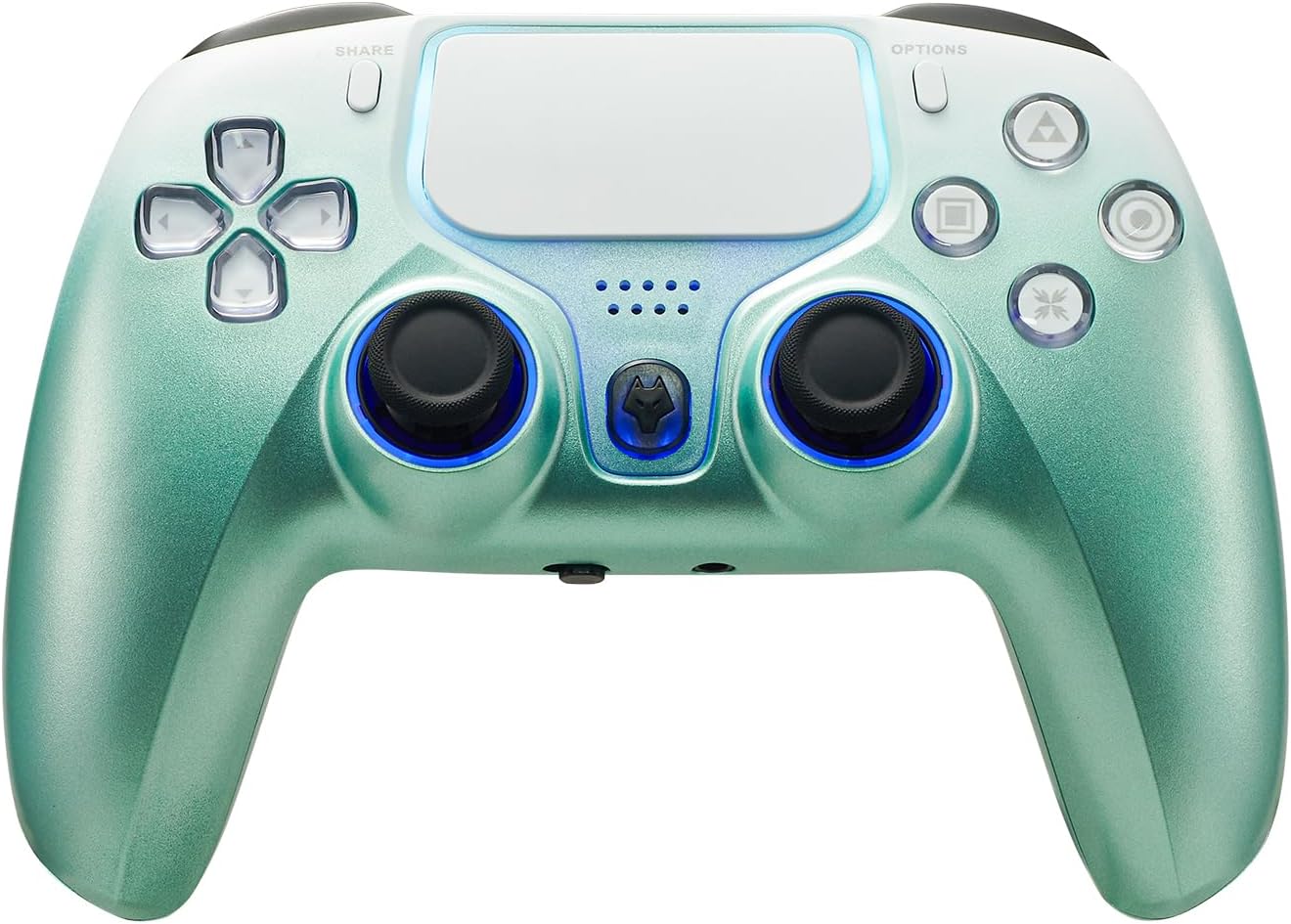
Image: Front view of the NBCP Game Controller for PS4 in Dark Green, showcasing its ergonomic design and button layout.
Package Contents
- 1 x NBCP Game Controller for PS4
- 1 x USB Charging Cable
- 1 x User Manual (this document)
Product Features
Precision Control with Hall Effect Triggers & 6-Axis Gyro
Experience ultra-responsive gameplay with Hall Effect trigger sensors for smoother, more accurate input and elimination of drift. The integrated 6-axis gyroscopic motion control provides high precision fine-tuning of body feel, crucial for fast and accurate movements in games.

Image: The controller with illustrative lines showing the 6-axis gyroscopic movement capabilities, highlighting its precision.
Adjustable Sensitivity & Full Audio Support
Customize joystick and trigger sensitivity to match your playstyle. The controller features a 3.5mm audio jack with a MIC switch for in-game voice communication and immersive audio.
RGB Lighting & Stylish Design
The controller features vibrant RGB joystick rings, an illuminated touchpad, and dynamic LED accents. Its transparent shell with crystal-clear buttons offers a premium aesthetic.
Sensitive Touch Pad
The integrated sensitive touch pad supports drag and drop, sliding contact, and multipoint input, providing an exciting game experience.

Image: A finger interacting with the sensitive touch pad, demonstrating its functionality for various inputs.
Dual Motor Vibration
Experience realistic vibration feedback with dual motors that respond to in-game actions, providing an immersive experience.
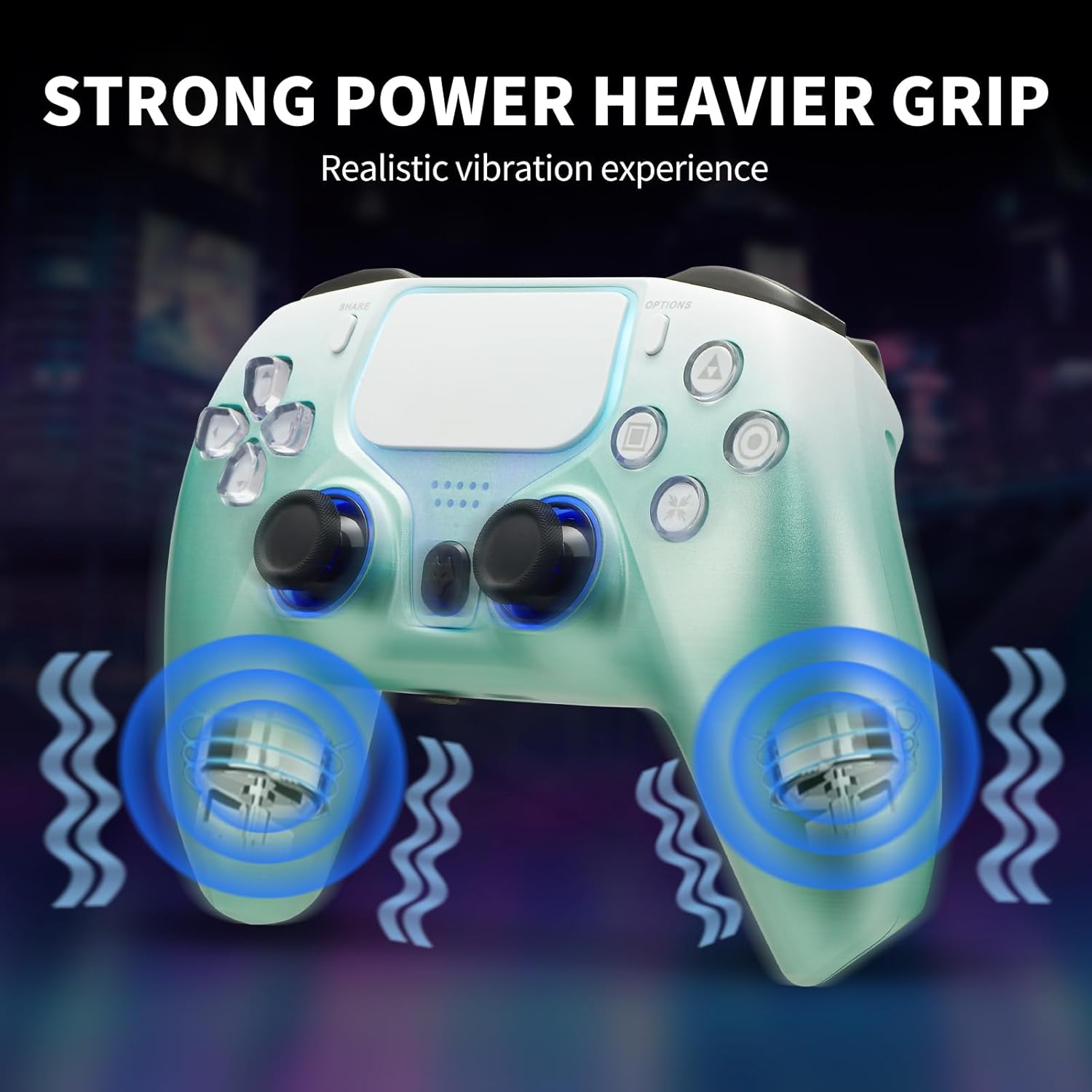
Image: The controller with visual effects indicating strong vibration feedback from its dual motors.
360 Degree Rotatable Joysticks & Responsive Triggers
The dual joysticks enable precise and smooth 360-degree movement, allowing for difficult operations such as alignment and aiming. Responsive triggers ensure faster firing and valuable time saving in competitive gameplay.

Image: A close-up of the controller's joysticks and triggers, emphasizing their precise control and responsiveness.
Setup and Connection
Wireless Connection (Bluetooth)
- Ensure the controller is charged.
- On your PS4 console, navigate to Settings > Devices > Bluetooth Devices.
- Press and hold the SHARE button and the PS button on the controller simultaneously until the light bar begins to flash. This indicates pairing mode.
- Select the controller from the list of Bluetooth devices on your PS4.
- Once paired, the light bar will turn solid, indicating a successful connection.
Wired Connection
- Connect the USB charging cable to the controller's USB port.
- Connect the other end of the USB cable to a USB port on your PS4 console or PC.
- The controller will automatically connect and can be used for gameplay.

Image: The controller shown with various devices like a PS4, PC, and mobile devices, illustrating its multi-platform compatibility.
Operating Instructions
Basic Controls
- PS Button: Powers on the controller, accesses the PS Home screen, and switches users.
- SHARE Button: Shares gameplay screenshots and videos.
- OPTIONS Button: Accesses in-game menus and options.
- Directional Pad (D-Pad): For navigation and specific game inputs.
- Action Buttons (Triangle, Circle, Cross, Square): For in-game actions.
- L1/L2/R1/R2 Buttons: Shoulder and trigger buttons for various actions.
- Left/Right Analog Sticks: For movement and camera control. Press down for L3/R3 functions.
- Touch Pad: Interactive surface for specific game functions.
- Speaker: Built-in speaker for enhanced audio feedback.
- EXT Port: For connecting accessories.
- 3.5mm Audio Jack: For connecting headphones with a microphone.
Adjusting Sensitivity
The controller allows for customization of joystick and trigger sensitivity. Refer to your game's settings or specific controller configuration software (if applicable for PC) to fine-tune these settings for optimal performance.
Multi-Platform Compatibility
This controller is designed for broad compatibility, supporting a range of gaming platforms:
- PlayStation 4 (PS4)
- PlayStation 3 (PS3)
- PC (Windows 7/8/10/11)
- iOS Devices
- Android Devices
It supports both wireless (Bluetooth 4.0, stable transmission up to 8m) and wired connections, offering flexibility across your favorite devices.
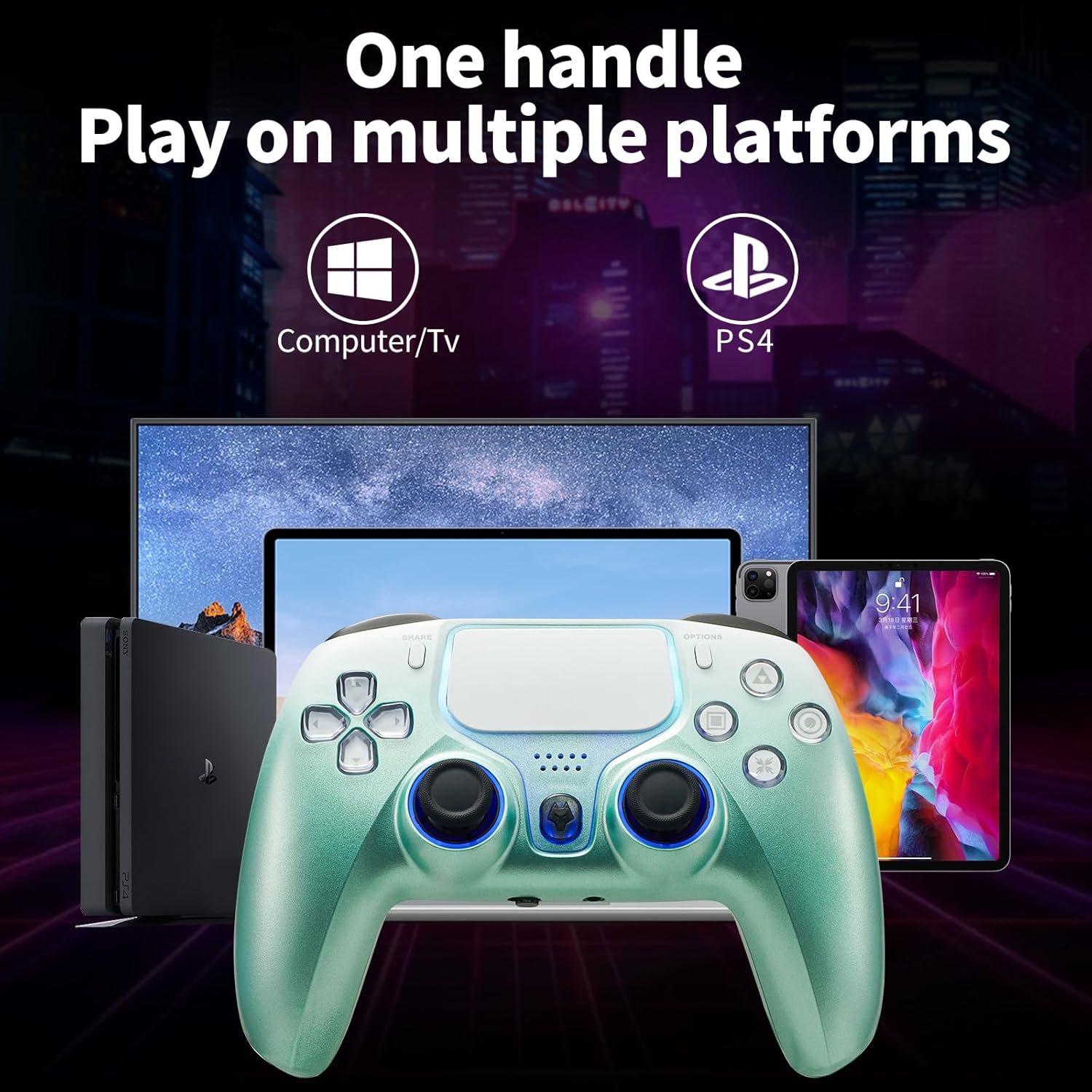
Image: The controller positioned in front of a PS4 console, a computer monitor, and a tablet, illustrating its wide compatibility.
Charging and Battery
The controller is equipped with a 1200mAh Lithium Polymer battery.
- Charging Time: Approximately 1.5 - 2 hours for a full charge.
- Duration: Provides 10-20 hours of gameplay on a full charge, depending on usage and features enabled (e.g., vibration, lighting).
Charging Instructions
- Connect the supplied USB charging cable to the controller's USB port.
- Connect the other end of the USB cable to a USB port on your PS4 console, PC, or a compatible USB wall adapter (5V/1A recommended).
- The light bar on the controller will indicate charging status. It will typically glow orange while charging and turn off when fully charged.
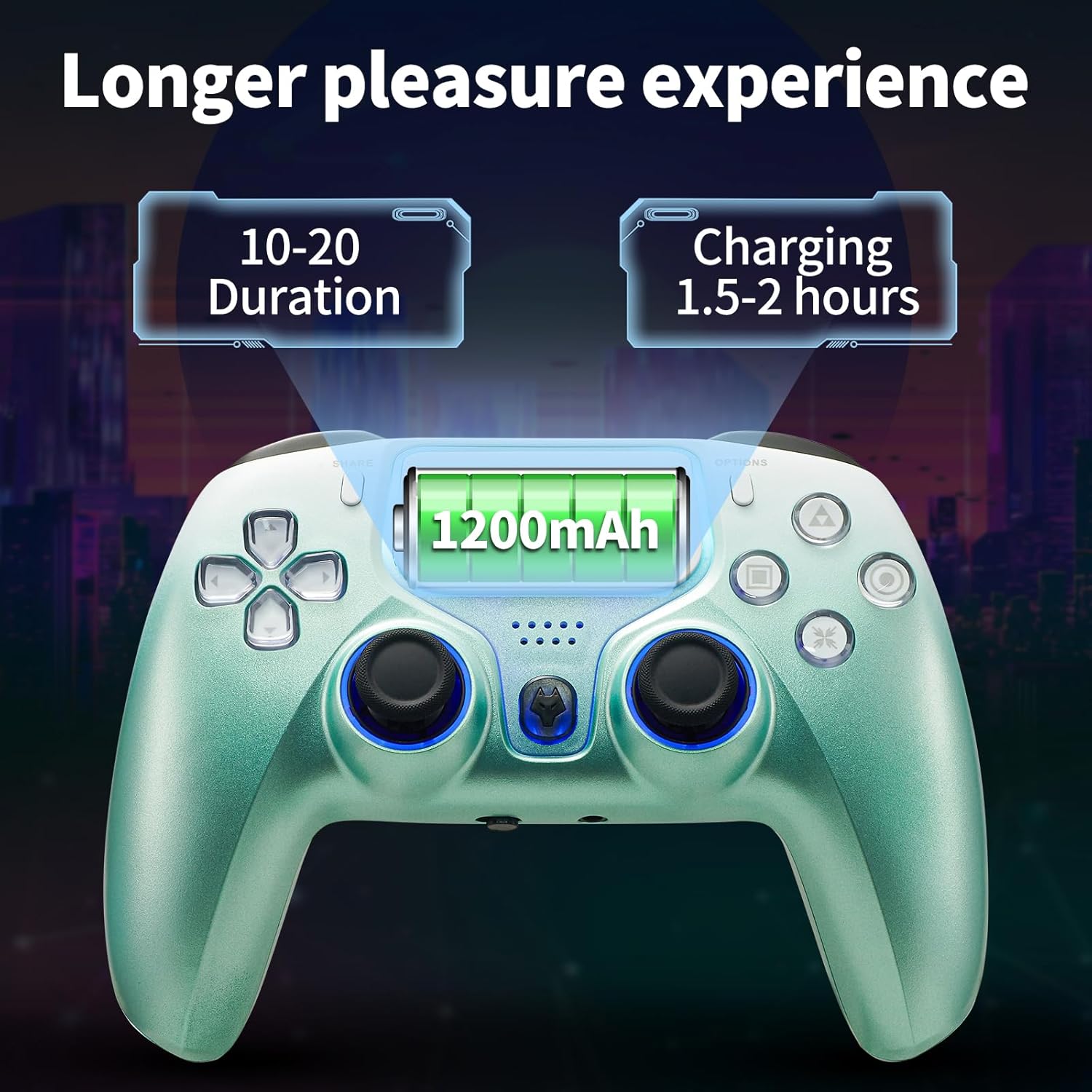
Image: The controller with an overlay showing "1200mAh" battery capacity, "10-20 Duration" for playtime, and "Charging 1.5-2 hours" for charge time.
Troubleshooting
| Problem | Possible Cause / Solution |
|---|---|
| Controller does not power on. | Battery may be depleted. Connect the controller to a power source using the USB cable and allow it to charge for at least 30 minutes before attempting to power on again. |
| Controller does not connect wirelessly. |
|
| Input lag or disconnection during wireless play. |
|
| Joystick drift or inaccurate input. |
|
| Vibration not working. |
|
Specifications
| Feature | Detail |
|---|---|
| Model | Game Controller for PS4 |
| Battery Type | Lithium Polymer (included) |
| Battery Capacity | 1200mAh |
| Connectivity | Bluetooth 4.0 (Wireless), USB (Wired) |
| Wireless Range | Up to 8 meters |
| Sensors | 6-Axis Gyroscope, Hall Effect Triggers |
| Vibration | Dual Motors |
| Audio Port | 3.5mm Audio Jack with MIC switch |
| Dimensions | 17.2 x 11.8 x 8.1 cm |
| Weight | 360 g |
| Manufacturer | NBCP |
| Country of Origin | China |
Maintenance and Care
- Keep the controller clean by wiping it with a soft, dry cloth. Avoid using harsh chemicals or abrasive materials.
- Store the controller in a cool, dry place away from direct sunlight and extreme temperatures.
- Avoid dropping the controller or subjecting it to strong impacts.
- Do not attempt to disassemble the controller, as this will void the warranty.
Warranty and Support
NBCP offers a 30-Day Money-Back Guarantee and a 90-Day Replacement Warranty for this product.
If you encounter any setting issues or require assistance, please do not hesitate to contact NBCP customer support. We are committed to providing detailed operation guides and support to ensure your satisfaction.
For support, please visit the official NBCP store page or contact the seller directly through the platform where you purchased the product.
Ask a question about this manual
Ask about setup, troubleshooting, compatibility, parts, safety, or missing instructions. Manuals+ will review the question and use this page’s manual context to help answer it.