Introduction
Thank you for choosing the BAOBER KST-801ANC Wireless Over-Ear Headphones. These headphones are designed to provide a high-quality audio experience with active noise cancellation, wireless Bluetooth connectivity, and a comfortable, foldable design. This manual will guide you through the setup, operation, and maintenance of your new headphones.
Safety Information
- Do not expose the headphones to extreme temperatures, humidity, or corrosive environments.
- Avoid dropping or subjecting the headphones to strong impacts.
- Do not disassemble or modify the headphones. This may void the warranty and cause damage.
- Clean the headphones with a soft, dry cloth. Do not use harsh chemicals or abrasive materials.
- Adjust volume to a moderate level to prevent hearing damage. Prolonged exposure to loud sounds can cause permanent hearing loss.
Package Contents
Please check that all items are present in your package:
- BAOBER KST-801ANC Wireless Over-Ear Headphones
- USB Charging Cable
- 3.5mm Audio Cable
- User Manual (this document)
Product Overview
Familiarize yourself with the buttons and ports on your headphones:
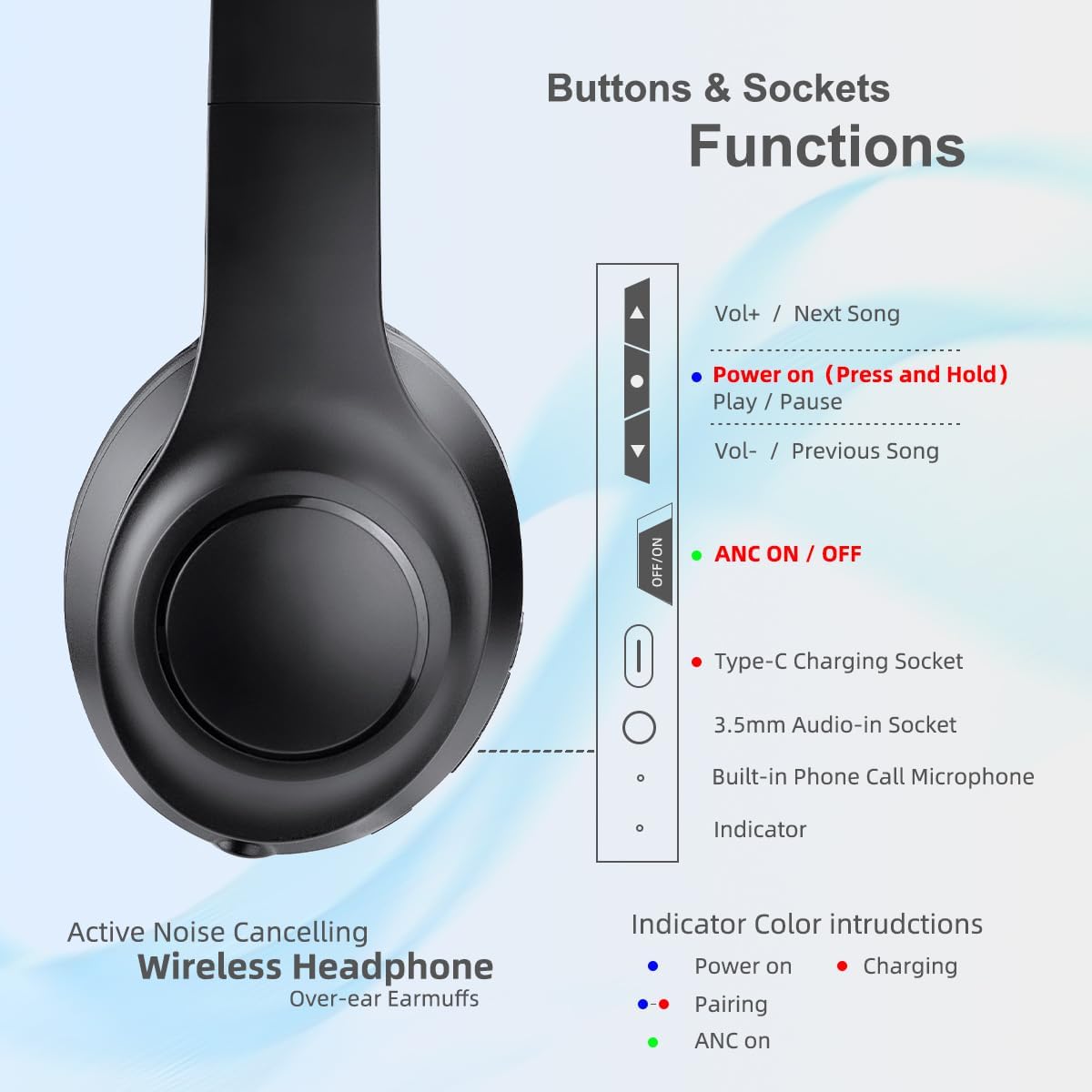
Image: This diagram illustrates the location and function of the various buttons and sockets on the left earcup of the BAOBER KST-801ANC headphones. It shows the Volume Up/Next Song button, Power On/Play/Pause button, Volume Down/Previous Song button, ANC On/Off switch, Type-C Charging Socket, 3.5mm Audio-in Socket, Built-in Phone Call Microphone, and an Indicator light with color instructions for Power On (red), Pairing (blue), Charging (red), and ANC On (green).
- Volume Up / Next Song: Press briefly for volume up, press and hold for next song.
- Power On / Play / Pause: Press and hold to power on/off. Press briefly to play/pause music or answer/end calls.
- Volume Down / Previous Song: Press briefly for volume down, press and hold for previous song.
- ANC On/Off Switch: Slide to activate or deactivate Active Noise Cancellation.
- Type-C Charging Socket: For connecting the USB charging cable.
- 3.5mm Audio-in Socket: For wired connection using the 3.5mm audio cable.
- Built-in Phone Call Microphone: For hands-free calls.
- Indicator Light: Displays status (Power On, Pairing, Charging, ANC On).
Charging the Headphones
Before first use, fully charge the headphones. A full charge takes approximately 2 hours.
- Connect the Type-C end of the charging cable to the charging socket on the headphones.
- Connect the USB-A end of the charging cable to a USB power adapter (not included) or a computer's USB port.
- The indicator light will glow red during charging.
- Once fully charged, the indicator light will turn off or change color (refer to the Product Overview image for specific indicator behavior).
Setup and Connection
Power On/Off
- To Power On: Press and hold the Power On/Play/Pause button for approximately 3 seconds until the indicator light flashes.
- To Power Off: Press and hold the Power On/Play/Pause button for approximately 3 seconds until the indicator light turns off.
Bluetooth Pairing
Pair your headphones with a Bluetooth-enabled device (e.g., smartphone, tablet, laptop).
- Ensure the headphones are powered off.
- Press and hold the Power On/Play/Pause button for approximately 5-7 seconds until the indicator light flashes blue and red alternately, indicating pairing mode.
- On your device, enable Bluetooth and search for available devices.
- Select "ANC Headphone" from the list of found devices.
- Once paired, the indicator light will flash blue slowly.
- The headphones will automatically connect to the last paired device when powered on, if Bluetooth is enabled on the device.
Wired Connection (3.5mm Audio Cable)
You can use the headphones with a wired connection even if the battery is depleted.
- Connect one end of the 3.5mm audio cable to the 3.5mm Audio-in Socket on the headphones.
- Connect the other end of the 3.5mm audio cable to the audio output jack of your device.
- In wired mode, the headphone's buttons (volume, play/pause) and microphone may not function, depending on your device. Control audio directly from your connected device.
Operating Instructions
Music Playback
- Play/Pause: Press the Power On/Play/Pause button once.
- Volume Up: Press the "Vol+" button once.
- Volume Down: Press the "Vol-" button once.
- Next Song: Press and hold the "Vol+" button.
- Previous Song: Press and hold the "Vol-" button.
Phone Calls
- Answer/End Call: Press the Power On/Play/Pause button once.
- Reject Call: Press and hold the Power On/Play/Pause button for approximately 2 seconds.
Active Noise Cancellation (ANC)
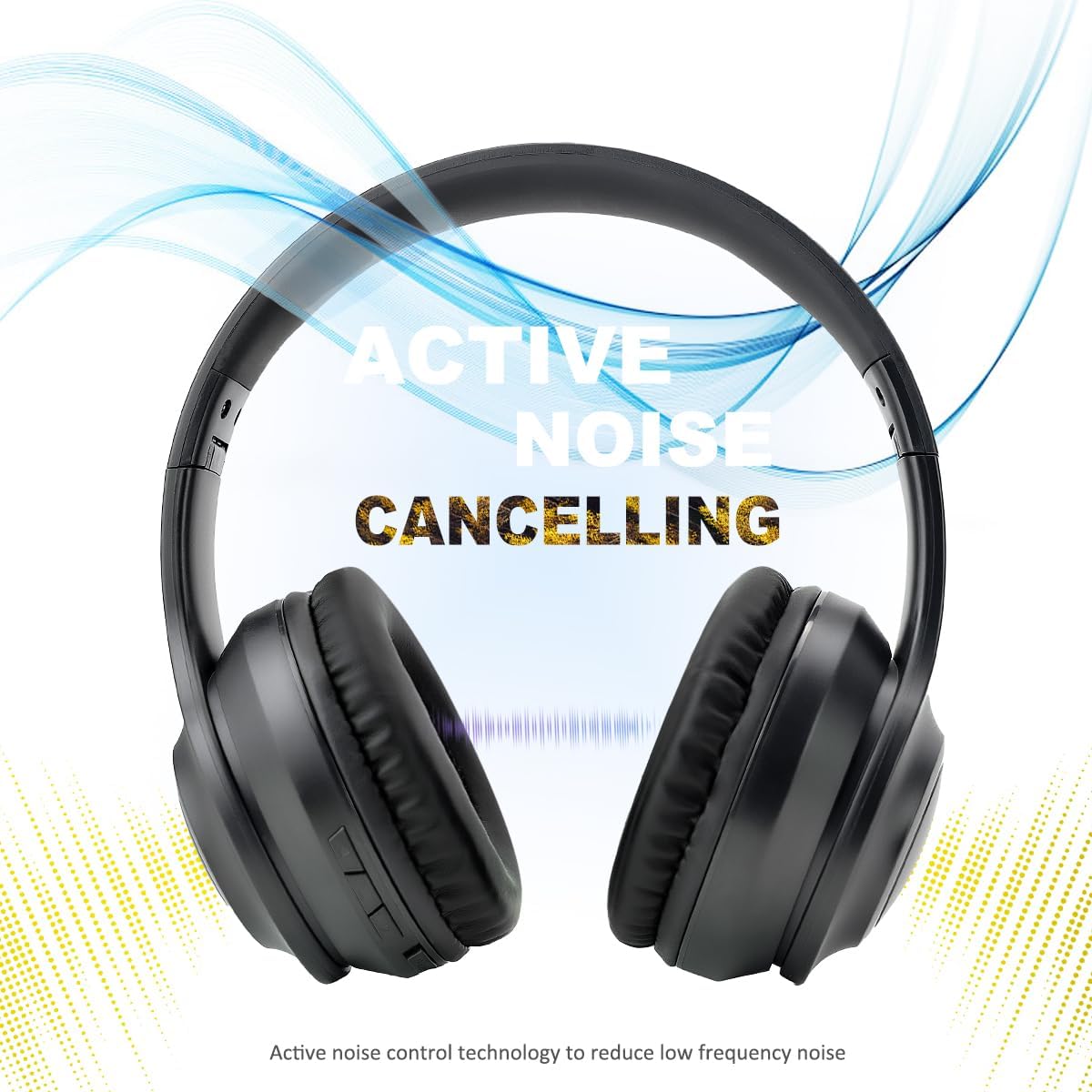
Image: This image features the BAOBER KST-801ANC headphones with a graphic overlay illustrating sound waves being cancelled, emphasizing the Active Noise Cancelling feature. The text "ACTIVE NOISE CANCELLING" is prominently displayed.
The Active Noise Cancellation feature reduces ambient background noise, providing a more immersive listening experience.
- To Activate ANC: Slide the ANC On/Off switch to the "ON" position. The indicator light will glow green.
- To Deactivate ANC: Slide the ANC On/Off switch to the "OFF" position. The indicator light will turn off.
Maintenance
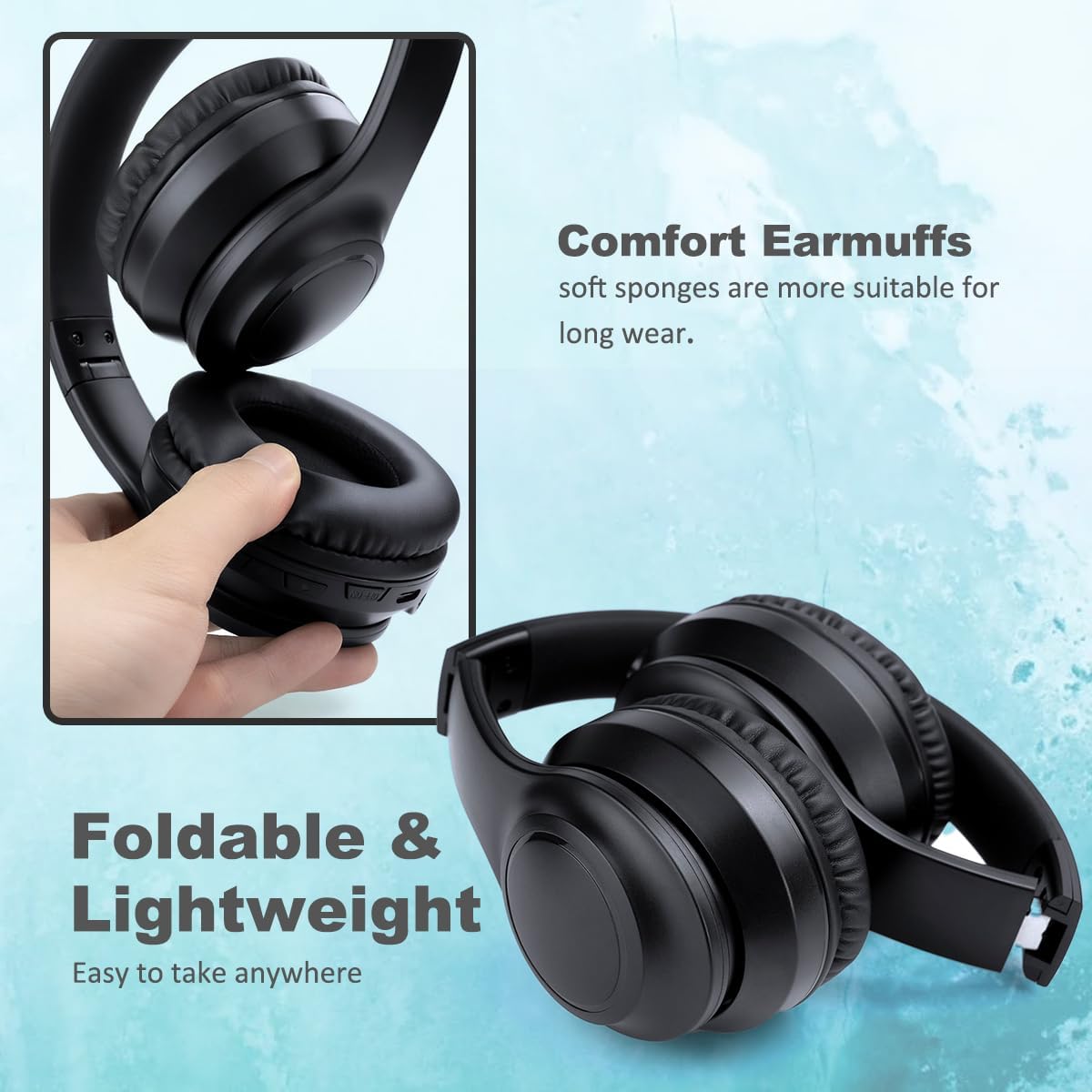
Image: This image displays the BAOBER KST-801ANC headphones, highlighting their foldable design and soft, comfortable earpads. The text "Foldable & Lightweight" and "Comfort Earmuffs" are visible, indicating ease of transport and comfortable wear.
- Cleaning: Use a soft, dry, lint-free cloth to clean the headphones. Do not use liquid cleaners or sprays.
- Storage: When not in use, store the headphones in a cool, dry place. The foldable design allows for compact storage. Avoid placing heavy objects on top of the headphones.
- Battery Care: To prolong battery life, charge the headphones regularly, even if not used frequently. Avoid fully discharging the battery for extended periods.
Troubleshooting
| Problem | Possible Cause | Solution |
|---|---|---|
| Headphones do not power on. | Low battery. | Charge the headphones fully. |
| Cannot pair via Bluetooth. | Headphones not in pairing mode; Bluetooth disabled on device; device too far. | Ensure headphones are in pairing mode (flashing blue/red). Enable Bluetooth on your device. Move headphones closer to the device (within 10 meters). |
| No sound or low volume. | Volume too low on headphones or device; incorrect audio source; headphones not connected. | Increase volume on both headphones and connected device. Ensure headphones are properly paired/connected. Check if the 3.5mm cable is fully inserted if using wired mode. |
| ANC not working effectively. | ANC feature not activated; type of noise. | Ensure the ANC switch is in the "ON" position (green indicator light). ANC is most effective against low-frequency, constant noises. |
| Microphone not working during calls. | Headphones in wired mode; device settings. | Ensure headphones are connected via Bluetooth. Check microphone input settings on your connected device. |
Specifications
| Model Name | KST-801ANC |
| Noise Control | Active Noise Cancellation |
| Connectivity Technology | Bluetooth, Wired (3.5mm) |
| Wireless Communication Technology | Bluetooth 5.3 |
| Bluetooth Range | 10 Meters |
| Audio Driver Size | 40 Millimeters |
| Frequency Response | 20 KHz |
| Sensitivity | 102 dB |
| Impedance | 32 Ohms |
| Charging Time | Approximately 2 Hours |
| Battery Life | Up to 15 hours |
| Control Type | Button Control, Voice |
| Earpiece Shape | Oval |
| Material | Plastic |
| Product Dimensions | 6.69 x 2.95 x 7.28 inches |
| Item Weight | 15.9 ounces |
Warranty and Support
BAOBER products are designed and manufactured to the highest quality standards. For any questions, technical support, or warranty inquiries, please refer to the retailer where you purchased the product or contact BAOBER customer service through their official channels. Please retain your proof of purchase for warranty claims.


