
1. Introduction
The Bolisila E5CN-Q2HBTC is a high-performance temperature controller designed for precise and reliable temperature management in a wide range of industrial and commercial applications. This manual provides essential information for the safe and efficient installation, operation, and maintenance of your device. Its design prioritizes simplicity and ease of operation.
2. Safety Information
Please read all safety instructions carefully before installation and operation to prevent injury or damage to the device.
- Electrical Hazard: Ensure power is disconnected before performing any wiring or maintenance. Only qualified personnel should perform electrical connections.
- Environmental Conditions: The thermostat should be avoided in high-humidity environments to prevent malfunction and damage. Operate within specified temperature and humidity ranges.
- Proper Installation: Install the device securely according to the instructions to prevent accidental dislodgement.
- Intended Use: Use the controller only for its intended purpose of temperature regulation. Do not modify the device.
3. Product Overview
The Bolisila E5CN-Q2HBTC Temperature Controller features a compact design with clear labeling for connections and operational parameters.
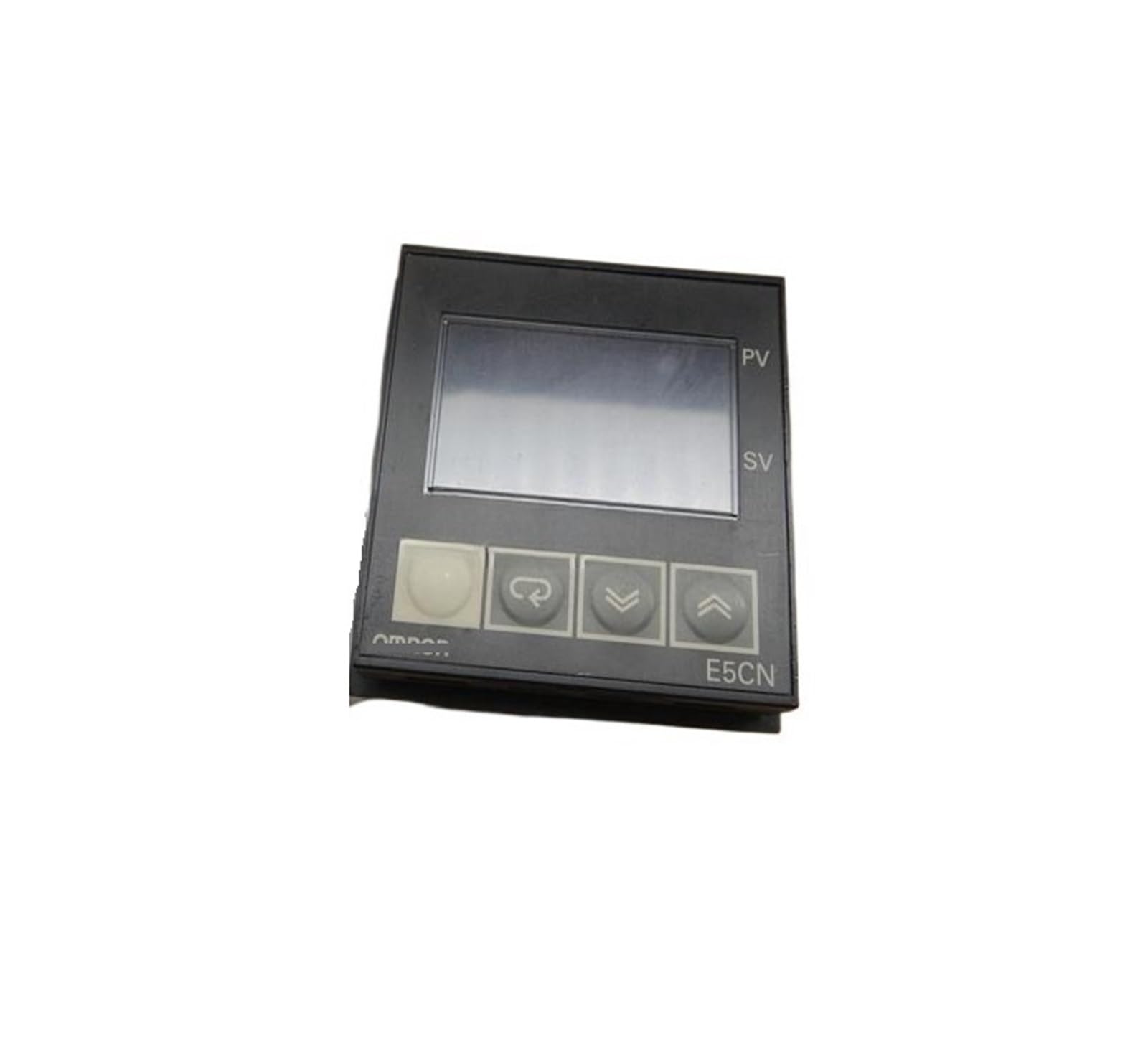
Figure 1: Bolisila E5CN-Q2HBTC Temperature Controller. The label displays the model number E5CN, "TEMPERATURE CONTROLLER", a LOT No. 01, and CE marking. It also shows a detailed wiring diagram for OUTPUT (12VDC, 21mA), ALM2/COOL (250VAC, 1A), ALM1 (250VAC, 1A), and power input (100-240VAC, 50/60Hz, 7VA).
3.1. Wiring Diagram Details
Refer to the wiring diagram on the product label (Figure 1) for correct electrical connections.
- Output: Terminals 1 and 2 provide a 12VDC, 21mA output.
- Alarm 2 / Cool (ALM2/COOL): Terminals 11 and 12 are for Alarm 2 or cooling control, rated at 250VAC, 1A.
- Alarm 1 (ALM1): Terminals 6, 7, and 8 are for Alarm 1, rated at 250VAC, 1A. This typically includes common, normally open, and normally closed contacts.
- Power Input: Terminals 14 and 15 are for the main power supply, accepting 100-240VAC, 50/60Hz, with a power consumption of 7VA.
- CT (Current Transformer) Input: Terminals 4 and 5 are designated for a Current Transformer input, if applicable for your specific model or application.
4. Setup and Installation
Follow these steps for proper installation of the temperature controller.
- Mounting: Securely mount the controller in a suitable panel cutout. Ensure adequate ventilation and avoid locations with excessive vibration or heat.
- Power Connection: Connect the main power supply (100-240VAC, 50/60Hz) to terminals 14 and 15. Ensure the power source matches the controller's requirements.
- Sensor Connection: Connect your temperature sensor (thermocouple or RTD, depending on your specific model's input type) to the designated input terminals. (Specific terminals not visible in diagram, refer to full product documentation if available).
- Output Connections:
- For 12VDC output, connect to terminals 1 and 2.
- For Alarm 1, connect to terminals 6, 7, and 8 as required for your alarm system.
- For Alarm 2 or Cooling control, connect to terminals 11 and 12.
- CT Connection (Optional): If using a Current Transformer, connect it to terminals 4 and 5.
- Verify Connections: Double-check all wiring for correctness and secure connections before applying power.
5. Operating Instructions
The Bolisila E5CN-Q2HBTC is designed for straightforward operation.
- Power On: Apply power to the controller. The display should illuminate.
- Set Point Adjustment: Use the control buttons (not visible in diagram, typically on the front panel) to adjust the desired temperature set point.
- Mode Selection: If applicable, select the operating mode (e.g., heating, cooling, alarm functions) according to your application requirements. Refer to the full product manual for detailed menu navigation.
- Monitoring: Monitor the display for current temperature readings and output status.
6. Maintenance
Regular maintenance ensures the longevity and optimal performance of your temperature controller.
- Cleaning: Periodically clean the exterior of the controller with a soft, dry cloth. Do not use abrasive cleaners or solvents.
- Environmental Check: Regularly inspect the installation environment to ensure it remains free from high humidity, excessive dust, and corrosive gases.
- Connection Check: Periodically verify that all electrical connections are secure and free from corrosion.
7. Troubleshooting
If you encounter issues with your Bolisila E5CN-Q2HBTC, refer to the following common troubleshooting steps.
- No Power:
- Check the main power supply to terminals 14 and 15.
- Ensure the power switch (if external) is on.
- Verify power cable integrity.
- Incorrect Temperature Reading:
- Check the sensor connection.
- Ensure the correct sensor type is configured (if adjustable).
- Inspect the sensor for damage.
- Output Not Activating:
- Verify the set point and current temperature.
- Check alarm settings and output wiring.
- Ensure the load connected to the output is within the specified ratings (e.g., 250VAC, 1A for alarms).
8. Specifications
| Feature | Specification |
|---|---|
| Brand | Bolisila |
| Model Name | Bolisila (E5CN-Q2HBTC) |
| Item Model Number | Bolisila (B0DHZ55827) |
| ASIN | B0DHZ55827 |
| Package Dimensions | 1.18 x 0.79 x 0.39 inches |
| Item Weight | 14.1 ounces (400 Grams) |
| Color | One Color |
| Number of Pieces | 1 |
| Assembly Required | No |
| Manufacturer | Bolisila |
| Output (as per label) | 12VDC, 21mA |
| Alarm 1 / Alarm 2 (as per label) | 250VAC, 1A |
| Power Input (as per label) | 100-240VAC, 50/60Hz, 7VA |
9. Warranty and Support
For warranty information and technical support, please contact Bolisila customer service or refer to the official product website. Specific warranty terms may vary by region and retailer.