1. Introduction
Thank you for choosing the Hyundai HY-T21 Hybrid Technology Earbuds. These true wireless earphones are designed to provide a superior audio experience with advanced features such as noise cancellation for voice calls, low latency, and a comfortable fit. This manual will guide you through the setup, operation, and maintenance of your new earbuds.
2. Safety Information
- Do not expose the earbuds or charging case to extreme temperatures, direct sunlight, or high humidity.
- Avoid dropping or subjecting the device to strong impacts.
- Do not attempt to disassemble or modify the earbuds or charging case. This will void the warranty.
- Keep the device away from children and pets.
- Use only the provided charging cable or a certified 5V USB charger.
- Prolonged listening at high volume levels may cause hearing damage. Adjust volume to a safe level.
3. Package Contents
Please check the package for the following items:
- Hyundai HY-T21 Earbuds (Left and Right)
- Wireless Charging Case
- USB Charging Cable
- User Manual (this document)
4. Product Overview
The Hyundai HY-T21 earbuds feature a compact design with touch controls for easy operation. The charging case provides additional battery life and protects the earbuds when not in use.

Image: Hyundai HY-T21 Earbuds and Charging Case. The image displays the black earbuds resting inside their open charging case.
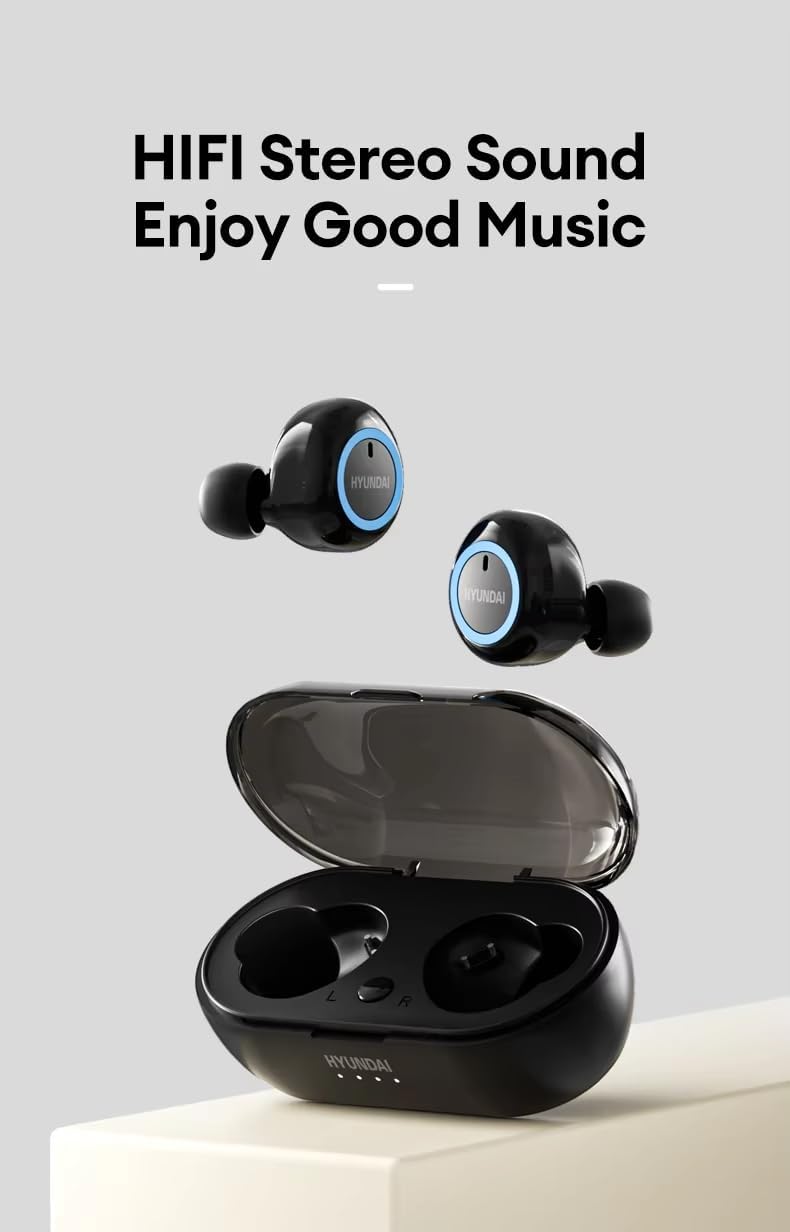
Image: Hyundai HY-T21 Earbuds with charging case. This image shows the earbuds removed from the case, highlighting their design.
Key Features:

Image: Product Features of Hyundai HY-T21 Earbuds. This graphic highlights features such as BT 5.3, Surround Stereo, Long Endurance, Sensitive Microphone, Comfortable to Wear, Metal Diaphragm, Micro-USB Interface, HD Voice Call, and Low Latency.
- Bluetooth 5.3: For stable and efficient wireless connectivity.
- Hybrid Technology: Delivers exceptional sound quality.
- Noise Cancellation for Voice Call: Ensures clear communication in noisy environments.
- Low Latency: Provides synchronized audio and video for an immersive experience.
- Comfortable Fit: Ergonomic design for extended wear.
- Touch Controls: For easy management of music and calls.
5. Setup
5.1. Charging the Earbuds and Case
Before first use, fully charge the earbuds and the charging case.
- Place the earbuds into the charging case. Ensure they are correctly seated.
- Connect the USB charging cable to the Micro-USB port on the charging case and plug the other end into a 5V USB power source.
- The indicator lights on the case will show the charging status. Once fully charged, the lights will indicate completion or turn off.
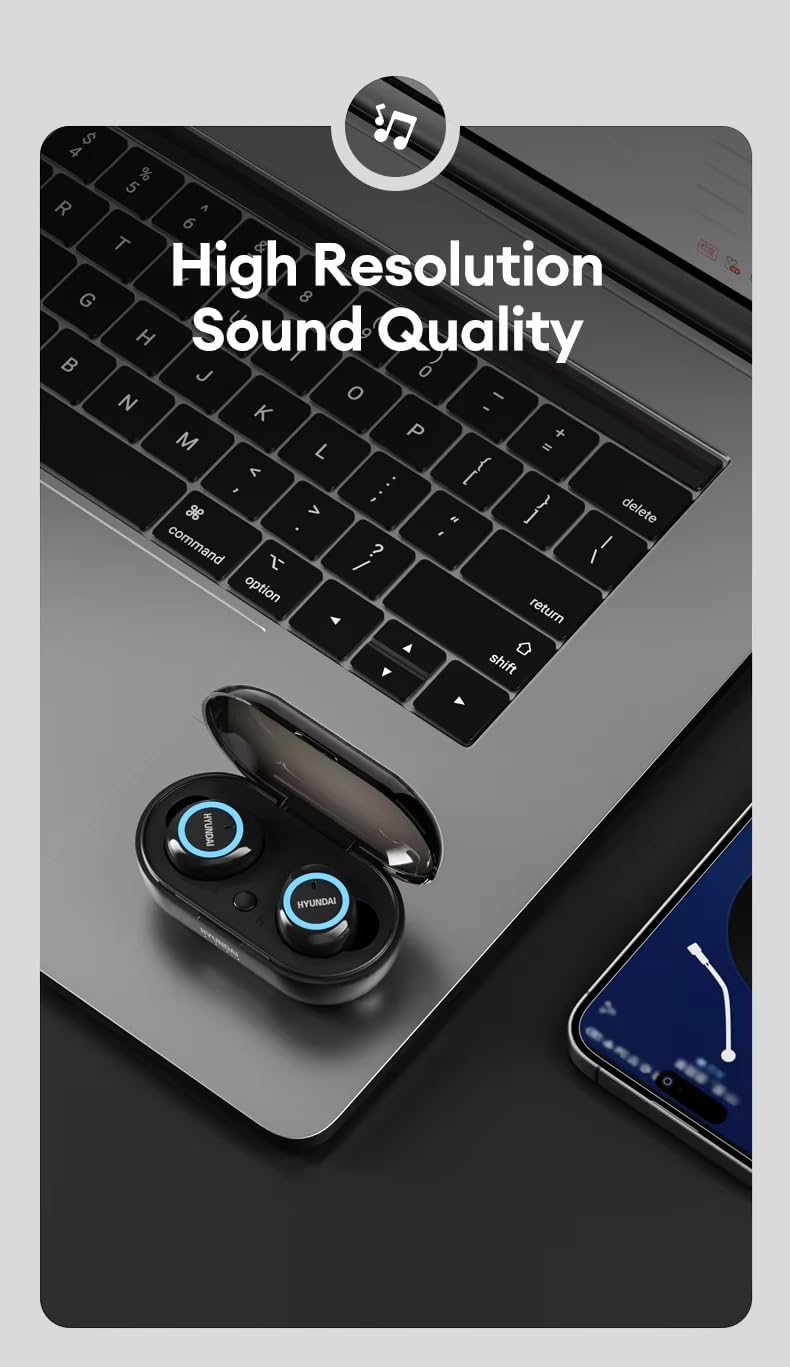
Image: Hyundai HY-T21 Earbuds charging. This image shows the earbuds in their case with a USB charging cable connected, illustrating the charging process.
Charging Time: Approximately 1.5 hours for a full charge.
5.2. Pairing with a Device
- Open the charging case. The earbuds will automatically enter pairing mode, indicated by a flashing LED light on the earbuds.
- On your device (smartphone, tablet, etc.), enable Bluetooth.
- Search for available Bluetooth devices and select "HY-T21" from the list.
- Once connected, the earbud indicator lights will stop flashing, and you will hear a confirmation tone.
- The earbuds will automatically reconnect to the last paired device when removed from the case, if Bluetooth is enabled on the device.
6. Operating Instructions
6.1. Power On/Off
- Power On: Open the charging case, and the earbuds will power on automatically. Alternatively, press and hold the touch area on both earbuds for 3 seconds.
- Power Off: Place the earbuds back into the charging case and close the lid. They will power off automatically. Alternatively, press and hold the touch area on both earbuds for 5 seconds.
6.2. Music Playback
- Play/Pause: Tap the touch area on either earbud once.
- Next Track: Double-tap the touch area on the right earbud.
- Previous Track: Double-tap the touch area on the left earbud.
- Volume Up: Triple-tap the touch area on the right earbud.
- Volume Down: Triple-tap the touch area on the left earbud.
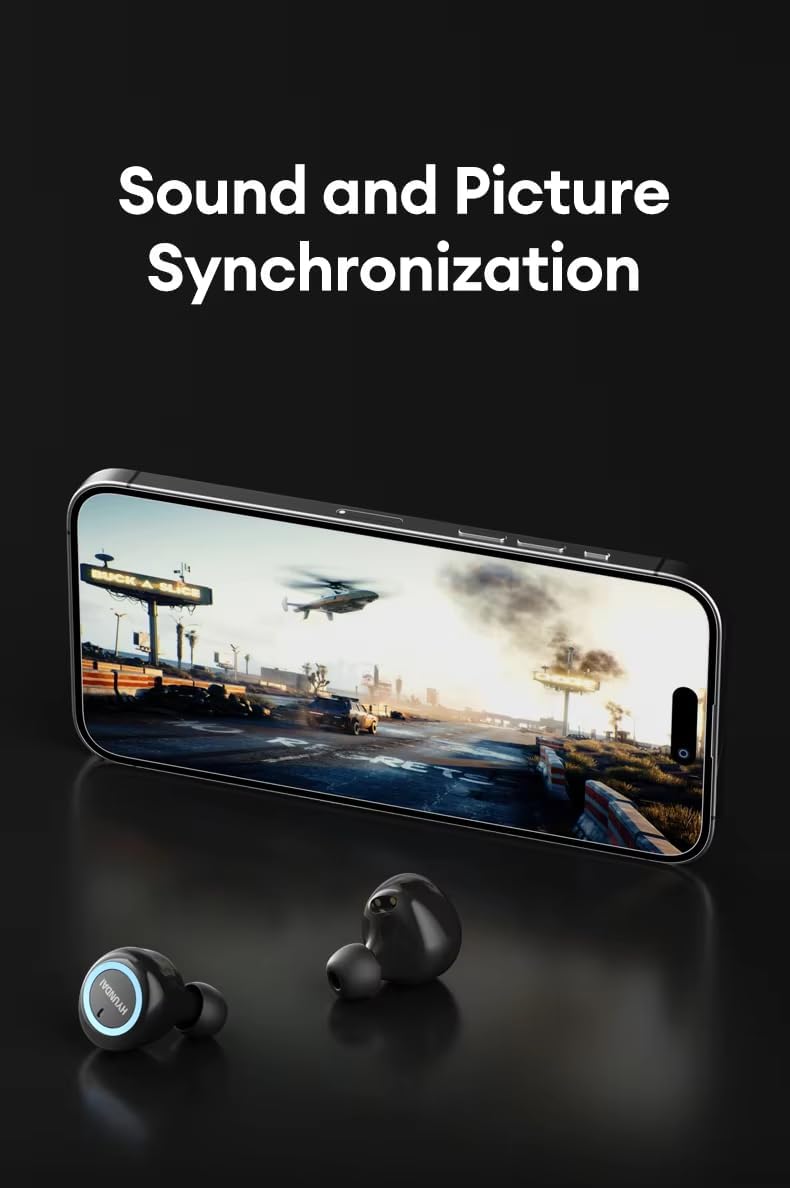
Image: Hyundai HY-T21 Earbuds delivering high resolution sound. The earbuds are shown next to a laptop, emphasizing their audio quality.
6.3. Call Management
The earbuds feature a sensitive microphone and noise cancellation for voice calls.

Image: Hyundai HY-T21 Earbuds with HD Voice Call and Noise Reduction. The earbuds are shown next to a smartphone displaying a call interface, indicating clear call quality.
- Answer/End Call: Tap the touch area on either earbud once.
- Reject Call: Press and hold the touch area on either earbud for 2 seconds.
6.4. Voice Assistant
- Activate Voice Assistant: Press and hold the touch area on either earbud for 2 seconds (when not on a call).
6.5. Low Latency Mode
The HY-T21 earbuds offer low latency technology for synchronized audio and video, ideal for gaming or watching videos.
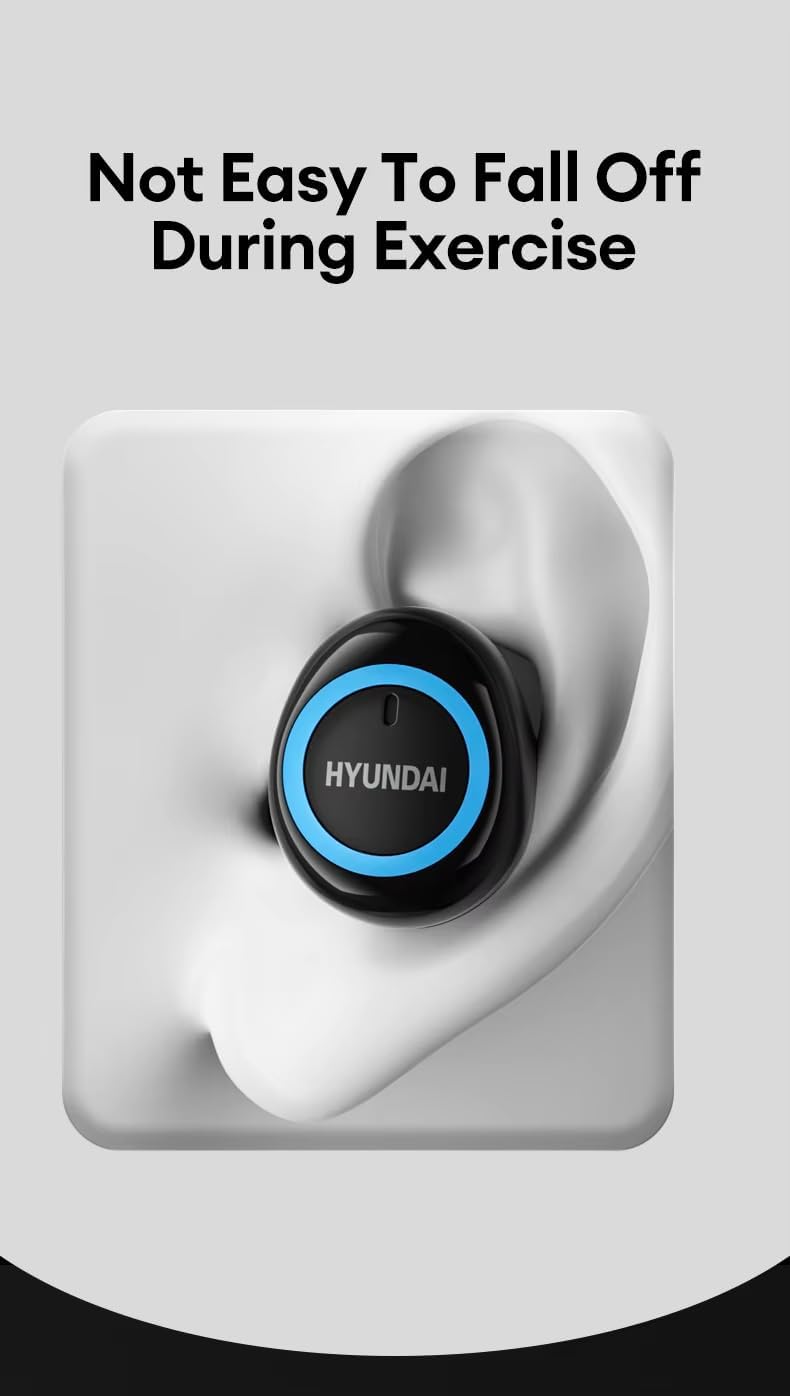
Image: Hyundai HY-T21 Earbuds with sound and picture synchronization. The earbuds are shown in front of a smartphone displaying a video game, illustrating the low latency feature.
This mode is typically activated automatically when playing games or videos, or can sometimes be toggled via a specific touch control (refer to device-specific settings if available).
7. Maintenance
7.1. Cleaning
- Wipe the earbuds and charging case with a soft, dry, lint-free cloth.
- Do not use abrasive cleaners, alcohol, or chemical solvents.
- Ensure charging contacts are clean and free of debris for optimal charging.
7.2. Storage
- When not in use, store the earbuds in their charging case to protect them and keep them charged.
- Store in a cool, dry place away from extreme temperatures.

Image: Hyundai HY-T21 Earbuds comfortable fit. An earbud is shown securely placed in an ear, demonstrating its ergonomic design and stability during activity.
8. Troubleshooting
If you encounter any issues with your Hyundai HY-T21 earbuds, please refer to the following common solutions:
| Problem | Possible Solution |
|---|---|
| Earbuds not pairing |
|
| No sound from one earbud |
|
| Earbuds not charging |
|
| Poor call quality |
|
9. Specifications
| Feature | Detail |
|---|---|
| Model Name | HY-T21 |
| Connectivity Technology | Wireless (Bluetooth 5.3) |
| Form Factor | In Ear |
| Color | Black |
| Rated Voltage | 5V |
| Special Features | Hybrid Technology, Lightweight, Noise Cancellation (for Voice Call), Rechargeable Battery, Wireless Charging |
| Usage Time | 4-5 hours |
| Charging Time | 1.5 hours |
| Endurance Time (with case) | Up to 10 hours |
| Charging Interface | Micro-USB |
| Driver Unit | 13mm Large Dynamic Coil Unit |
Image: Hyundai HY-T21 Earbuds endurance and charging times. This graphic displays '4-5H Usage Time', '1.5H Charging Time', and '10H Endurance Time' for the earbuds and case.
Image: Hyundai HY-T21 Earbuds 13mm Dynamic Coil Unit. This image provides an exploded view of the earbud's internal components, highlighting the 13mm dynamic coil unit.
10. Warranty and Support
10.1. Manufacturer's Warranty
The Hyundai HY-T21 earbuds come with a 6-month manufacturer's warranty from the date of purchase. This warranty covers manufacturing defects and workmanship under normal use. It does not cover damage caused by misuse, accidents, unauthorized modifications, or normal wear and tear.
10.2. Customer Support
For technical assistance, warranty claims, or any other inquiries, please refer to the contact information provided by your retailer or the official Hyundai product support channels. Please have your proof of purchase and product model number (HY-T21) ready when contacting support.


